
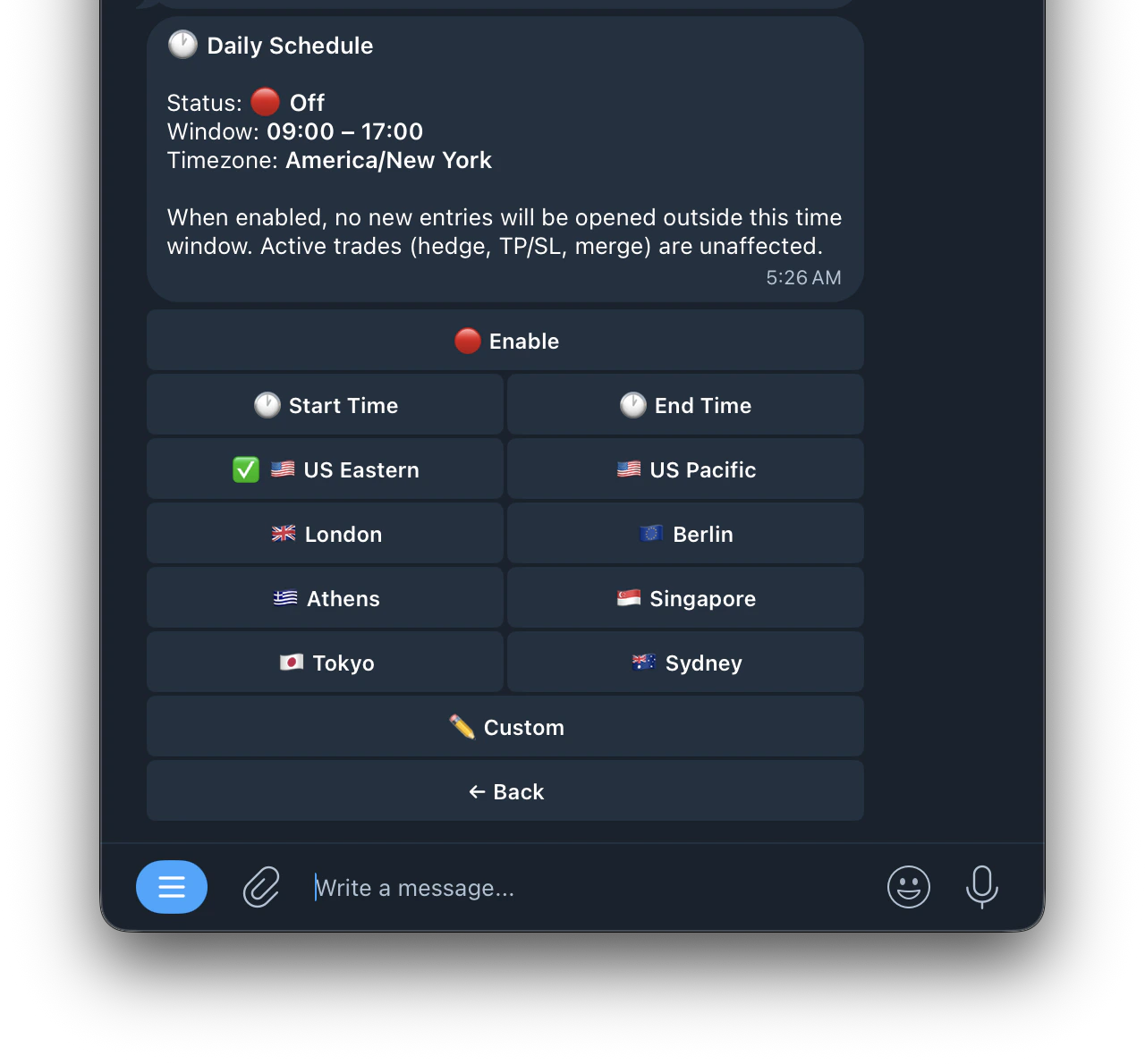
Access the Schedule settings by tapping 🕐 Schedule from the Edit Task menu. The schedule lets you set specific trading hours for your task so the bot only opens new entries within your configured time window.
Settings
Settings
- 🔴 Enable: turn the schedule on or off
- ⏰ Start Time: set the time you want the bot to start opening new entries
- ⏰ End Time:Timezone Options set the time you want the bot to stop opening new entries
Timezone Options
Timezone Options
Select your local timezone so the schedule runs at the correct times for you:
- 🇺🇸 US Eastern
- 🇺🇸 US Pacific
- 🇬🇧 London
- 🇪🇺 Berlin
- 🇬🇷 Athens
- 🇸🇬 Singapore
- 🇯🇵 Tokyo
- 🇦🇺 Sydney
- ✏️ Custom: enter any timezone manually in IANA format