
Buy or sell at your exact target price. Perfect for entries, take-profits, and stop-losses.
A limit order lets you set the exact price you want to buy or sell at. If the market price matches your target, the order fills immediately. If not, the order rests on the book until it’s matched or expires.
Setting up Limit Orders
How to Place a Limit Order1
Open the market you want to trade (via /markets, /search, or any crypto command)
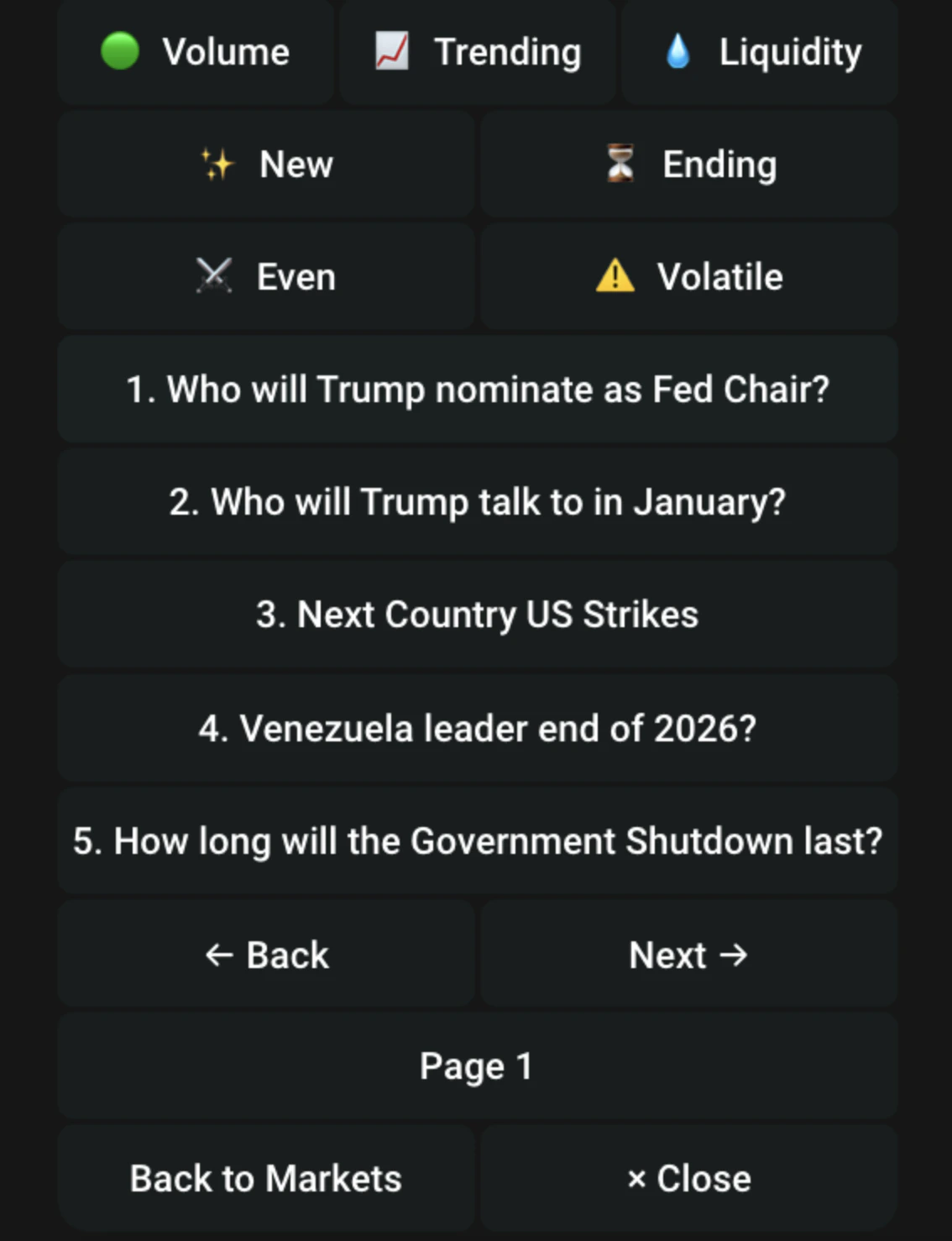
2
Tap Limit Yes or Limit No
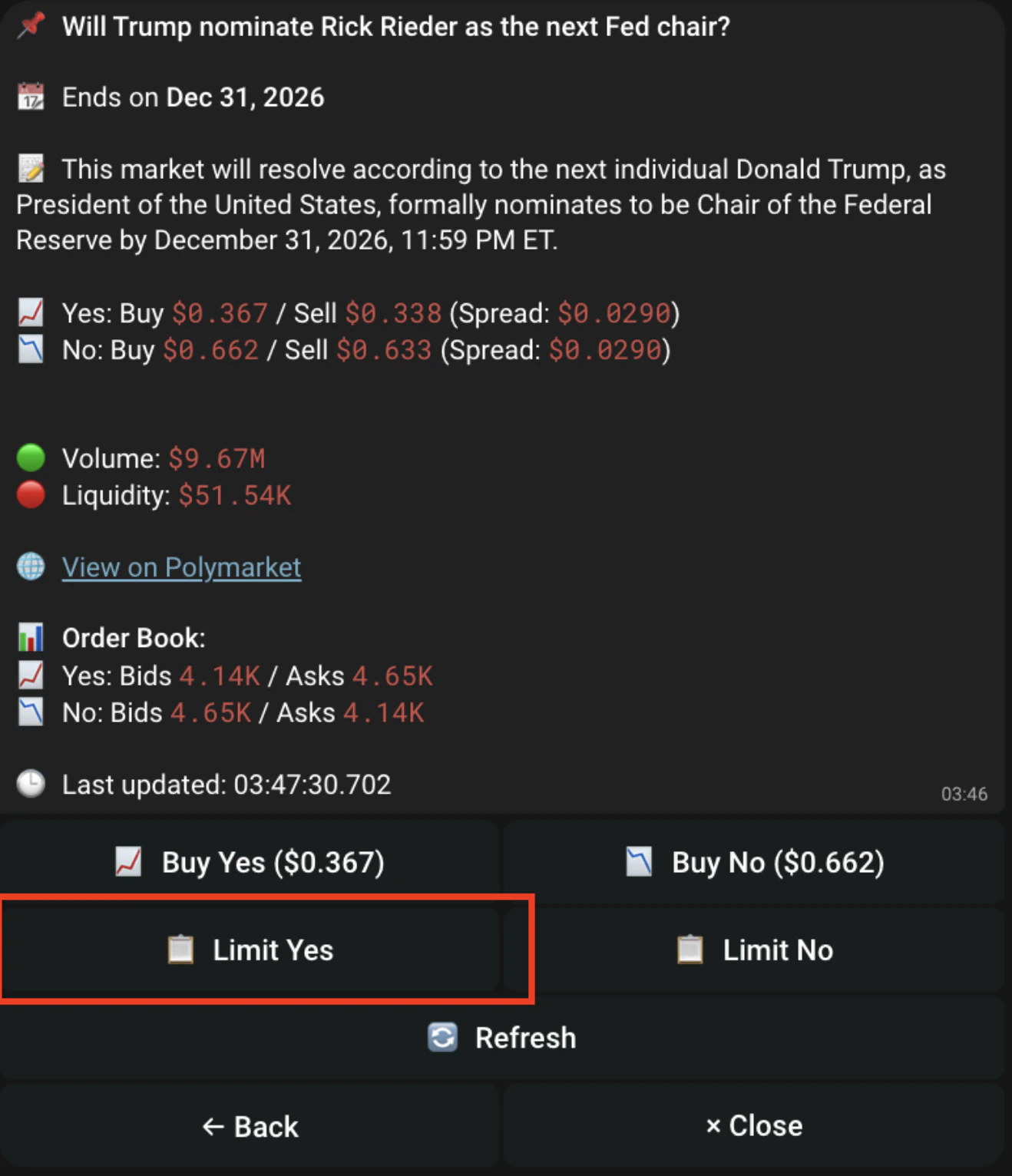
3
Set your price
Enter the exact price you want to buy at. The order will only trigger once the market reaches your price.
4
Set your size (USDC)
Enter how much USDC you want to allocate to this order.
5
Set Order Expiration
Order Expiration
6
Confirm and wait
When the order triggers, you’ll get a buy/sell notification in the Telegram bot.
Managing Your Limit Orders
- Type /orders or go to /start > Limit Orders
- View all active limit orders
- Each order shows:
- Cancel a single order or all untriggered orders at once
Limit Orders on Auto Trade
When limit order mode is enabled on auto trade, the bot places orders at a specific target price instead of filling at market price. If the order can’t fill immediately, it rests on the book until matched or expires.