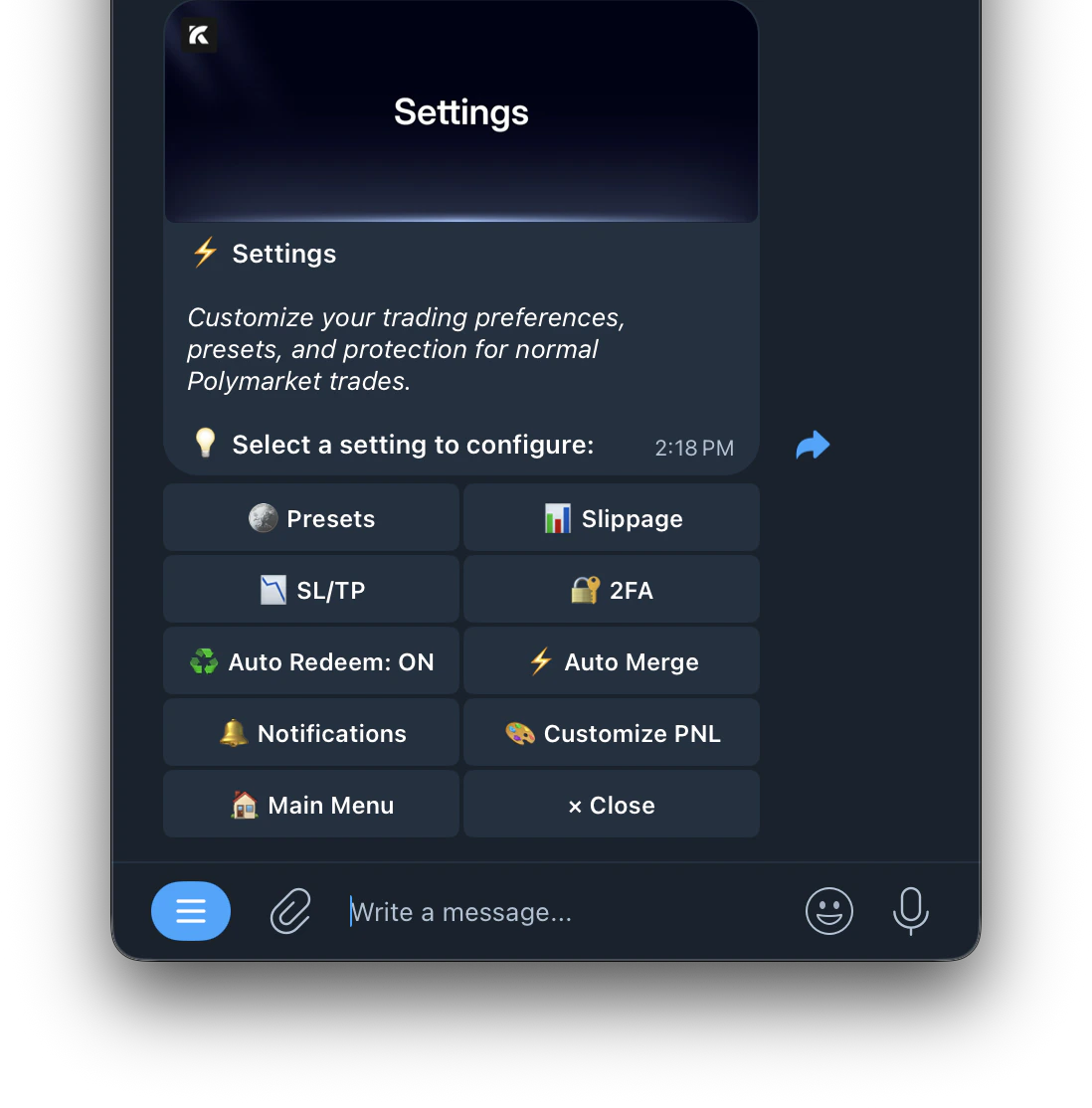
| 🪙 Presets | Configure your default buy and sell amounts shown on the trade panel |
| 📊 Slippage | Set your default slippage tolerance for all trades |
| 📉 SL/TP | Set global stop loss and take profit for all normal Polymarket trades |
| ⚡️ Auto Merge | Automatically merge YES+NO positions on the same market |
| 🔐 2FA | Two-factor authentication |
| 🔔 Notifications | Centralized notification settings for all modules — copy trade, auto trade, and more |
| 🎨 Customize PnL | Set a custom image or video for your PnL cards when sharing wins |
| 🌐 Language | Change the bot language. Available: English, Chinese, Russian, Kazakh |
| ♻️ Auto Redeem | Automatically claim winning positions when they resolve |
| ⚖️ Dispute Alerts | Toggle on to receive notifications when a market you hold a position in is disputed through Polymarket’s UMA dispute resolution process |