
Hide a wallet you no longer use. Make sure to withdraw any funds first — archived wallets can’t be used for trading.How to Archive a Wallet
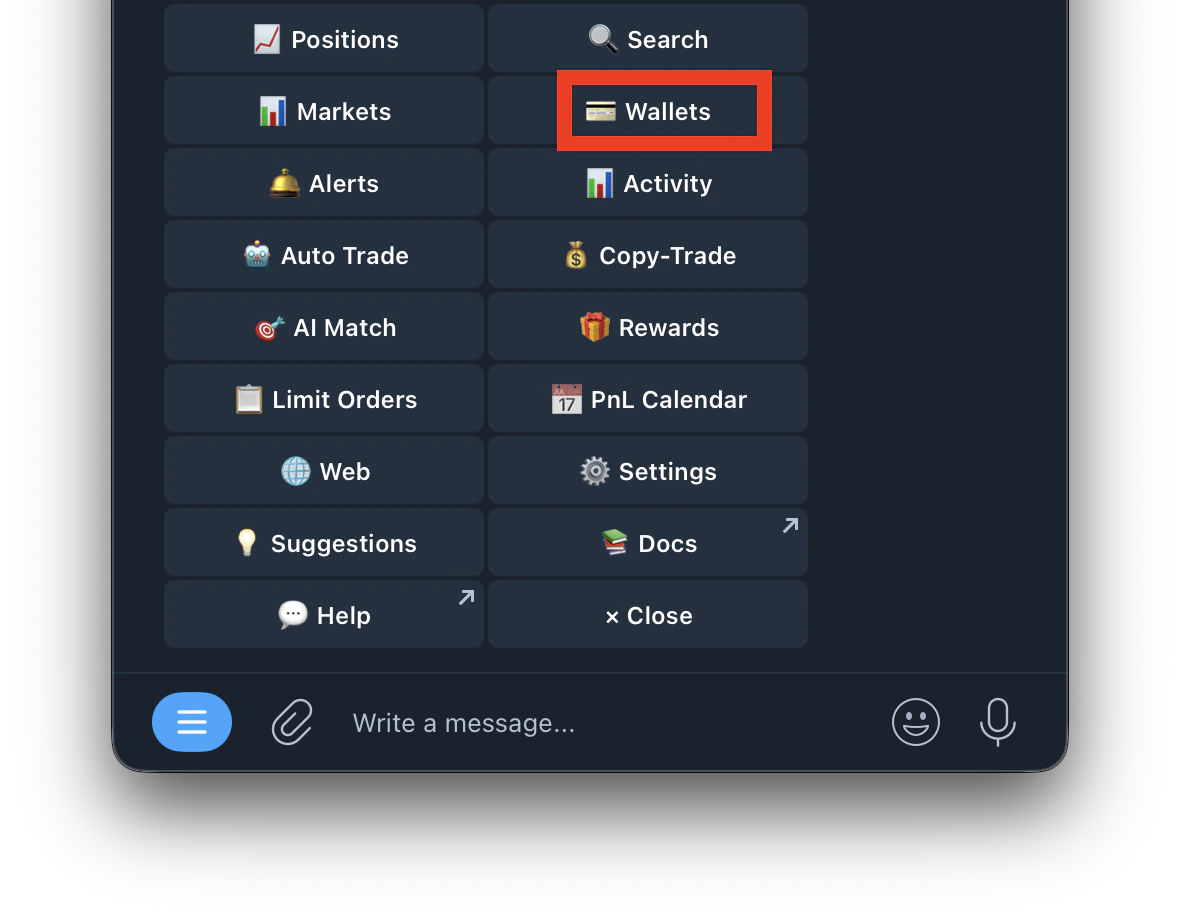
- Type /wallets or /start and tap Wallet
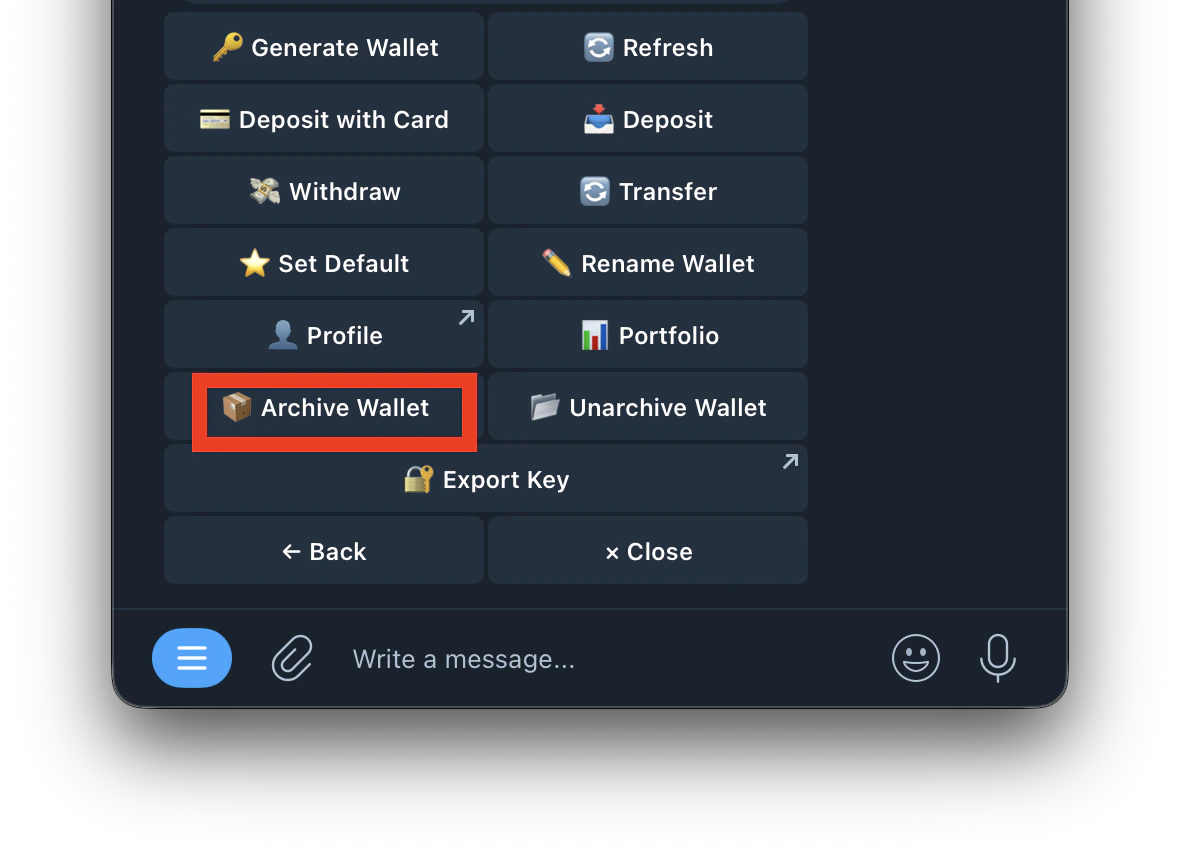
- Tap Archive Wallet
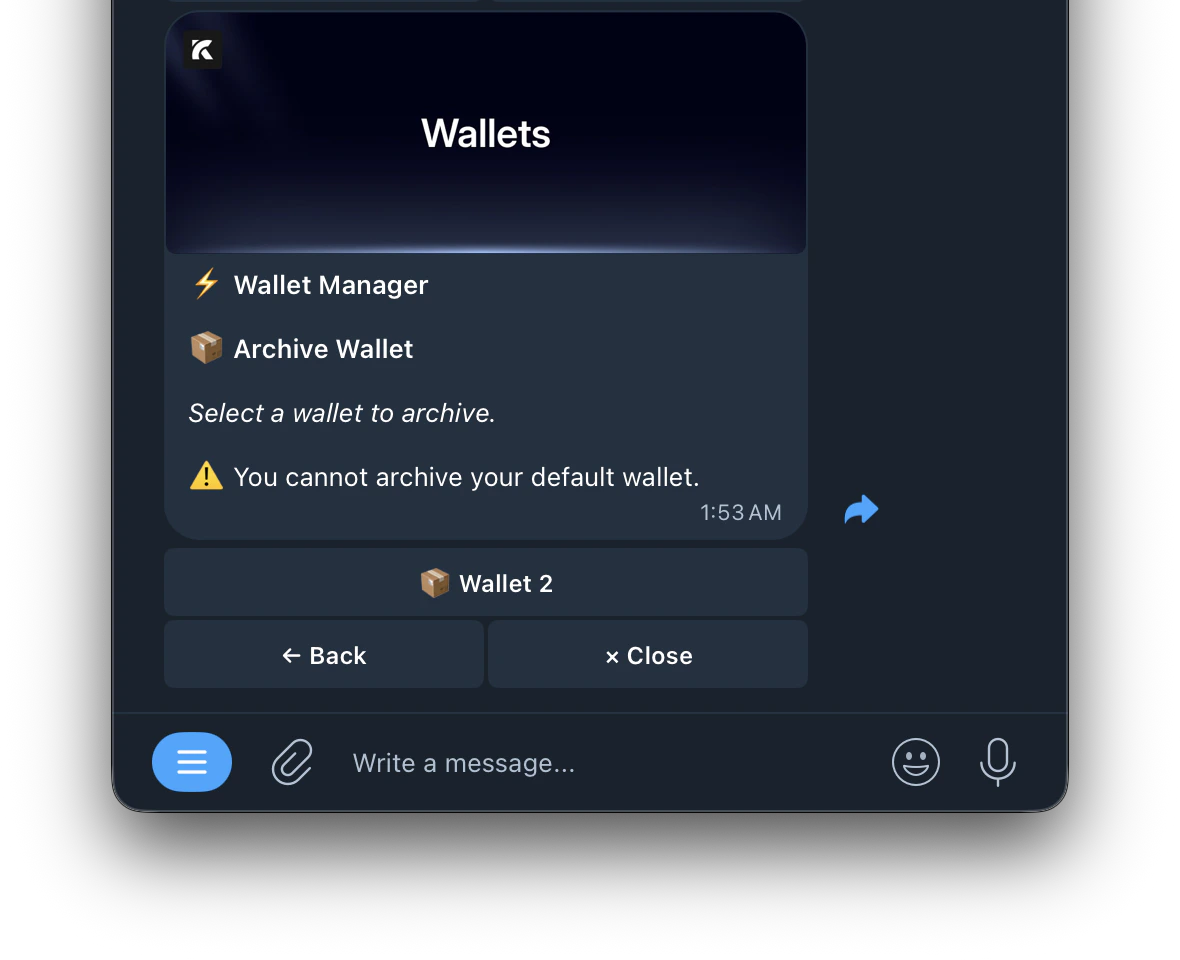
- Select the wallet you want to archive
Hide a wallet you no longer use. Make sure to withdraw any funds first — archived wallets can’t be used for trading.How to Archive a Wallet