
Access your Sports Auto Trade task settings by tapping on any task from the Sports Auto Trade manager.
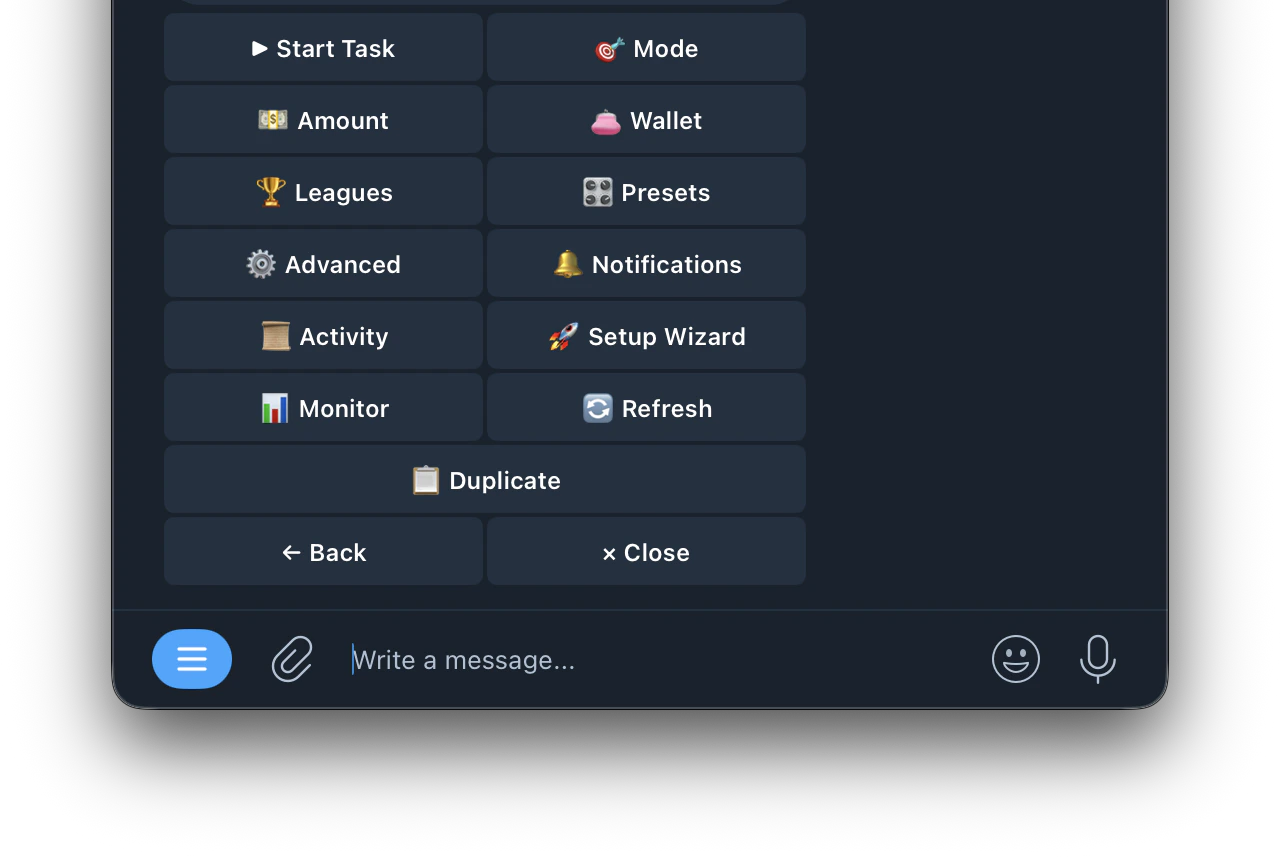
| Buttons | Function |
|---|---|
| ▶ Start Task | starts the task running |
| 🎯 Mode | configure how the bot decides when to enter trades |
| 💵 Amount | set your trade size (Fixed or Auto-Scale) |
| 👛 Wallet | select which wallet this task trades from |
| 🏆 Leagues | filter which leagues the task trades in |
| 🎛️ Presets | apply pre-built entry filter templates |
| ⚙️ Advanced | configure Take-Profit, Stop-Loss, Auto-Hedge, SL Flip, Smart Actions and Limit Orders |
| 🔔 Notifications | customize which alerts you receive for this task |
| 📋 Activity | view all trade activity for this task |
| 🚀 Setup Wizard | re-run the setup wizard to reconfigure the task |
| 📊 Monitor | monitor live game activity and signals in real time |
| 🔄 Refresh | refresh the task menu |
| 📋 Duplicate | create a copy of the task |