Documentation Index

Fetch the complete documentation index at: https://docs.kreo.app/llms.txt

Use this file to discover all available pages before exploring further.

Create a new Kreo wallet to separate your funds or run different strategies.
How to Generate a Wallet
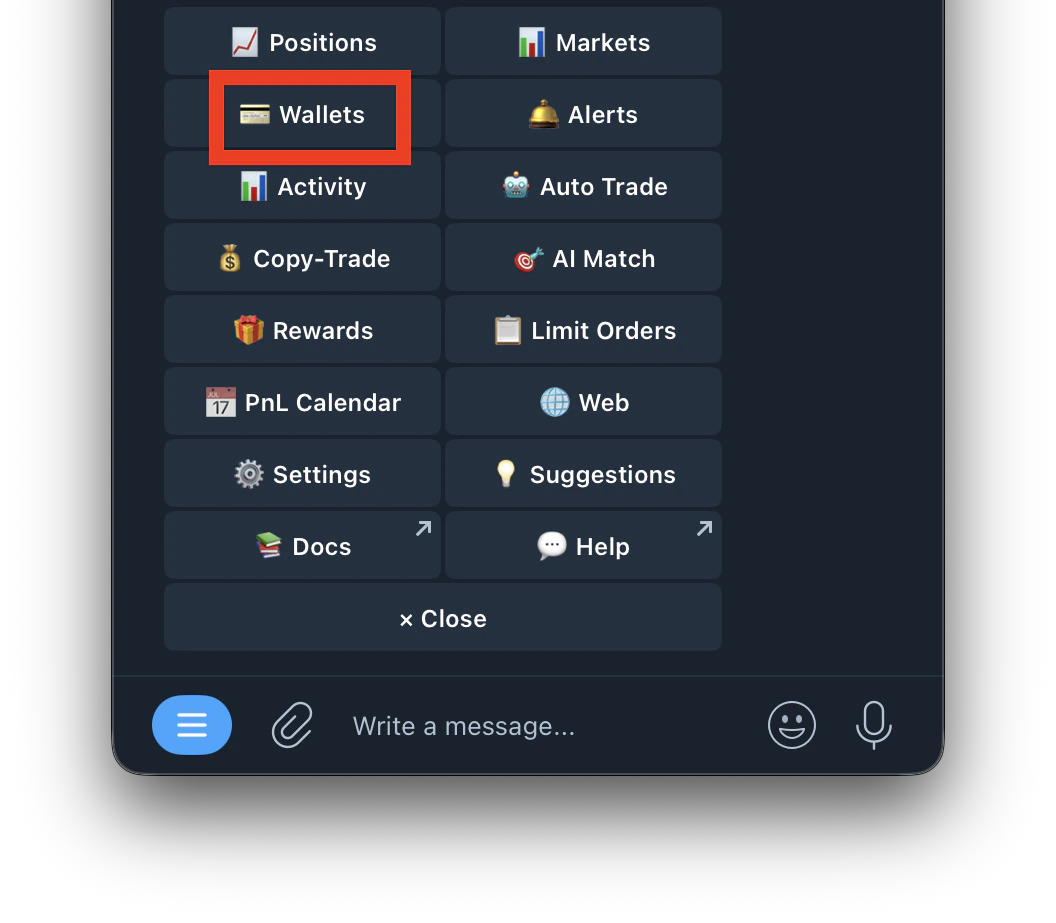
  1. Go to /wallets or /start and click on Wallets
    Screenshot 2026 04 30 At 2 00 40 PM
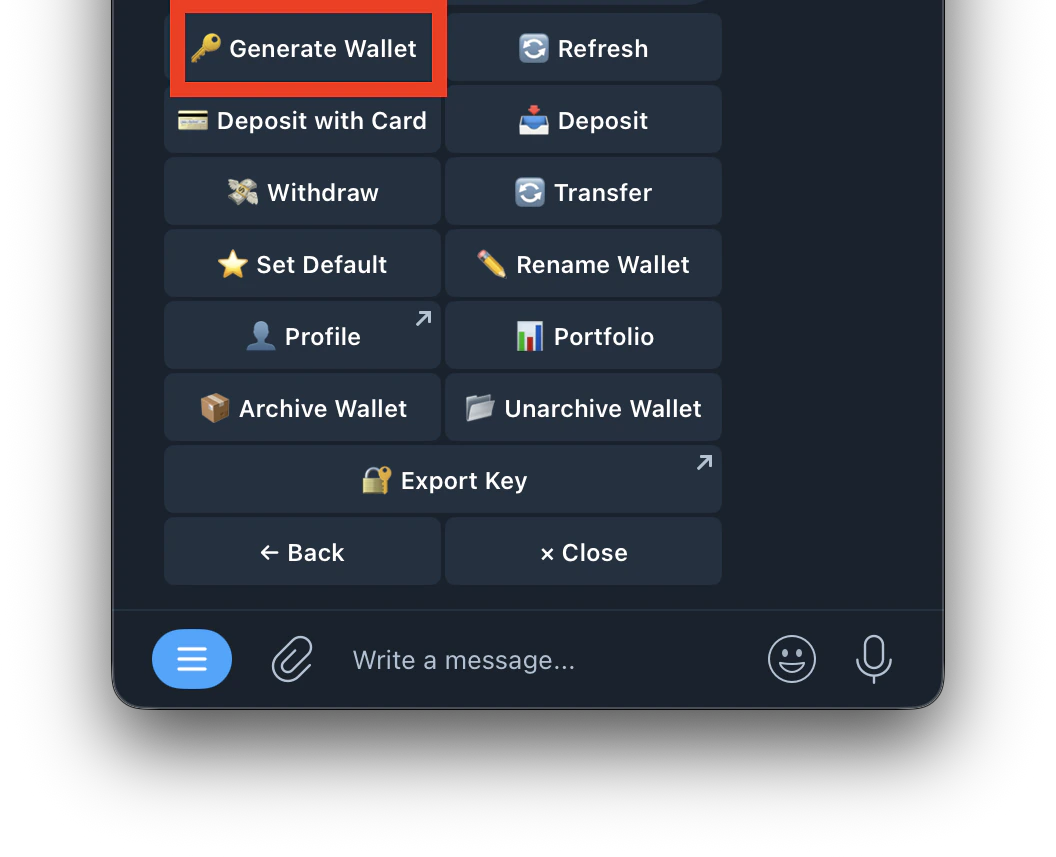
  2. Tap Generate Wallet
    Screenshot 2026 04 30 At 2 02 07 PM
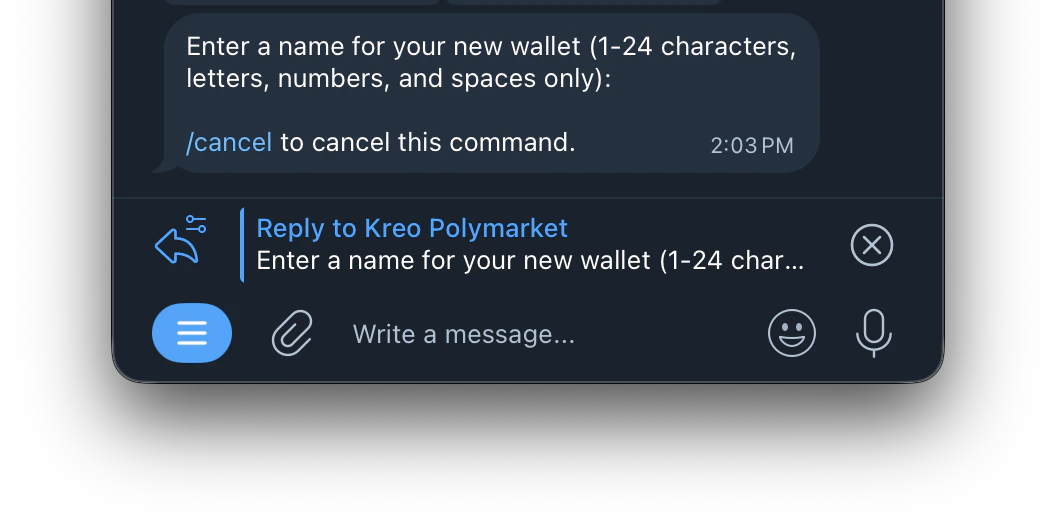
  3. Enter a name for your new wallet (1–24 characters, letters, numbers, and spaces only)
    Screenshot 2026 04 30 At 2 03 08 PM
  4. Your new wallet is created and ready to use
You can have multiple wallets (W1, W2, W3, etc.) — each operates independently with its own balance.