
Once a task is created you can edit all its settings from the task menu. Below is an overview of each section.
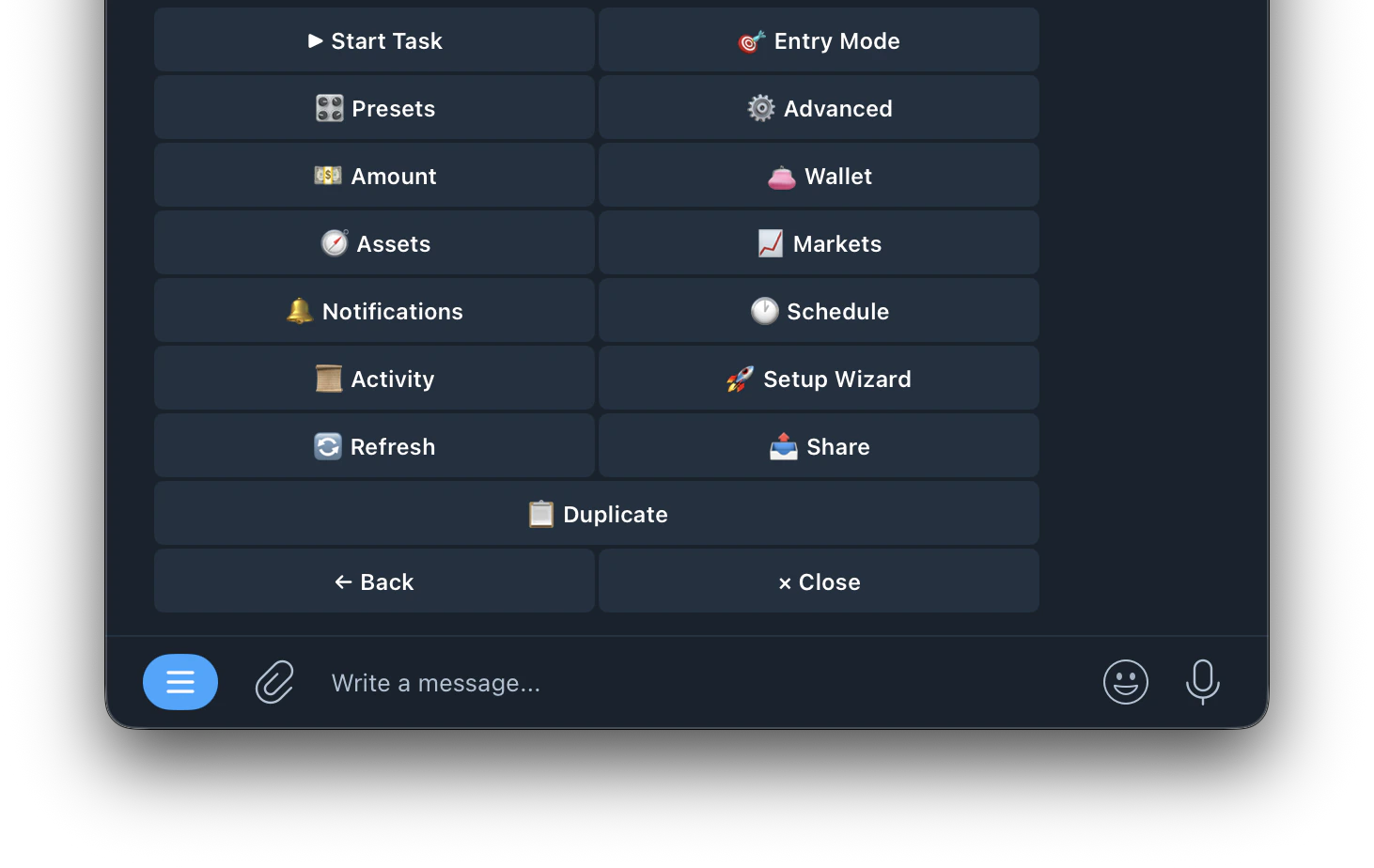
| Buttons | Fuction |
|---|---|
| ▶ Start Task | Starts the task running |
| 🎯 Entry Mode | Configure how the bot decides when to enter a trade |
| 🎛️ Presets | Apply beginner-friendly preset templates to your entry filters |
| ⚙️ Advanced | Configure advanced settings like Auto-Hedge, Stop Loss, Take Profit, Conviction and more |
| 💵 Amount | Set your trade size (Fixed or Auto-Scale) |
| 👛 Wallet | Select which wallet this task trades from |
| 🎯 Assets | Choose which crypto assets this task is allowed to trade |
| 📈 Markets | Configure which markets the task trades on |
| 🔔 Notifications | Customize which alerts you receive for this task |
| 🕐 Schedule | Set trading hours for this task |
| 📋 Activity | View all trade activity for this task |
| 🚀 Setup Wizard | Re-run the setup wizard to reconfigure the task |
| 🔄 Refresh | Refresh the task menu |
| 📤 Share | Share this task |
| 📋 Duplicate | Create a copy of this task |