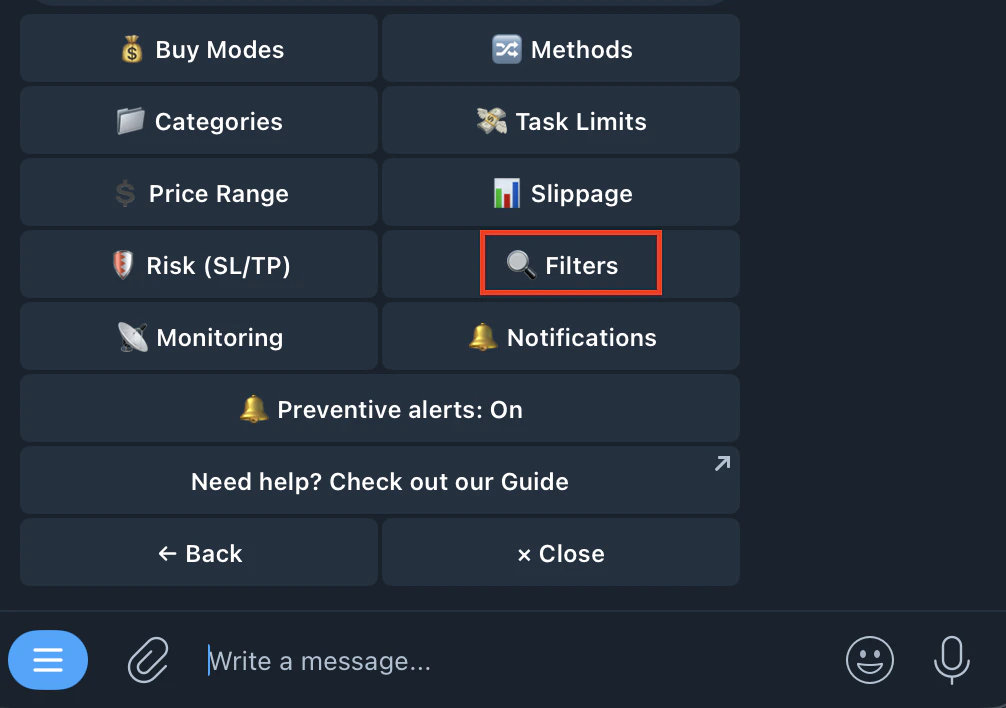
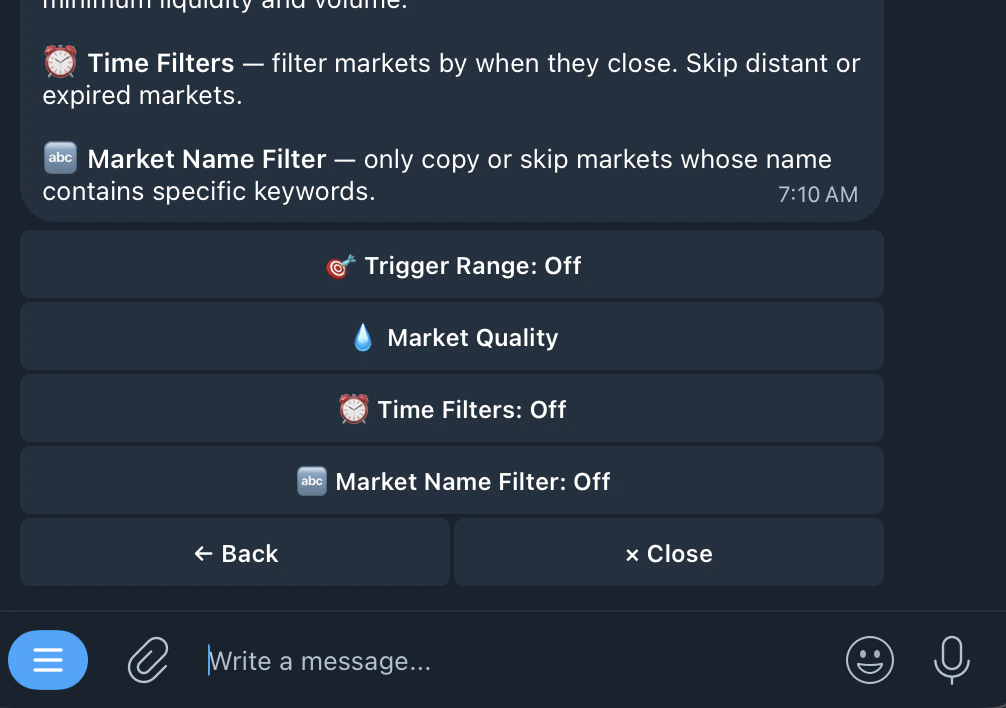
| 🎯 Trigger Range | ⬇️ Min Trigger | Only copy when the trader spends at least this amount. Example: $50 = ignore small trades |
| ⬆️ Max Trigger | Skip trades where the trader spends more than this. Example: $500 = avoid unusually large positions |
| 💧 Market Quality | 💧 Min Liquidity | Market must have at least this much in the order book. Low liquidity = bad fills |
| 📊 Min Volume | Market must have at least this much total traded volume. Low volume = unreliable markets |
| ⏰ Time Filters | 📅 Max Days Out | Only copy markets closing within this many days. Example: 14 = skip distant markets |
| ⏰ Skip Expired | Skip markets past their end date but not yet resolved. These are often stuck or delayed |
| 🔤 Market Name Filter | Includes | Only copy if market name contains this keyword. Leave empty to copy all |
| Excludes | Skip if market name contains this keyword |
| Format | Enter comma-separated keywords when editing |