Kreo Documentation home page
Search...
⌘K
Support
Try Kreo
Enter Kreo
Telegram Bot
Website
Kreo Documentation home page
Search...
Navigation
Copy Trade
Remove Task
Kreo
Our Website
Our X
Getting Started
Setting Up
Deposit with Card (Fiat)
Deposit with crypto
Withdraw Funds
Features
Positions
Search
Markets
Wallet Management
Alerts
Activity
Auto Trade
Copy Trade
Copy Trade Full Guide
Add Task
Remove Task
Bulk Settings
Task Manager
Copy Trade Edit Task
Filter
AI Match
Rewards
Limit Orders
PnL Calendar
Web
Settings
Copy Trade
Remove Task
Copy page
Copy page
Remove Task
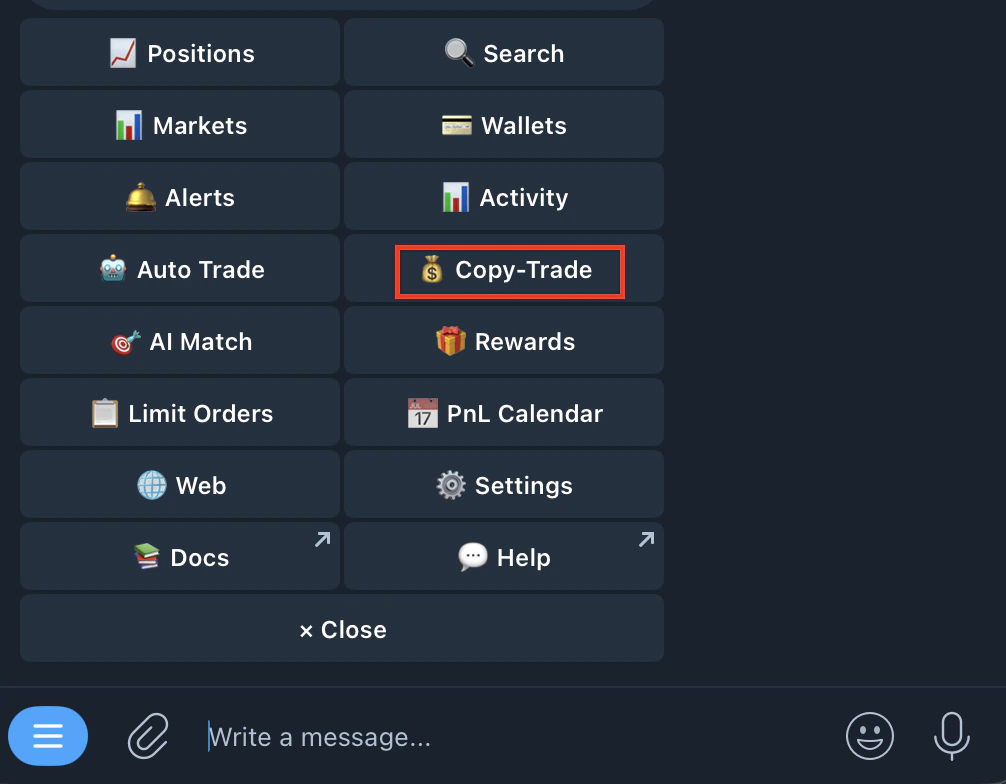
Go to /copytrade or /start and click on copy-trade
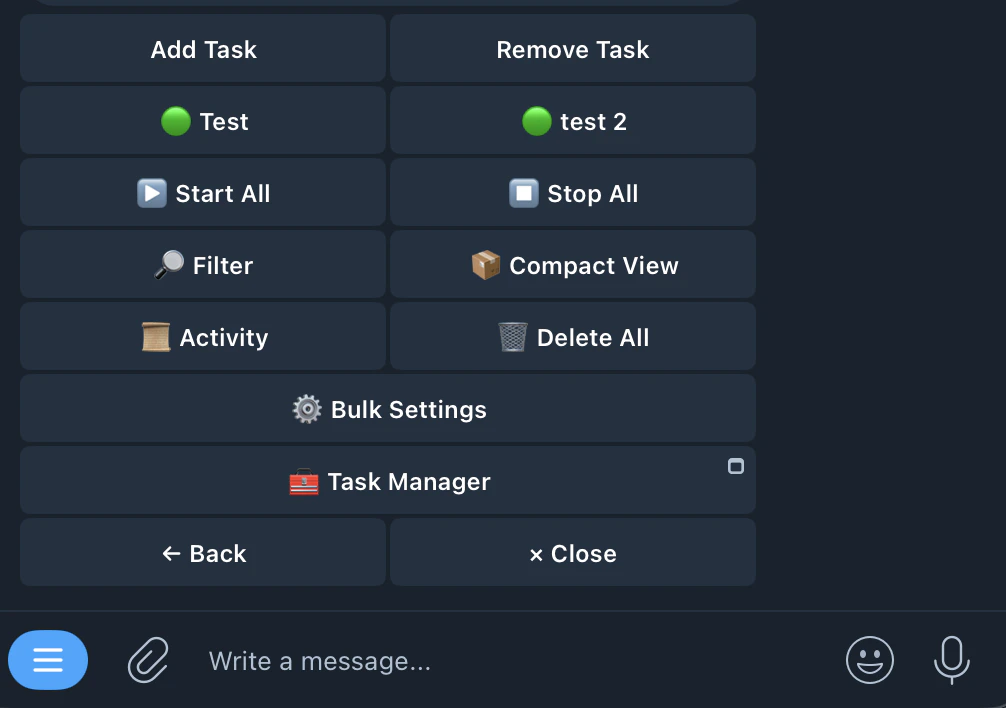
Select the task
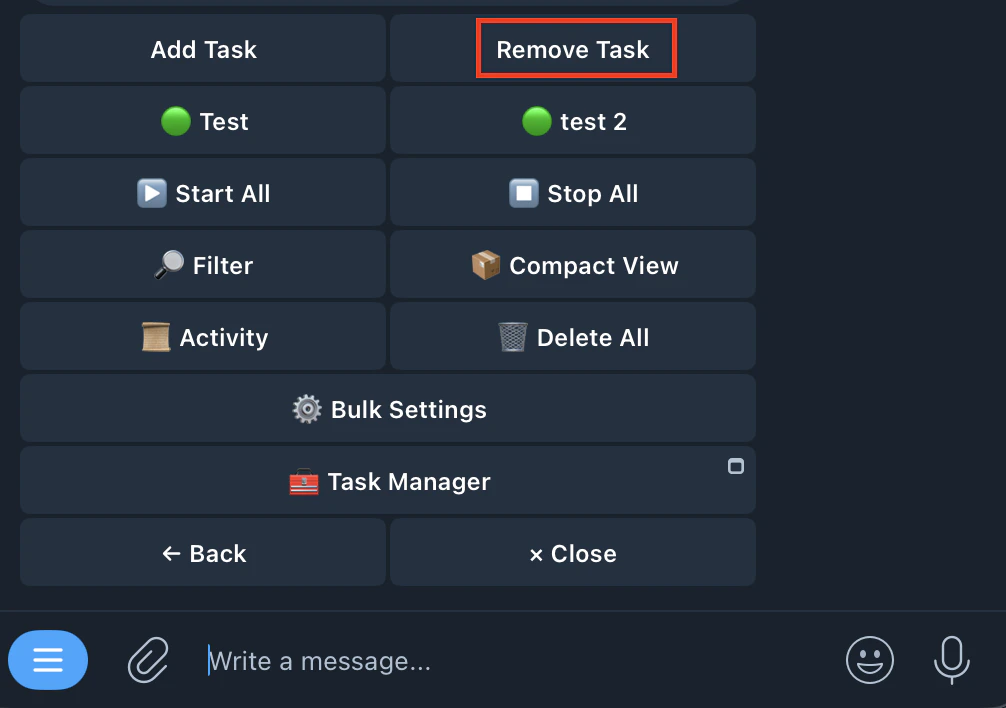
Tap Remove Task\
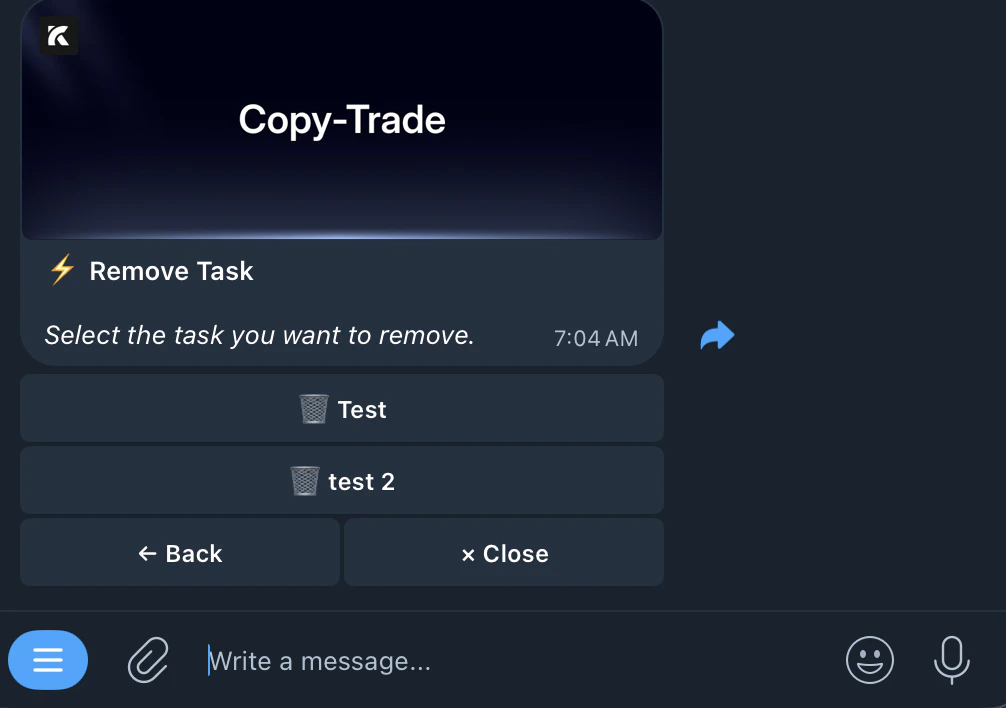
Select the task you want to remove
Confirm and Delete✅
Deleting a task does not close your open positions. Manage those from /positions.
Add Task
Previous
Bulk Settings
Next
⌘I