
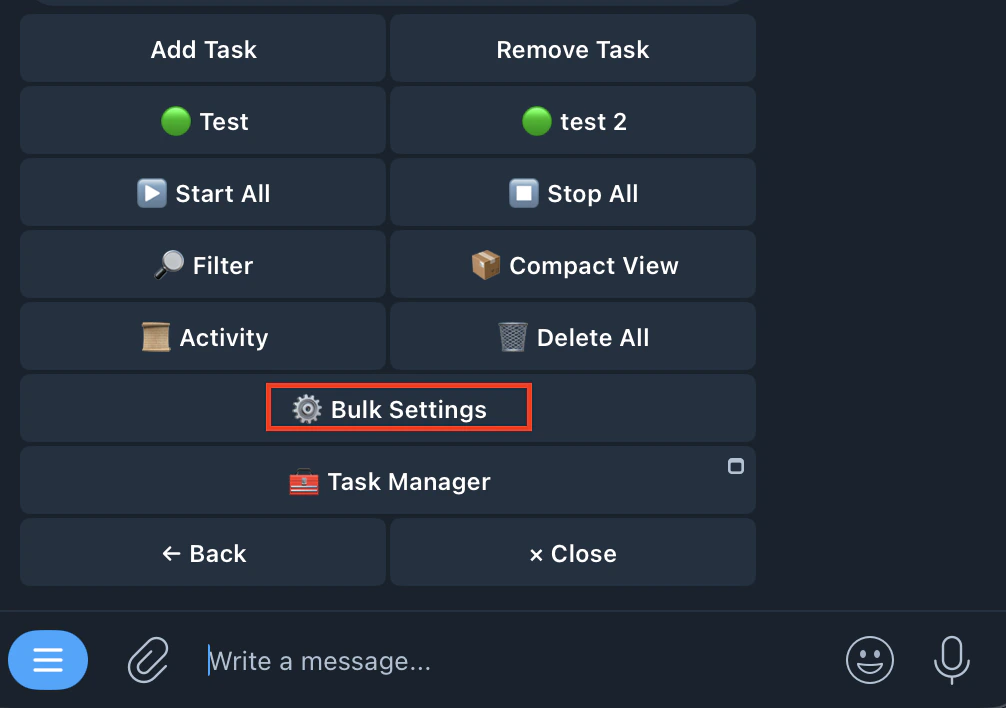
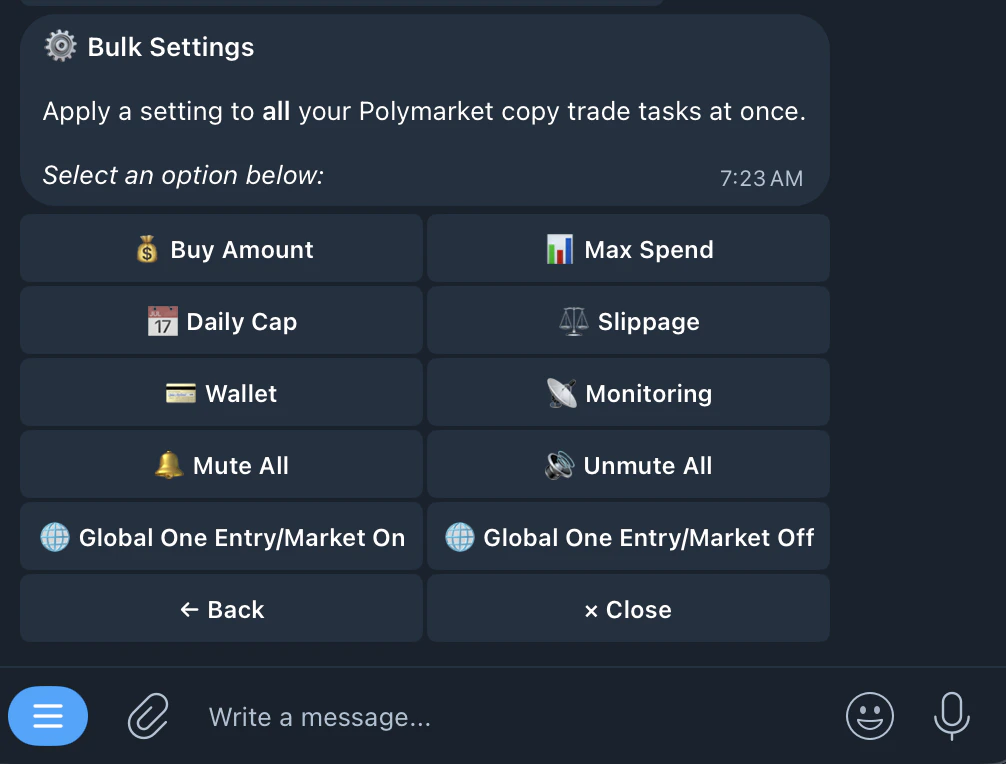
Edit settings across multiple copy trade tasks at once — no need to update each task individually.
🌐 Global One Entry/Market
🌐 Global One Entry/Market
On: When enabled, prevents any of your copy trade tasks from entering a market that another task already holds a position in. Works across ALL your tasks, not just per task. So if Task 1 already bought “Will Bitcoin hit $100K?”, no other task will enter that same market. Ideal for users running many tasks to avoid duplicate positions piling up on the same market
Off: Disables the global restriction. Each task operates independently and can enter any market regardless of whether another task already holds a position there
Off: Disables the global restriction. Each task operates independently and can enter any market regardless of whether another task already holds a position there