
Access Advanced Settings by tapping ⚙️ Advanced from the Edit Task menu. From here you can fine-tune how the bot enters and exits trades.
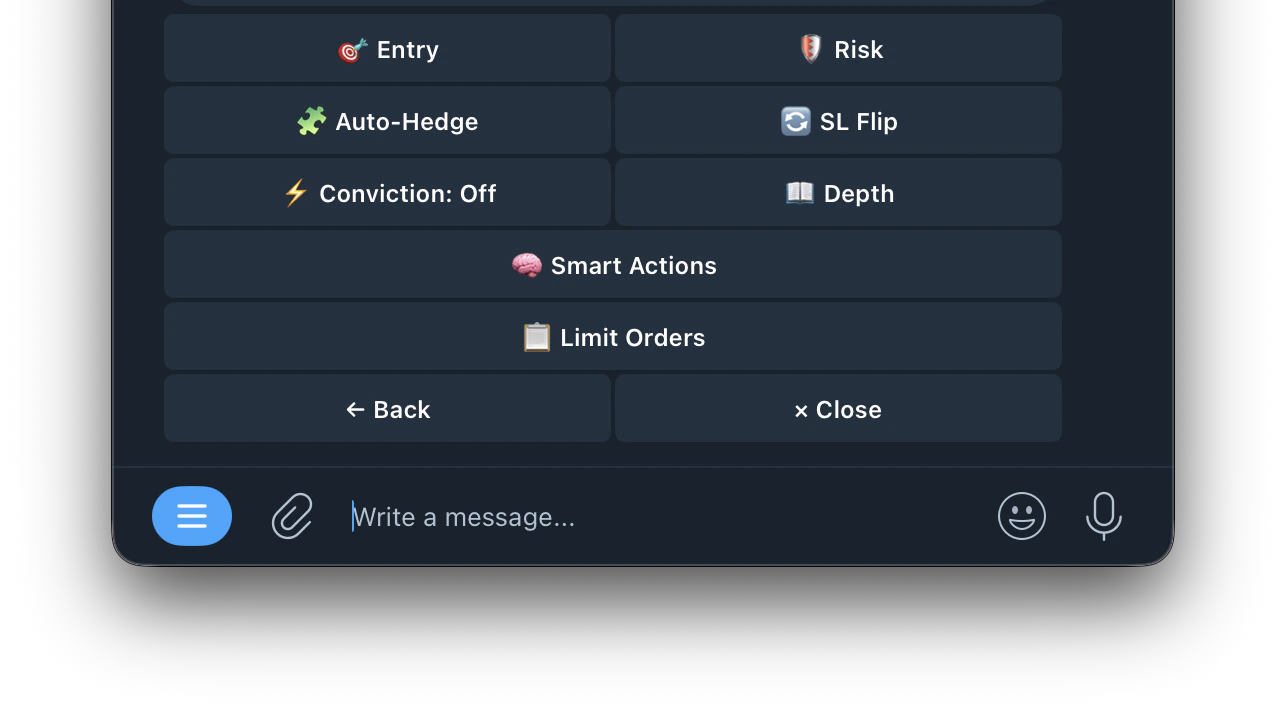
🎯 Entry
Configure when the bot is allowed to enter a trade. Settings differ based on your Entry Mode.
💲 Price Range
💲 Price Range
Only trade when price is inside this range
⏱️ Time Range
⏱️ Time Range
Only trade during this window
↔️ Max Spread
↔️ Max Spread
Skips wide spreads
🧭 Sides
🧭 Sides
Up, Down, or Both
📏 Crypto Distance
📏 Crypto Distance
How far crypto price must be from the price to beat. Two modes: Percent (%) or Fixed ($). Tap to switch
📊 Min Edge
📊 Min Edge
Minimum gap between fair value and current market price
⏱️ Time Range
⏱️ Time Range
Only trade during this window, in seconds (e.g. 265s–299s)
↔️ Max Spread
↔️ Max Spread
Skips wide bid/ask gaps. Smaller = tighter fills
💨 Crypto Max Velocity
💨 Crypto Max Velocity
Max crypto price change per minute (%). Skips if moving too fast. OFF to disable
📈 Crypto Trend
📈 Crypto Trend
Only enter when crypto is trending in the same direction as the signal
🛡️ Risk
Protect your positions and automate your exits. Set rules for when the bot should sell — whether to lock in profit, cut losses, or exit stale trades.
🎯 Take-Profit
🎯 Take-Profit
Automatically sells your position when the price moves in your favor by your set target.
Click here for more details
Each copied buy gets its own take profit — it only affects shares from that specific trade.
Click here for more details
🧯 Stop-Loss
🧯 Stop-Loss
Automatically sells your position when the price drops below a set threshold. Limits your losses.
Click here for more details
Each copied buy gets its own stop loss — it only affects shares from that specific trade.
Click here for more details
⏱️ Momentum Exit
⏱️ Momentum Exit
Exits a position if the price hasn’t moved enough after a set time window. Useful for getting out of stale trades that aren’t going anywhere.
Example: set 250s timeout with 30% min move — if the price hasn’t moved 30% within 250 seconds of entry, the bot exits the position automatically.
💨 Max Velocity
💨 Max Velocity
Sets the maximum allowed price movement speed. If the market is moving too fast, the bot skips entry to avoid chasing volatile spikes.
Set to 0 or OFF to disable. Lower = more selective, fewer entries. Higher = more entries but may catch volatile spikes.
⏳ Cooldown
⏳ Cooldown
Sets a waiting period before the bot can enter again after an exit. Prevents the bot from immediately re-entering after a stop loss or take profit.
Useful for avoiding repeated losses in choppy markets — gives the market time to settle before re-entering.
🧩 Auto-Hedge
Auto-Hedge monitors the opposite side of your position and enters a hedge when the estimated result is net-positive after fees.
How it works
How it works
- Monitors the opposite-side live price while the market is open
- Sends a hedge only when your thresholds are met
- If thresholds are not met, it waits and skips bad hedges
Settings
Settings
- Enabled: turn Auto-Hedge on or off
- Min Profit: required net profit after fees before hedging (e.g. 2.00%)
- Max Combined Cost: entry price + hedge price must stay at or below this value (e.g. 0.970)
- Auto-Merge: when on, automatically merges YES+NO pairs and redeems to ~$1 USDC per pair on-chain after hedge fills. When off, both sides remain in wallet for manual management
🔄 SL Flip
When your stop-loss triggers it usually means price moved against you. SL Flip automatically enters the opposite side immediately to ride that confirmed move.Example: You bought Up at $0.80 and price drops to $0.55 triggering your stop-loss. SL Flip instantly buys Down to capture the confirmed downward move.
Settings
Settings
- Enabled: turn SL Flip on or off
- Amount: how much of the original trade to use for the flip (100% = same size)
- Max Entry Price: skip the flip if the opposite side costs more than this
- Min Time Remaining: skip the flip if the market window is about to close
- Flip Stop-Loss: stop-loss % for the flip trade (0 = uses your task’s default SL)
⚡️ Conviction
Controls whether the bot waits for crypto price confirmation before entering.
- Off: enter immediately, no confirmation needed
- Spike: wait for a sharp price move in the signal’s direction before entering
- Drift: wait for a steady price trend in the signal’s direction before entering
📖 Depth
Watches the orderbook for sudden changes. Thinning, imbalance shifts, spread blowouts and price gaps. Enters early when the book changes before the price catches up.
Modes
Modes
- Standalone: enters on orderbook changes alone, ignores conviction
- Confirm: orderbook depth must confirm the conviction signal
- Boost: lowers the conviction threshold when depth signal fires
Sensitivity
Sensitivity
- Low: only fires on extreme orderbook changes
- Medium: balanced, fires on moderate changes
- High: fires on smaller changes, more entries
Spread Gap
Spread Gap
triggers when the bid-ask spread blows open wider than your set threshold in cents. Set to 0 to disable.
Advanced Settings
Advanced Settings
- Depth Drop — volume must drop this much from peak to trigger (default 60%)
- Baseline — how far back to look for normal book state (default 30s)
- Recent — how many seconds of recent data to compare (default 3s)
- Imbalance Shift — how much bid/ask ratio must shift from baseline (default 0.35)
- Spread Mult — spread must widen by this multiplier vs baseline (default 3.0x)
- Price Gap — minimum price jump in cents to trigger (default 5¢)
- Boost Reduction — in Boost mode, how much to lower the conviction threshold (default 20%)
🧠 Smart Actions
Automatically adjust task settings based on trading performance. Rules can tighten entry filters, reduce size, pause entries or apply presets after losing streaks.
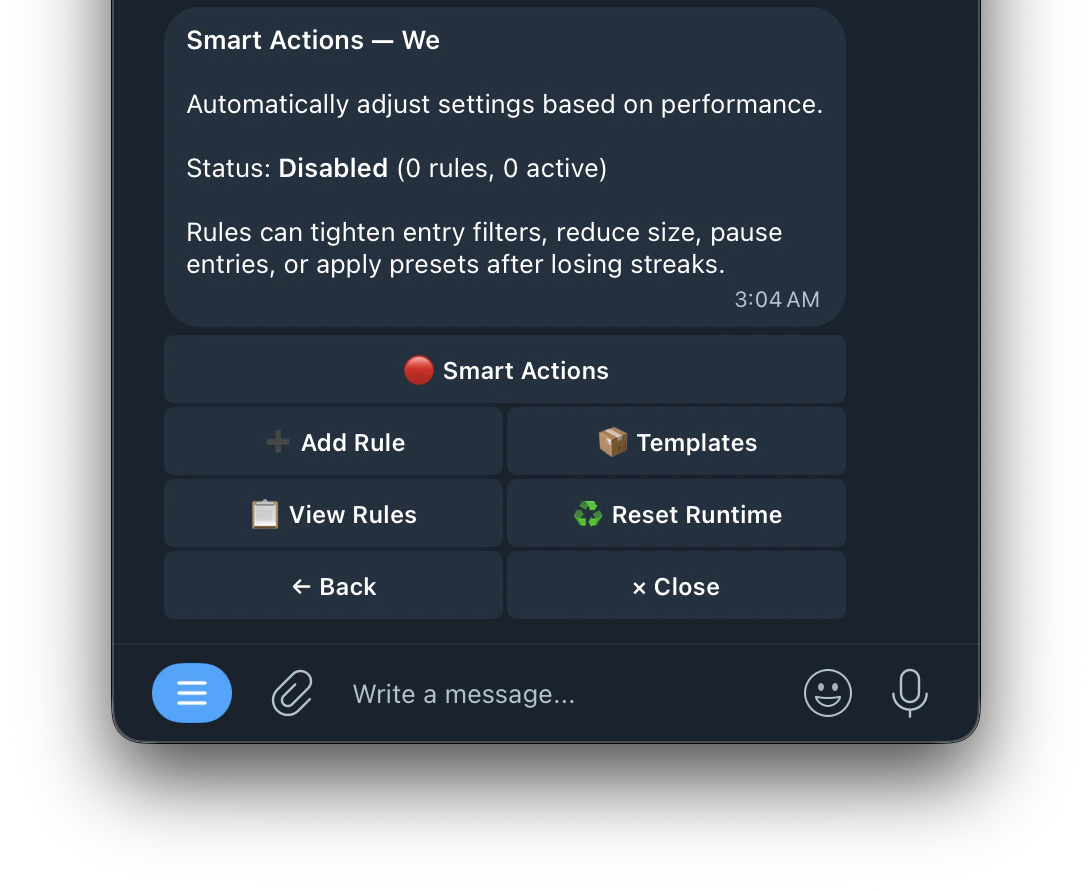
Trigger Types
Trigger Types
Choose what condition causes the smart action to fire. Each trigger watches your trading performance and activates when the condition is met.
Available Templates
Available Templates
- Pause After 5 Losses — pause entries for 10 minutes after 5 consecutive losses
- Safe Mode on Losing Streak — apply safe 5m preset if losses cluster within 30 minutes
- Halve Size on Drawdown — cut position size in half when cumulative loss reaches $20
- Tighten Spread After Losses — lower max spread after 3 consecutive losses
📋 Limit Orders
Place limit orders instead of market orders for potentially better fills.
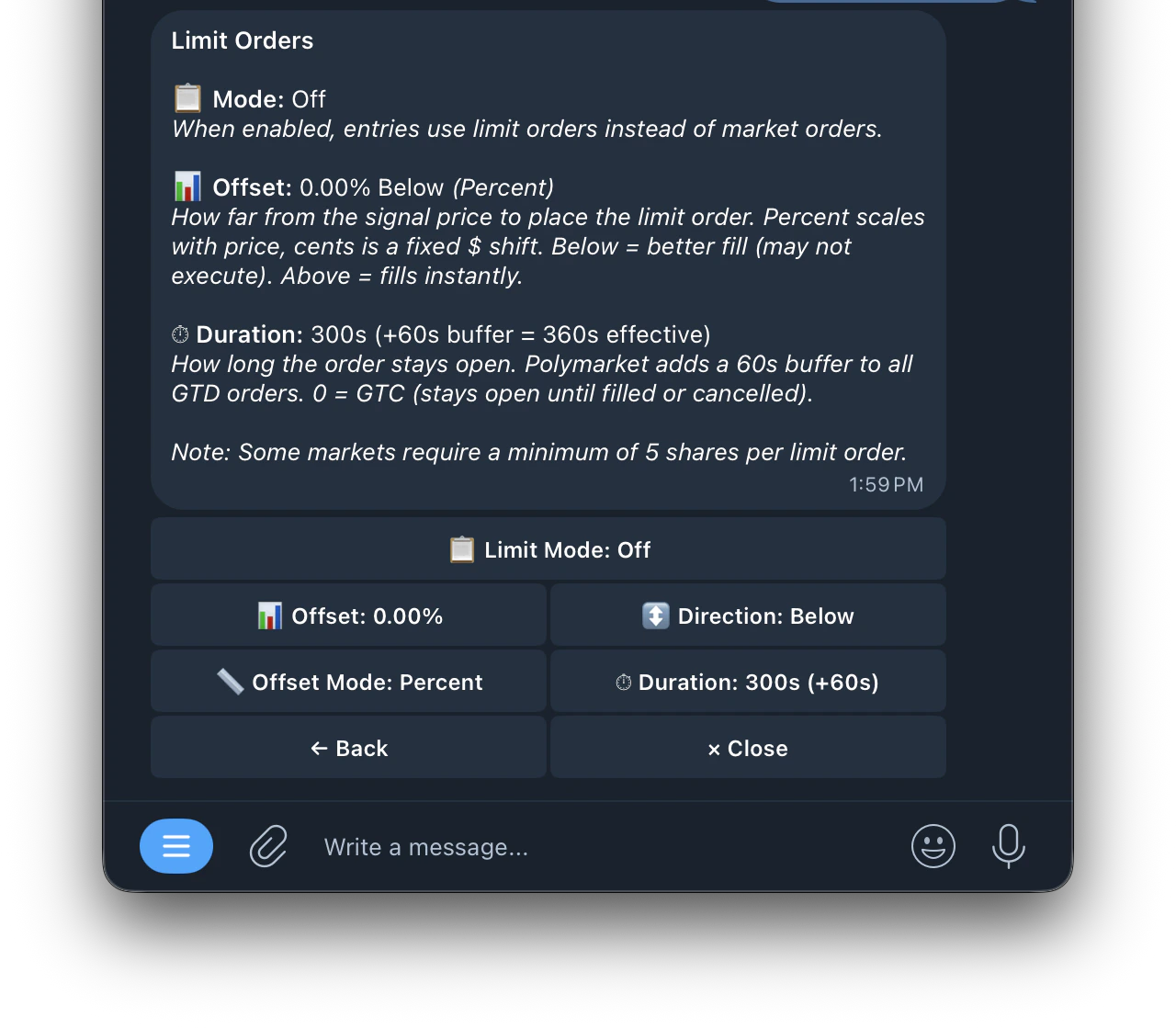
Example:
Signal price is 50¢ with offset 2% Below → limit order placed at 49¢. The bot waits for the price to drop to 49¢ before filling. If it doesn’t reach 49¢ within your duration, the order expires.