
Add an extra layer of security to your withdrawals.Status: Disabled by default When enabled, you’ll need to enter a 6-digit code from your authenticator app before each withdrawal. This protects your funds even if someone gains access to your Telegram account. How to Enable
- Go to /settings
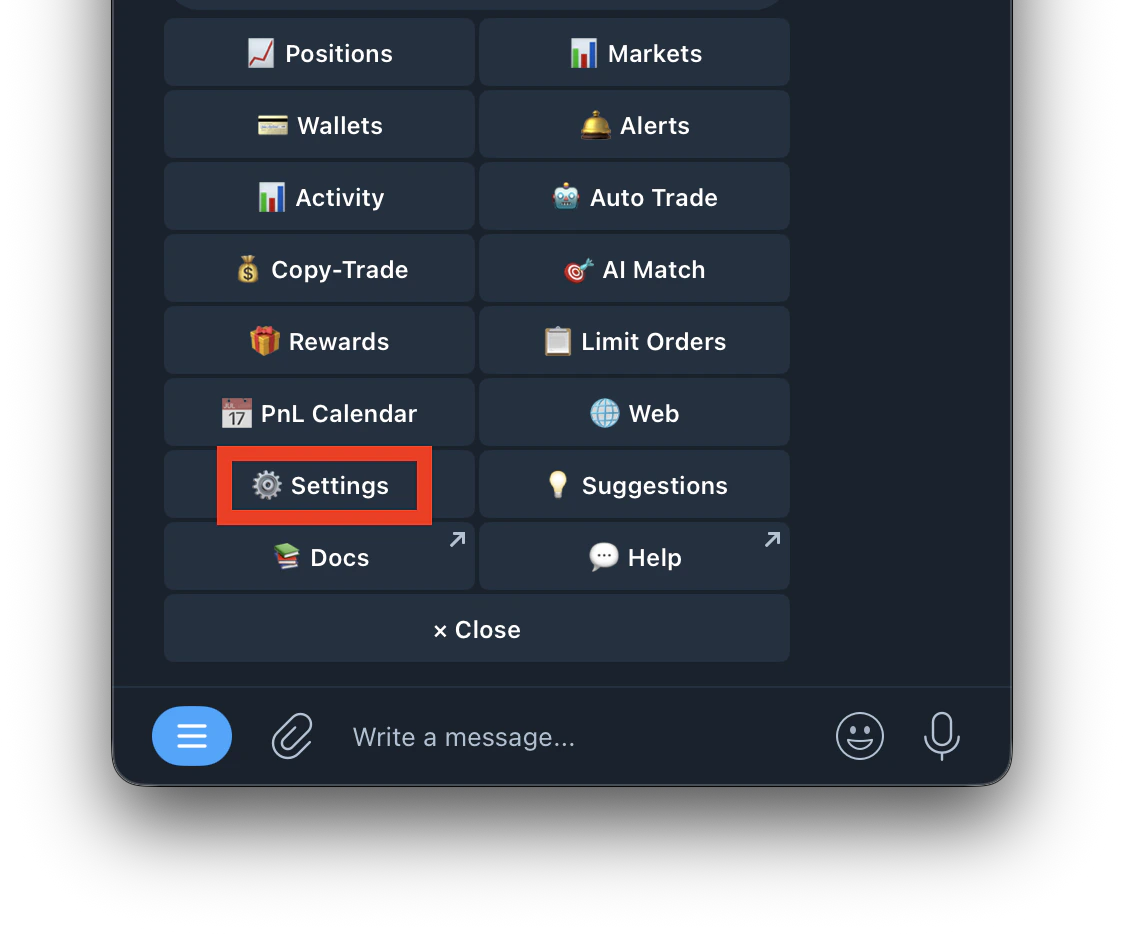
- Tap Two Factor Auth
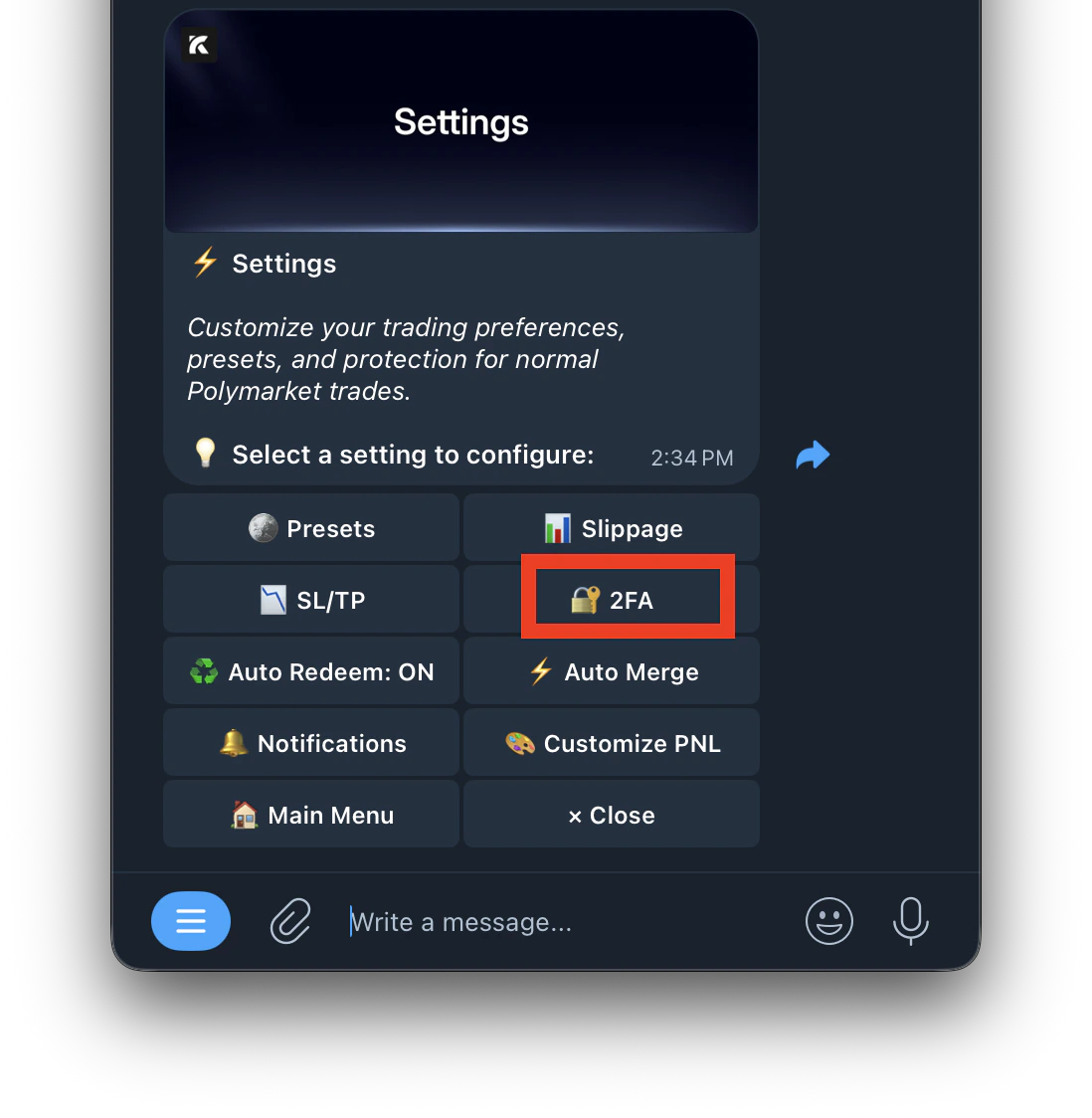
- Follow the setup steps to link your authenticator app
- Enter the 6-digit code to confirm