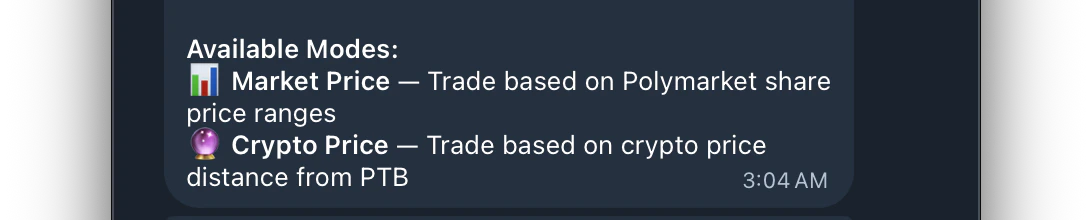
Access Entry Mode by tapping 🎯 Entry Mode from the task menu. This setting controls how the bot decides when to enter a trade.There are two available modes
📊 Market Price
📊 Market Price
Enters when the Polymarket share price is within your configured range.Best for users who want to control exact price ranges on the Polymarket orderbook. You set the price boundaries and the bot only enters when the live share price falls within them.Entry filters include:
- Price Range
- Time Range
- Max Spread
- Sides (Up, Down or Both)🔮 Crypto Price
🔮 Crypto Price
🔮 Crypto Price
Enters when the crypto price is near the Price to Beat (PTB). Buys in the direction crypto is moving — great for momentum-based trading.Instead of watching the Polymarket share price, the bot monitors the live crypto price and compares it to the PTB to decide when and which direction to enter.Entry filters include:
- Crypto Distance (how far price is from PTB)
- Min Edge
- Time Range
- Max Spread
- Crypto Max Velocity
- Crypto Trend