
Connect your Telegram account to the Kreo web app for a full browser trading experience.How to Connect
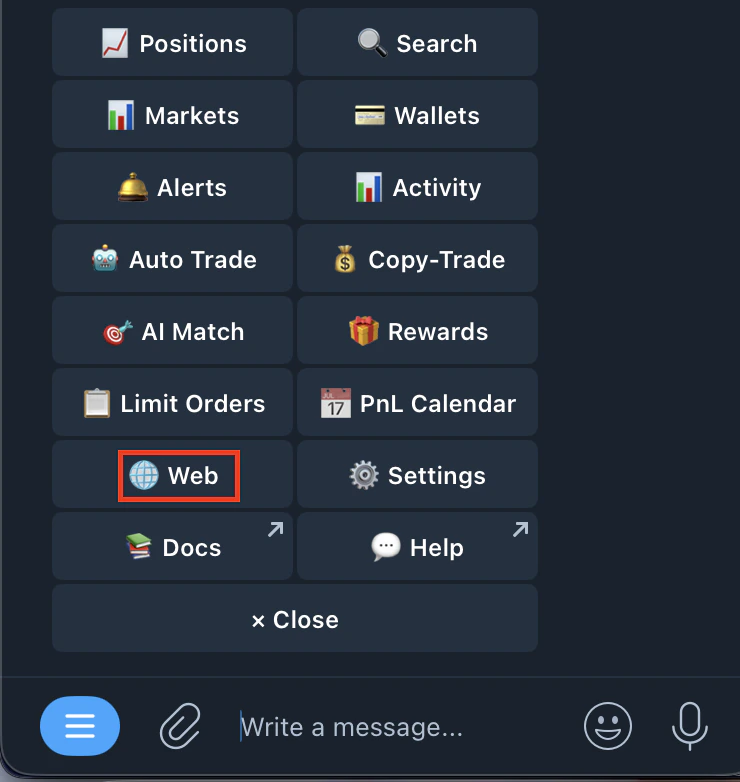
- Type /start and tap the Web button
- You’ll see: Status: Not Connected
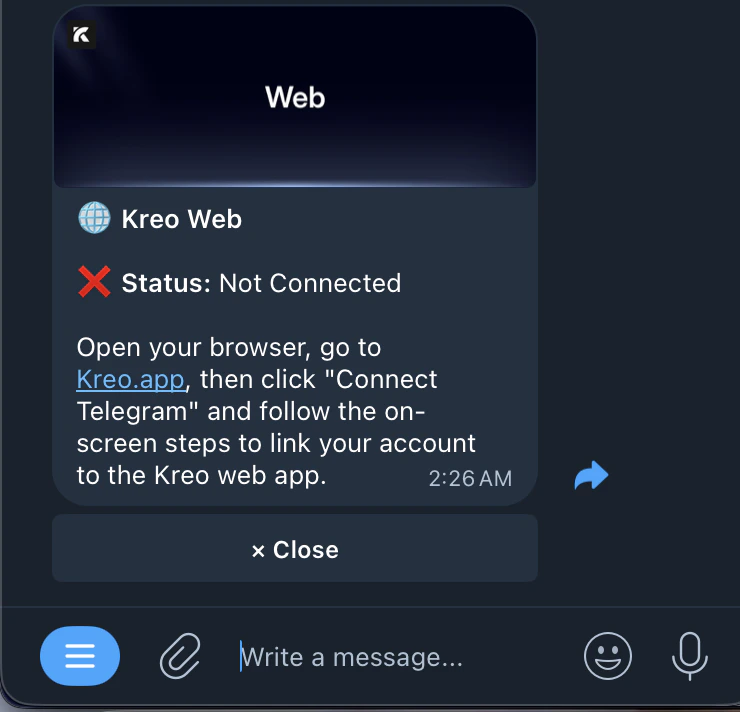
- Open your browser and go to kreo.app
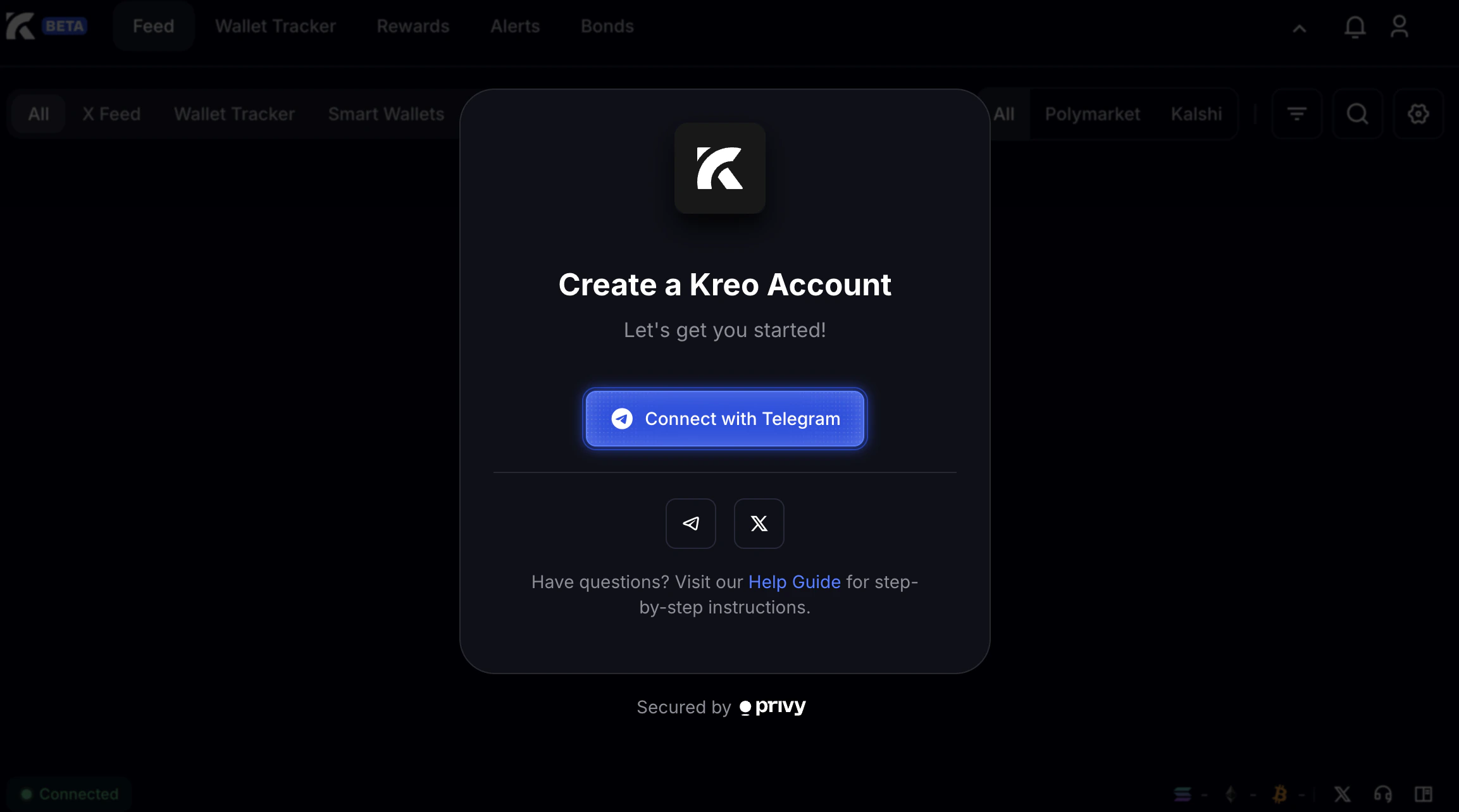
- Click Connect with Telegram
- The bot will send you a connection request: A web browser is trying to connect to your Kreo account. Do you want to allow this connection?
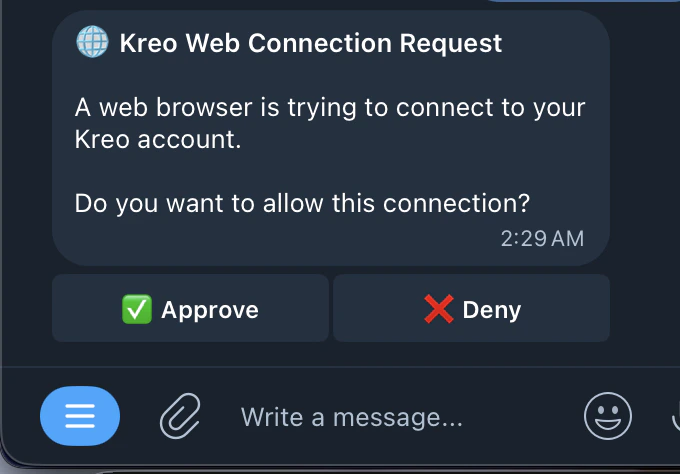
- Tap Approve to connect, or Deny to reject
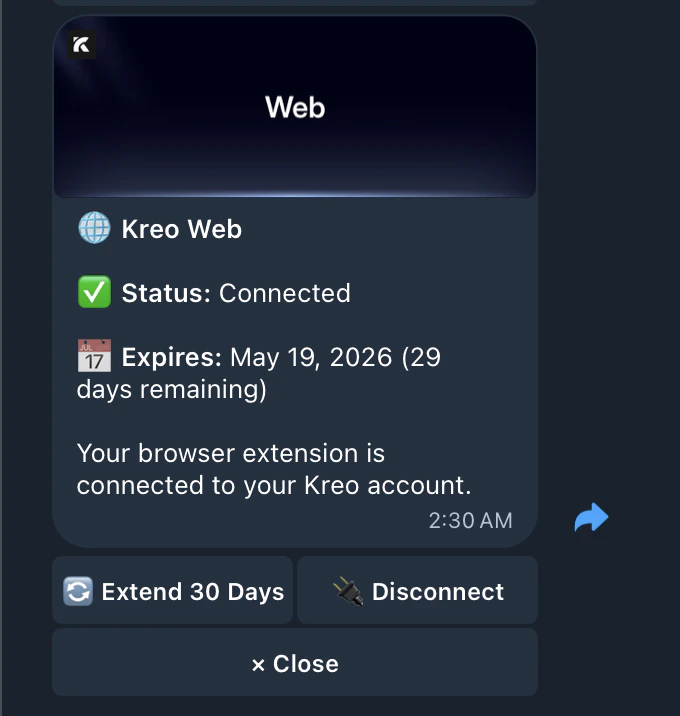
- Status will show: ✅ Connected