Documentation Index

Fetch the complete documentation index at: https://docs.kreo.app/llms.txt

Use this file to discover all available pages before exploring further.

You can withdraw your funds out of your Kreo wallet at any time
1

Open /wallets

Type /wallets or type /start and click on Wallets
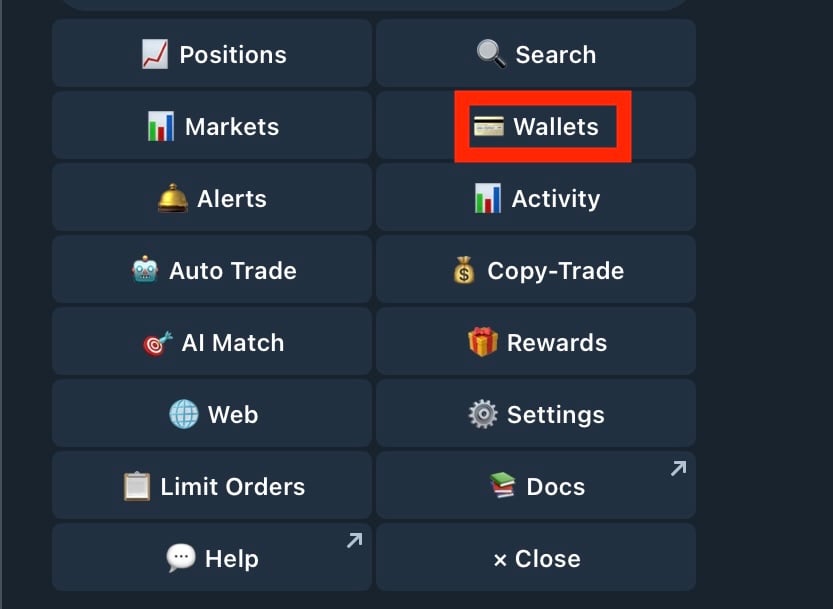
START 1
2

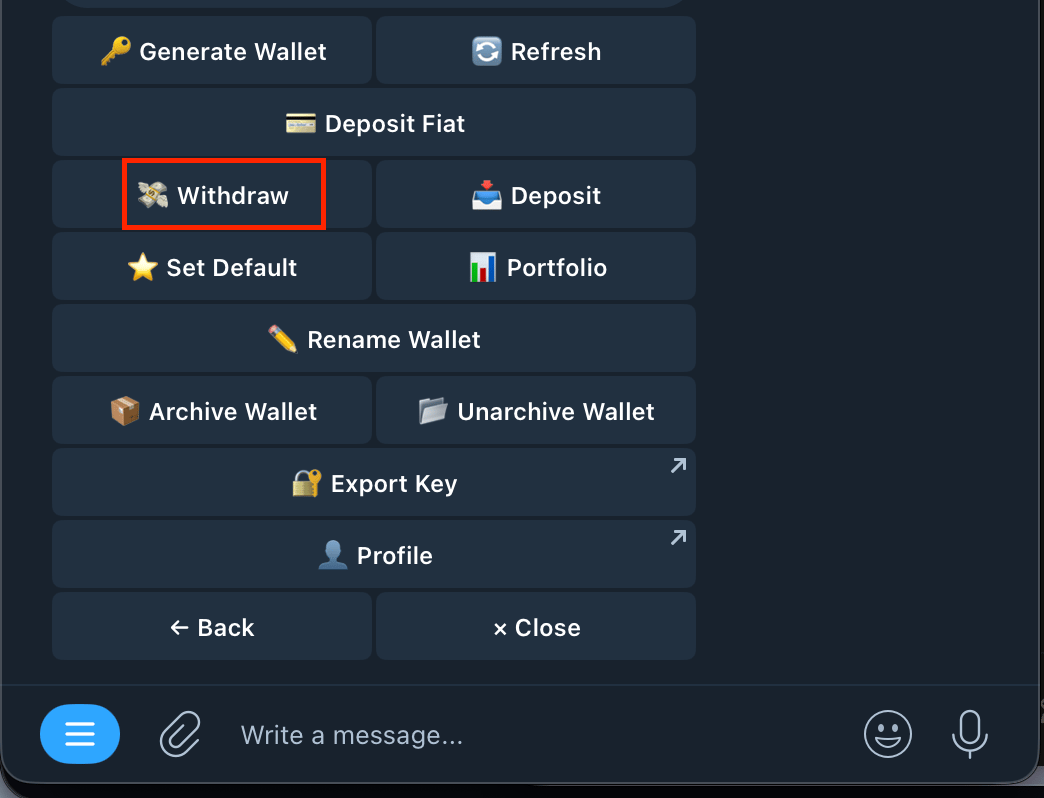
Press withdraw

Screenshot 2026 04 17 At 4 23 23 PM
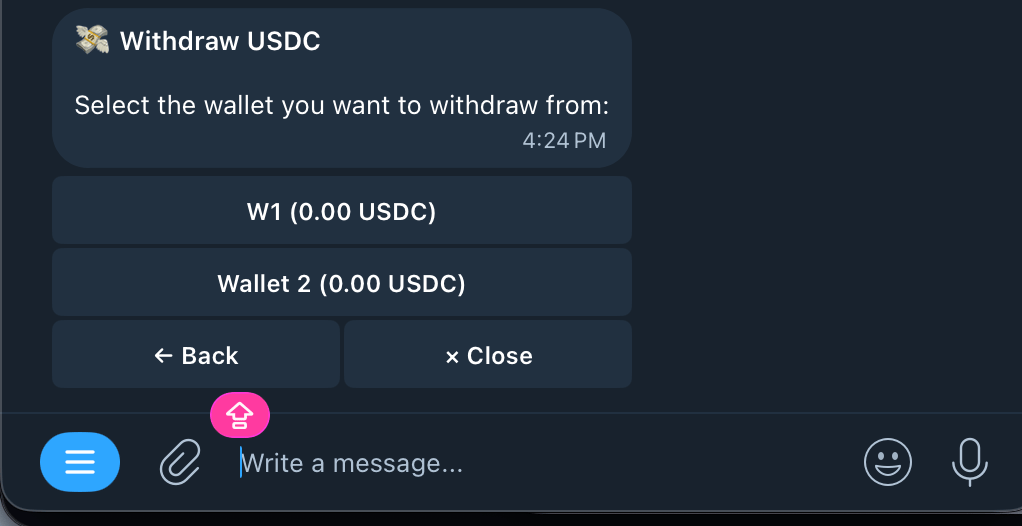
3

Select the wallet you would like to withdraw from
Screenshot 2026 04 17 At 4 24 29 PM
4

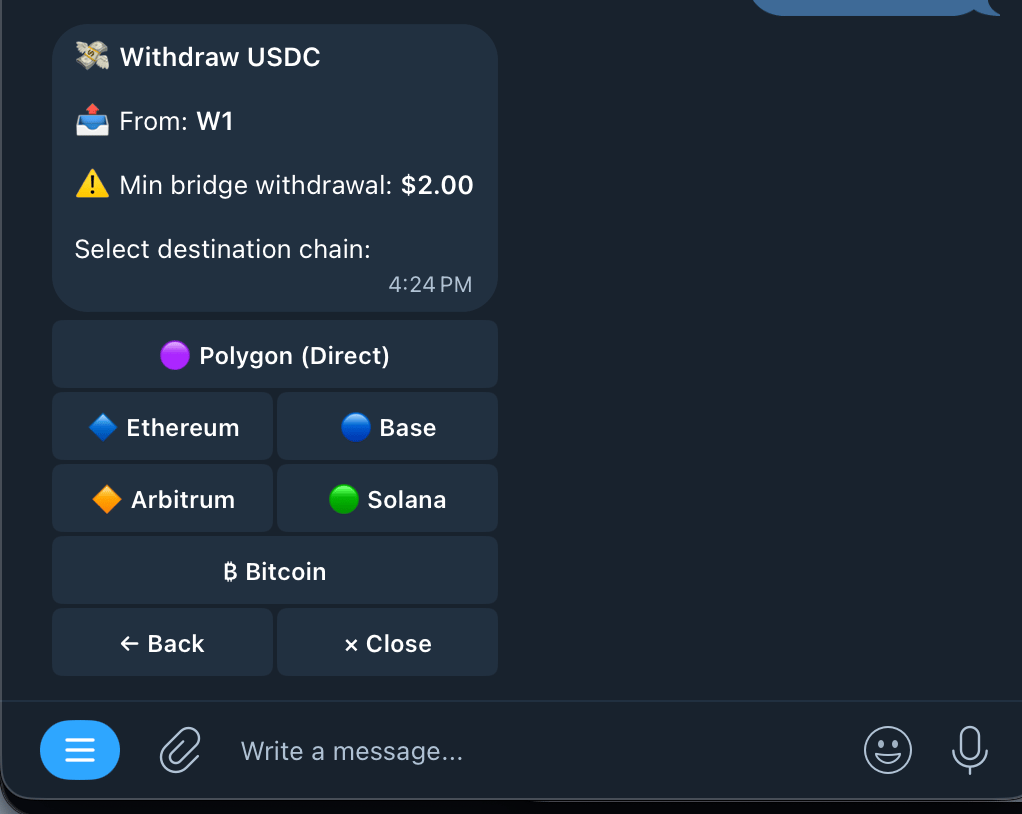
Select a chain to withdraw to

Screenshot 2026 04 17 At 4 26 08 PM
You can withdraw to any of the chains above. If you are withdrawing to another chain (Not Polygon), there is a minimum bridge amount for withdrawals ($2) 
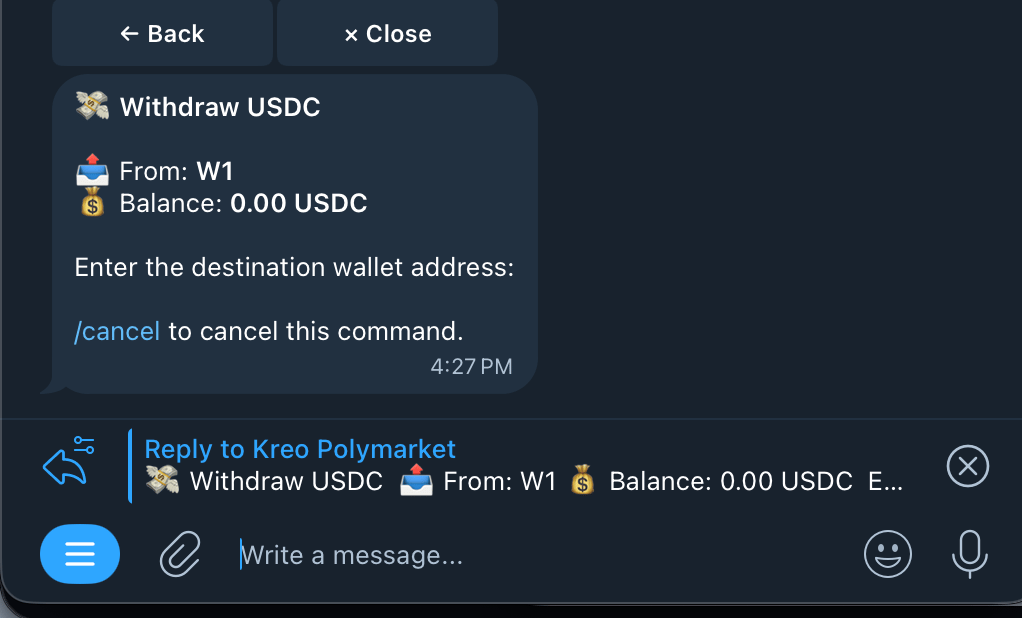
5

Enter Destination Address for Withdrawal

Make sure it is the right wallet for the selected chain. 
Screenshot 2026 04 17 At 4 27 50 PM
6

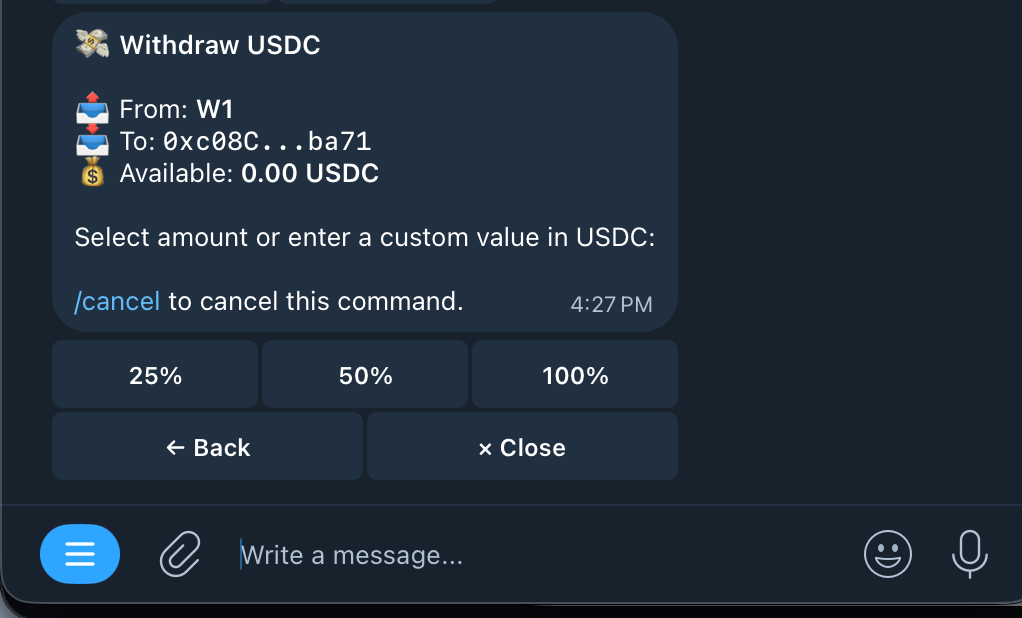
Choose amount to withdraw

Screenshot 2026 04 17 At 4 27 23 PM
You can either choose one of the preset percentage amounts (% of USDC.e held in your Kreo wallet) or type in a custom amount. 
7

Wait for withdrawal to process! ✅