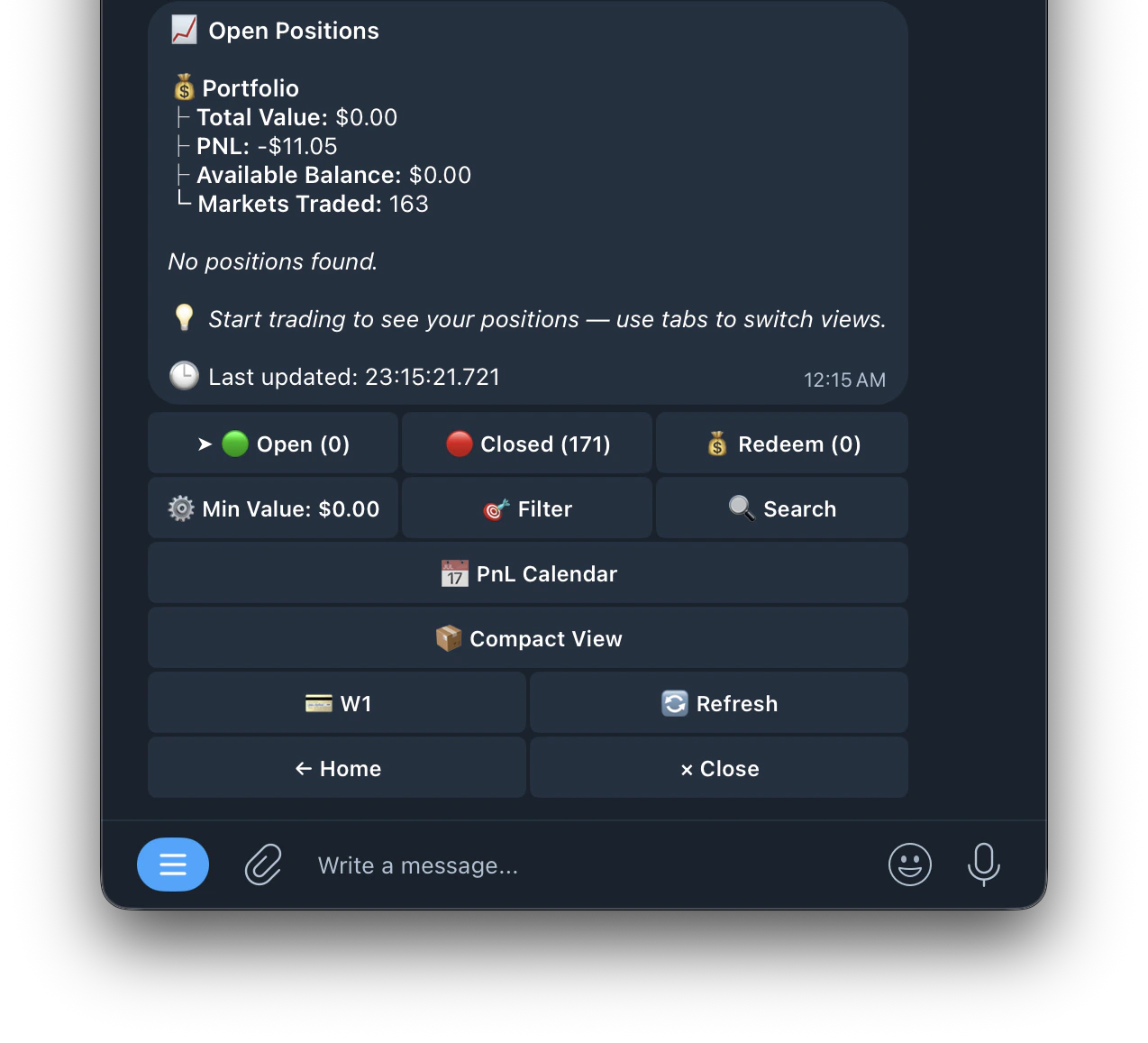
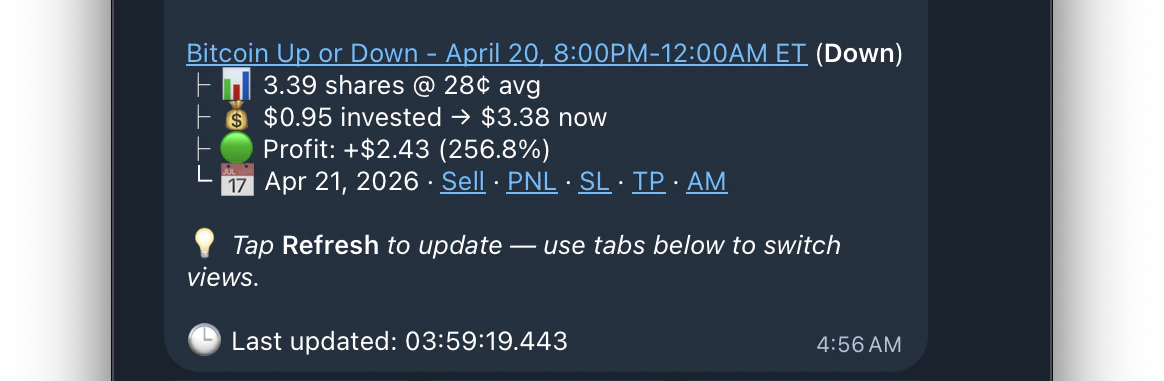
Managing your positions is super easy with Kreo, run /positions or press the positions button to access the menu.
This is your positions menu, where you can access and manage any of your live, closed, or redeemable trades.
Positions are paginated — use the navigation buttons to browse through all your open, closed, and redeemable positions
Live PnL Stats: view detailed profit and loss at a glance directly from the positions list without needing to tap into each position individually
Auto Redeem
Enable Auto Redeem in /settings to automatically claim your winning positions when they resolve. You can also manually redeem from the 💰 Redeem tab.
Burn All
Clears all losing positions that resolved at $0 from your portfolio. These positions are worthless but still show in your positions list. Burning them cleans up your view. You can also enable Auto Burn in /settings to do this automatically.