
Track any wallet’s trades on Polymarket to make better trading decisions.How to Add a Wallet to Tracker
- Type /tracker
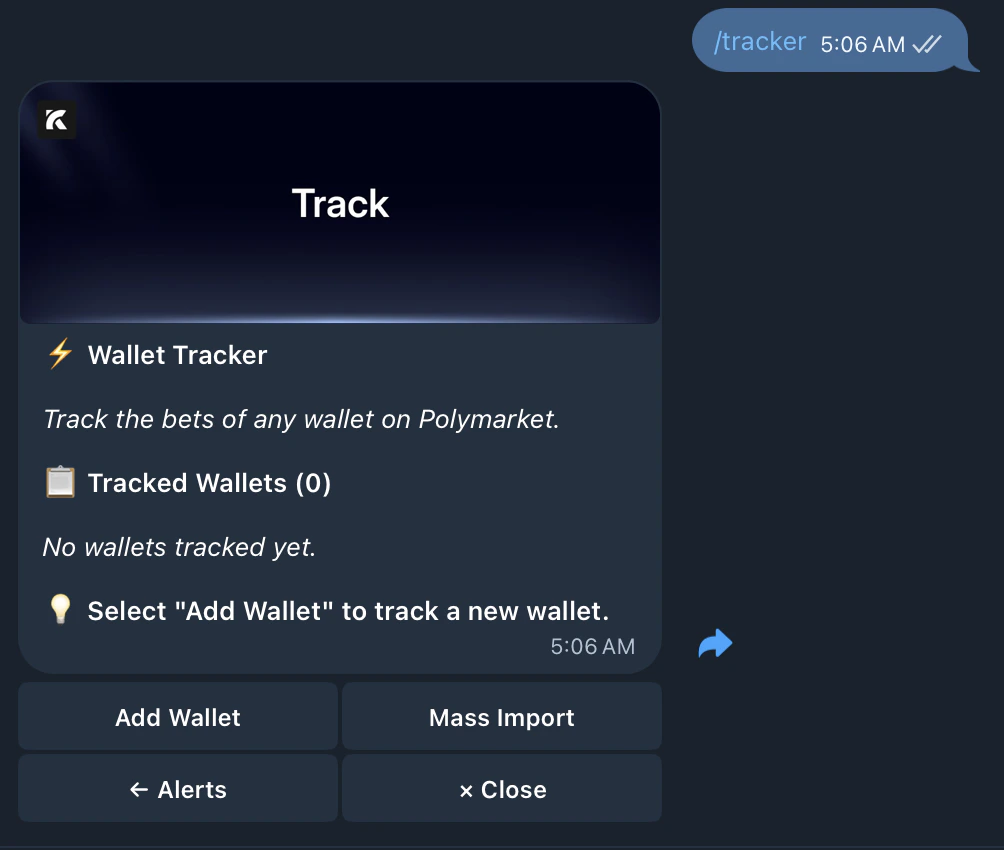
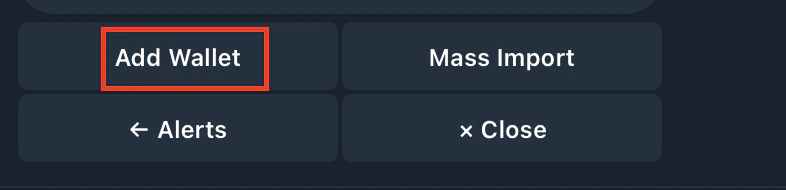
- Tap Add Wallet
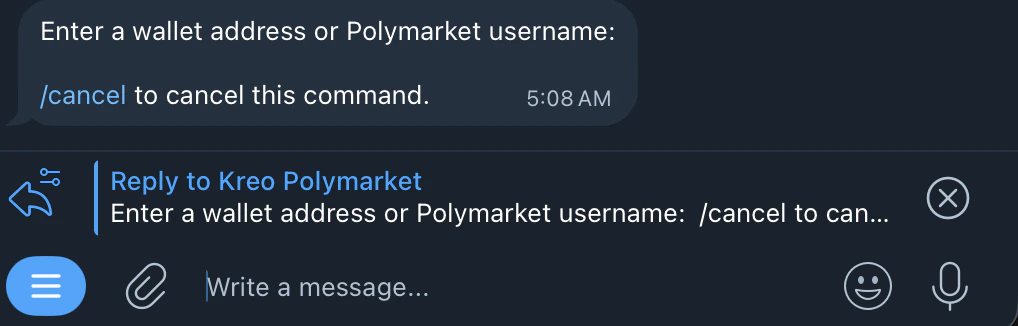
- Enter a wallet address or Polymarket username
- Enter your preferred name for the wallet
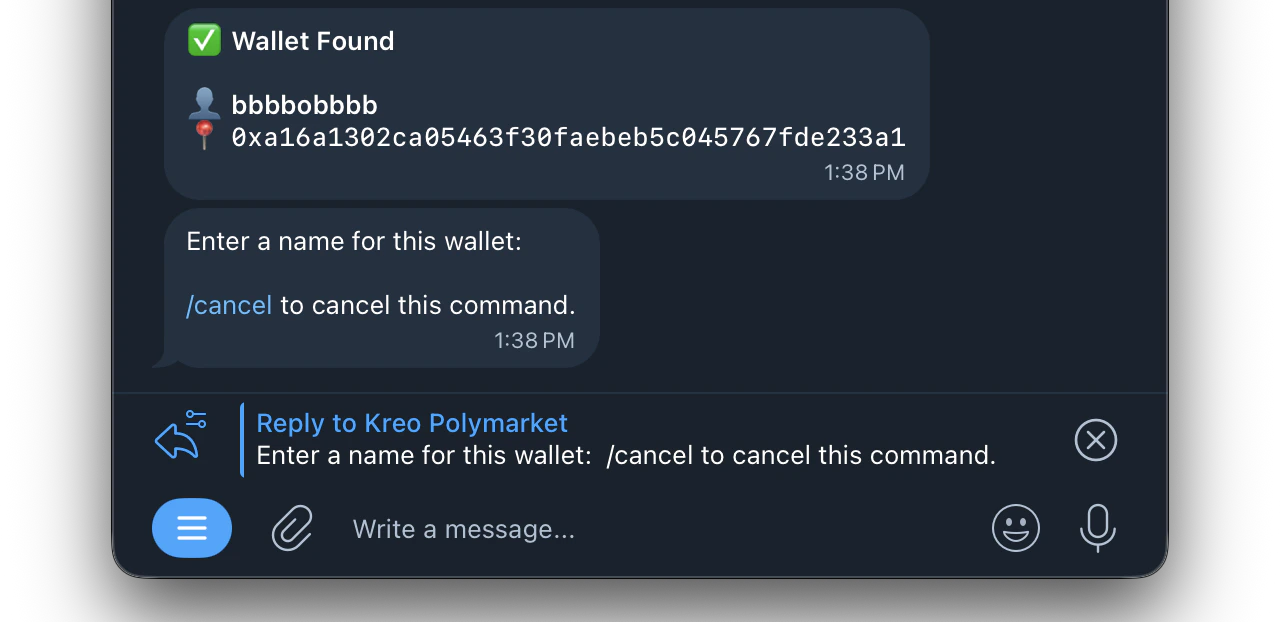
You’ll receive notifications when they trade
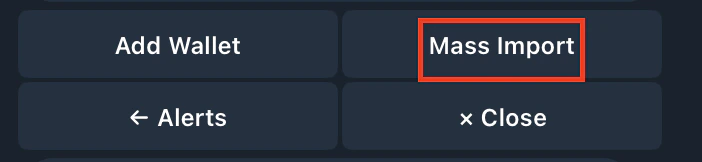
Mass Import
Import multiple wallets at once instead of adding them one by one.
1
Tap Mass Import
2
Enter wallets in this format
For Polymarket: Use an EVM wallet address For Kalshi: Use a SOL address or Kalshi username