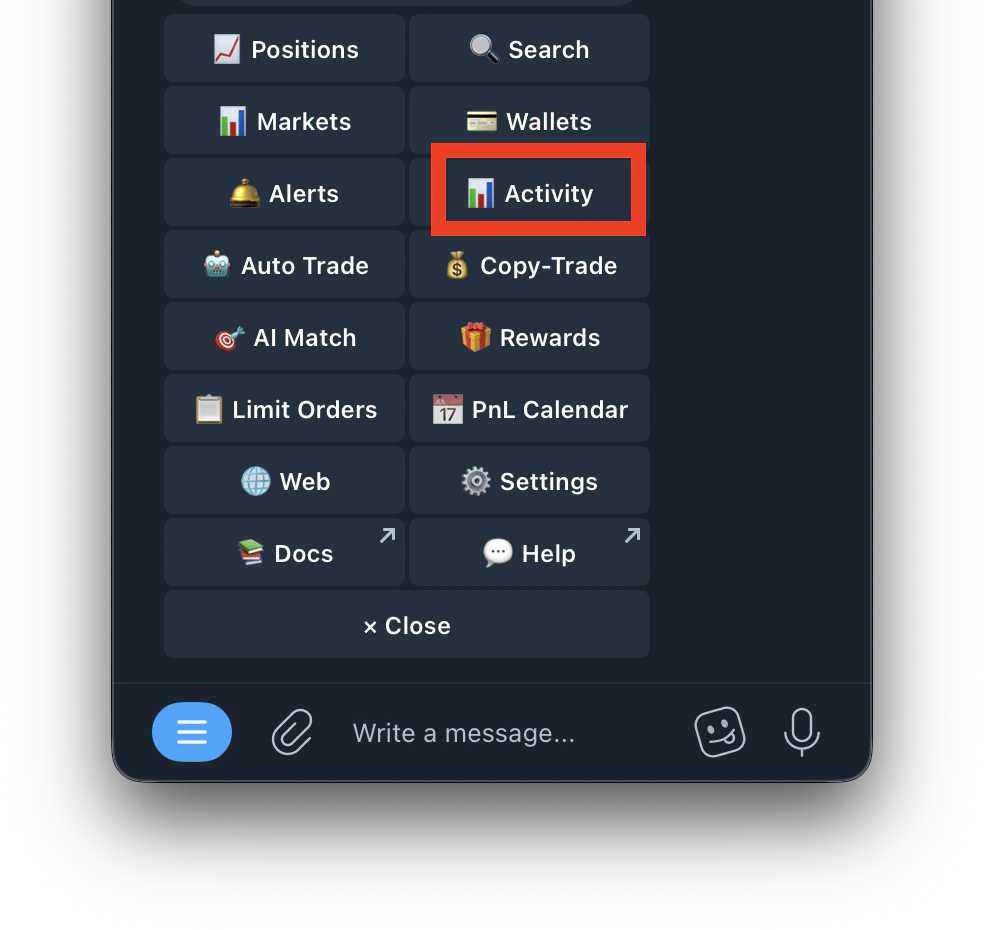
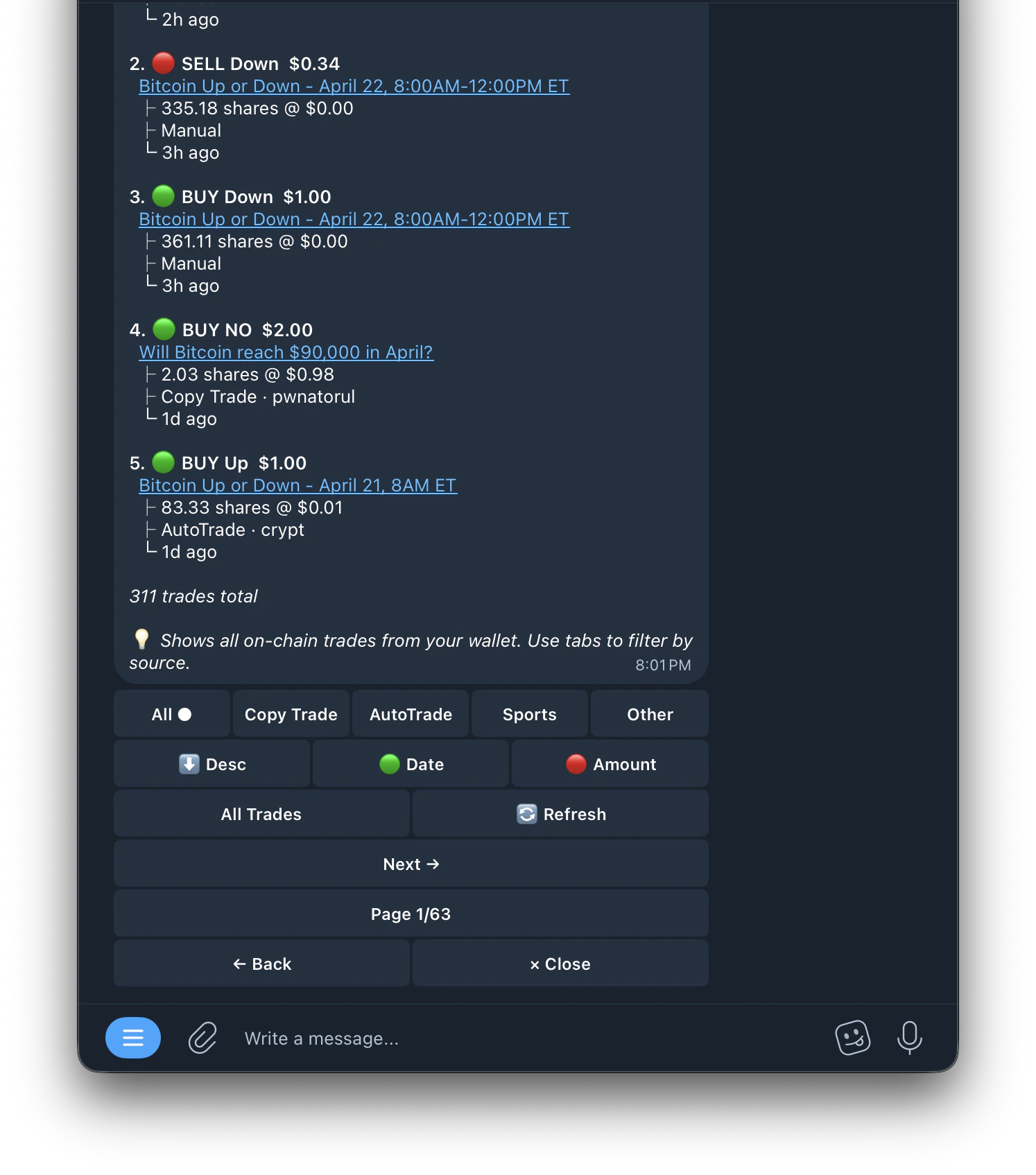
ACTIVITY PAGE View your complete trade history across all tasks. How to Access
  • On copy trade: Go to /copytrade, select a task, tap Activity
    Screenshot 2026 04 18 At 5 22 34 AM
  • On auto trade: Go to /autotrade, select a task, tap Activity
    Screenshot 2026 04 18 At 5 23 57 AM
  • Global activity: Use the Activity button on the main copy trade or auto trade screen
Screenshot 2026 04 18 At 5 21 13 AM
What Activity Shows Each entry displays:
  • Trade type (Buy/Sell)
  • Market name
  • Amount bought or sold
  • Task name
  • Leader address (on copy trades)
  • Time of trade
  • Status (Success, Failed, Skipped, Partial Fill)
Filters Use the filters to view:
  • Executed trades only
  • Skipped trades with reasons
  • Failed trades with error messages
Skip Reasons Include:
  • Max spend per market reached
  • Below min trigger
  • Price outside entry range
  • Sell percentage < 1%
  • Calculated amount below $1 minimum
  • Insufficient balance
  • Order timed out