Receive market alert notifications straight to your phone. Set up alerts for markets you want to monitor
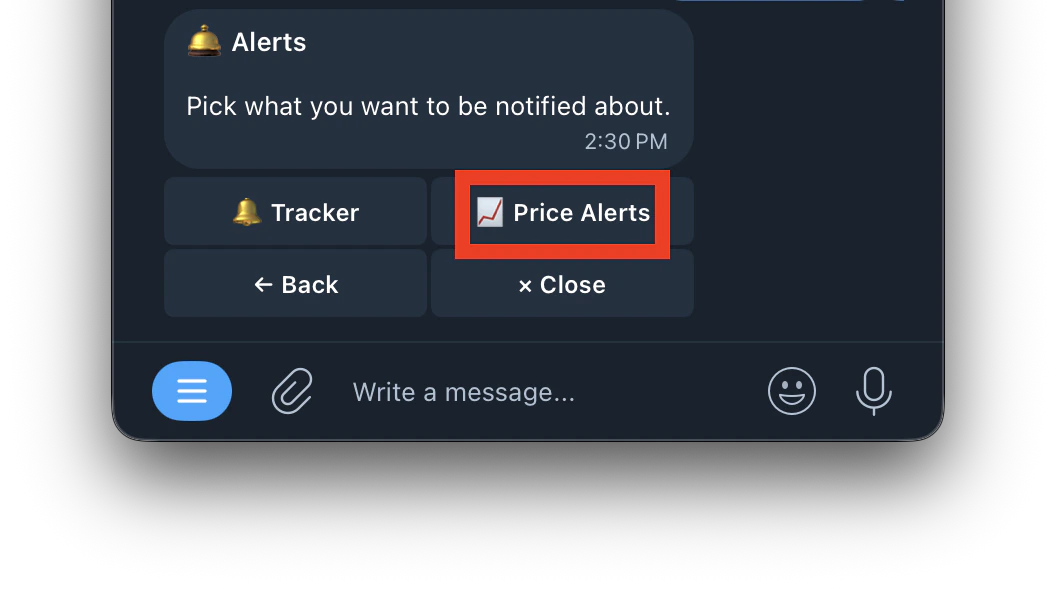
- Type /alerts or type /start and click on Alerts button
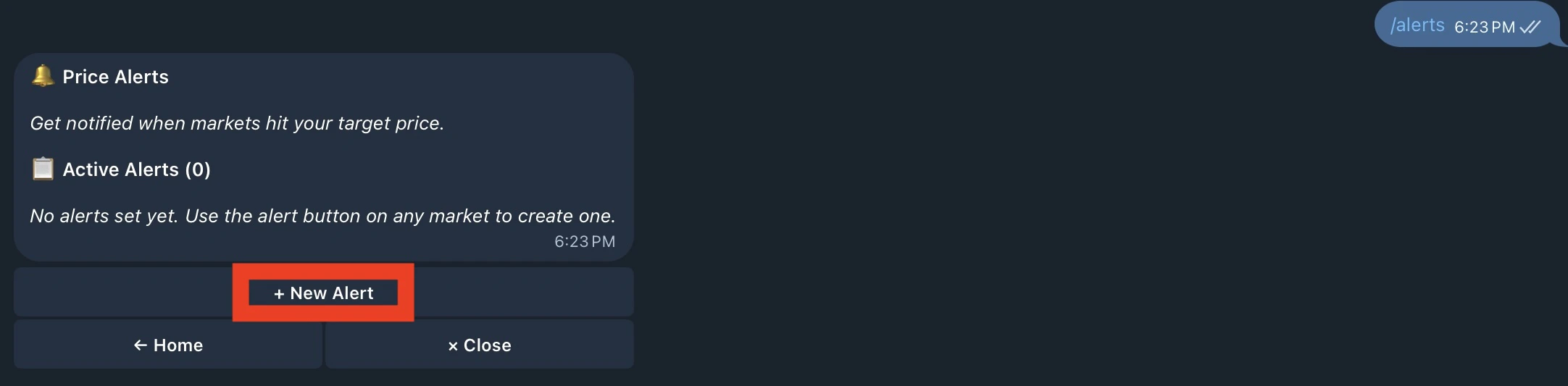
- Click on price alerts
- Click on + New Alert to set up your alert and Get notified when markets hit your target price.
- Enter a market name or Polymarket URL
- Select the side to monitor
- Select which price to monitor
- Set alert direction
- All Set
Yes bid ↑ above 10¢ (now 4¢) you’ll be notified when the YES bid price rises above 10¢. It’s currently at 4¢ so the alert hasn’t fired yet.