Documentation Index

Fetch the complete documentation index at: https://docs.kreo.app/llms.txt

Use this file to discover all available pages before exploring further.

Move funds from one of your Kreo wallets to another instantly.
How to Transfer
  1. Go to /wallets or /start and click on Wallets
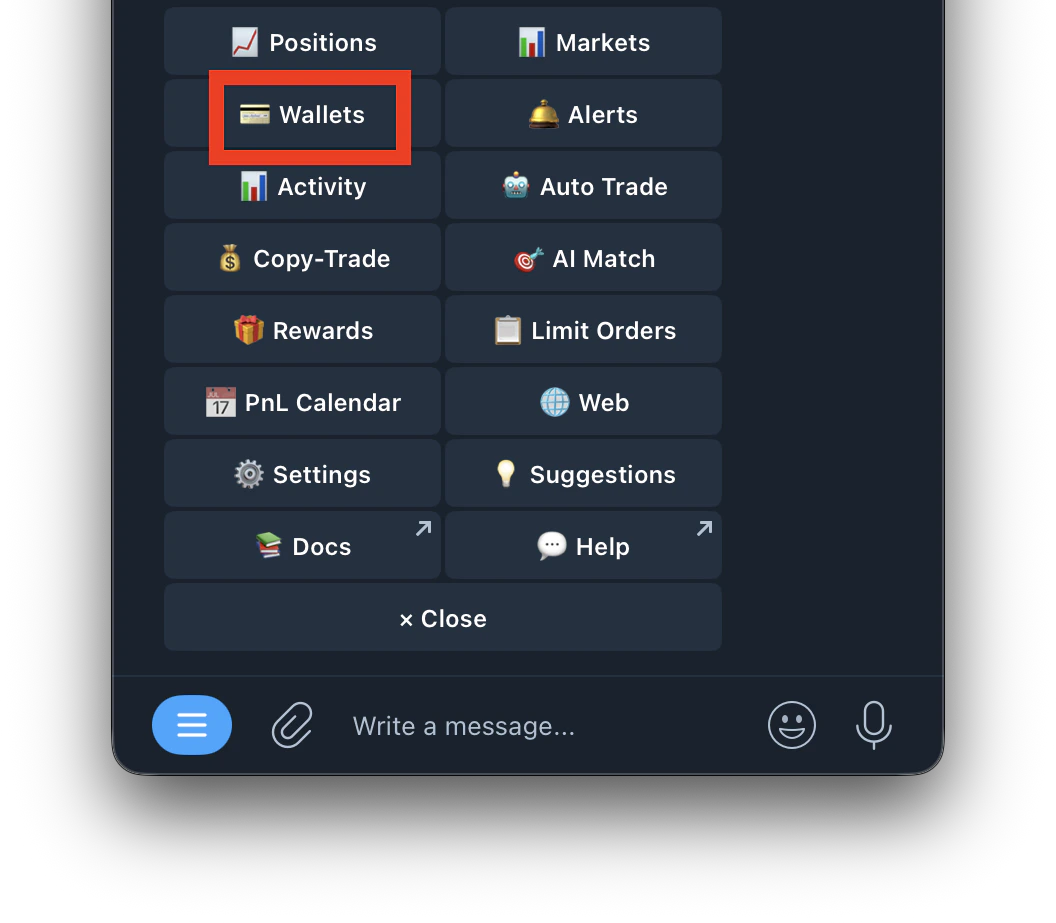
    Screenshot 2026 04 30 At 2 00 40 PM 1
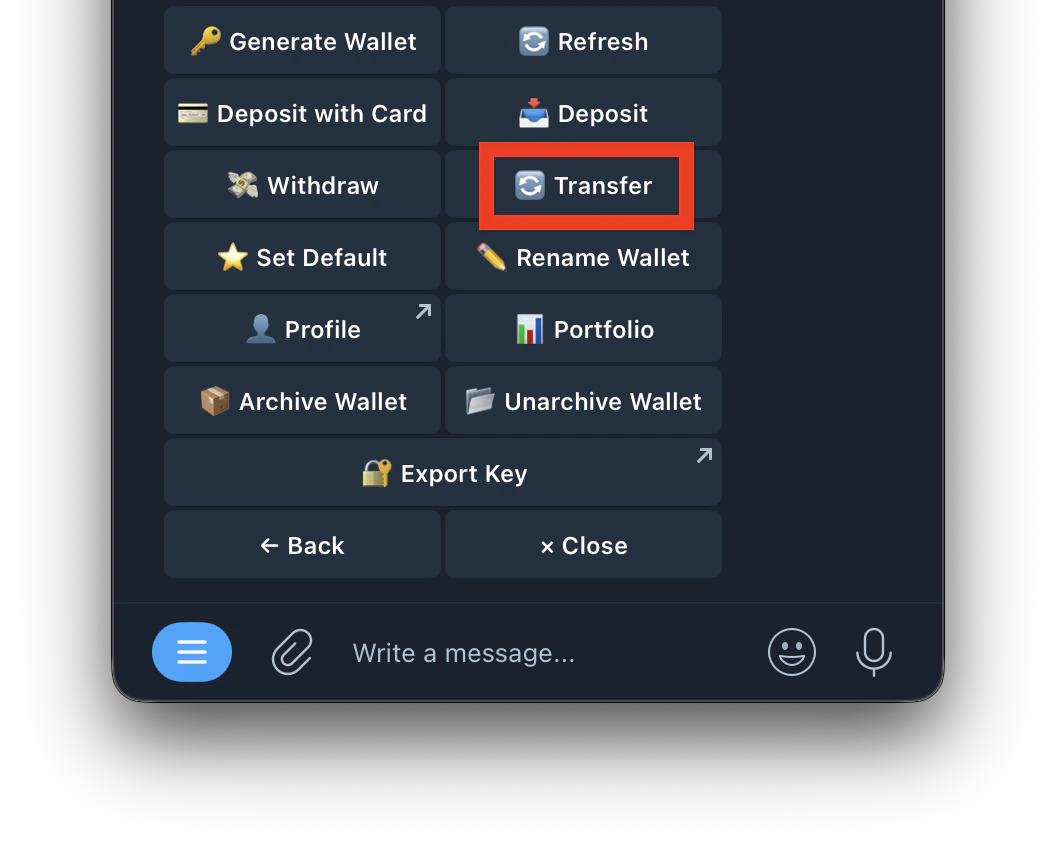
  2. Tap Transfer
    Screenshot 2026 04 30 At 2 05 59 PM
  3. Select the wallet you want to transfer from
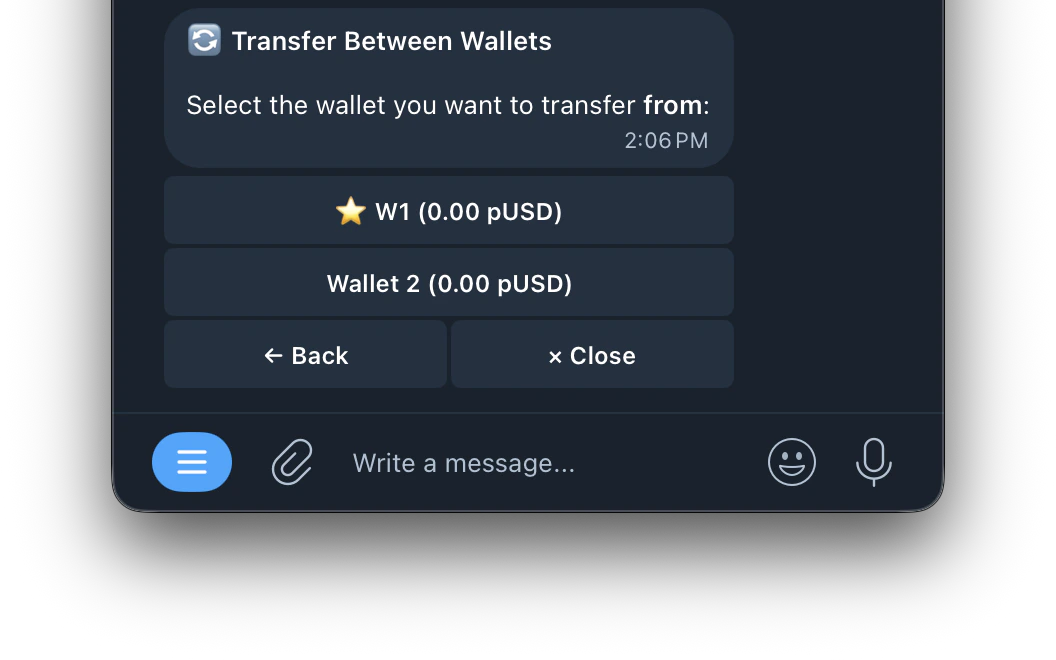
    Screenshot 2026 04 30 At 2 06 51 PM
  4. Select the wallet you want to transfer to
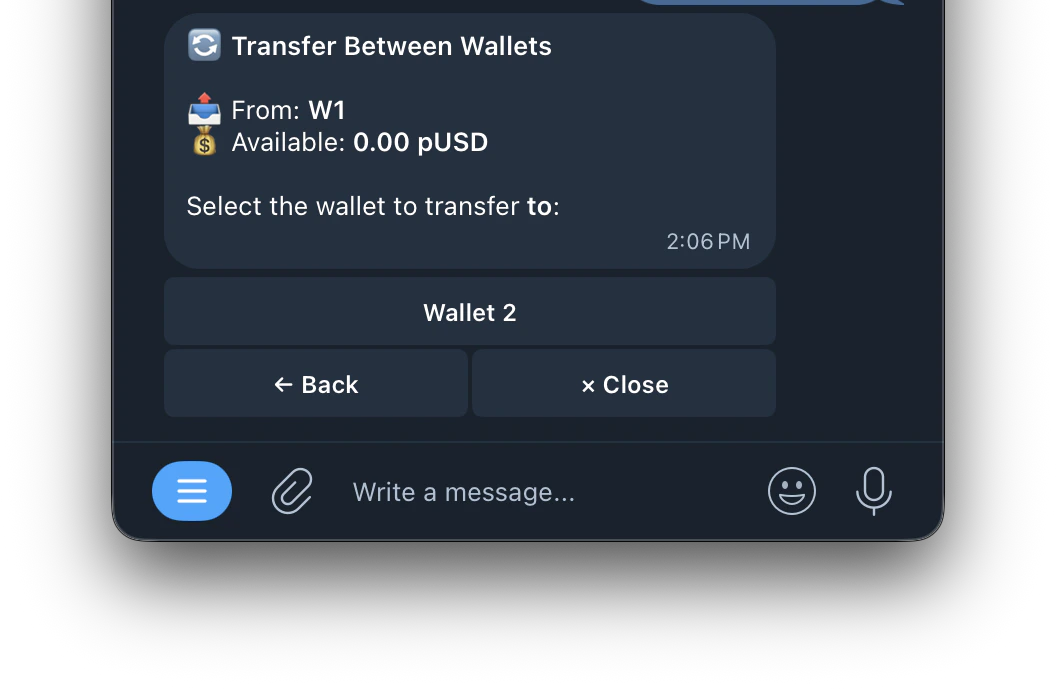
    Screenshot 2026 04 30 At 2 07 38 PM
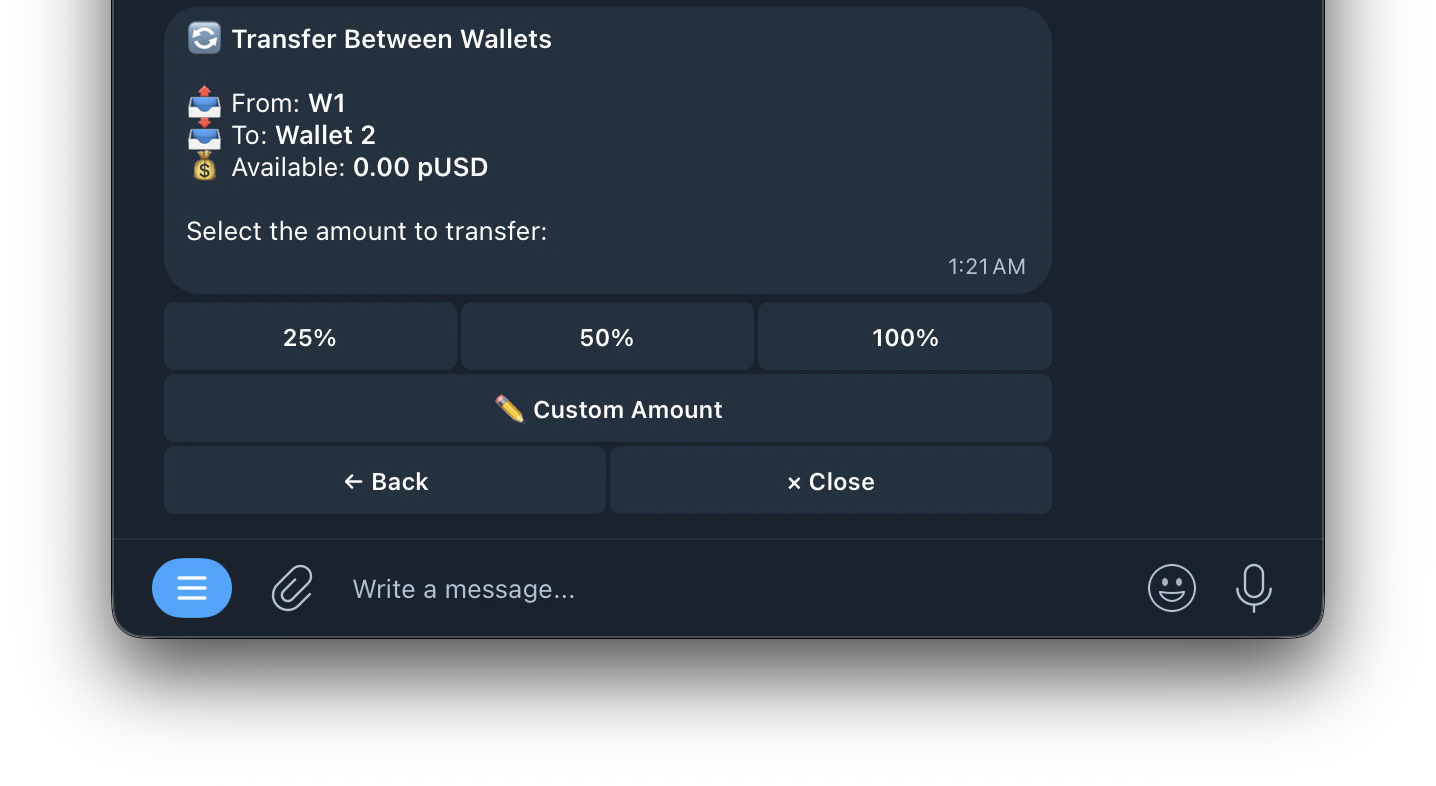
  5. Enter the amount to transfer
  6. Confirm
After the Polymarket V2 update, funds may show as USDC.e after a transfer. Use /wrap and select the wallet to convert to pUSD if needed.