
Documentation Index
Fetch the complete documentation index at: https://docs.kreo.app/llms.txt
Use this file to discover all available pages before exploring further.
Choose which wallet is used for all your trades, copy tasks, and auto trade tasks.How to Set a Default Wallet
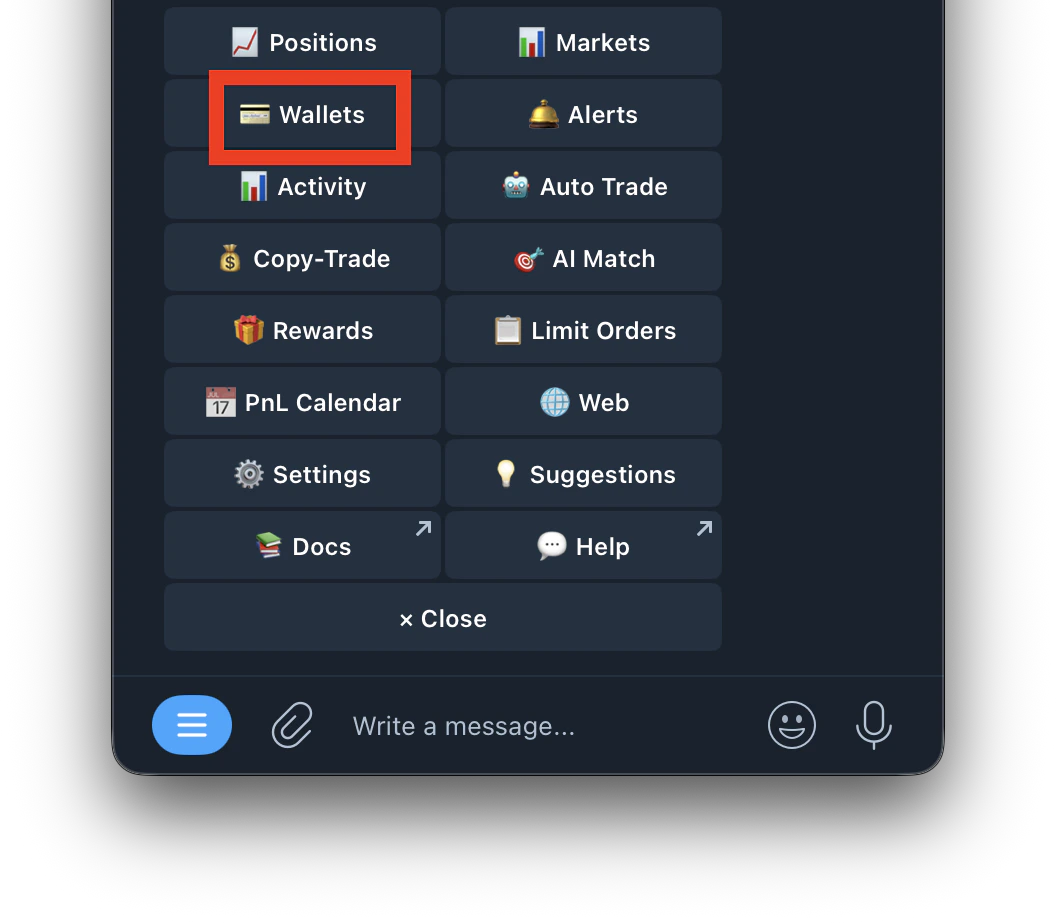
- Go to /wallets or /start and click on Wallets
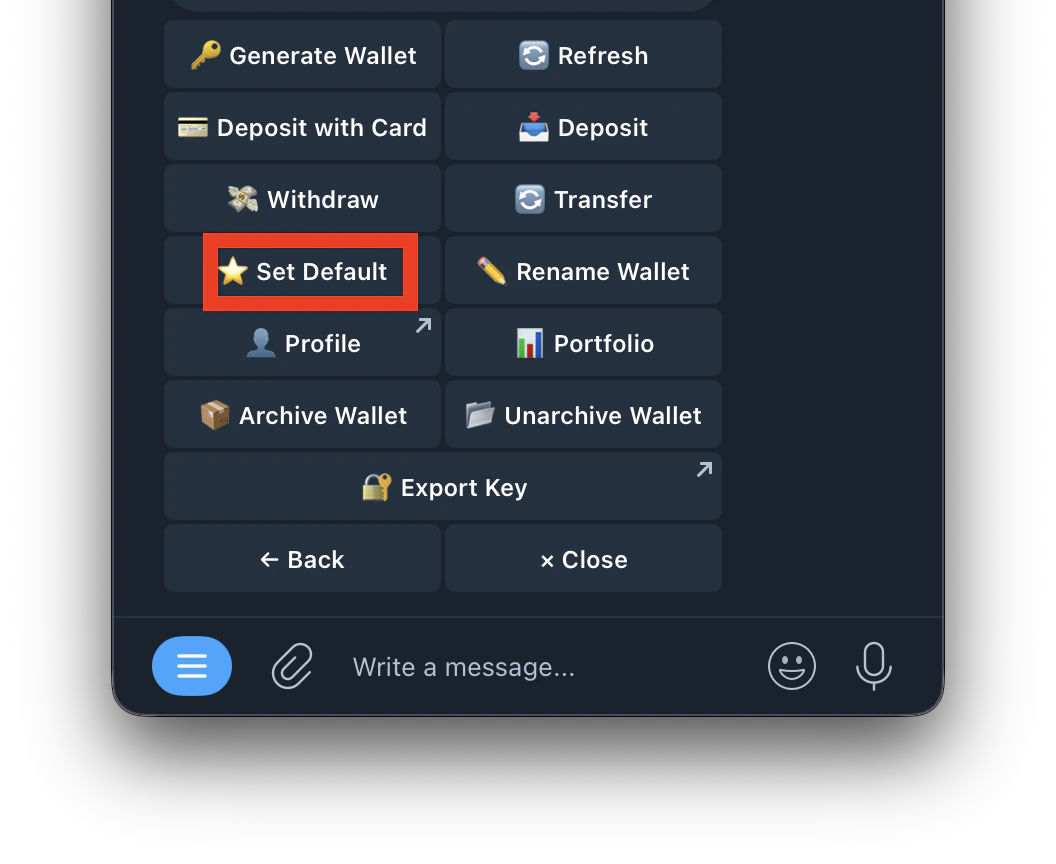
- Tap Set Default
- Select the wallet you want to set as default
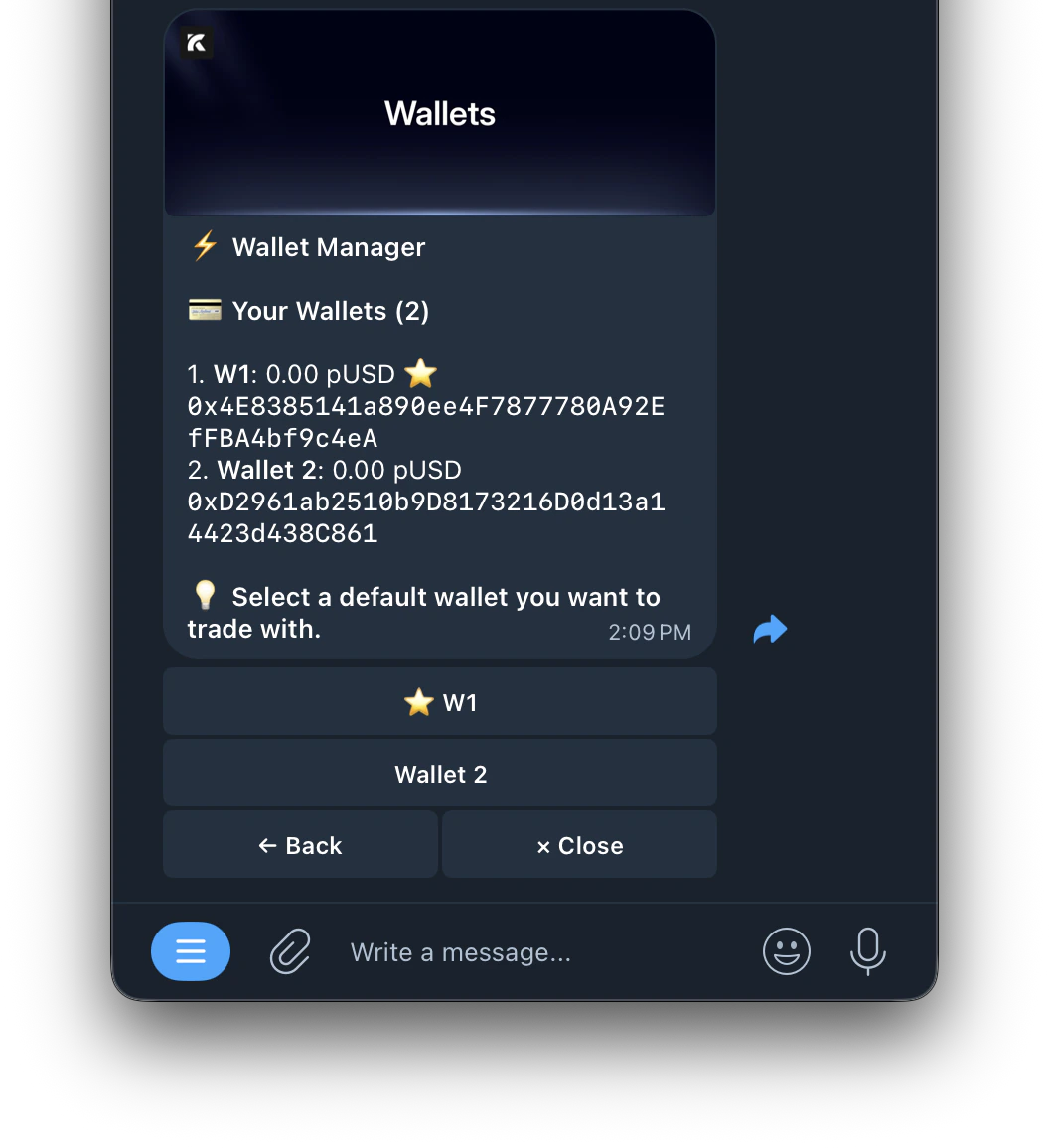
- The selected wallet will show ⭐ next to its name
- All manual trades use your default wallet
- Hub bot > Wallet Manager shows your default wallet’s key
- New copy trade and auto trade tasks default to this wallet unless you choose a different one
