Documentation Index

Fetch the complete documentation index at: https://docs.kreo.app/llms.txt

Use this file to discover all available pages before exploring further.

Export your private key to use your Kreo wallet in external wallets like MetaMask.
Step 1: Set your default wallet
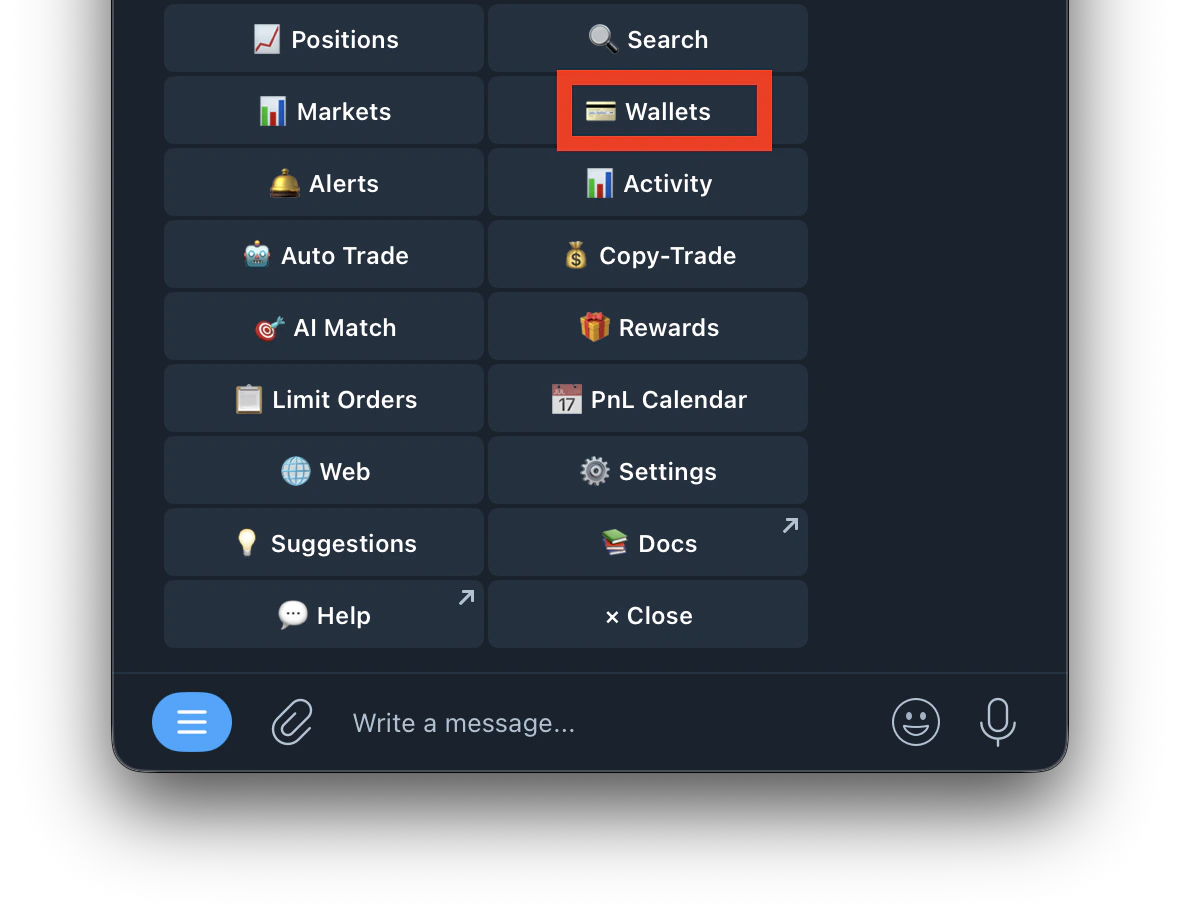
  1. Type /wallets
    Screenshot 2026 04 26 At 1 29 32 AM
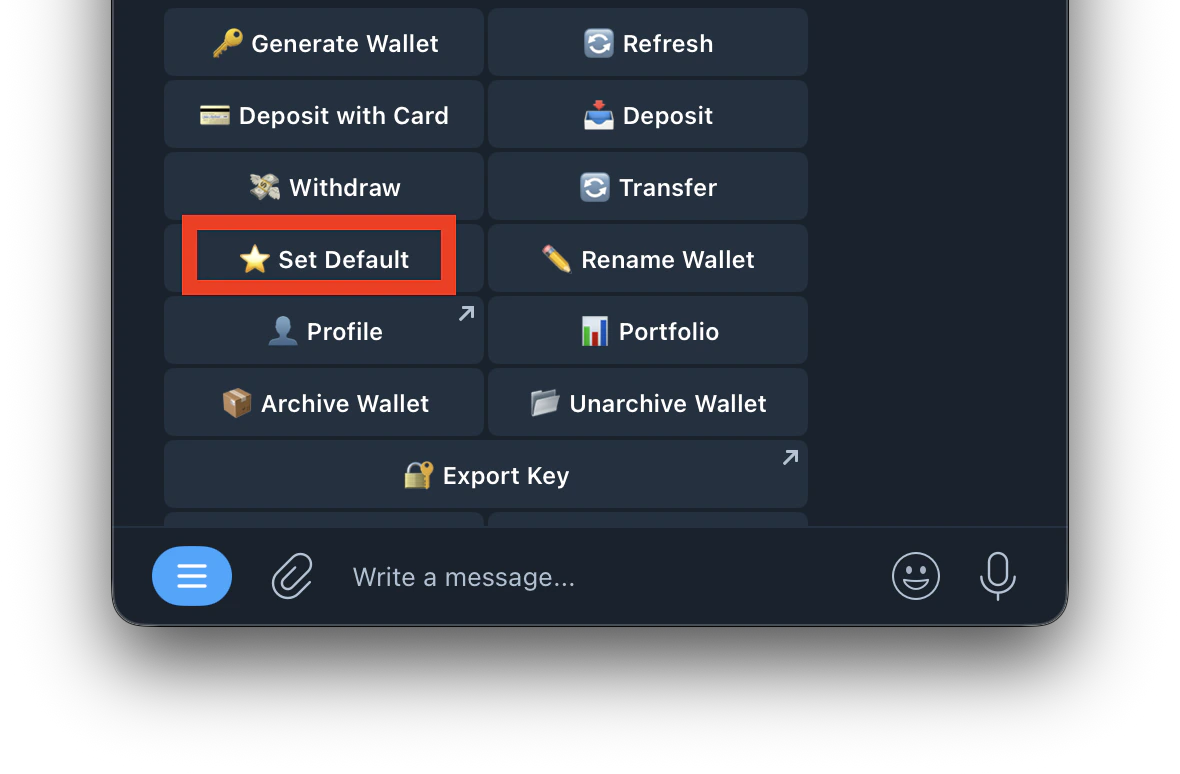
  2. Select the wallet you want to export and set it as your default
    Screenshot 2026 04 26 At 1 31 22 AM
Step 2: Export from Hub
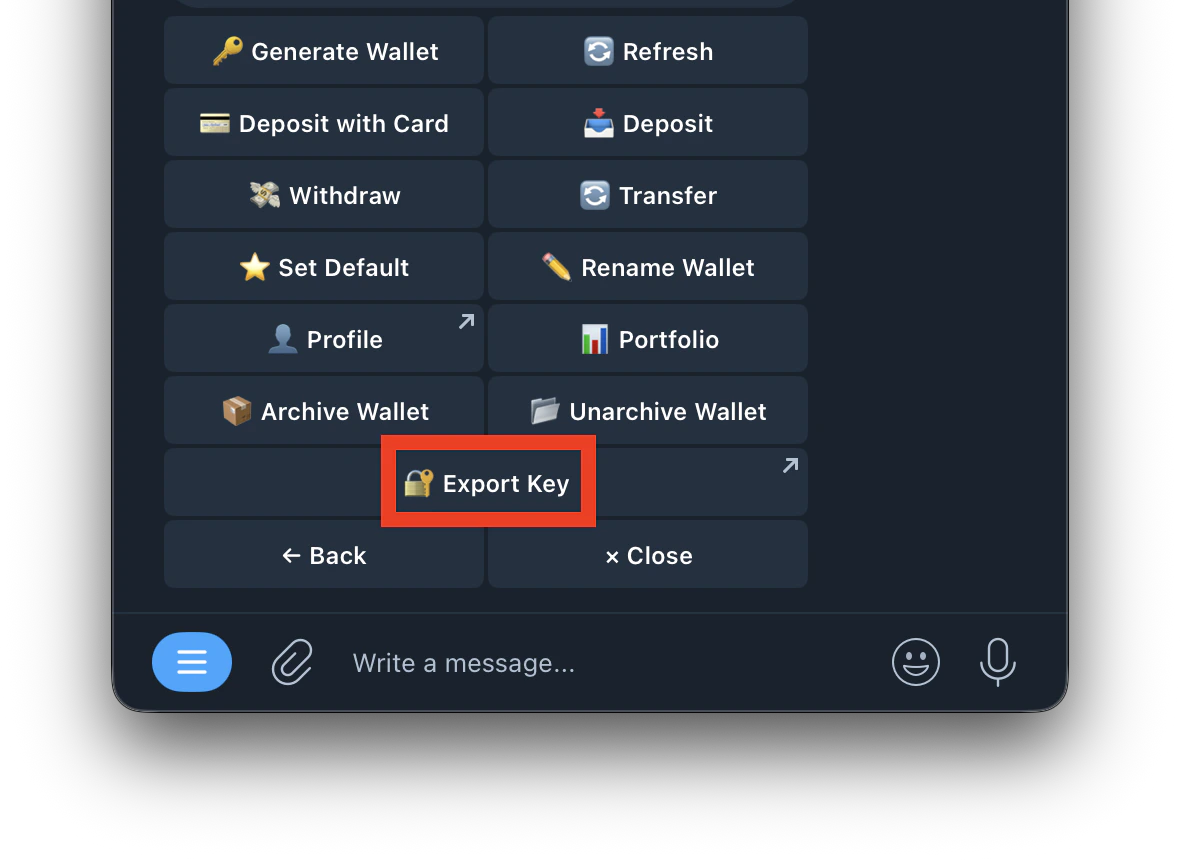
  1. Go to /wallets and tap Export Key
    Screenshot 2026 04 26 At 1 33 34 AM
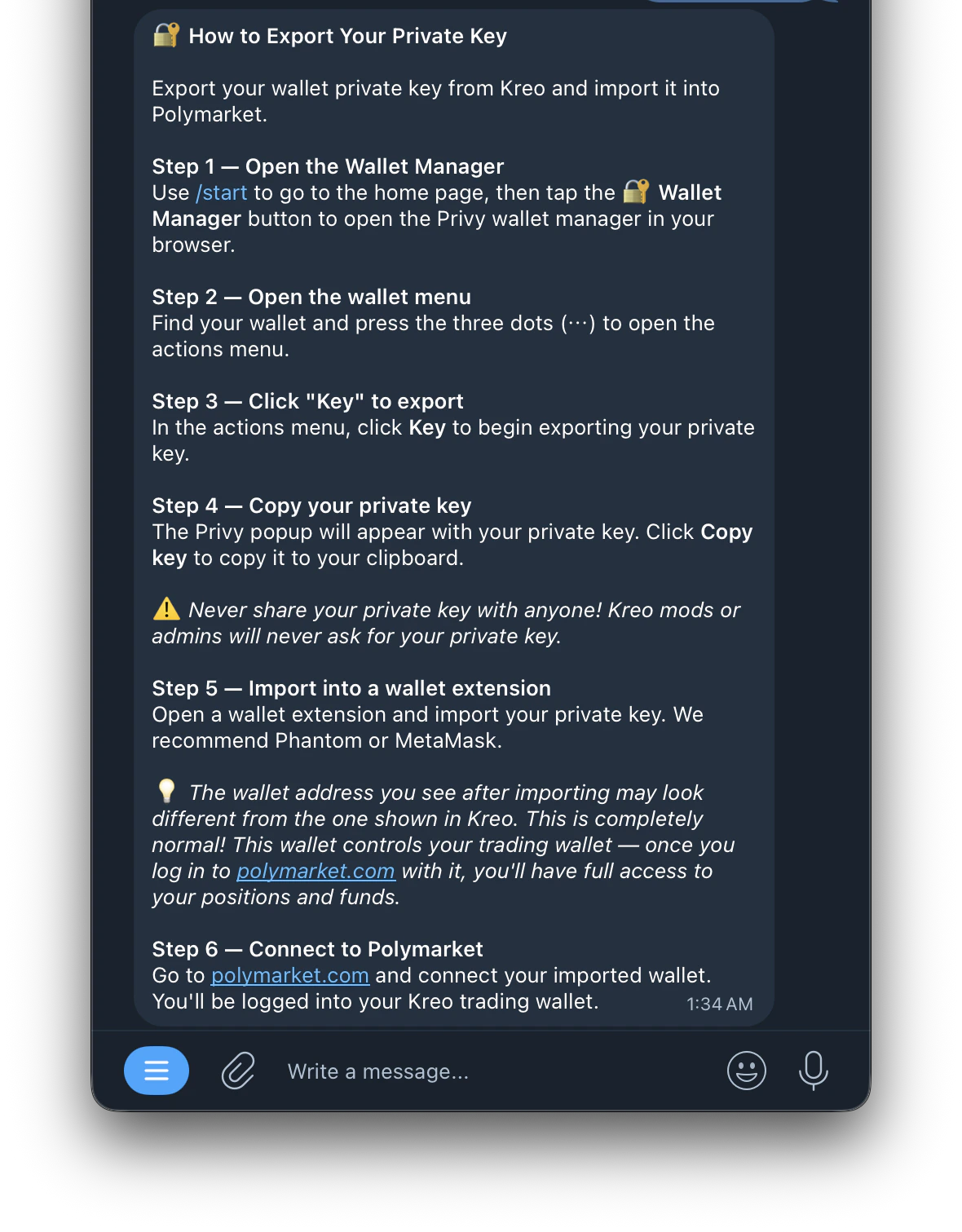
  2. It redirects you to Kreo Hub
    Screenshot 2026 04 26 At 1 34 45 AM
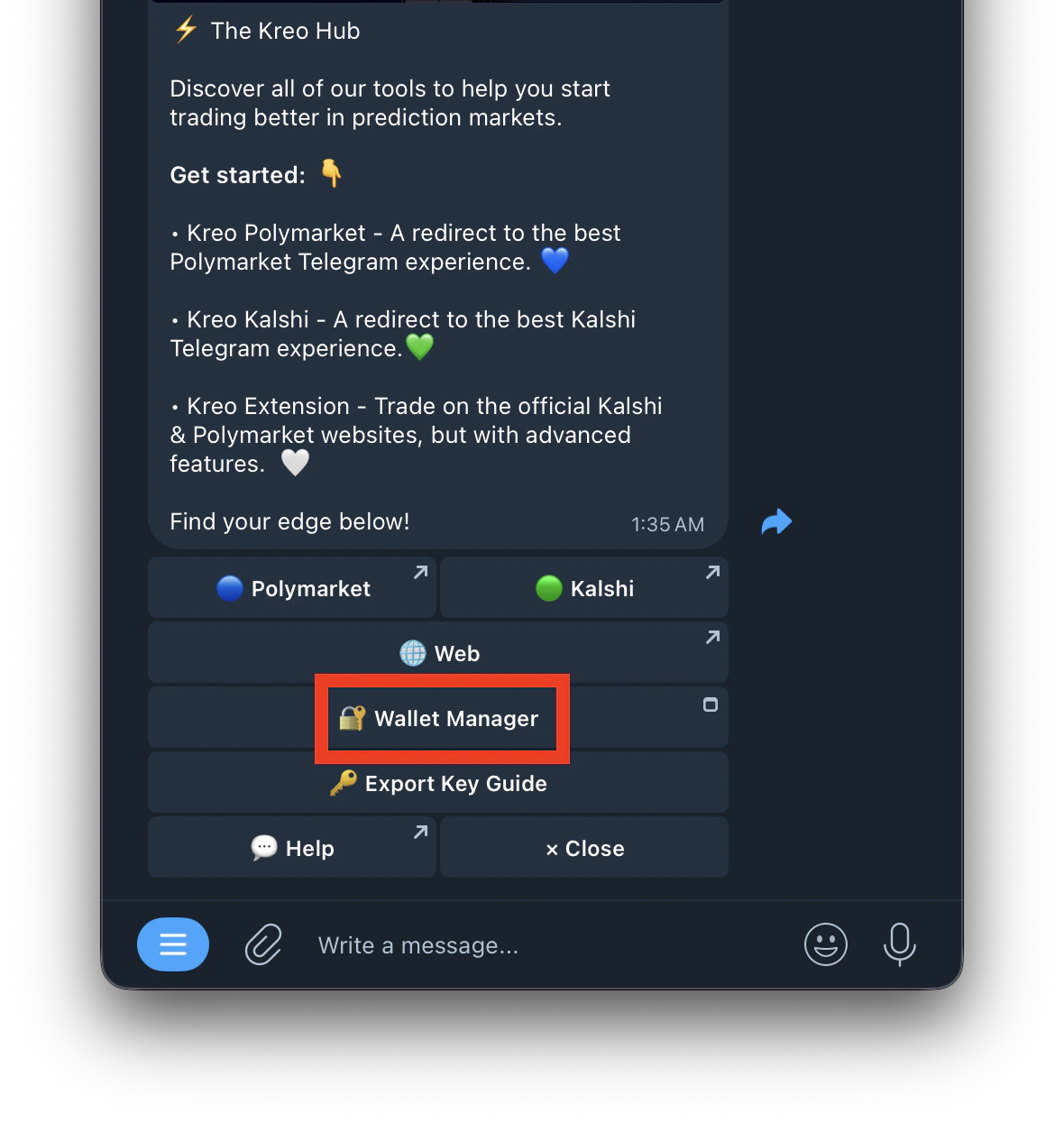
  3. Open Wallet Manager
    Screenshot 2026 04 26 At 1 36 38 AM
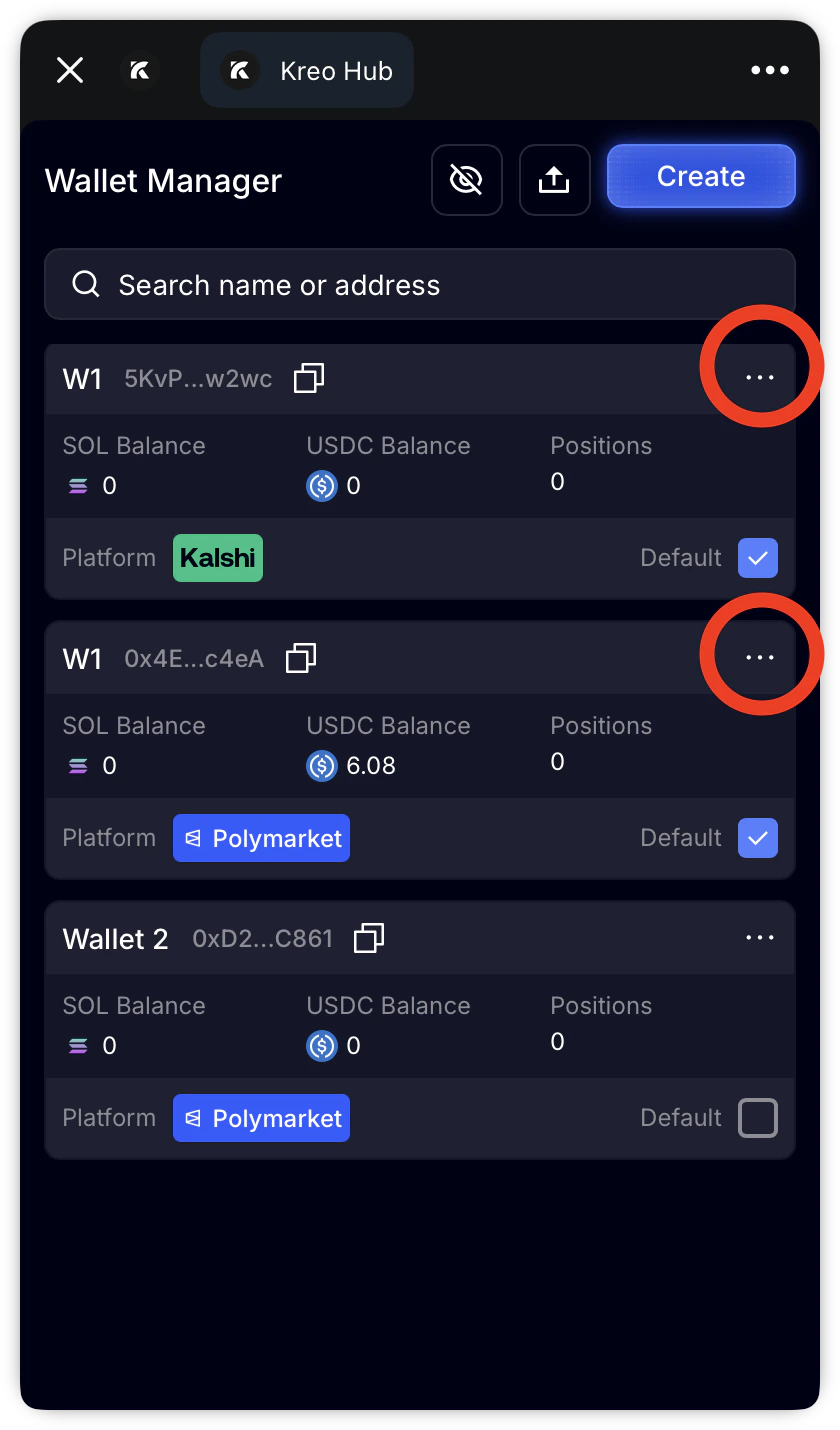
  4. Tap the three dots on the wallet you want to export
    Screenshot 2026 04 26 At 1 38 12 AM
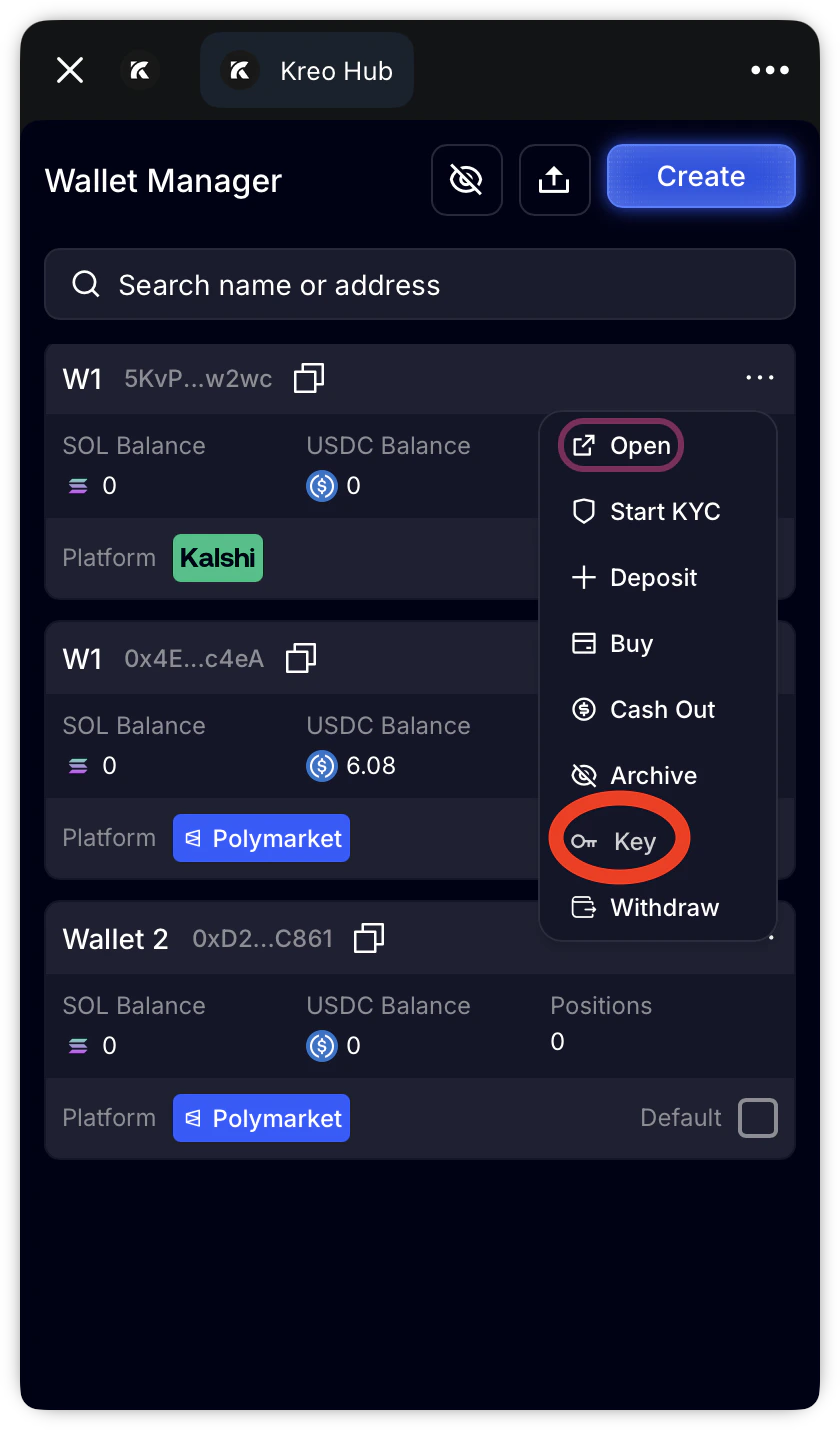
  5. Tap Key
    Screenshot 2026 04 26 At 1 40 02 AM
  6. Your private key will be displayed, copy it and store it safely.
  • Only private key export is available — there is no seed phrase
  • The exported key is for the owner wallet — this controls your Kreo wallet and shows a different address. This is by design
  • You can import this key into MetaMask or Phantom to access your positions on Polymarket
  • Never share your private key with anyone. Admins will never ask for it 🔐