
Fund your Kreo wallet directly with your bank card
no crypto needed
Kreo allows you to buy crypto and deposit directly into your wallet using Coinbase’s fiat on-ramp. This is the easiest way to get started if you’ve never bought crypto before.
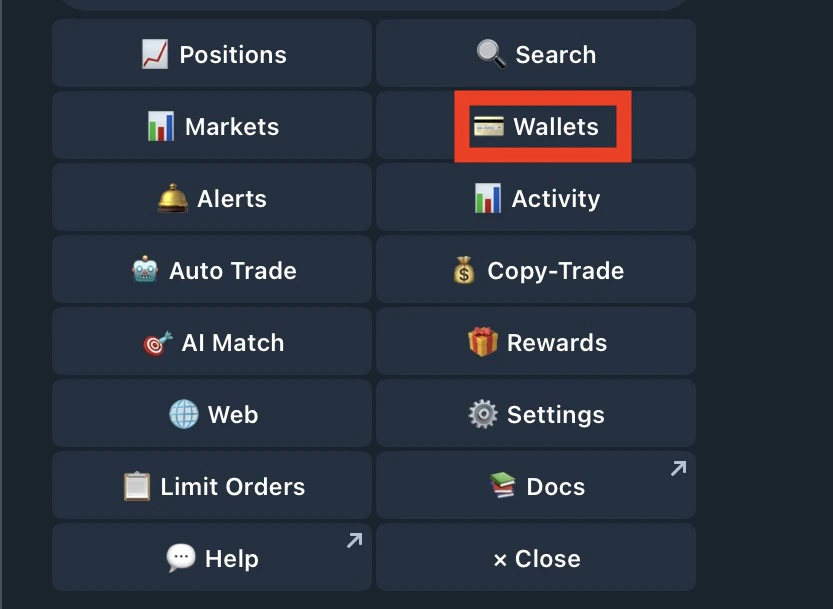
- Type /wallets or /start and tap Wallets
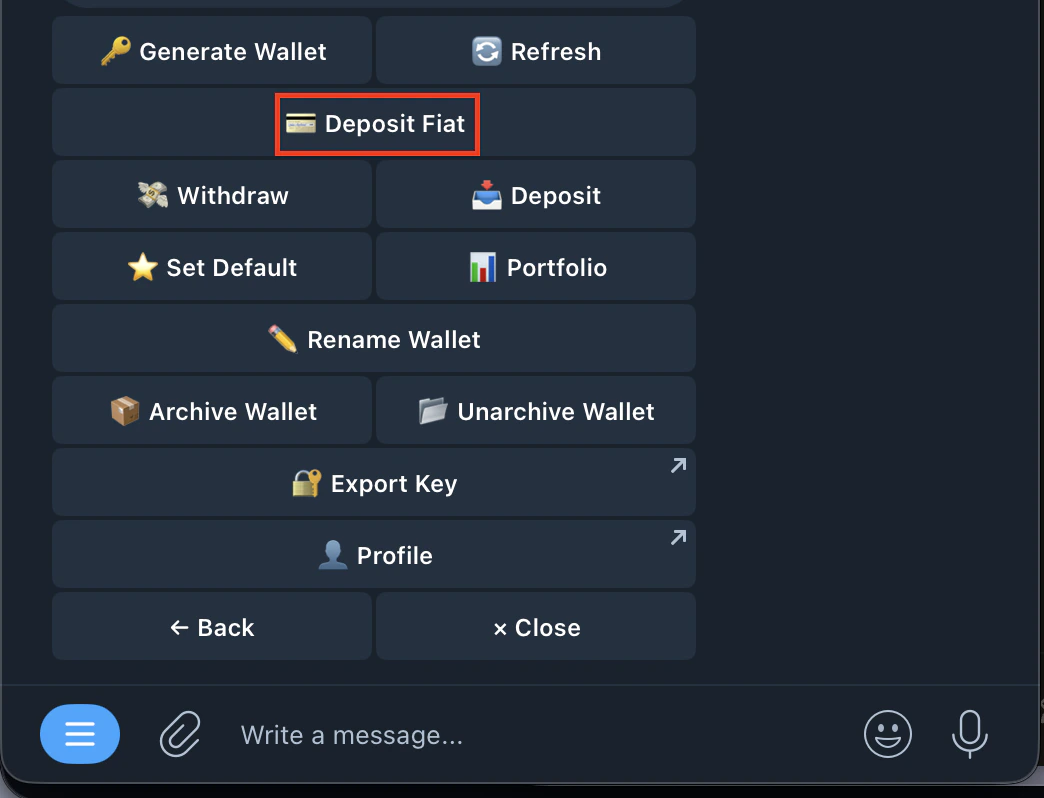
- Select Deposit Fiat
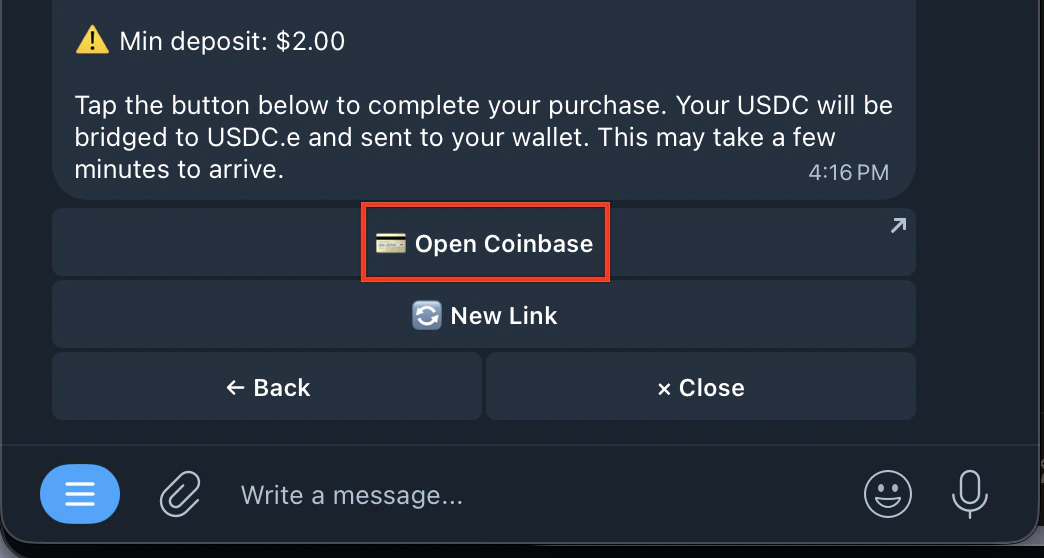
- Tap Open Coinbase
- Choose your payment method (bank account or debit card)
- Enter the amount you want to deposit
- Complete the purchase on Coinbase
- Funds auto-bridge to USDC.e in your Kreo wallet
- Minimum deposit: $2.00
- Funds typically arrive within minutes
- No need to manually convert or send crypto — everything is handled automatically
- Your funds are converted to USDC.e on Polygon and deposited directly into your Kreo wallet