Documentation Index

Fetch the complete documentation index at: https://docs.kreo.app/llms.txt

Use this file to discover all available pages before exploring further.

Setting up and managing Sport auto trade tasks.
1

Navigate to /autotrade

Type /Autotrade or /start and click on Auto Trade
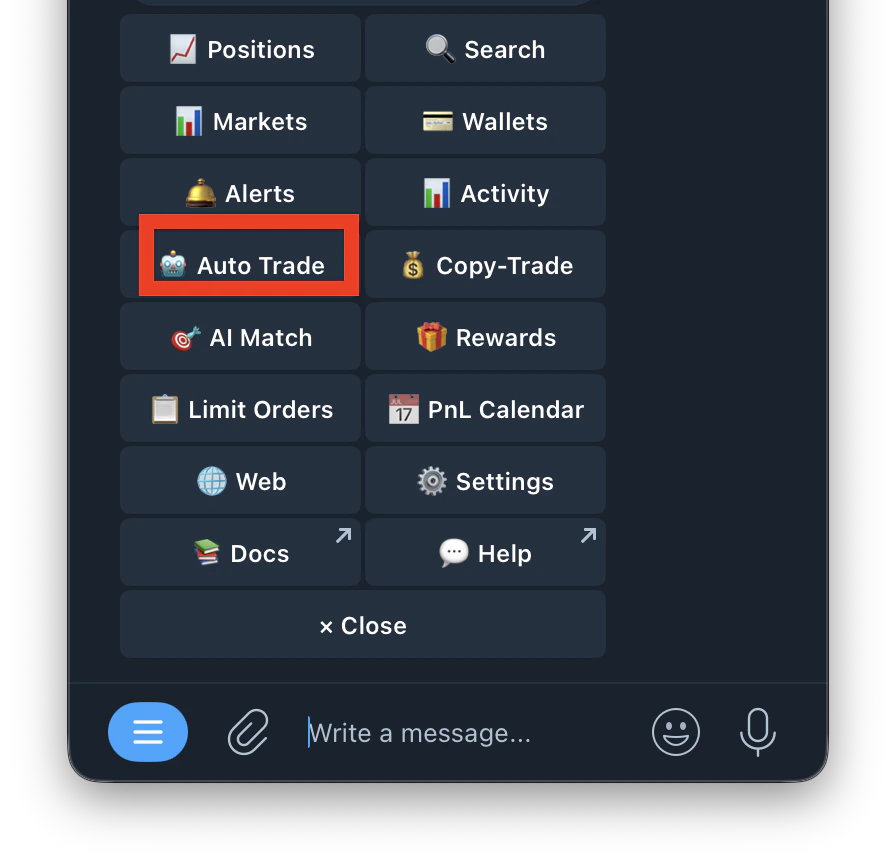
Screenshot 2026 04 22 At 11 53 32 PM 1
2

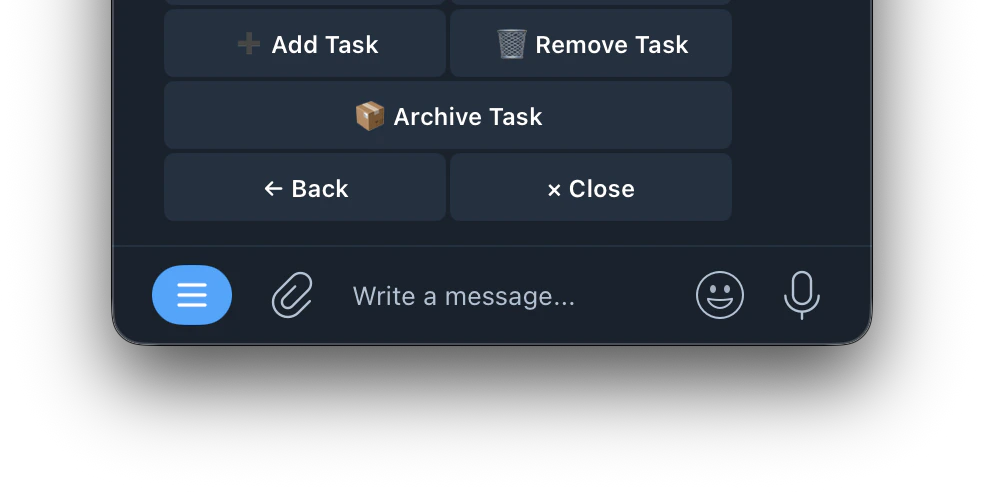
Tap Add Task 

Screenshot 2026 04 23 At 12 02 05 AM 1
3

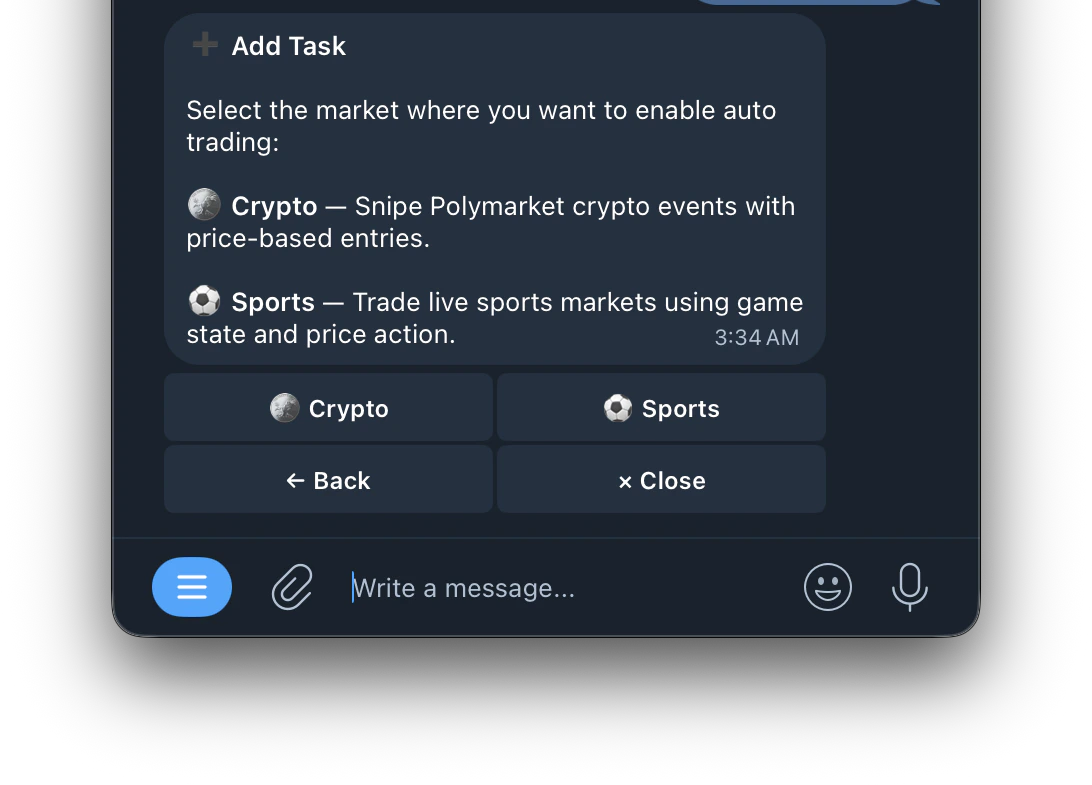
Select Sport

Screenshot 2026 04 23 At 3 35 13 AM
4

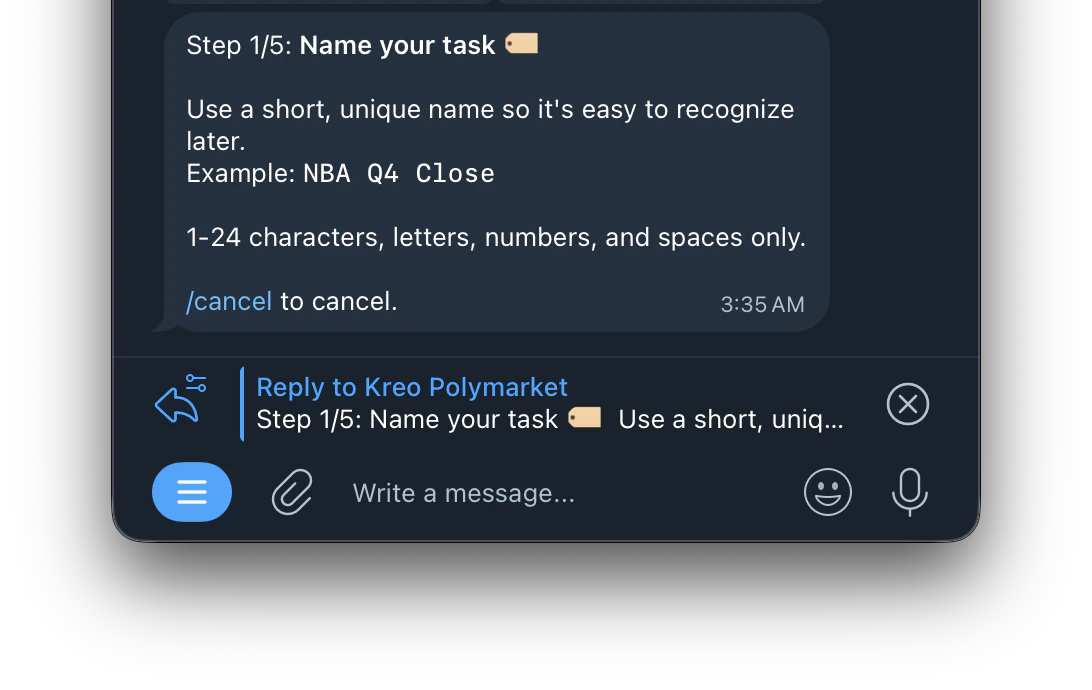
Name your task

Screenshot 2026 04 23 At 3 36 06 AM
5

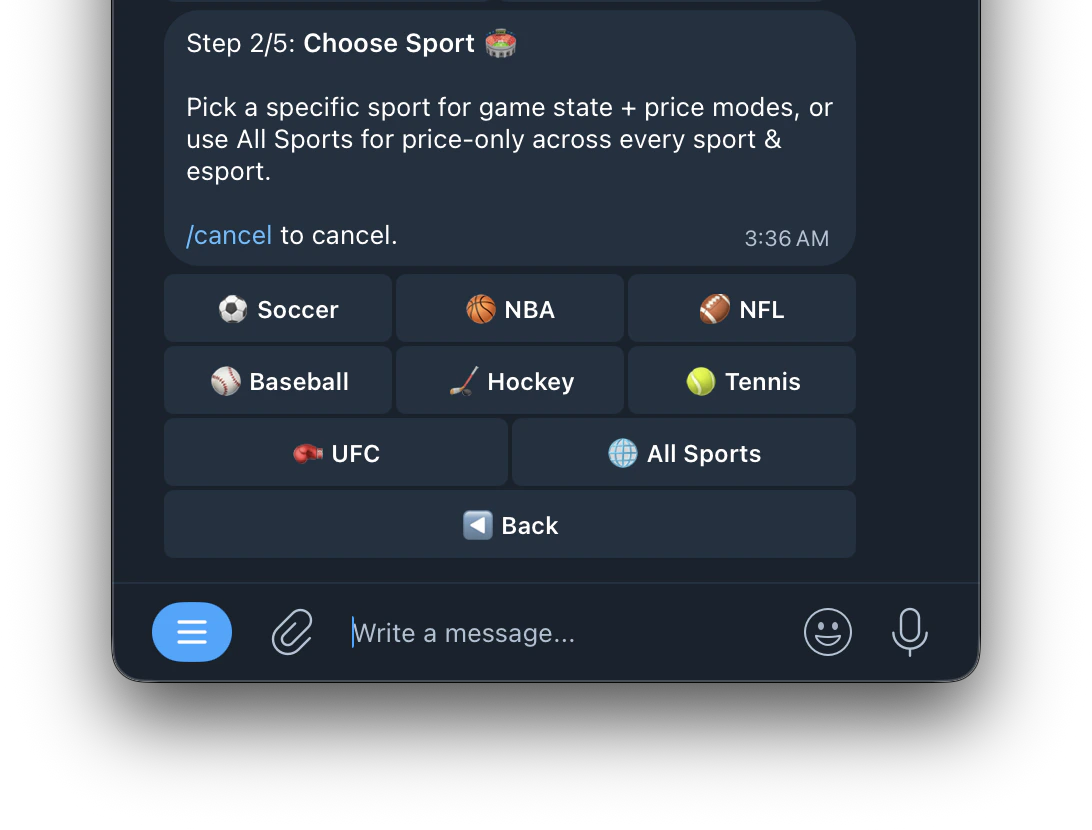
Choose Sport 🏟️

Screenshot 2026 04 23 At 3 37 05 AM
7

Amount per trade

Trades the same dollar amount every time regardless of your portfolio size. For example if you set $10, every trade will always be $10.
Trades a percentage of your portfolio. As your portfolio grows, your trade size grows with it. This means your position sizes automatically adjust based on how much you have in your wallet.
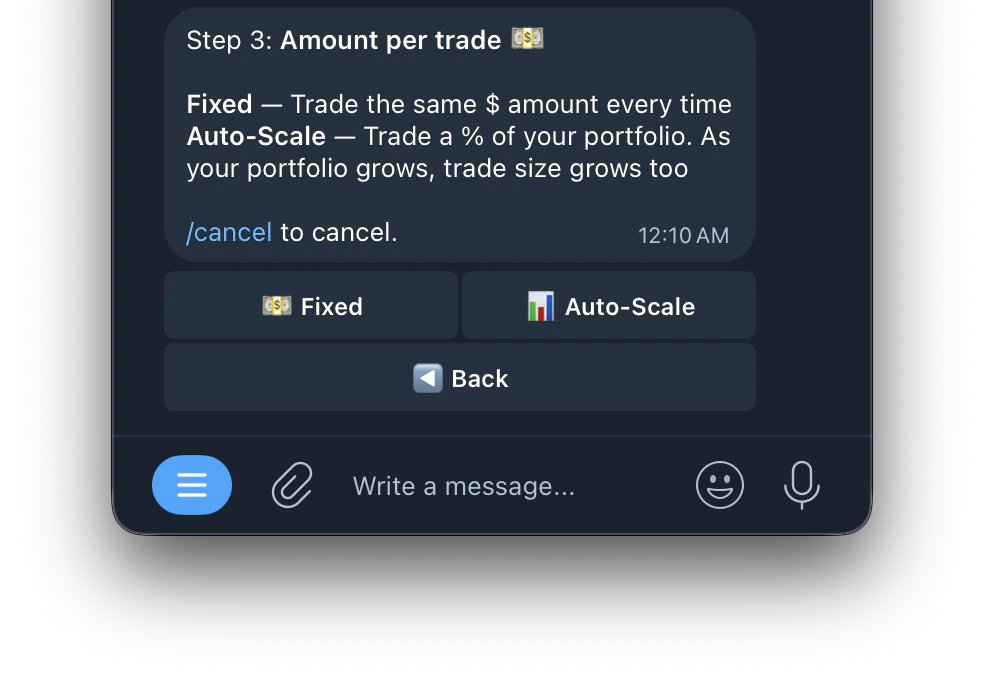
Screenshot 2026 04 23 At 12 13 08 AM 2
8

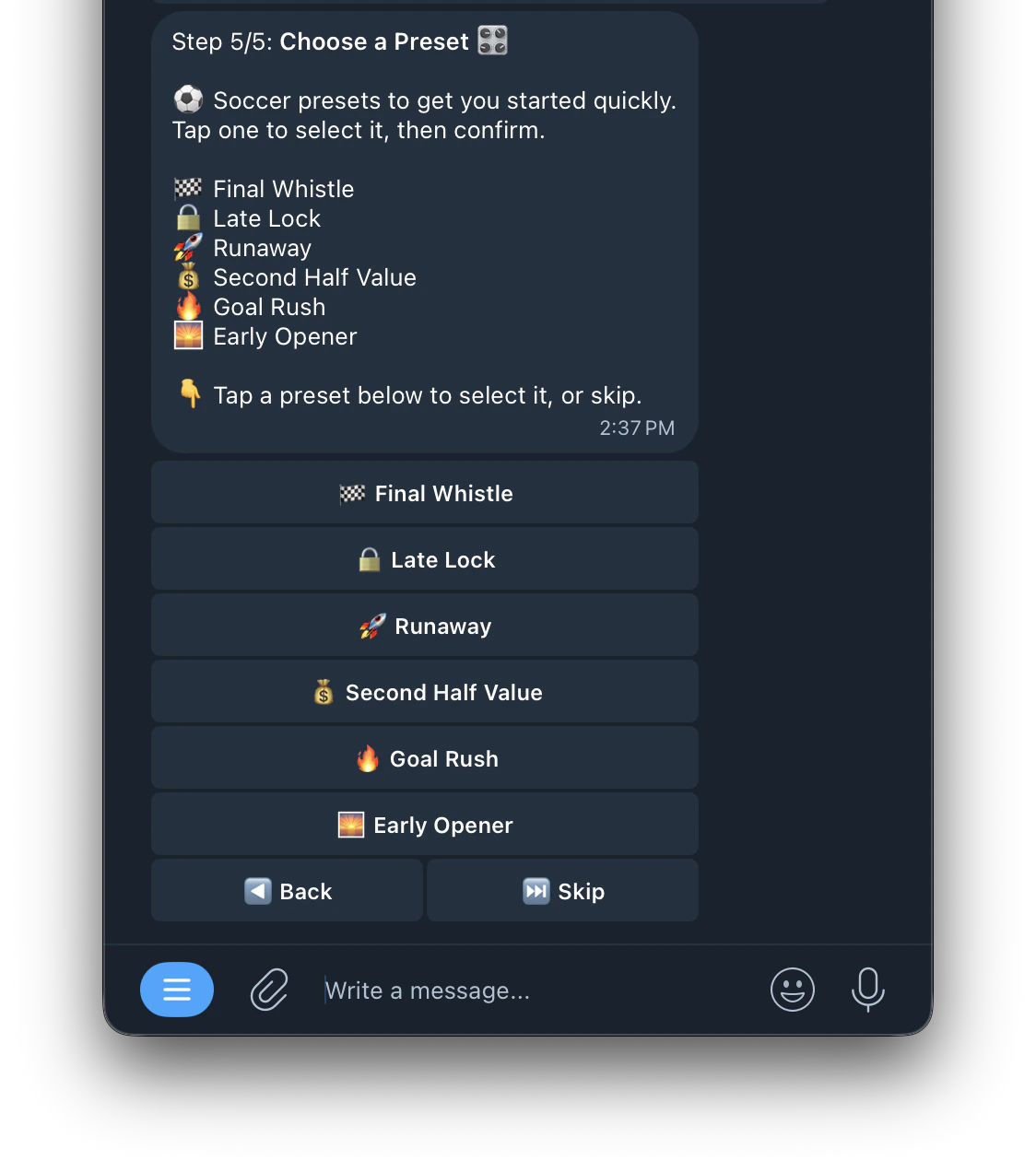
Choose a Preset 🎛️

Here’s what the preset selection looks like:
Screenshot 2026 04 30 At 2 40 17 PM
Click here to see the preset
Pick a specific sport for game state + price modes, or use All Sports for price-only across every sport and esport. You can also filter by specific leagues within each sport.