Access Advanced Settings by tapping ⚙️ Advanced from the Edit Task menu. From here you can fine-tune how the bot enters and exits trades.
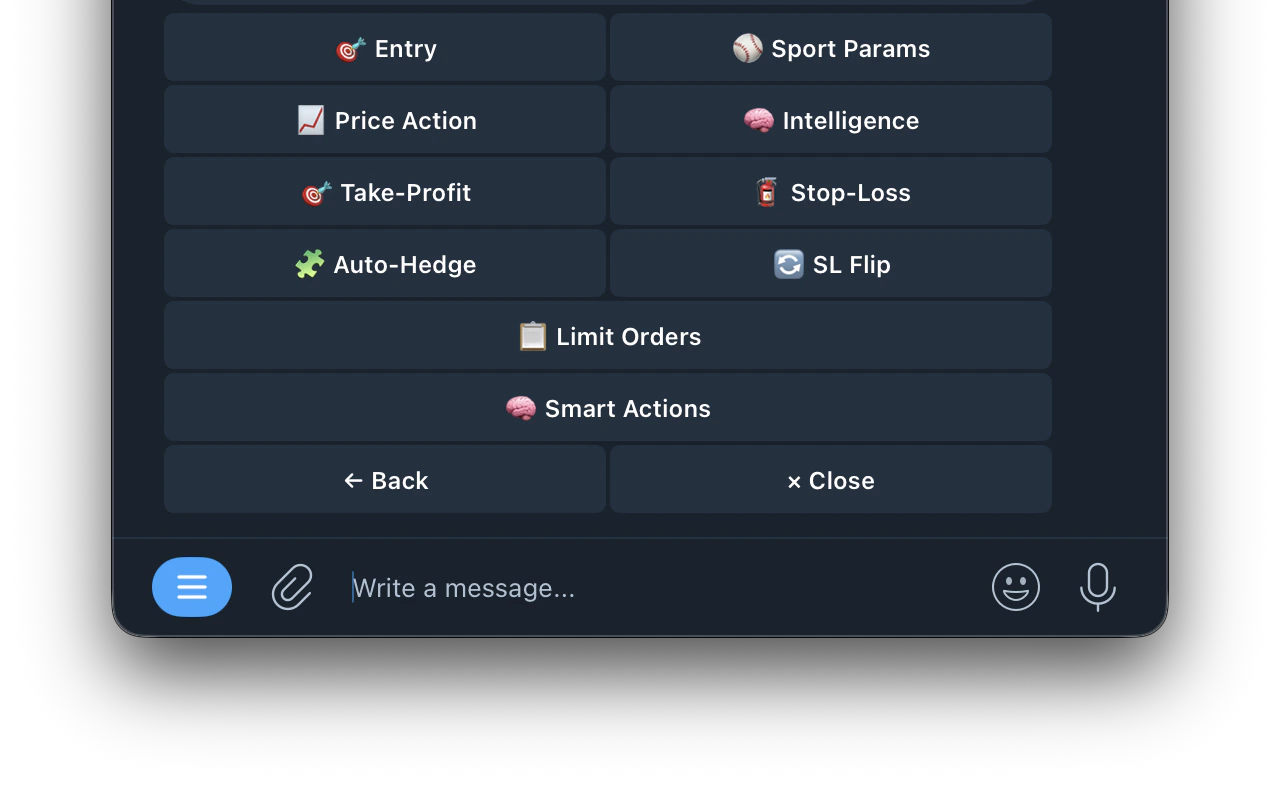
🎯 Entry
Filter which markets the bot is allowed to trade based on price and side.
Price Range
Price Range
only enter when the buy price (odds) is within your set range. Lower prices = higher potential payout but less likely to win
Max Spread
Max Spread
maximum gap between buy and sell price. Tighter spread = better liquidity and less slippage
Sides
Sides
which token types the bot can buy. Only applies to 3-way markets (e.g. soccer: Home Win / Draw / Away Win). Options: Yes, No or Both
Per Spike Limit
Per Spike Limit
maximum entries on a single price spike before waiting for cooldown
Spike Cooldown
Spike Cooldown
seconds to wait between spikes before allowing new entries
Max Total Entries
Max Total Entries
maximum entries across all spikes for one game
📈 Price Action
Detects sharp odds movements and trades automatically. The bot monitors each token’s price over a time window and enters when the move exceeds your threshold.
Lookback Window
Lookback Window
how far back in seconds to measure price movement. Set to 0 to disable
Min Move %
Min Move %
minimum price change within the window to trigger an entry. Set to 0 to disable
Direction
Direction
which price movement triggers a buy
↕️ Both
↕️ Both
triggers on any movement but only buys the rising side
⬆️ Up
⬆️ Up
buys the rising token (momentum). e.g. Portugal scores → buys “Portugal Win: Yes” as it spikes⬇️ Down
⬇️ Down
⬇️ Down
buys the falling token (dip buy). e.g. Portugal scores → buys “Mexico Win: Yes” while it’s cheap
Min Volume Ticks
Min Volume Ticks
minimum price updates in the buffer before the bot can enter. Filters out low-liquidity markets
🧠 Intelligence
Extra protection that works alongside your TP/SL. These features never replace your existing exits, they only add smarter ones.
📊 Adaptive Sensitivity
📊 Adaptive Sensitivity
Makes the bot more trigger-happy in late-game and close-score situations where odds tend to swing harder.
- Late-Game Boost: how aggressive to get near the end. 1.5x = 50% easier to trigger, 2.0x = twice as easy
- Close-Score Boost:⚡ Smart Exits extra sensitivity when teams are neck and neck
- Ramp Start — when to start ramping up (e.g. Soccer ~60 min, NFL ~40 min, NBA ~35 min)
⚡ Smart Exits
⚡ Smart Exits
Gets you out early when your position shows bad signs — before TP/SL would react.
- Momentum: sells stale positions that never moved after entry
- Reversal: sells when profit starts fading fast from its peak
- Liquidity: sells when the market goes dead with too few price updates
🎯 Score Confirmation
🎯 Score Confirmation
When the other team scores, your stop-loss automatically gets tighter so you exit faster if things keep going wrong.
📖 Orderbook Depth
📖 Orderbook Depth
Detects when orders get pulled from the book before a price spike — sees the empty book before the price moves.
- Mode:
- Standalone: enters on orderbook changes alone. Best for sports as it enters before price moves
- Confirm: waits for price to move AND book to thin. Safer but slower
- Boost: lowers the price action threshold when depth confirms
- Sensitivity: Low, Medium or High
- Spread Gap — triggers when the bid-ask spread blows open wider than your set threshold in cents
Advanced Depth Settings:
Advanced Depth Settings:
- Depth Drop: how much ask/bid volume must drop from baseline to trigger (default 45%)
- Baseline Window: how far back to look for normal book state (default 20s)
- Recent Window: how many seconds of recent data to compare against baseline (default 2s)
- Imbalance Shift: how much the bid/ask ratio must change from baseline (default 0.25)
- Spread Multiplier: current spread must be this many times wider than baseline (default 2.5x)
- Price Gap: triggers when best ask or bid jumps by this many cents in seconds (default 3¢)
- Boost Reduction: in Boost mode, how much to lower the price action threshold when depth confirms (default 30%)
🎯 Take-Profit
Automatically sells when price moves in your favor by your set %. Click here for more details🧯 Stop-Loss
automatically sells when price drops by your set % Click here for more details🧩 Auto-Hedge
Auto-Hedge monitors the opposite side of your position and enters a hedge when the estimated result is net-positive after fees.
How it works
How it works
- Monitors the opposite-side live price while the market is open
- Sends a hedge only when your thresholds are met
- If thresholds are not met, it waits and skips bad hedges
Settings
Settings
- Enabled: turn Auto-Hedge on or off
- Min Profit: required net profit after fees before hedging (e.g. 2.00%)
- Max Combined Cost: entry price + hedge price must stay at or below this value (e.g. 0.970)
- Auto-Merge: when on, automatically merges YES+NO pairs and redeems to ~$1 USDC per pair on-chain after hedge fills. When off, both sides remain in wallet for manual management
🔄 SL Flip
When your stop-loss triggers it usually means price moved against you. SL Flip automatically enters the opposite side immediately to ride that confirmed move.Example: You bought Up at $0.80 and price drops to $0.55 triggering your stop-loss. SL Flip instantly buys Down to capture the confirmed downward move.
Settings
Settings
- Enabled: turn SL Flip on or off
- Amount: how much of the original trade to use for the flip (100% = same size)
- Max Entry Price: skip the flip if the opposite side costs more than this
- Min Time Remaining: skip the flip if the market window is about to close
- Flip Stop-Loss: stop-loss % for the flip trade (0 = uses your task’s default SL)
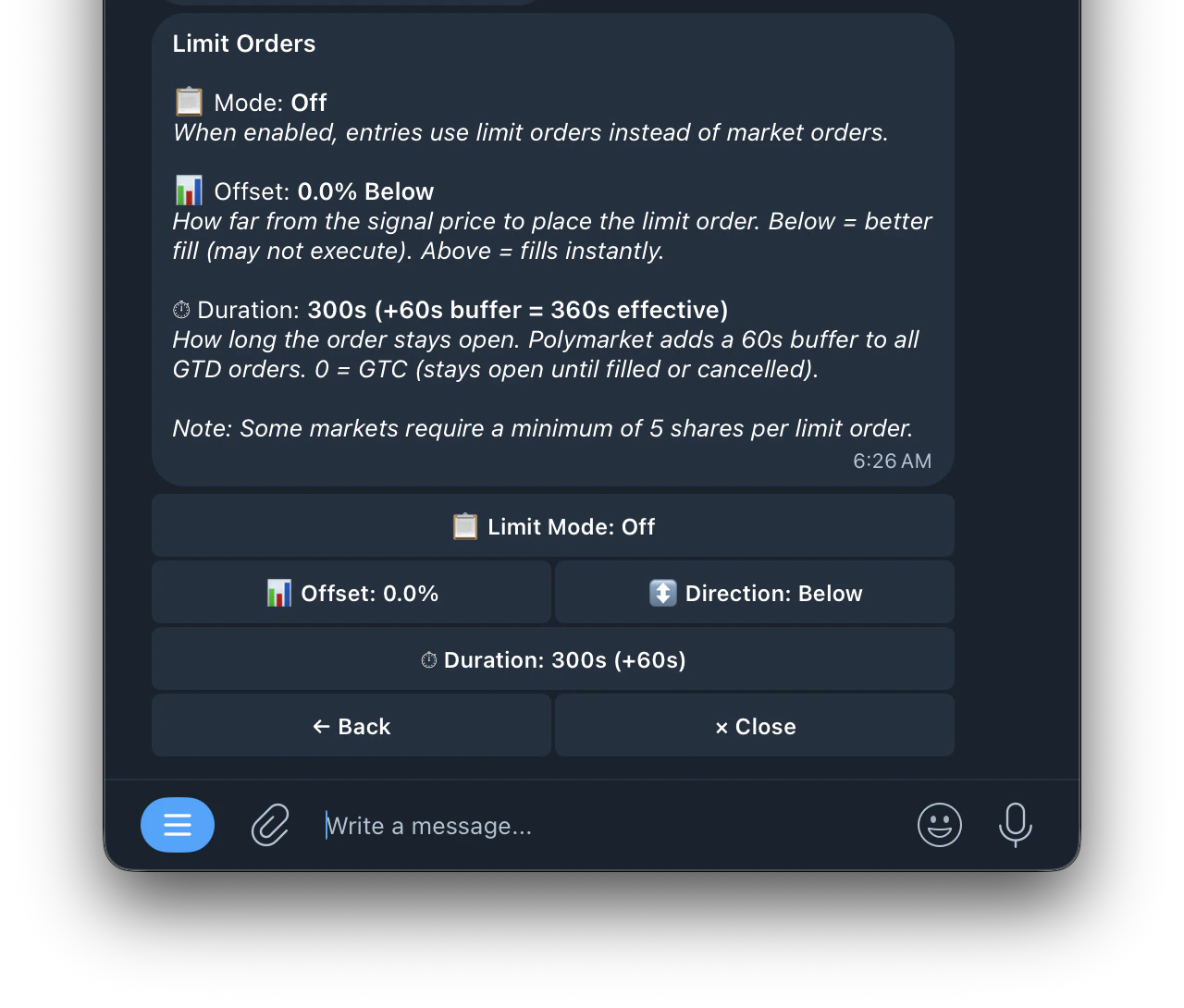
📋 Limit Orders
Place limit orders instead of market orders for potentially better fills.
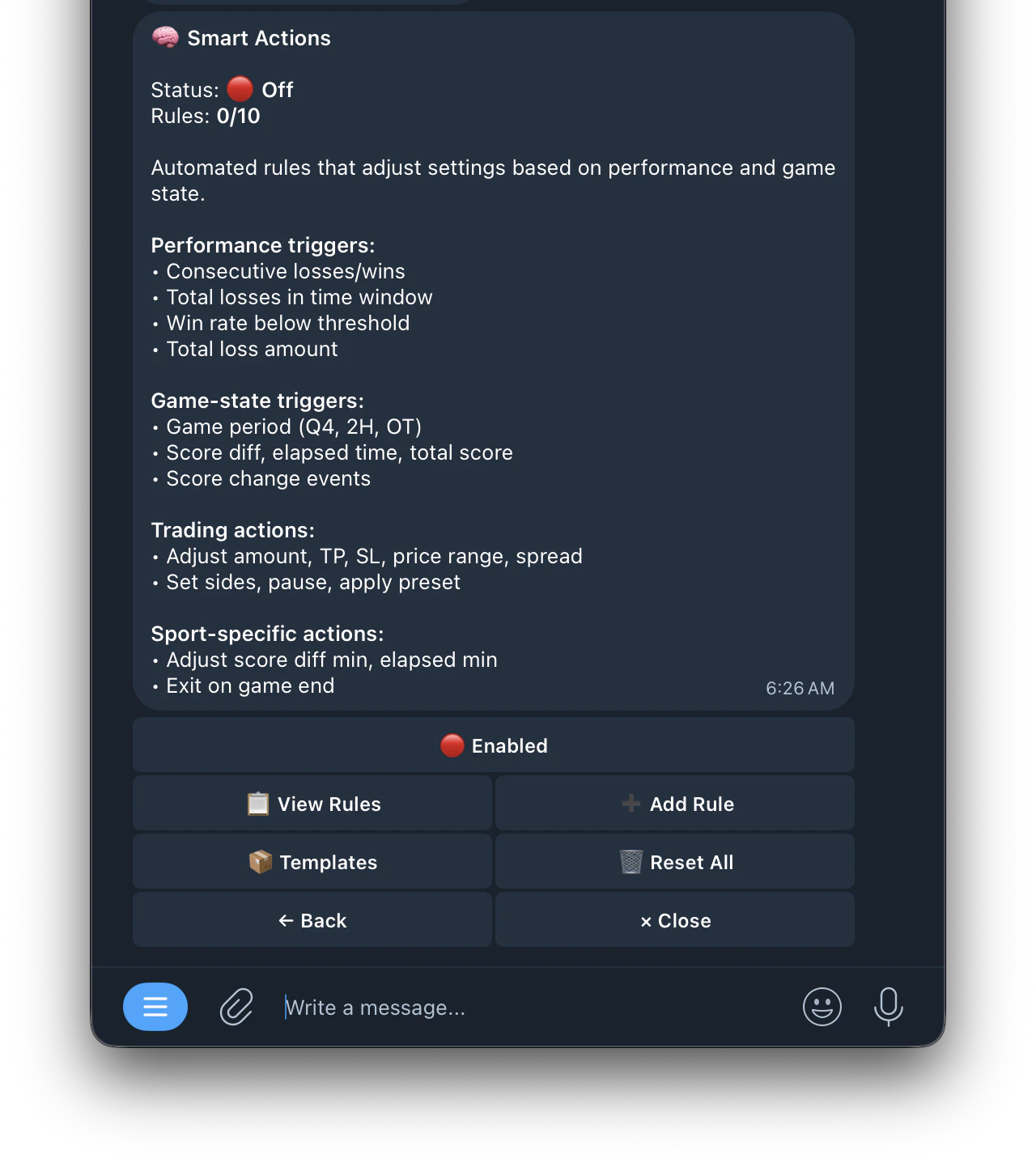
🧠 Smart Actions
Automatically adjust task settings based on performance and game state