Automatically sell your position if the price drops below a set threshold.
Stop Loss protects you from large losses by automatically selling when a position moves against you.
How to Configure
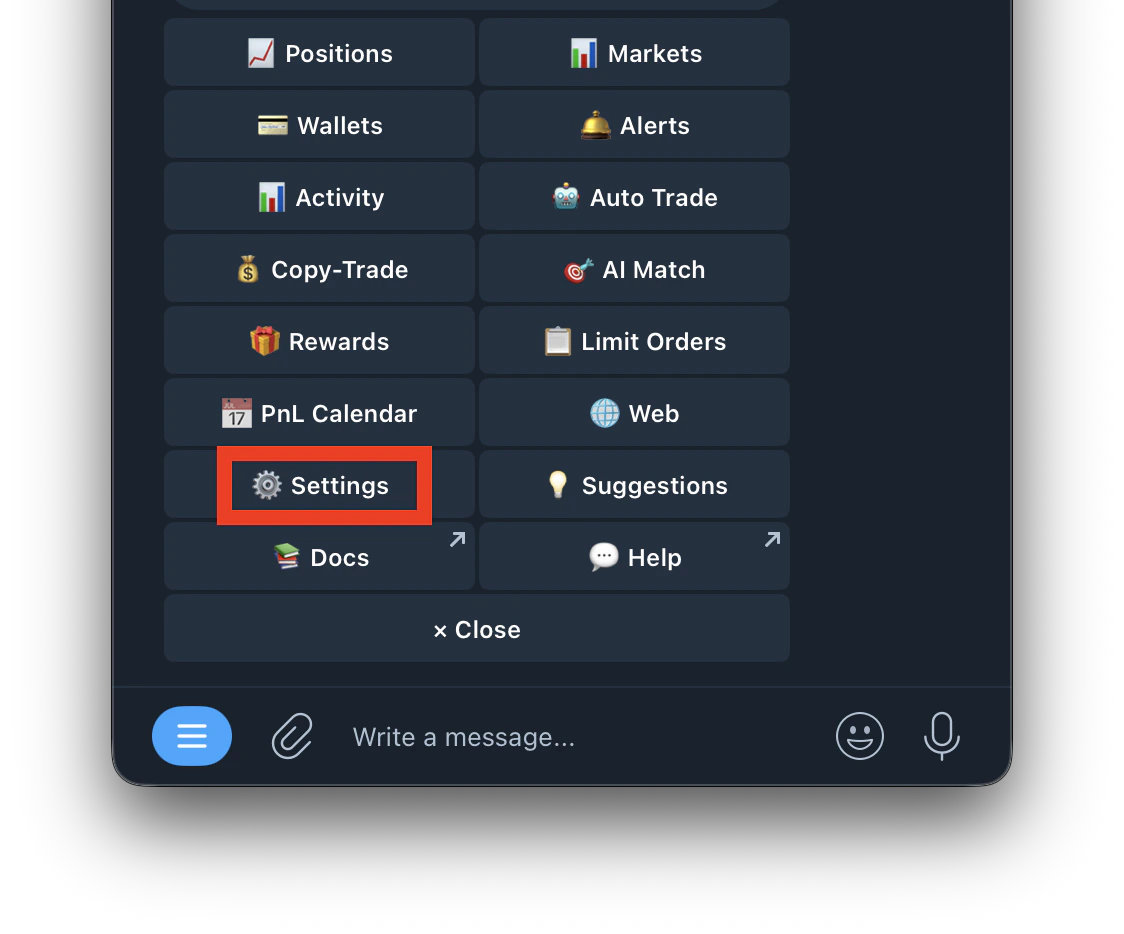
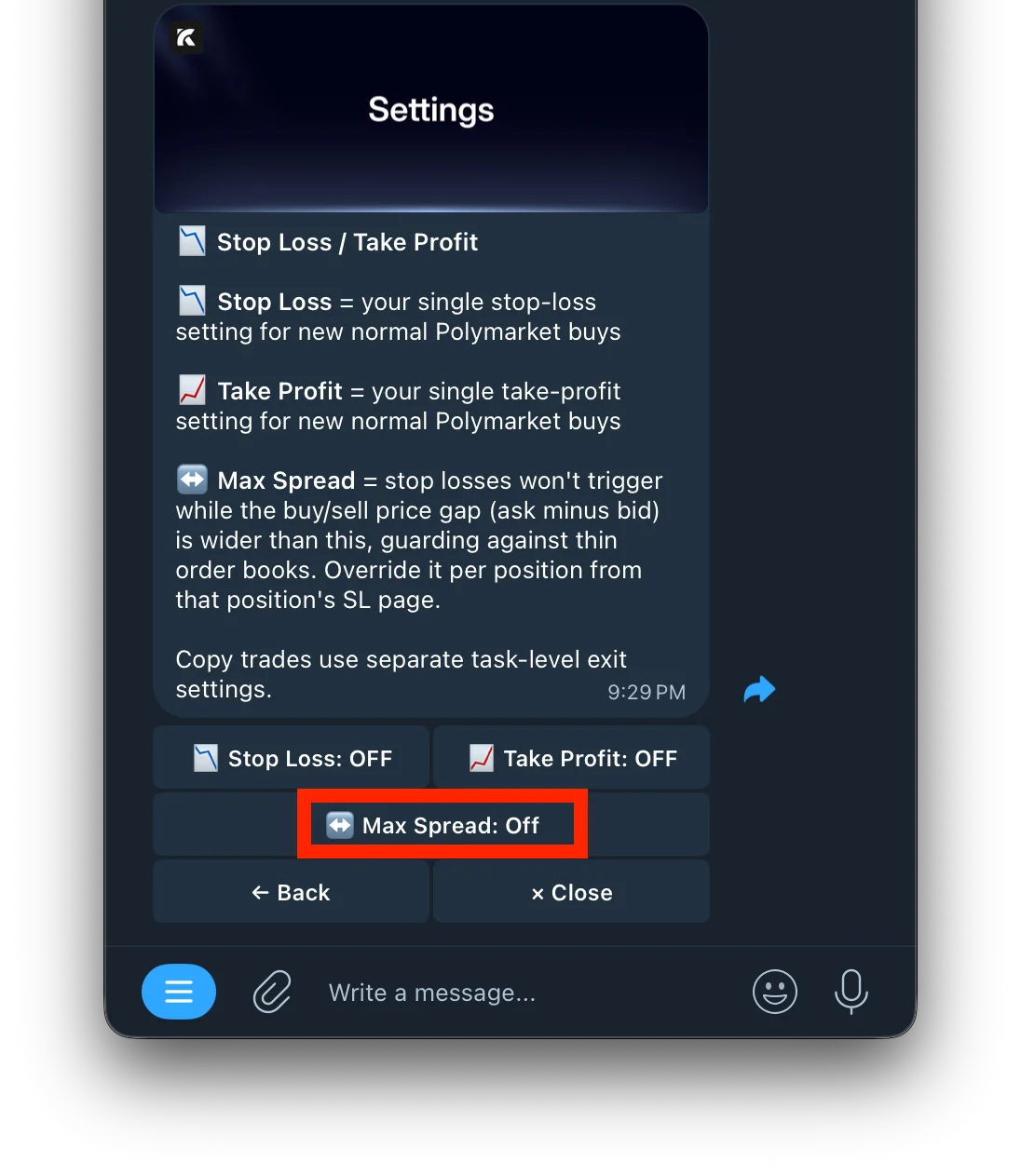
- Go to /settings
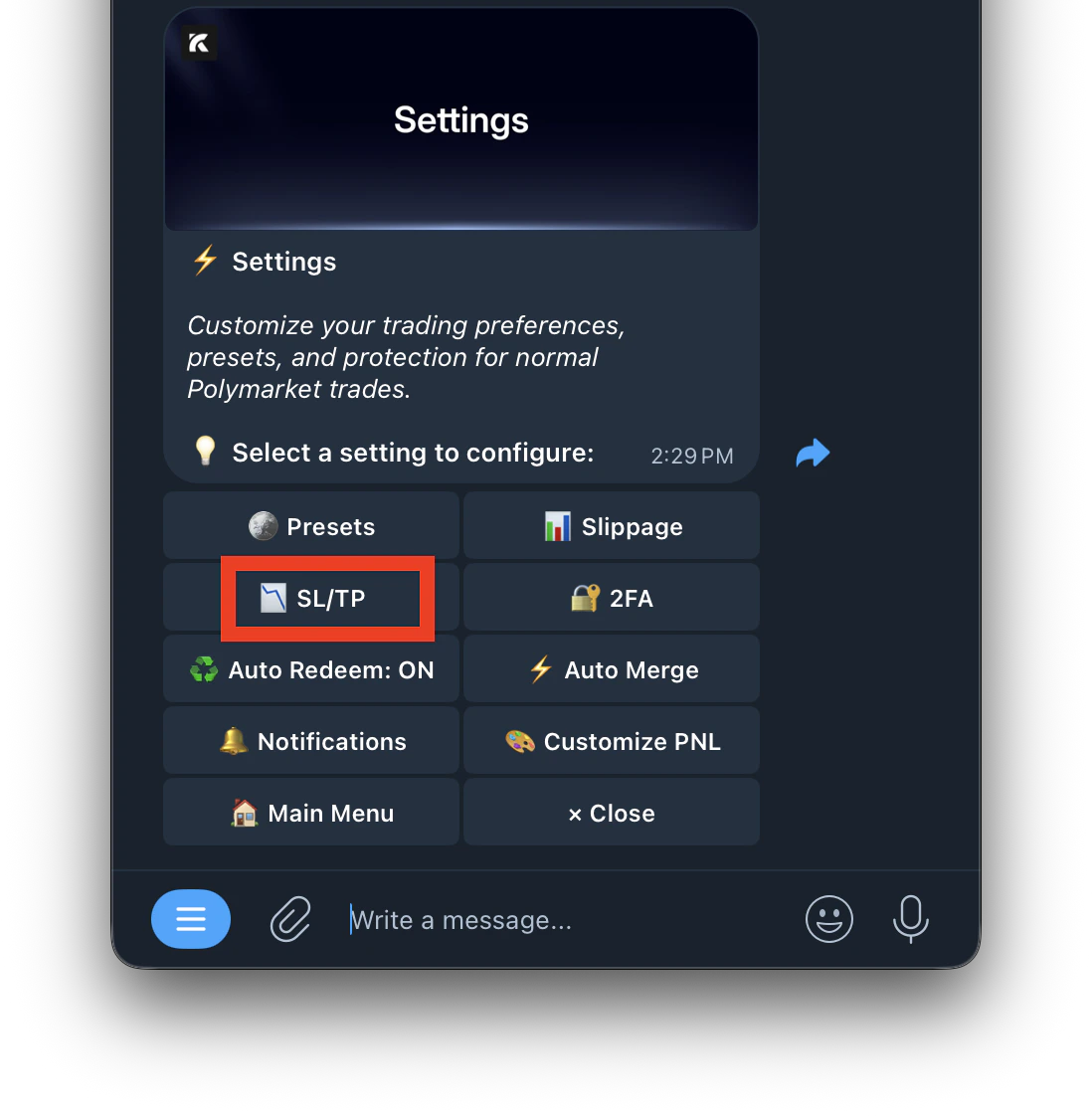
- Select SL/TP
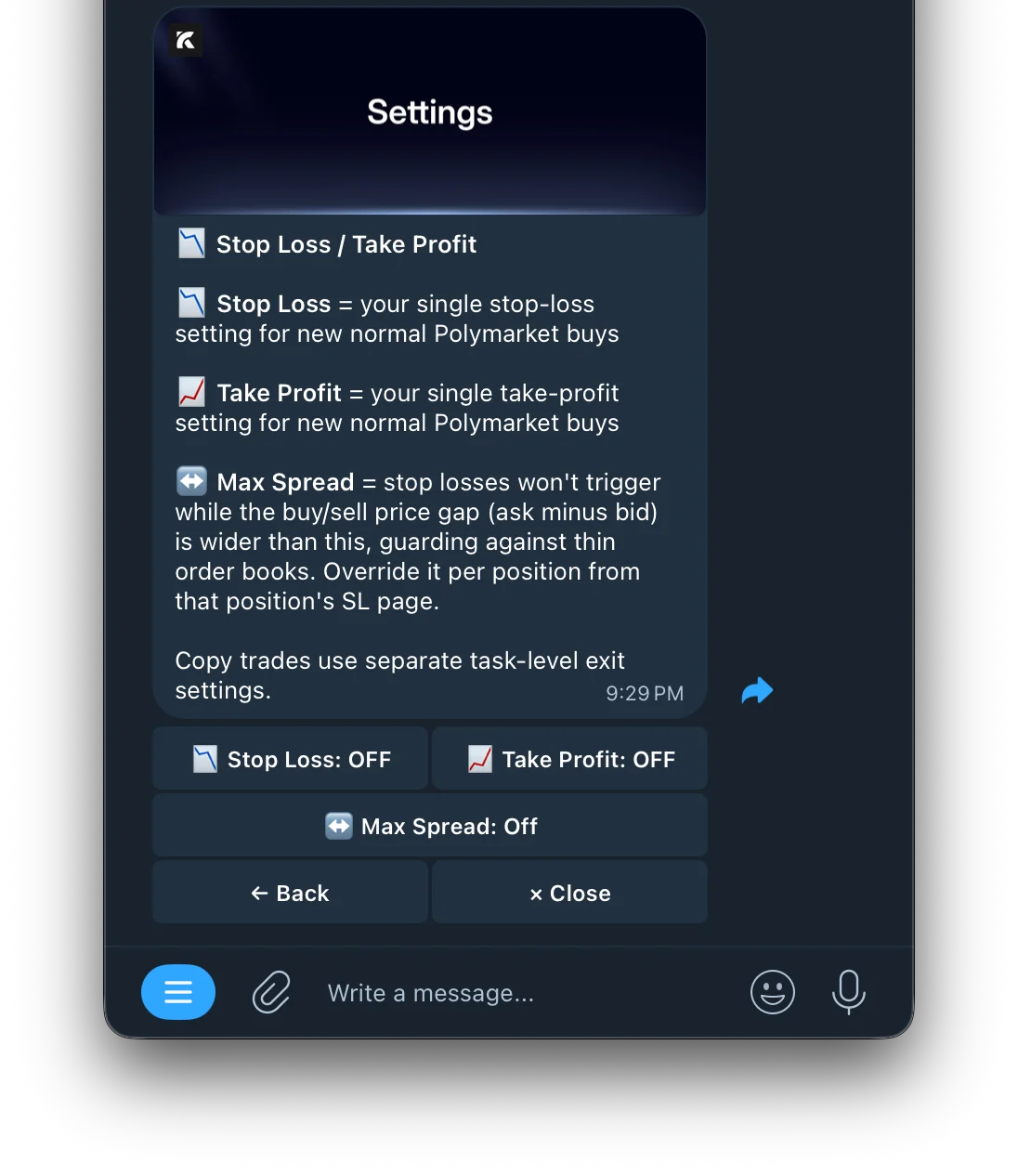
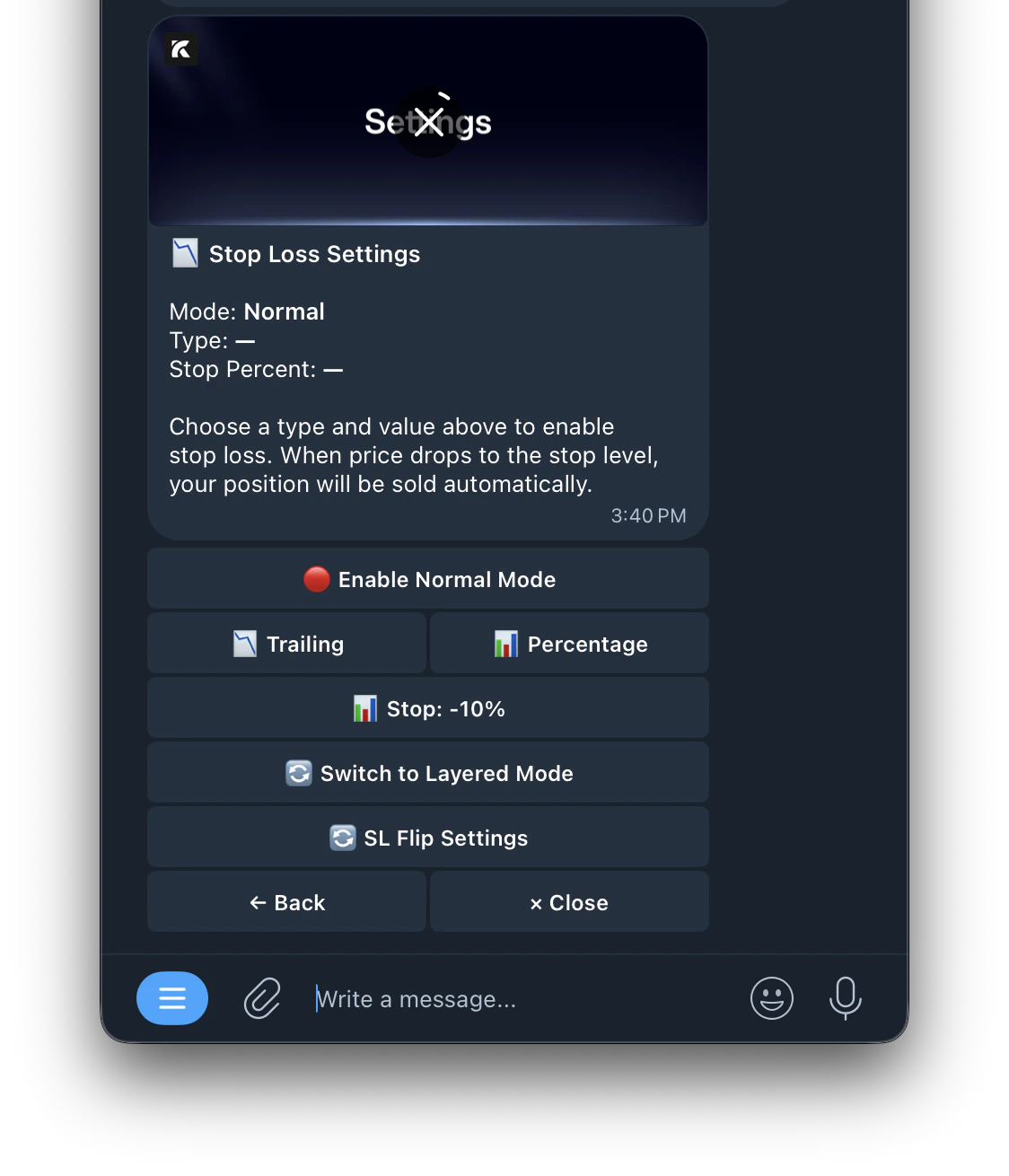
- Tap Stop Loss
Stop Loss Types
This global SL applies to new normal Polymarket buys. Copy trade tasks use their own separate SL settings.
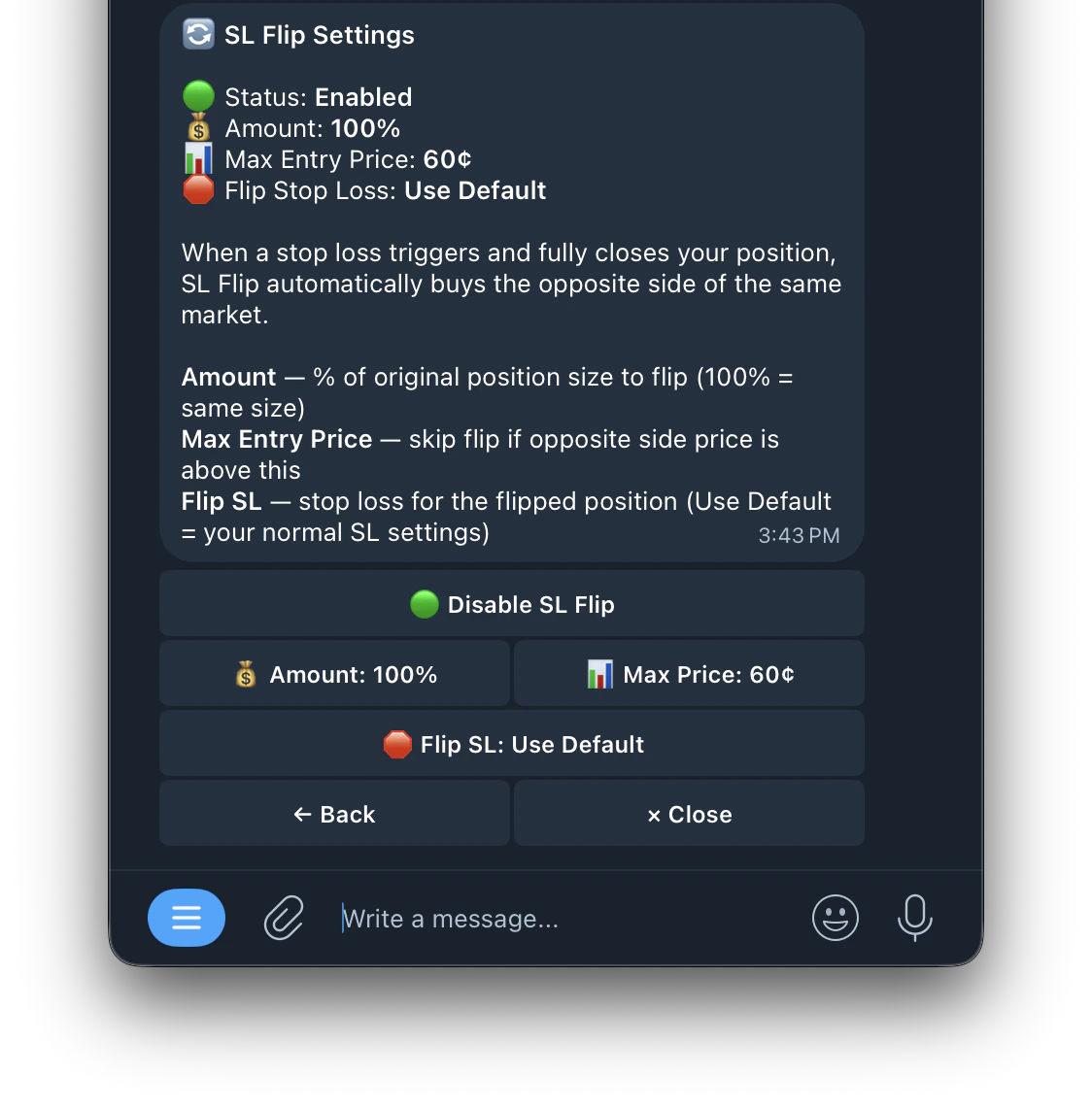
SL Flip Settings
Automatically enter the opposite side when your stop loss triggers.
When a stop loss triggers and fully closes your position, SL Flip immediately buys the opposite side of the same market to ride the confirmed move.
Example: You bought UP at 80¢. Price drops to 55¢ triggering your SL. SL Flip instantly buys DOWN to capture the confirmed downward move.
Controls
SL Flip only triggers when the stop loss fully closes your position.
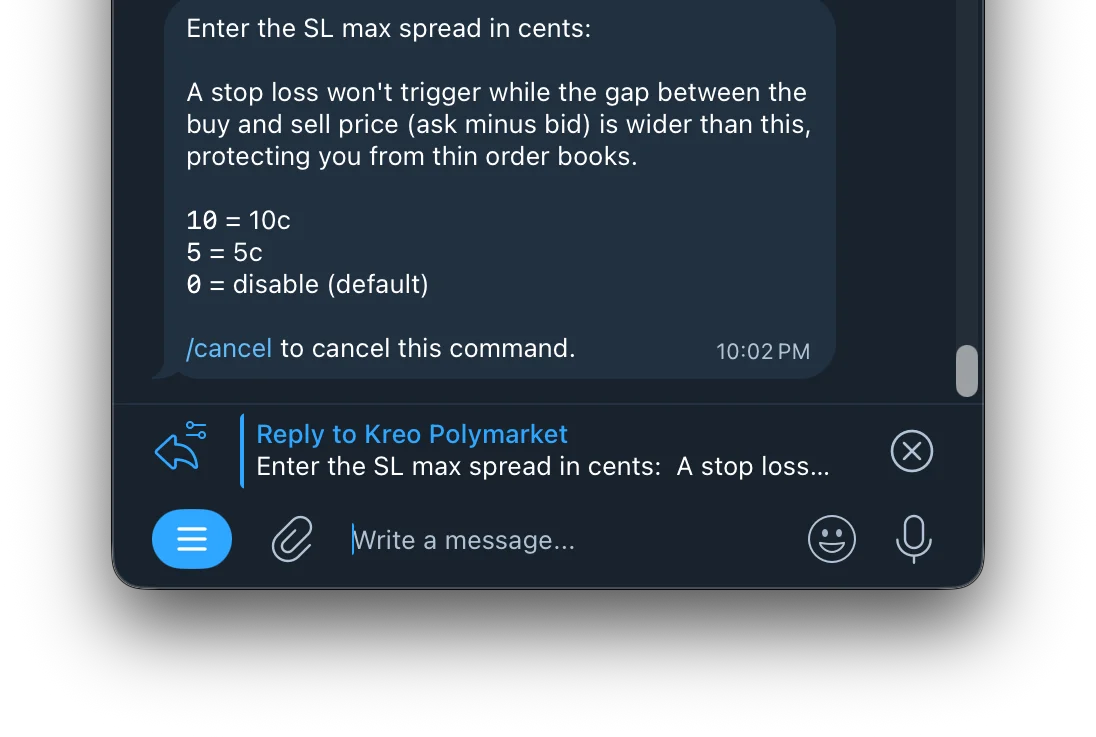
↔️ Max Spread (Stop Loss Safety)
Prevents your stop loss from triggering during moments of extreme price volatility or thin liquidity
when the gap between the buy and sell price (ask minus bid) is unusually wide.
You can also override the Max Spread setting on individual positions directly from that position’s SL page.Why this matters:
- During sudden large price dumps, spreads can widen dramatically
- Without this protection, your SL could trigger at a much worse price than expected
- Setting a Max Spread ensures your SL only fires in normal market conditions