
Configure your quick buy amounts shown on the buy panel.Quick buy presets let you set up to 3 preset amounts for fast one-tap buying without entering an amount manually each time. How to Configure
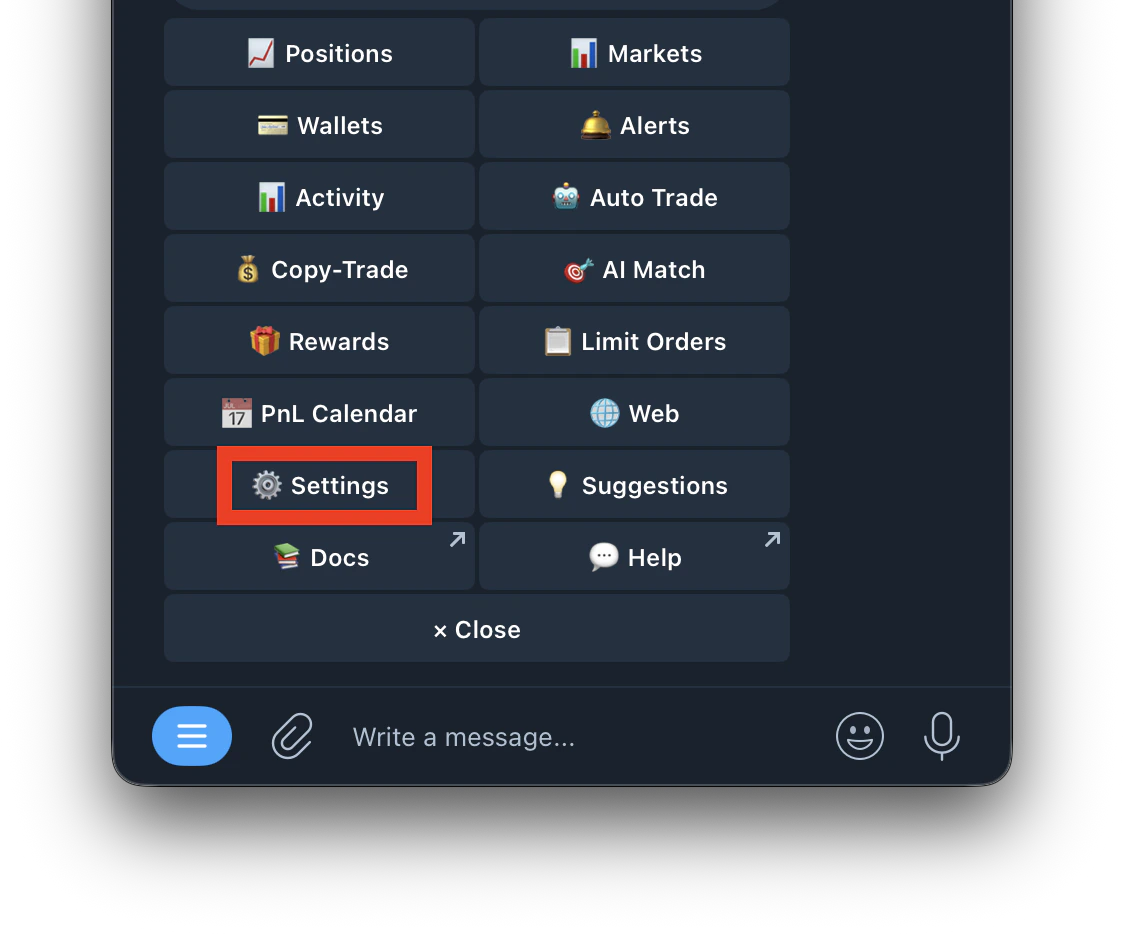
- Go to /settings
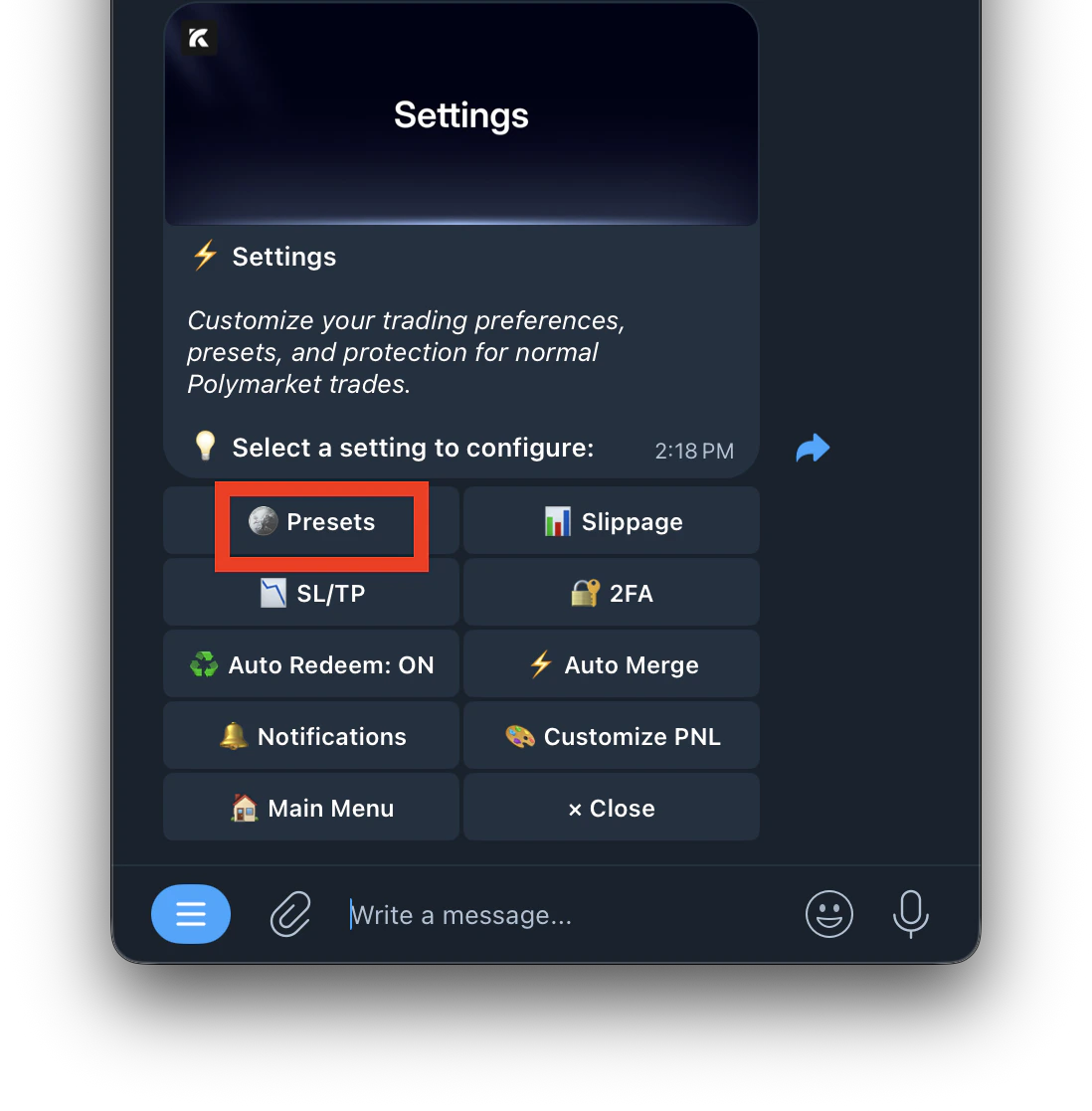
- Tap Presets
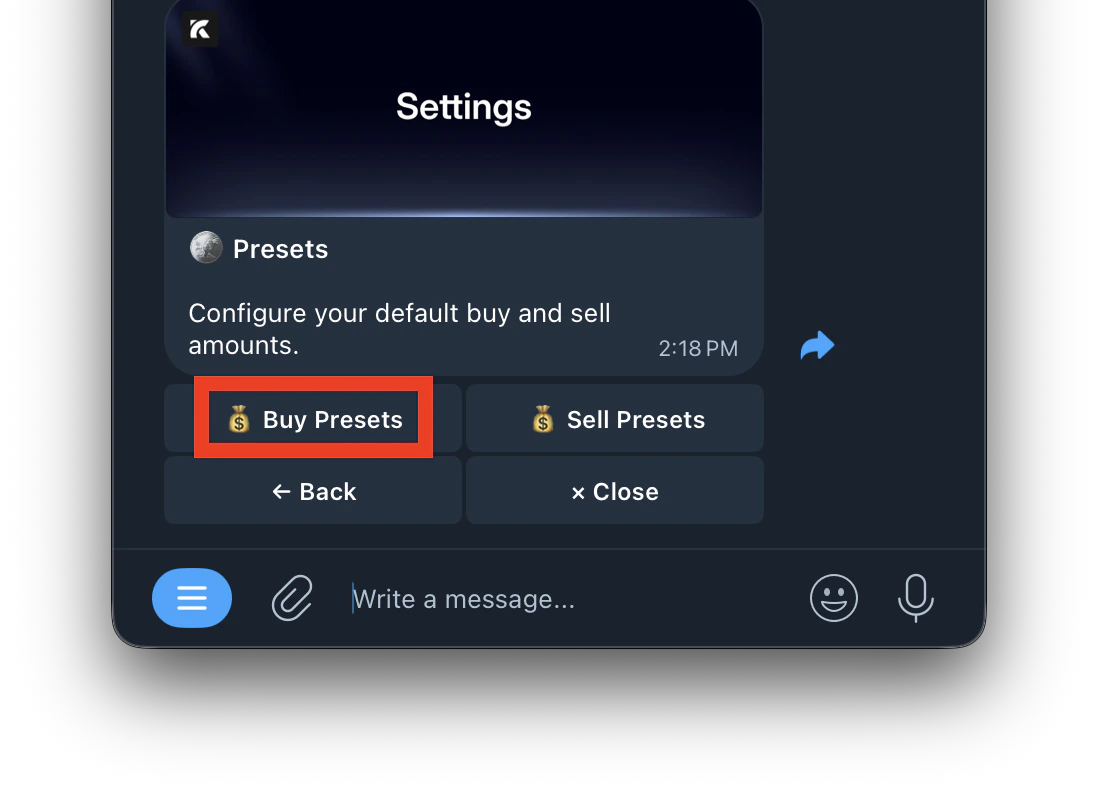
- Select Buy presets
- Select which preset slot to change
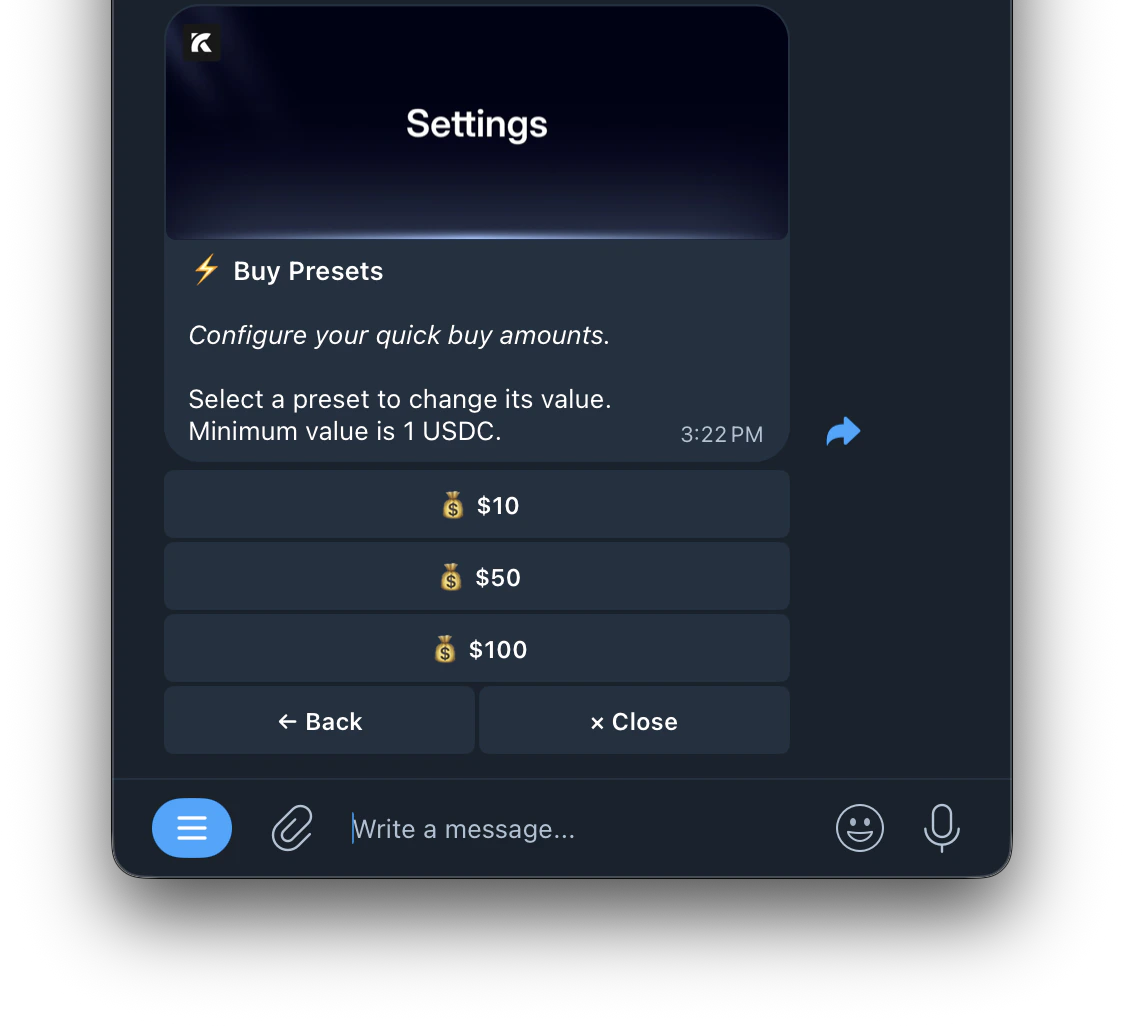
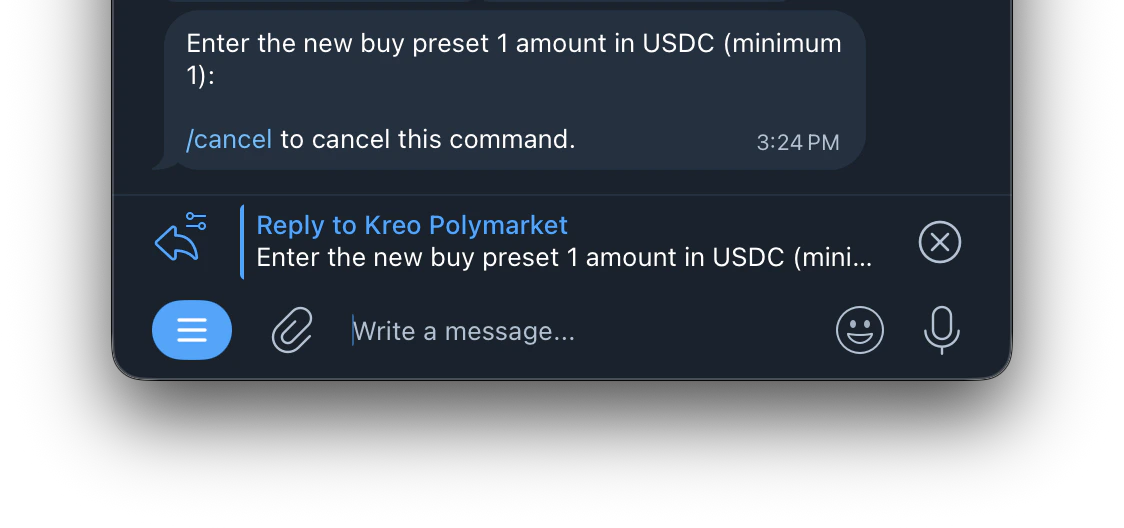
- Enter your preferred amount in USDC
Set Preset 1 to $5, Preset 2 to $10, Preset 3 to $25 — these will appear as quick buy buttons on every market.