Documentation Index

Fetch the complete documentation index at: https://docs.kreo.app/llms.txt

Use this file to discover all available pages before exploring further.

Research any wallet’s trading history before copying them.
How to Access
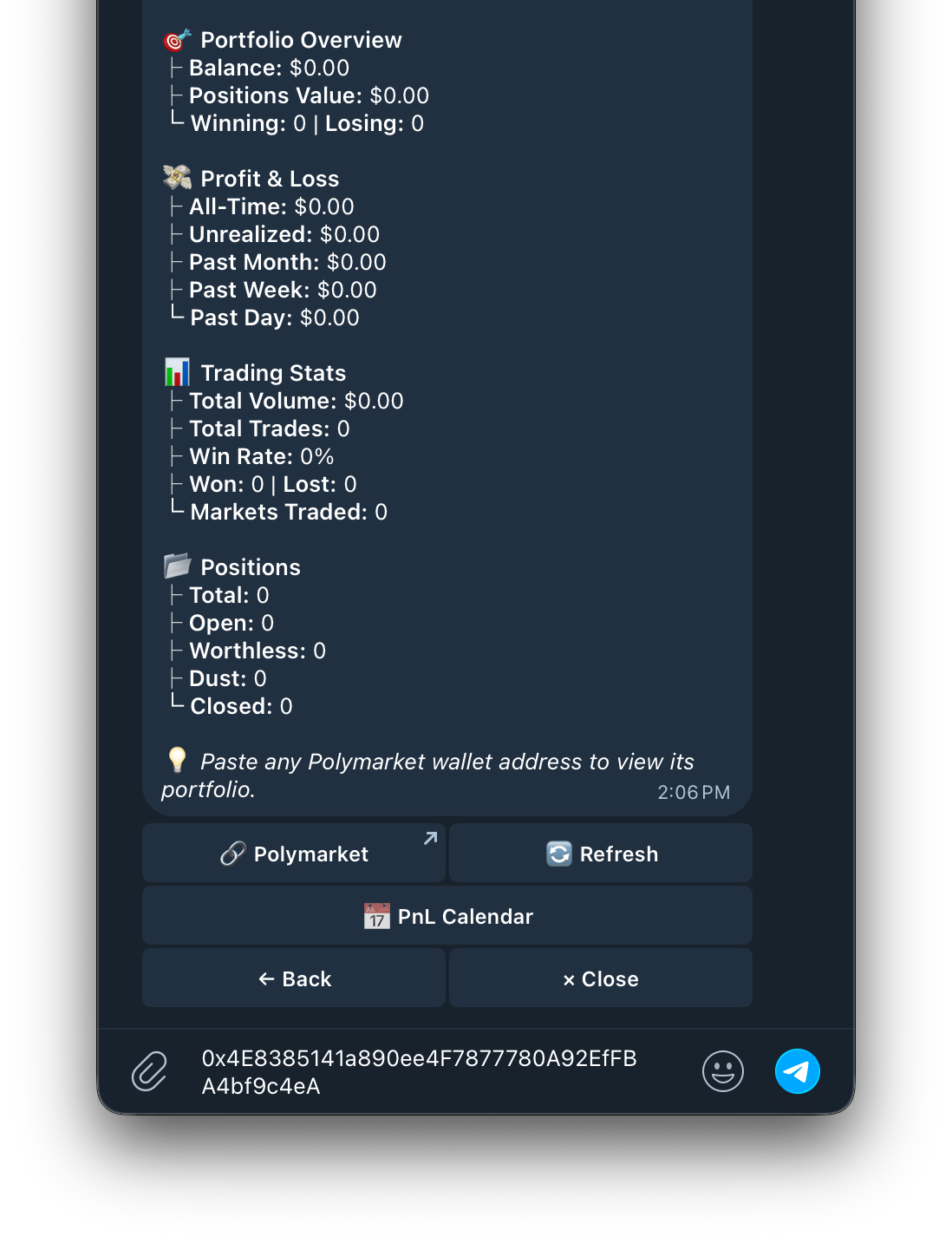
  1. Type /portfolio or go to /start > Wallet > Portfolio
    Screenshot 2026 05 10 At 2 04 54 PM
  2. Paste any Polymarket wallet address
    Screenshot 2026 05 10 At 2 08 28 PM
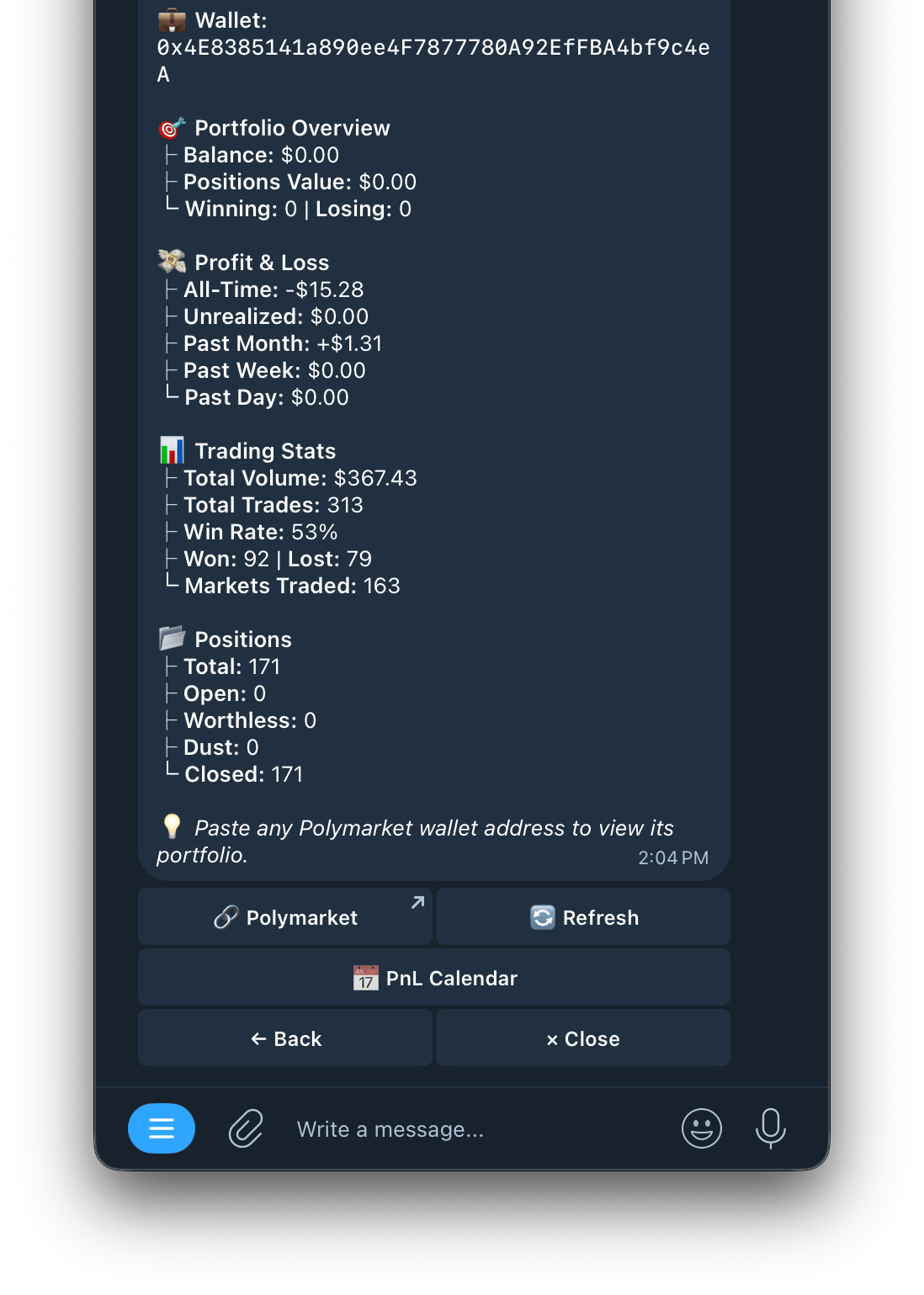
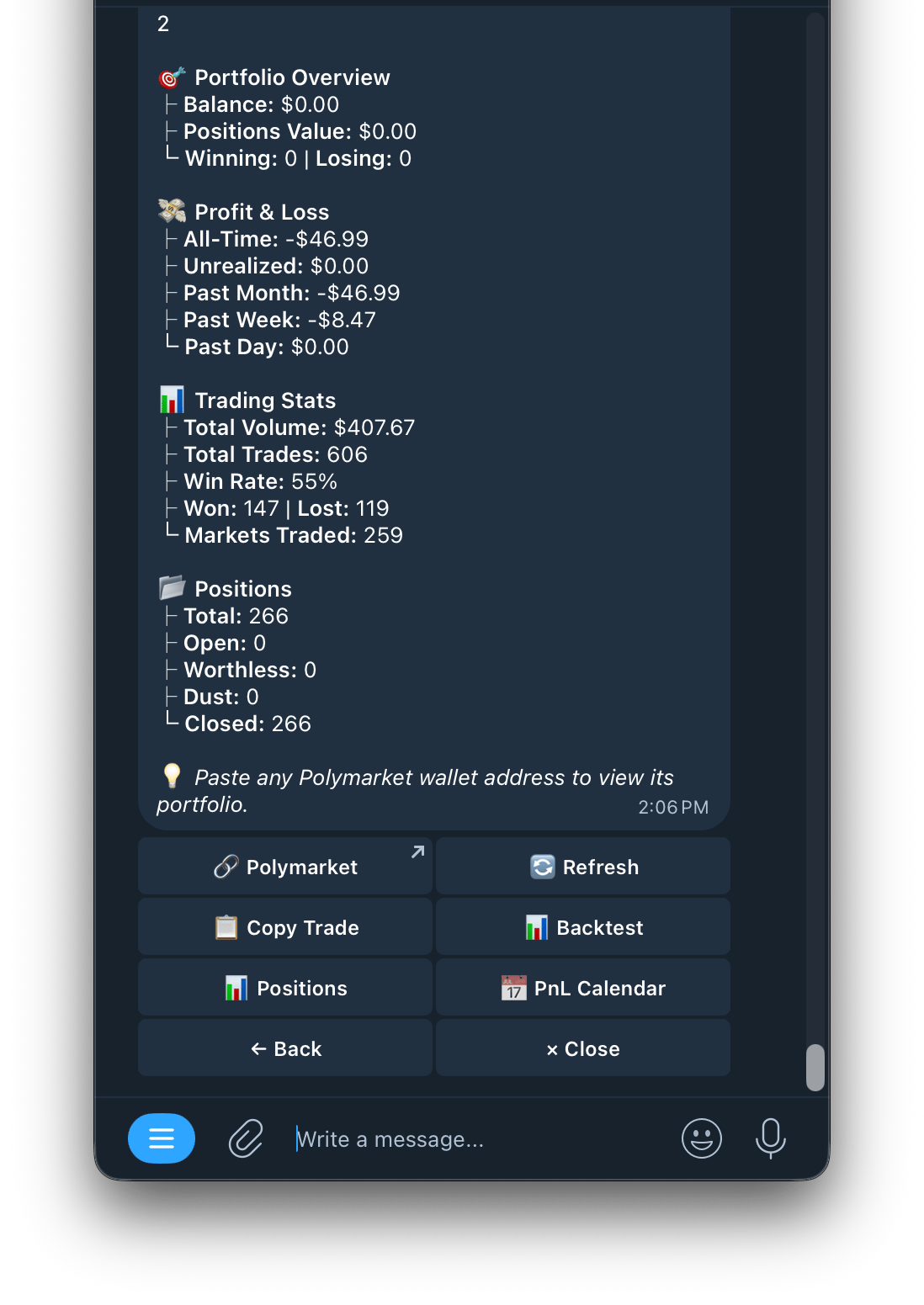
  3. The bot shows a full overview of that wallet
    Screenshot 2026 05 10 At 2 06 41 PM 1
Wallet Overview Buttons
ButtonWhat it does
🔗 PolymarketView this wallet’s profile on Polymarket
🔄 RefreshRefresh the wallet data
📋 Copy TradeSet up a copy trade task for this wallet
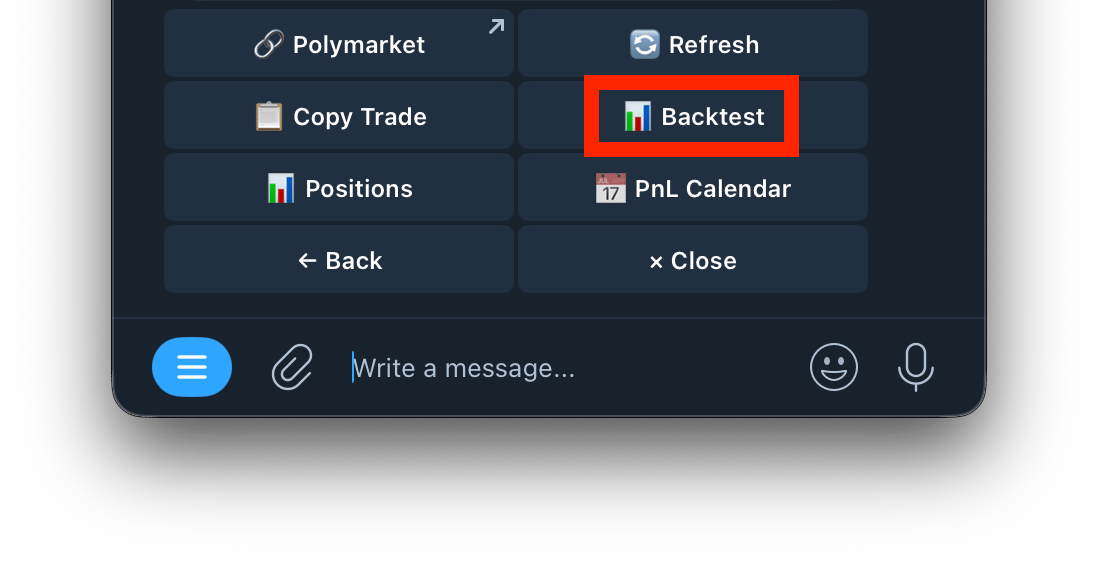
📊 BacktestRun a 30 day backtest audit on this wallet
📍 PositionsView this wallet’s current open positions
📅 PnL CalendarView this wallet’s daily PnL in calendar format

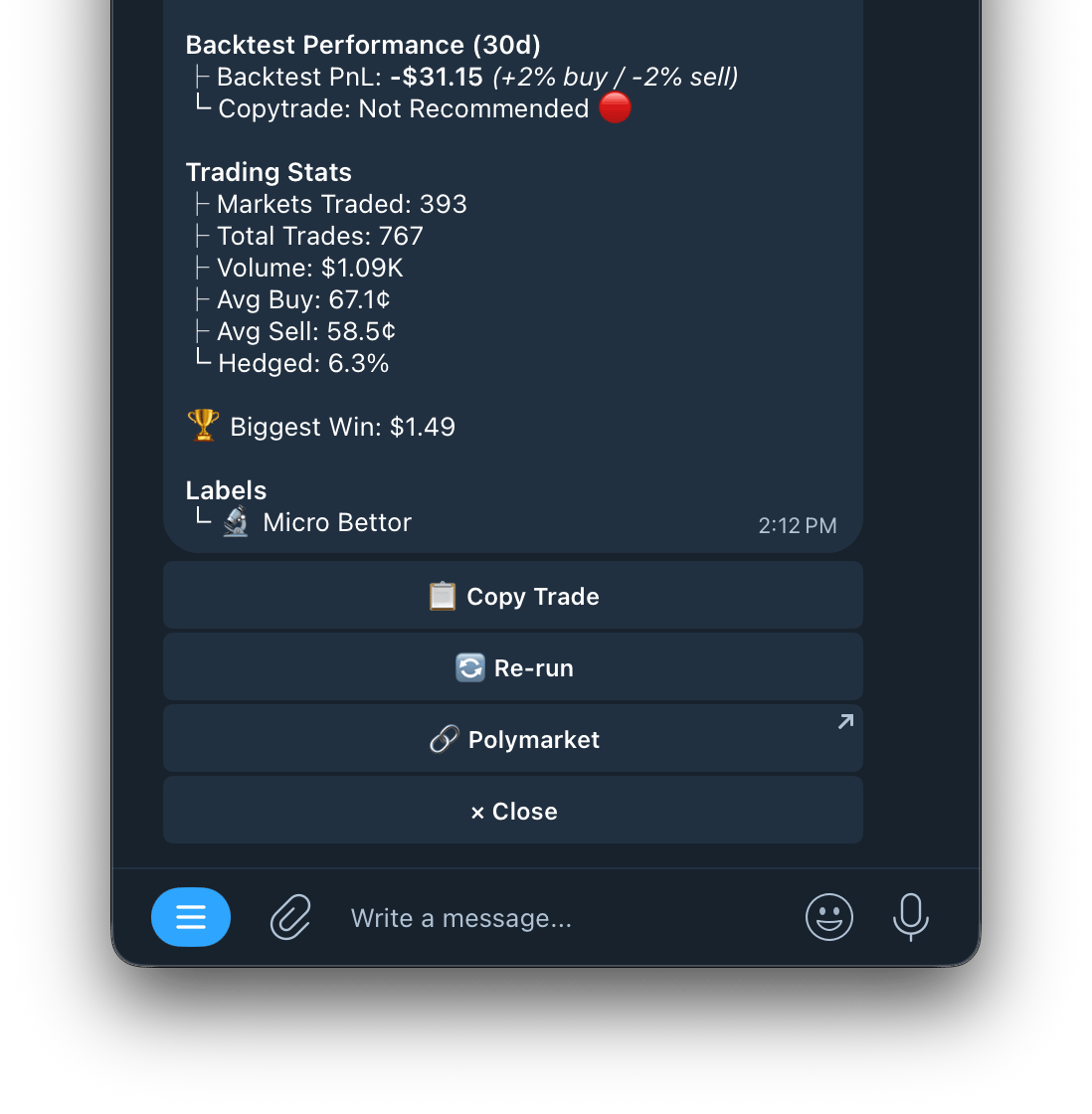
Backtest — Wallet Audit Report Tap Backtest to run a 30 day performance audit on any wallet.
Screenshot 2026 05 10 At 2 11 18 PM
Backtest Overview
Screenshot 2026 05 10 At 2 12 26 PM
FieldWhat it shows
Backtest PnLNet profit or loss over the last 30 days. Also shows average buy and sell price shifts (+2% buy / -2% sell)
Copytrade Recommendation🟢 Recommended / 🔴 Not Recommended based on 30 day performance
Trading Stats
FieldWhat it shows
Markets TradedNumber of unique markets traded in the last 30 days
Total TradesTotal number of buy and sell trades placed
VolumeTotal USDC traded (buys + sells combined)
Avg BuyAverage price at which the wallet buys
Avg SellAverage price at which the wallet sells
HedgedPercentage of trades that were hedged
Biggest WinThe largest single winning trade in the period
Labels AI-generated tags that describe the wallet’s trading style. Example: 📈 Active Trader Backtest Buttons
ButtonWhat it does
📋 Copy TradeInstantly set up a copy trade task for this wallet
🔄 RerunRefresh and rerun the backtest with the latest data
🔗 PolymarketView this wallet’s profile directly on Polymarket