
Export your private key to use your Kreo wallet in external wallets like MetaMask.
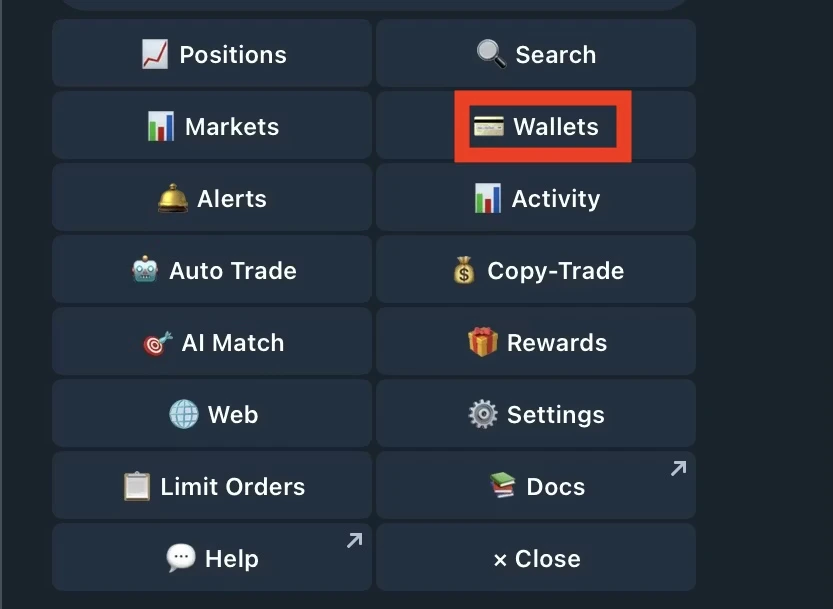
- Go to /wallets and set the wallet you want to export as your default
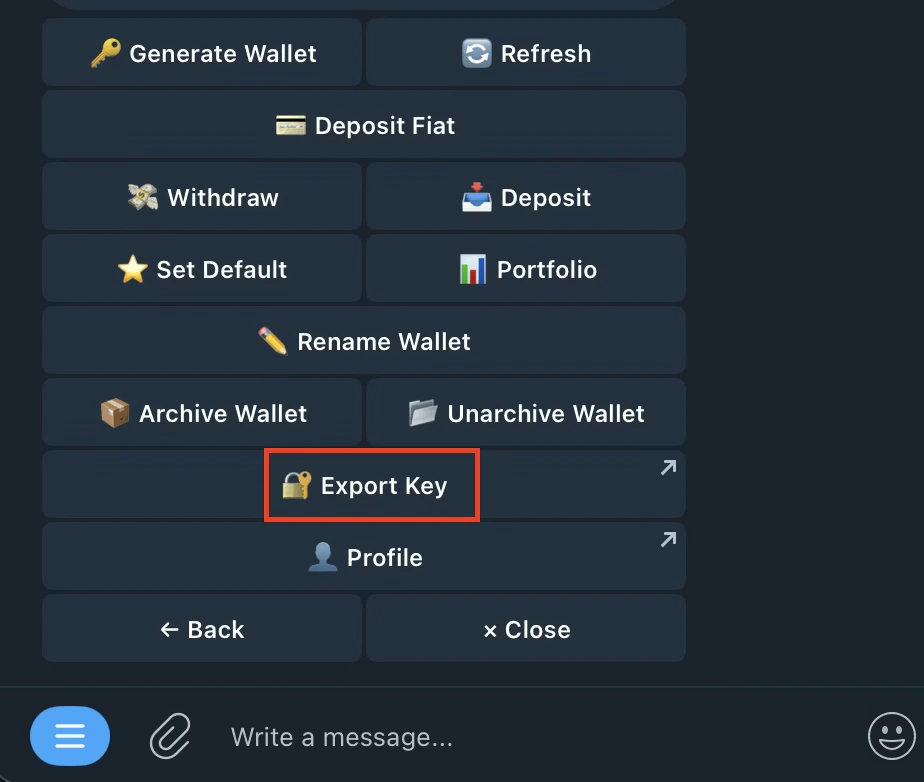
- Click on Export Key
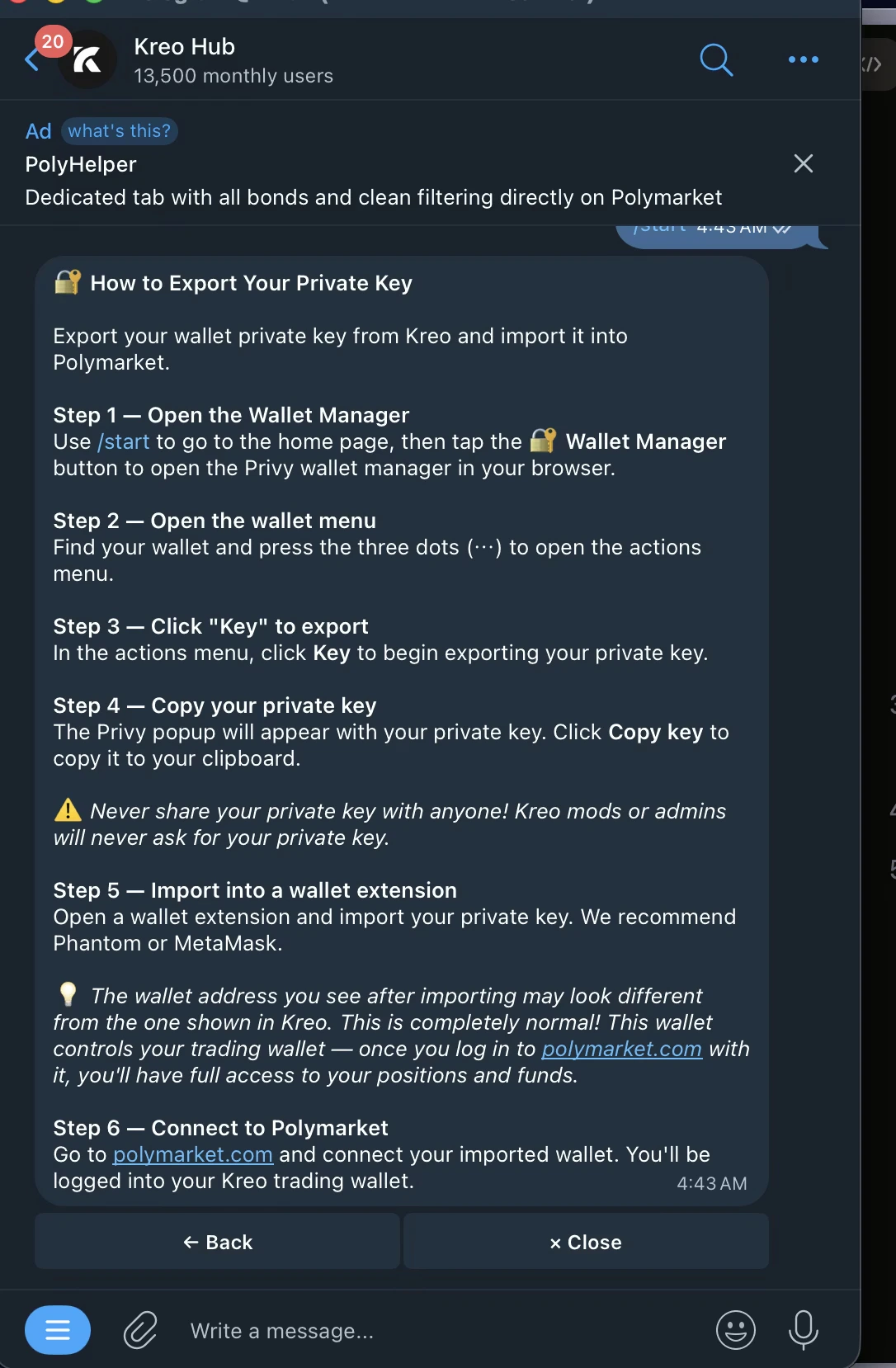
- It redirects you to kreo Hub
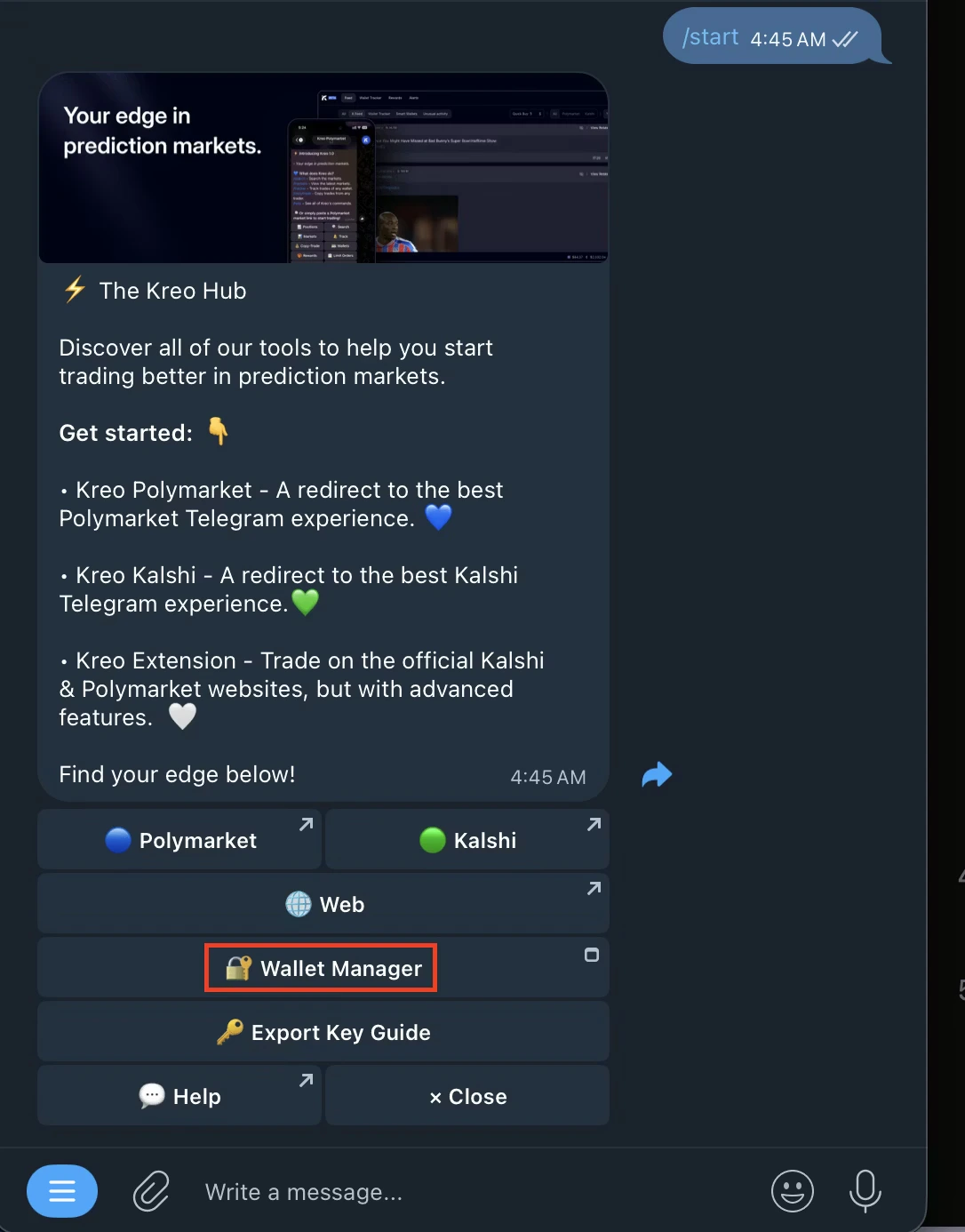
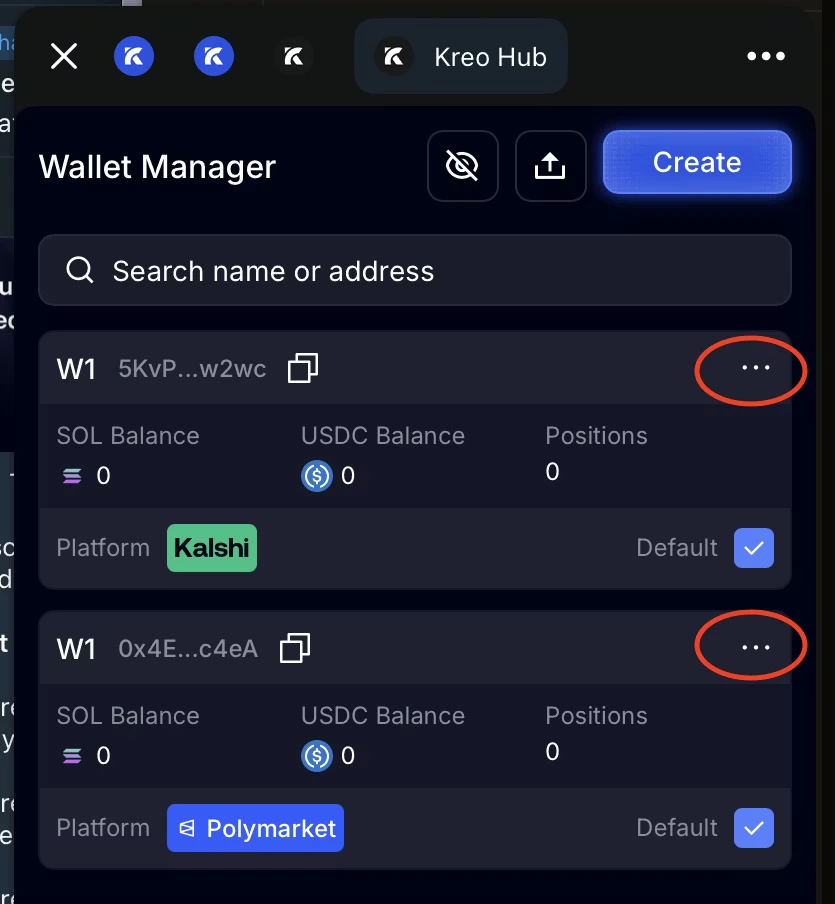
- Open Wallet Manager
- Click on the three of the wallet you’d like to export
- Click on key
- Your private key will be displayed — copy it and store it safely ✅