
- Type /start and click on wallet
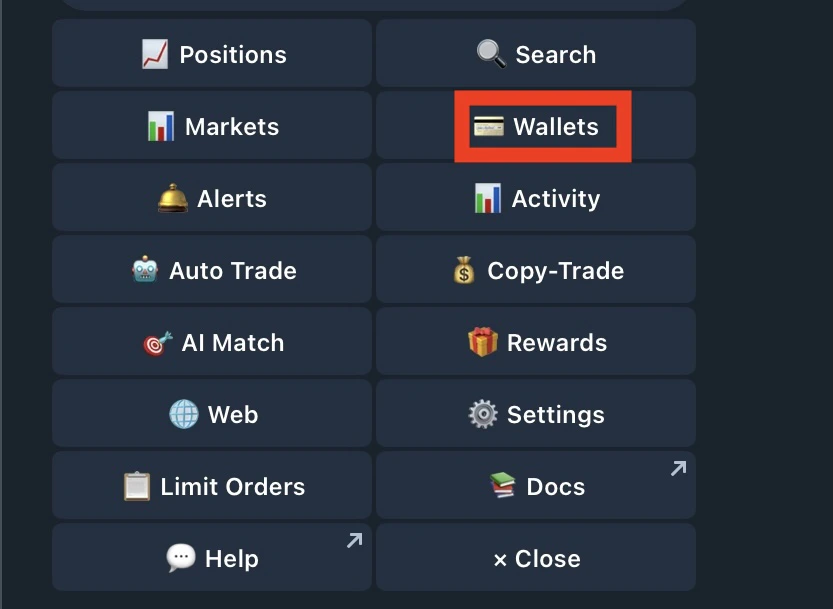
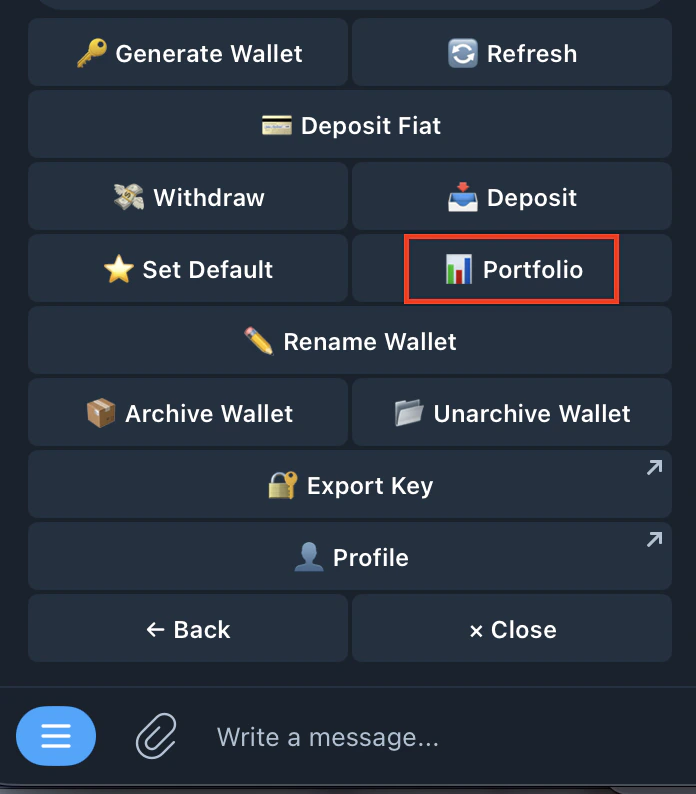
- Select porfolio
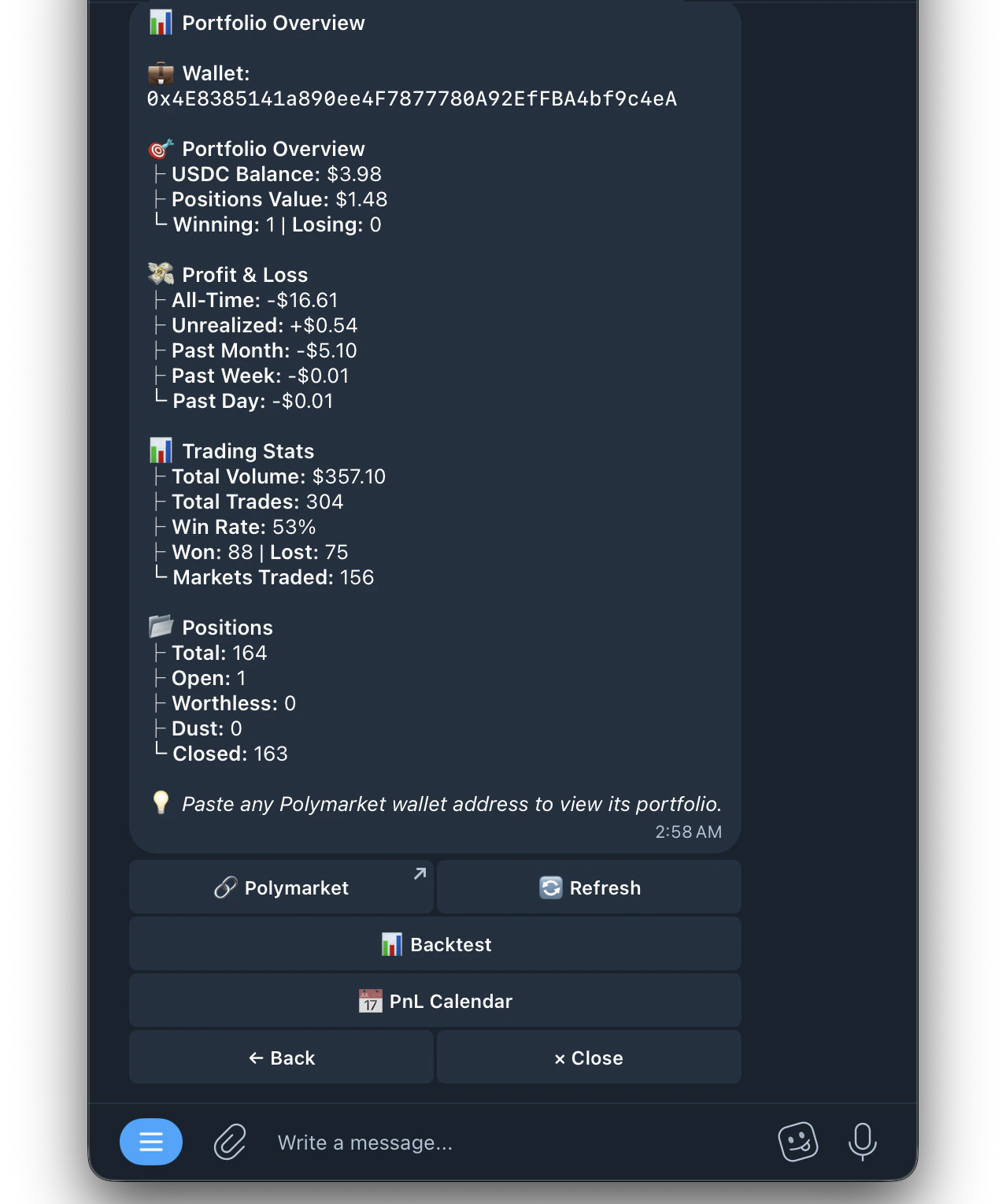
- Wallet Address — Your Kreo wallet address
- USDC Balance — Available balance in your wallet
- Positions Value — Current value of all open positions
- Winning / Losing — Number of positions currently in profit vs loss
Profit & Loss
Profit & Loss
- All-Time — Total PnL since you started trading
- Unrealized — PnL on positions still open
- Past Month — PnL over the last 30 days
- Past Week — PnL over the last 7 days
- Past Day — PnL over the last 24 hours
Trading Stats
Trading Stats
- Total Volume — Total amount traded (buys + sells)
- Total Trades — Number of trades placed
- Win Rate — Percentage of trades that were profitable
- Won / Lost — Number of winning vs losing trades
- Markets Traded — Number of unique markets you’ve traded
Positions Summary
Positions Summary
- Total — All positions ever opened
- Open — Currently active positions
- Worthless — Positions resolved at $0
- Dust — Positions with very small remaining value
- Closed — Fully closed or resolved positions
PNL Calendar
PNL Calendar
See your past PnL displayed in a calendar format. Track your daily wins and losses at a glance
Click here for more details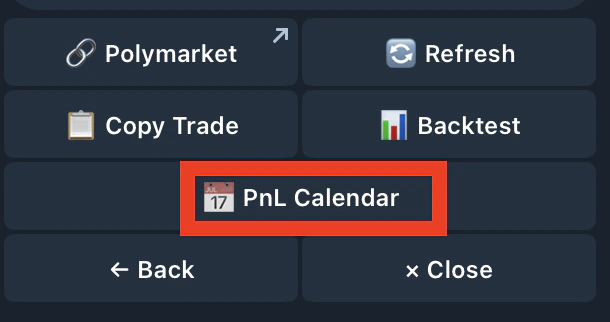
Click here for more details