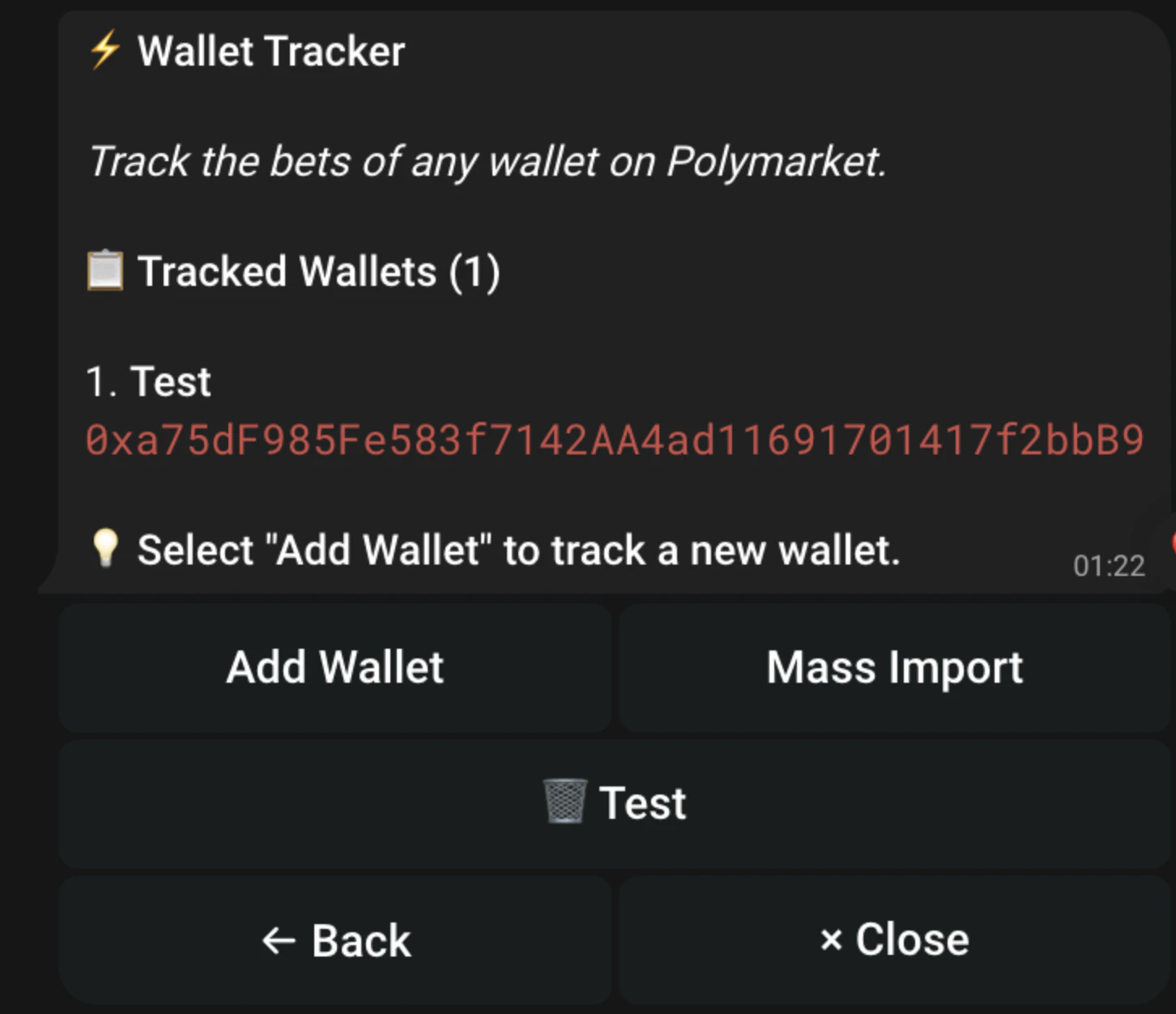
Wallet Tracking allows you to see when someone you are tracking is buying in to a position / selling, allowing you to make better decisions whilst trading.
Adding Wallets to Tracker
Navigate to the right bot, to track Polymarket wallets / Kalshi wallets.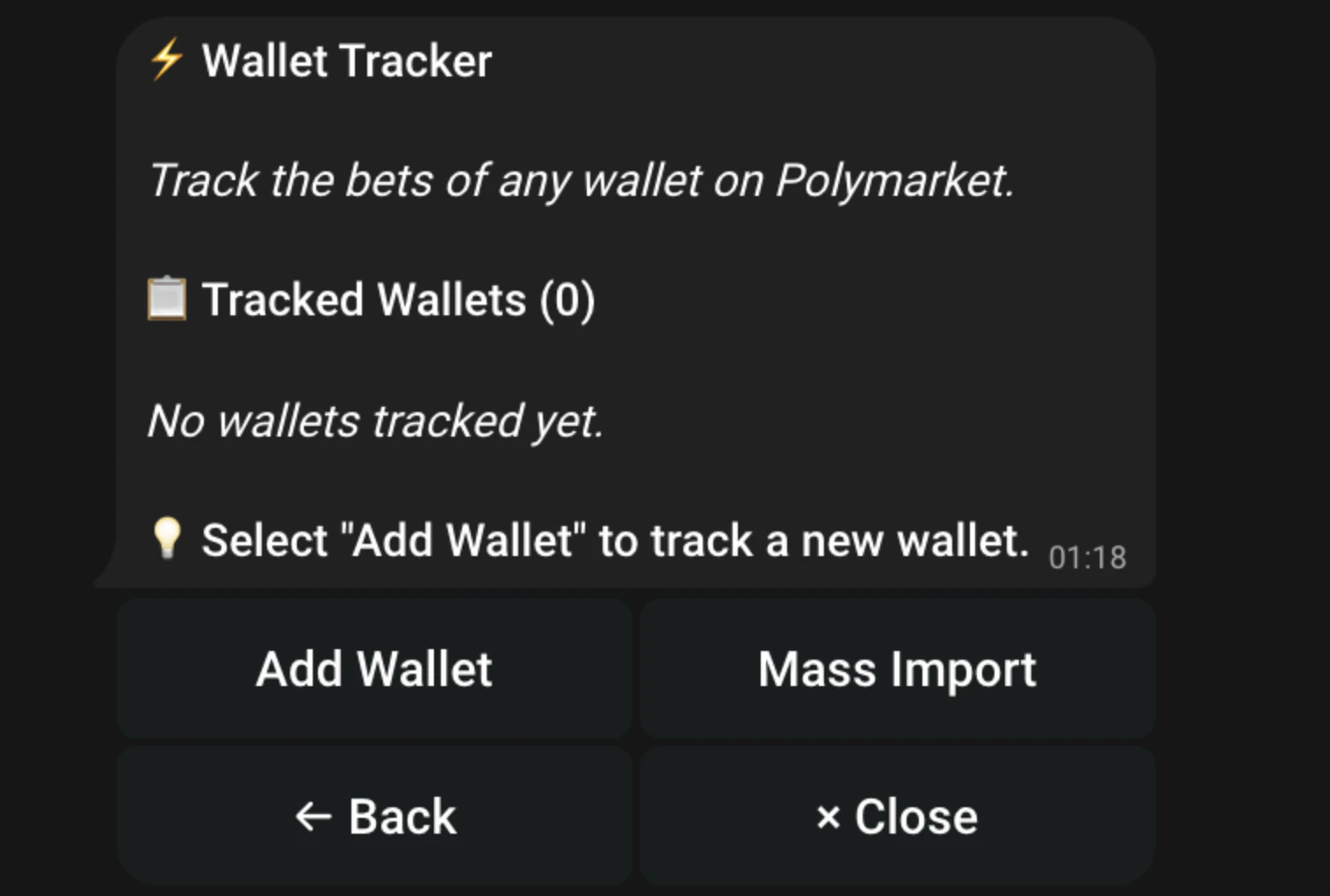
Press Add Wallet
You can then either enter a wallet address or Polymarket/Kalshi username (depending on which bot you are using) For Polymarket, please make sure the wallet you wish to track is an EVM address. For Kalshi, please make sure the wallet you wish to track is a SOL address.Alternatively you can press Mass Import to migrate a list of wallets you wish to track!