
- Navigate to /autotrade
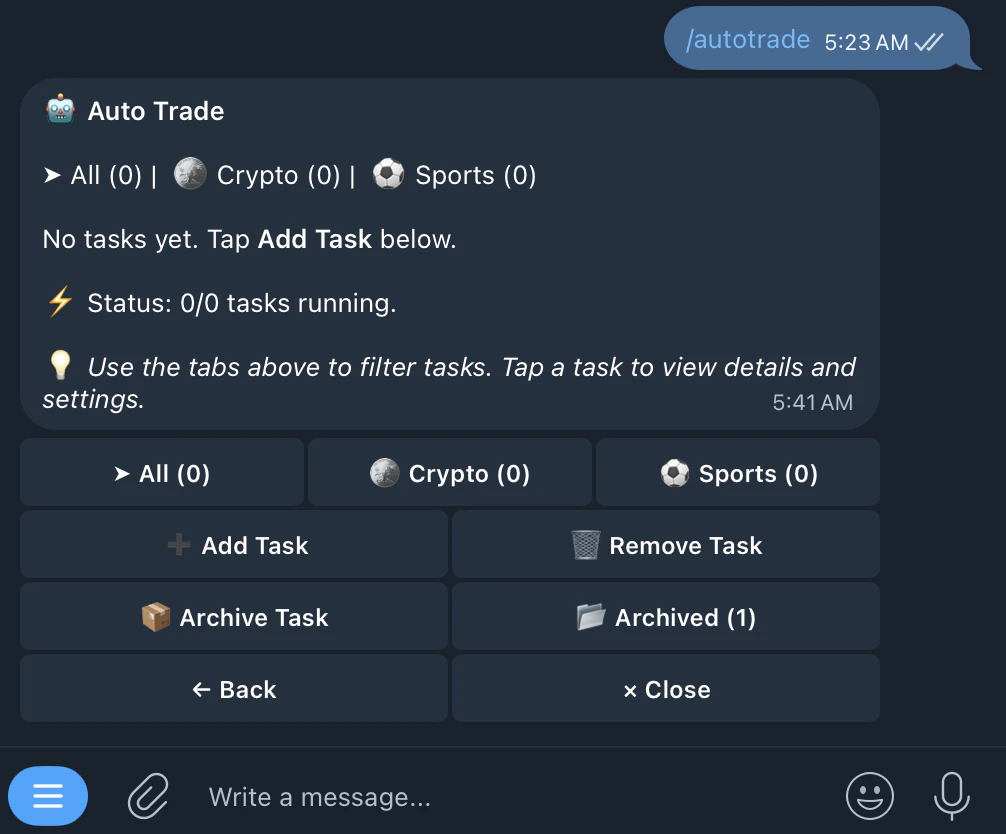
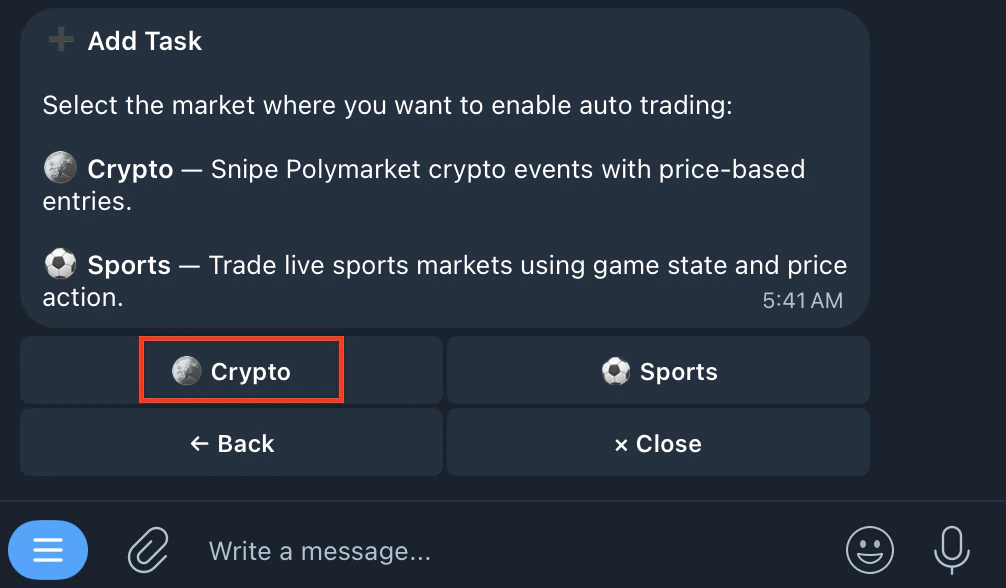
- Tap Add Task and click on Crypto
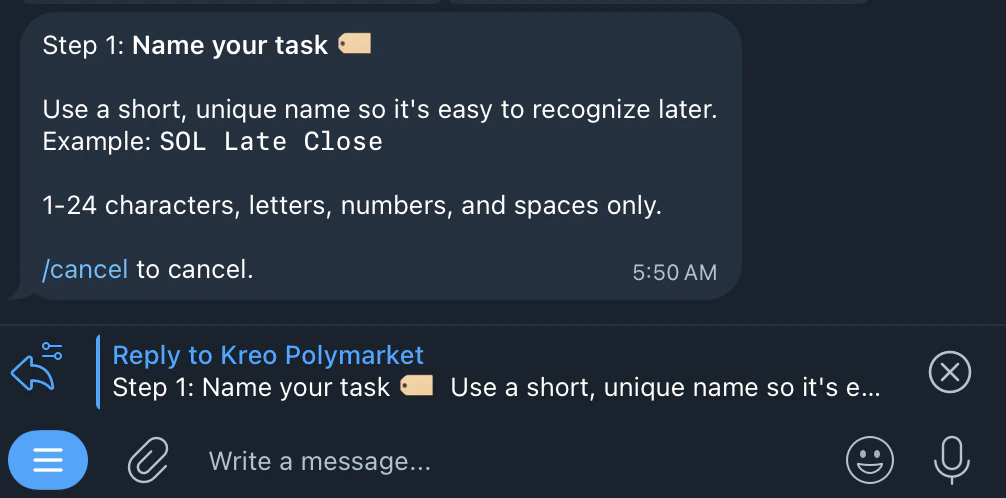
- Name your task
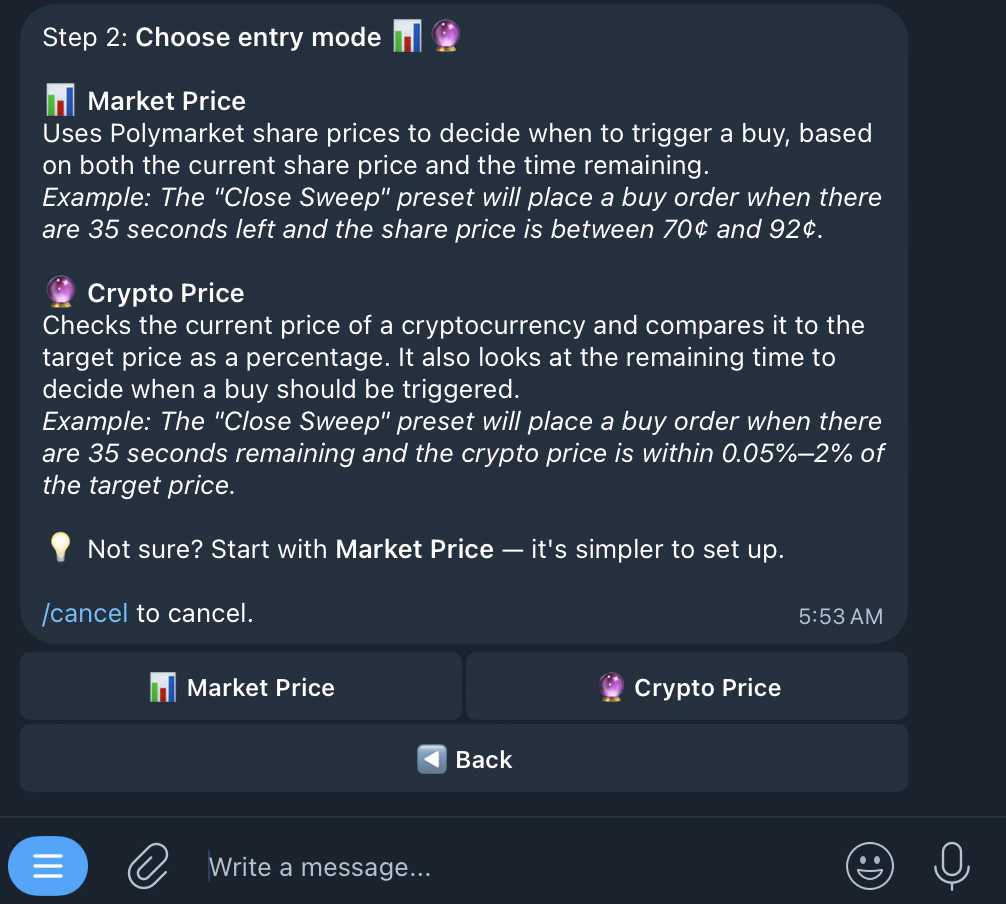
- Choose an entry mode
- Choose a wallet (need $5+ USDC.e)
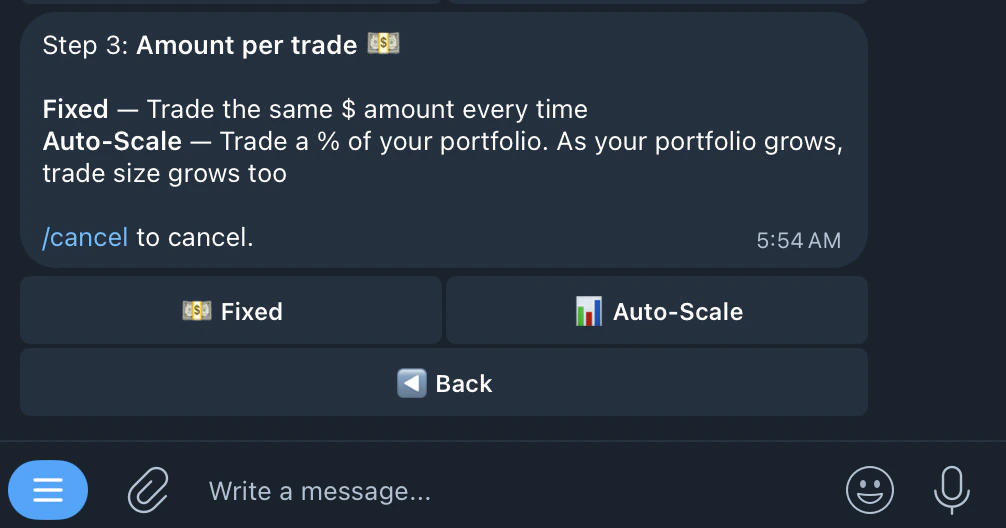
- Select amount per trade
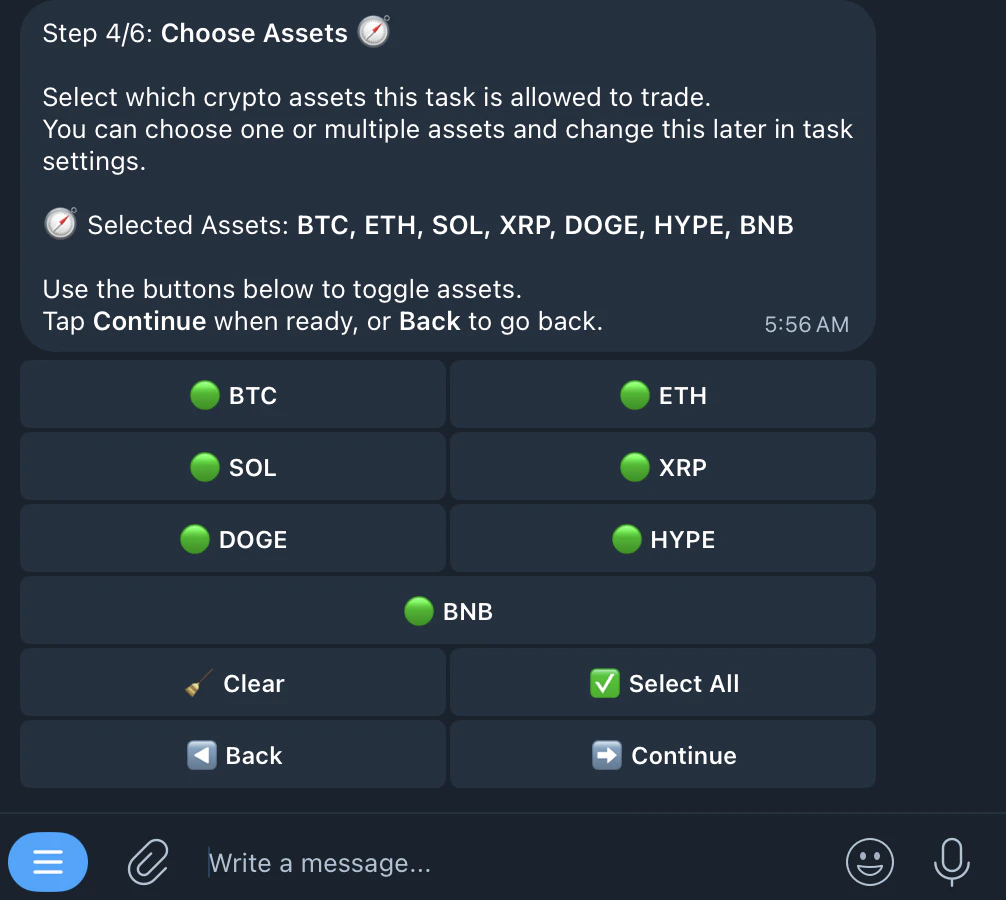
- Select assets (BTC, ETH, SOL, XRP, HYPE, BNB, DOGE)
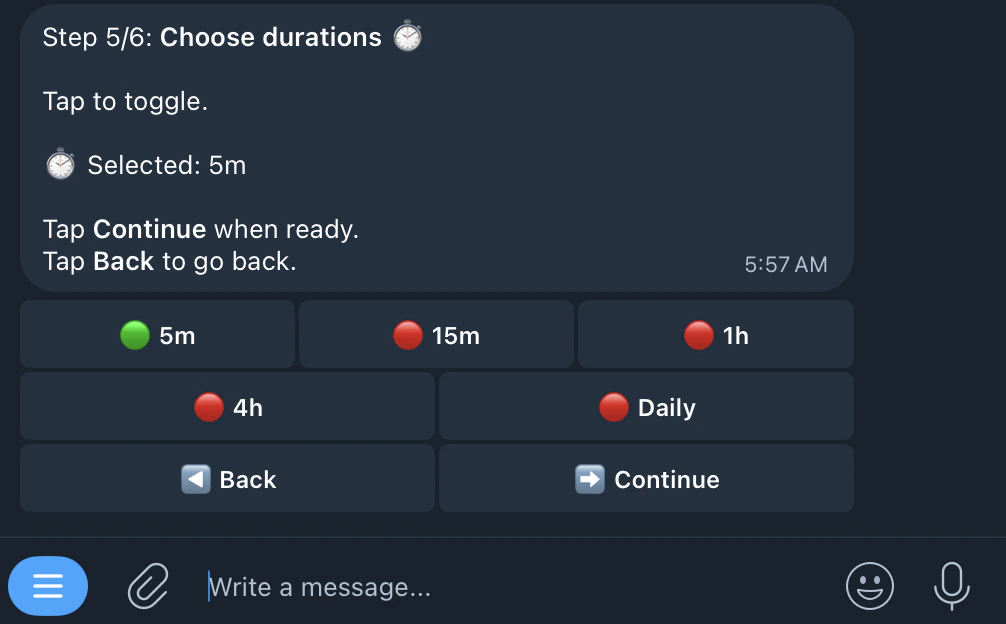
- Select timeframes (5m, 15m, 1hr, 4hr, 24hr)
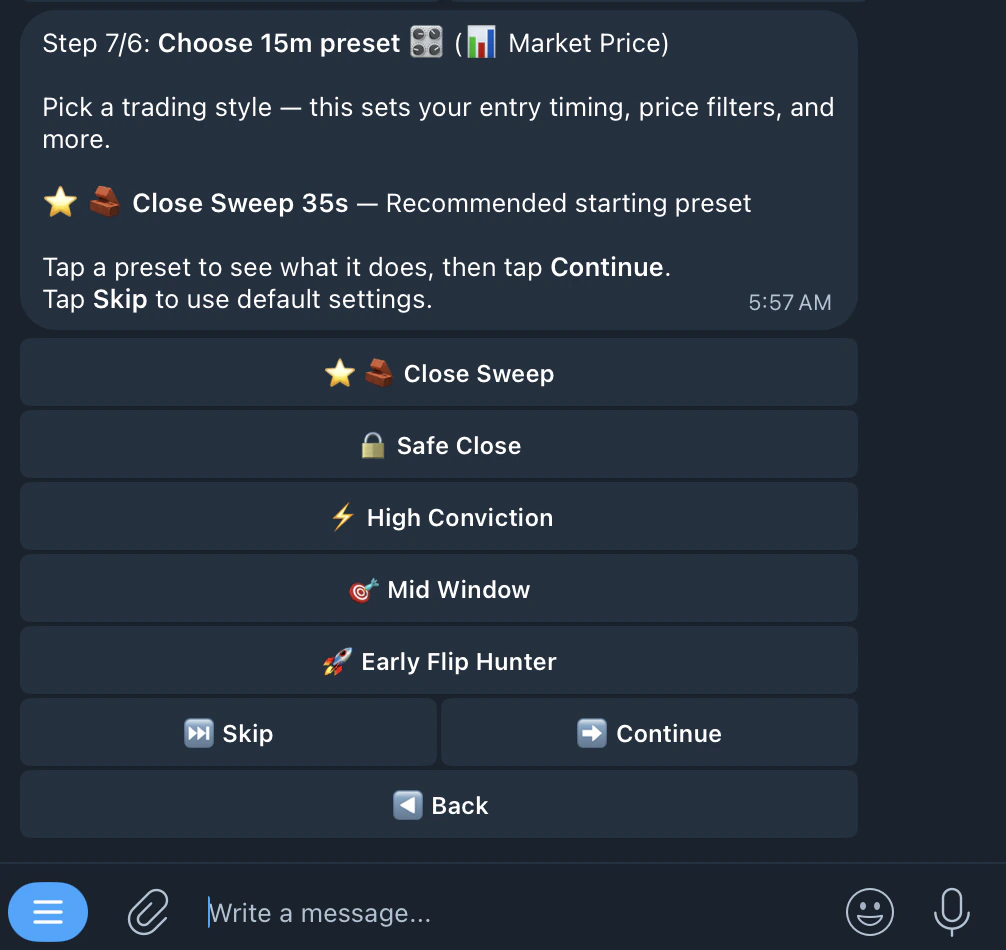
- Choose a preset or configure manually
- Start the task ✅
Market Price Mode
Market Price Mode
Watches the odds of a prediction market outcome. When odds hit your target range with enough time left, it places a buy.
Crypto Price Mode
Crypto Price Mode
Watches the live crypto price. You set how close the price needs to be to the target. When conditions are met, it buys.
- ⭐ 🧱 Close Sweep 35s (Recommended) — Last 35s, crypto 0.05%–2.00% from target
- 🔒 Safe Close — Last 60s, crypto 0.03%–1.00% from target
- ⚡ High Conviction 20-30s — Last 30s, crypto 0.02%–0.50% from target
- 🎯 Mid Window — Last 180s, crypto 0.08%–3.00% from target
- 🚀 Early Flip Hunter — Last 300s, crypto 0.05%–5.00% from target
- 📏 Crypto Distance — How far crypto price must be from the price to beat. Two modes: Percent (%) or Fixed ($). Tap to switch
- 📊 Min Edge — Minimum gap between fair value and current market price
- ⏱️ Time Range — Only trade during this window, in seconds (e.g. 265s–299s)
- ↔️ Max Spread — Skips wide bid/ask gaps. Smaller = tighter fills
- 💨 Crypto Max Velocity — Max crypto price change per minute (%). Skips if moving too fast. OFF to disable
- 📈 Crypto Trend — Only enter when crypto trends in signal direction. Uses SMA with configurable lookback (10s, 60s). Options: Off, With Trend, Strict. OFF to disable
- 🧭 Sides — Up, Down, or Both
- 💲 Price Range — Only trade when price is inside this range
- ⏱️ Time Range — Only trade during this window
- ↔️ Max Spread — Skips wide spreads
- 🧭 Sides — Up, Down, or Both
- Market Order (default) — Fills instantly at best available price
- Limit Order — Places order at specific price, rests on book until matched
- Off — Enter immediately, no confirmation
- Spike — Detects sudden unusual price moves relative to how calm the market was. No fixed percentage threshold. Options:
- Follow — enters in spike direction
- Fade — enters opposite side
- Auto — follows strong spikes, fades weak ones
- Drift — Waits for steady price trend in signal direction before entering
- Enabled — Toggle on/off
- Min Profit — Required net profit % after fees (e.g. 2.00%)
- Max Combined Cost — Entry + hedge price must stay at or below this value. Hard cap on max exposure
- Auto-Merge — When on, merges YES+NO pair and redeems ~$1 per pair on-chain. When off, both sides stay in wallet
- Trigger — Condition like consecutive wins or losses
- Action — What happens (e.g. pause 60 minutes)
- Reset — When counter resets
- Stop Loss — Auto-sell when position drops below threshold. Fixed or Trailing
- Take Profit — Auto-sell when position rises above threshold. Layered TP available for multiple levels
- Trailing Stop — Dynamic SL that adjusts from peak price
- SL Flip — When SL triggers, auto-enter opposite side
- Momentum Exit — Exits if price hasn’t moved enough after timeout