
1
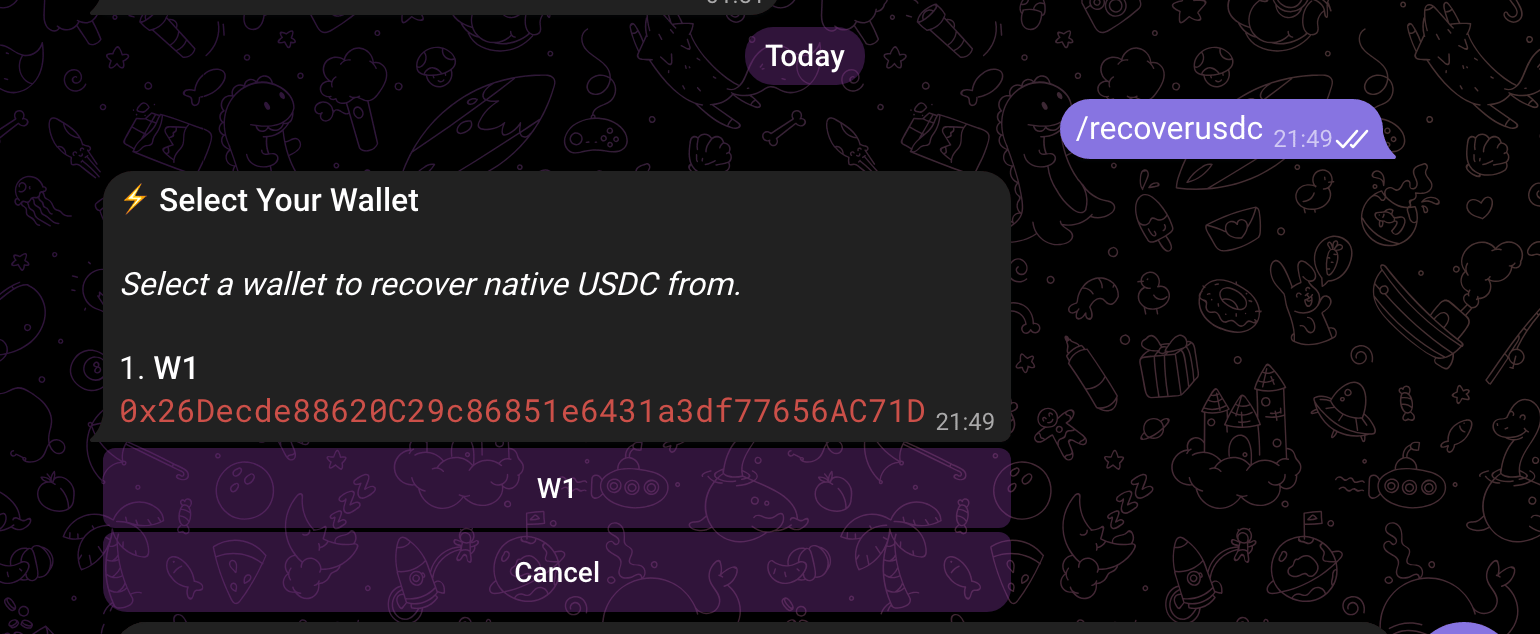
Type /recoverusdc inside of the bot
2
Select the wallet you wish to recover from (Usually W1)
3
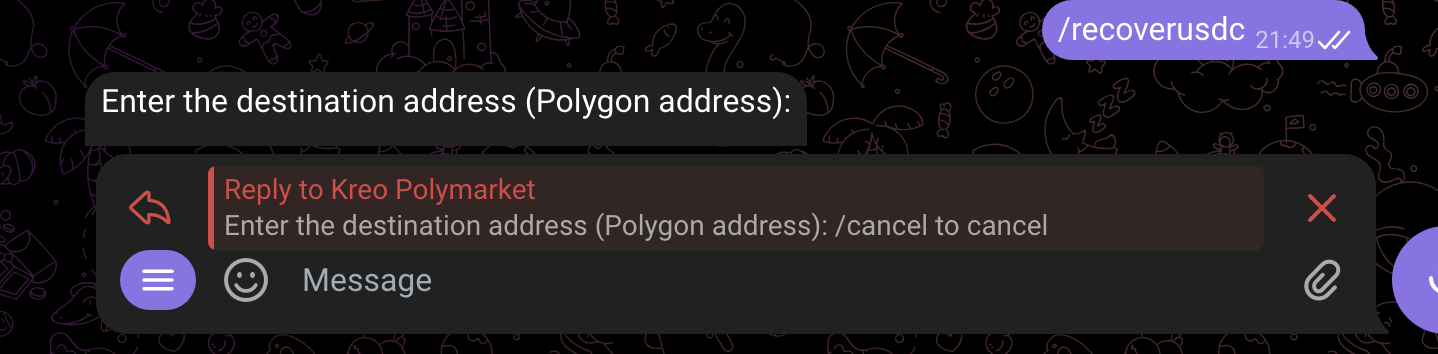
Enter the destination address you wish to recover funds to
4
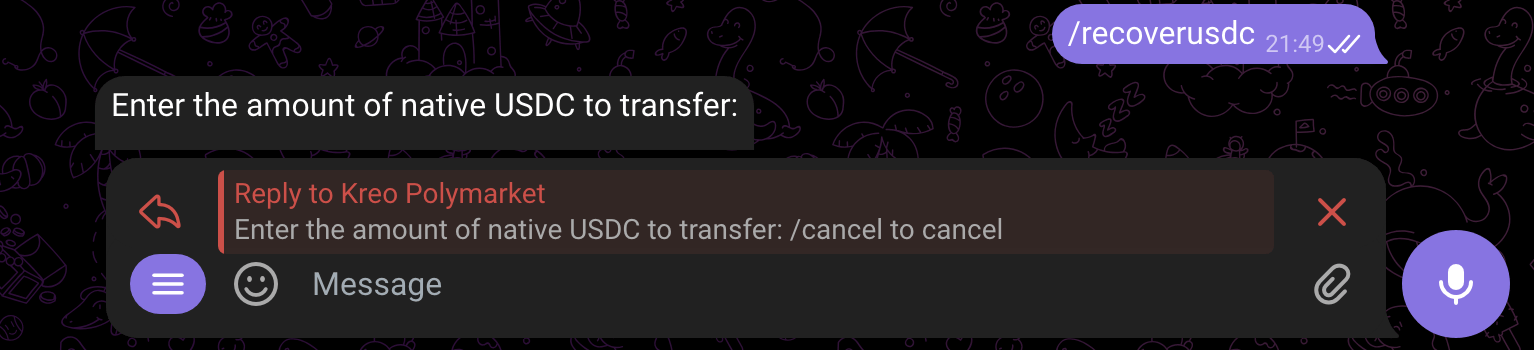
Enter the amount of USDC you sent that needs to be recovered
5
You will receive your funds inside of the wallet provided.
You can now exchange funds to USDC.e using Phantom or navigate to /wallets and click
Deposit and we can bridge it for you!