
X Feed turns breaking posts into actionable trades. You see the news first, then jump straight to the markets.
1
Open X Feed and watch the stream
The center column is the live feed. New posts land here as they happen.Use the category tabs to switch views quickly.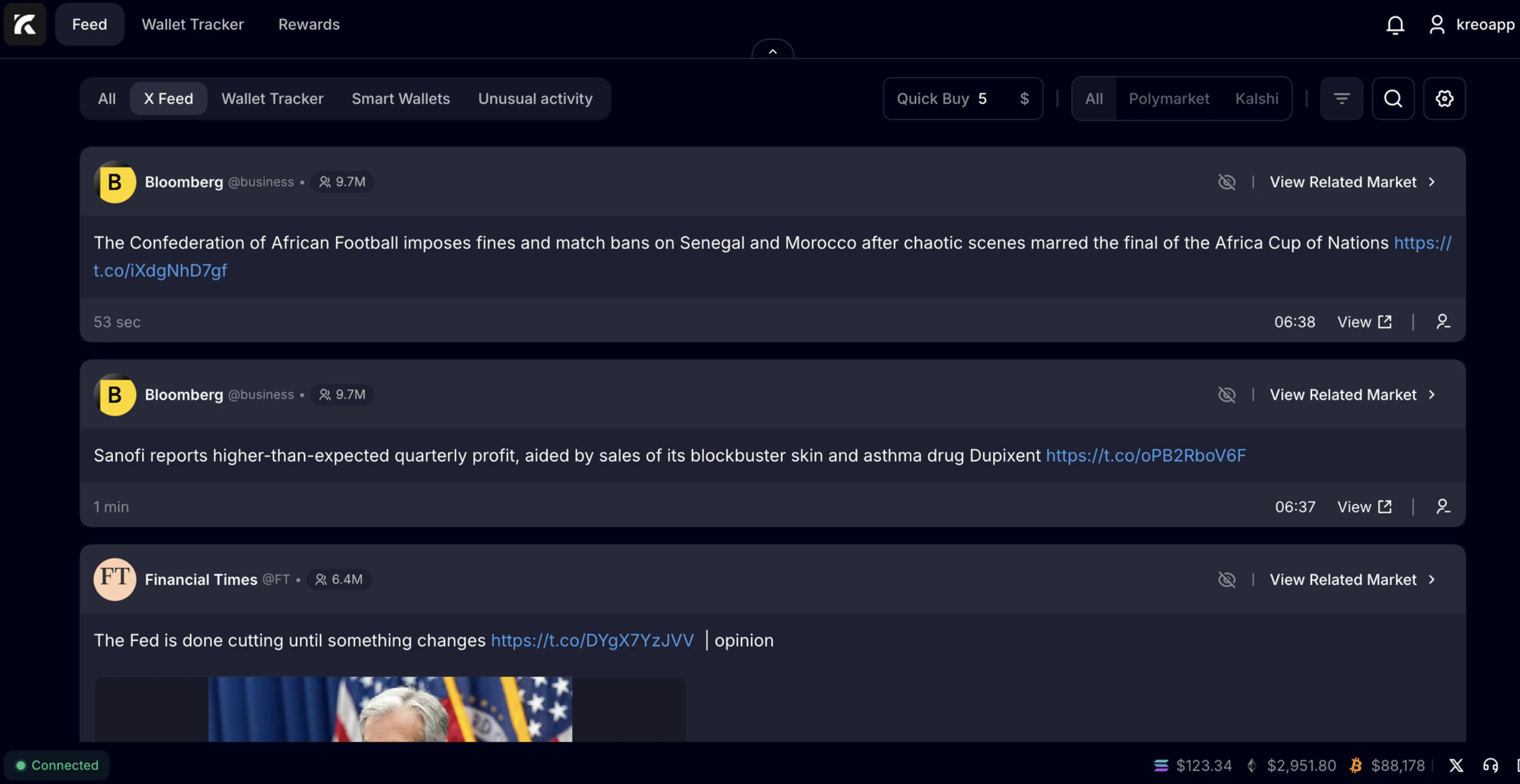
2
Understand each post card
Each card shows the source, timestamp, and the post text. Use the external link to open the original post if needed.When a post is tradable, you’ll see View Related Market on the right. That’s your bridge from “headline” to “markets.”
3
Set your Quick Buy amount
At the top, set Quick Buy to your default order size. This is the amount the webapp uses when you buy from related markets.Change it anytime. It updates immediately.
4
Open Related Markets for a post
Click View Related Market on any card. The right panel opens with markets linked to that specific news item.You can also filter by venue (for example Polymarket or Kalshi).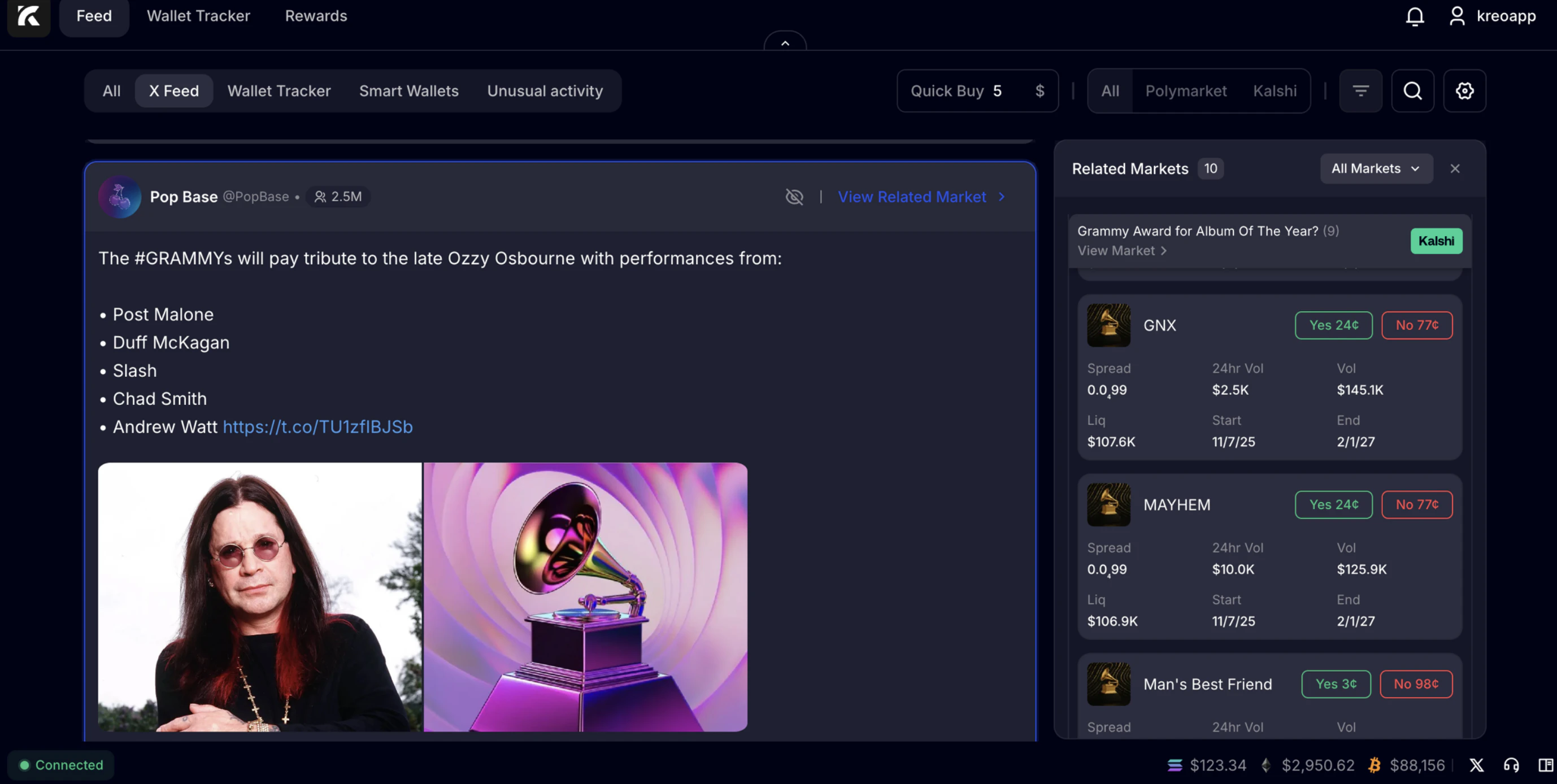
5
Buy directly in the webapp
Pick a market in the Related Markets panel. Choose the side you want (Yes or No).Quick buys use your Quick Buy amount. This keeps execution fast when news is moving.
Tips
- Use the search and filters to narrow noise fast.
- If the bot pings you, open the same item in X Feed to get full context.