
Track the price movement of any market you wish right within our webapp
1
Navigate to Alerts
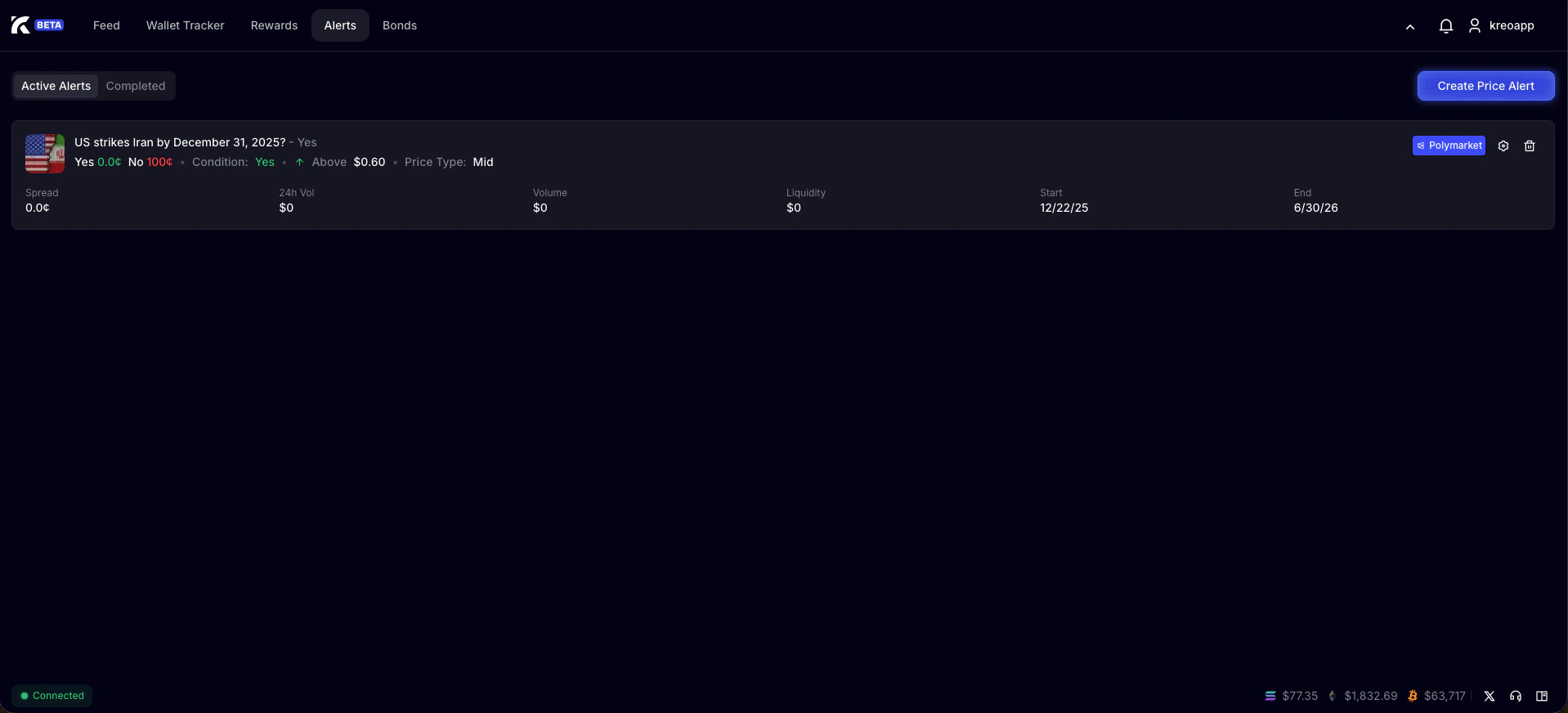
2
Press Create Price Alert
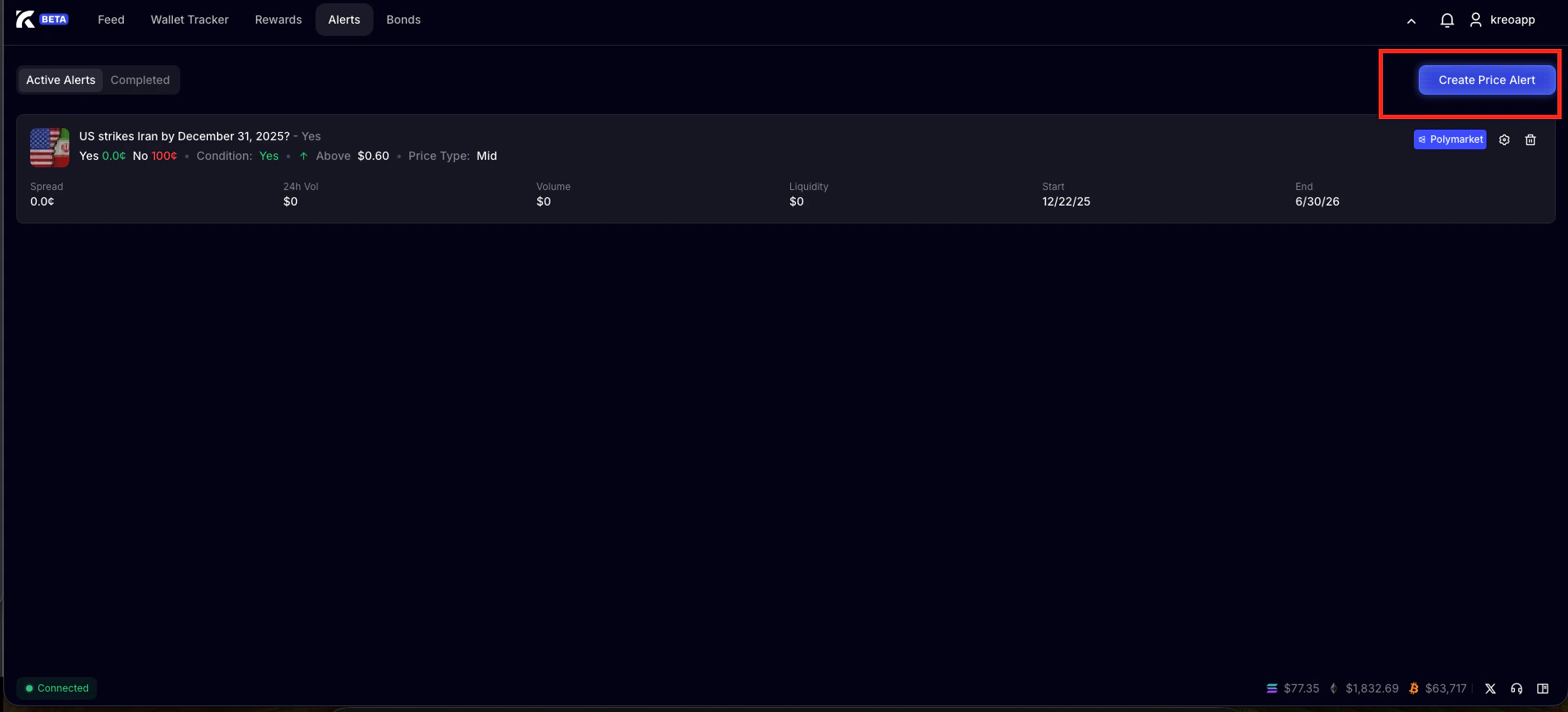
3
Paste Market Link
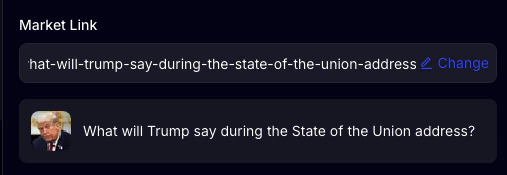
4
Select an Outcome to Monitor
Each market has it’s own outcomes, select the one you wish to get price alerts for. 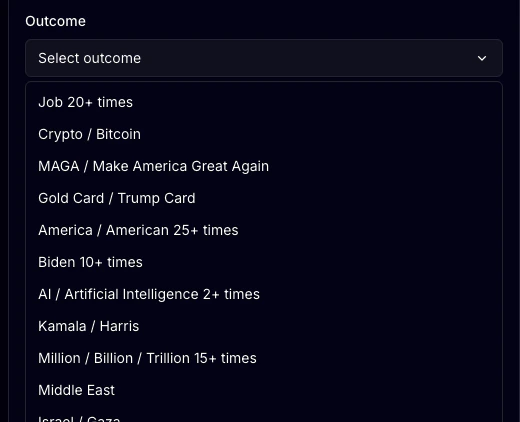
5
Select Price Type
Mid price – The midpoint between the highest bid and lowest ask. It’s an estimate of the current market price but not necessarily a price you can trade at immediately.
Bid price – The highest price someone is currently willing to pay for shares.
Ask price – The lowest price someone is currently willing to sell shares for.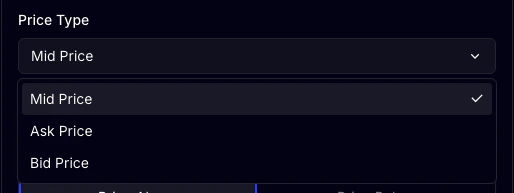
Bid price – The highest price someone is currently willing to pay for shares.
Ask price – The lowest price someone is currently willing to sell shares for.
6
Select Yes or No to Monitor

7
Select when to be alerted
You can choose to be alerted either when the price goes above your set value or below. 
8
Wait for Alert
Once you press Create Alert, Kreo will wait and alert you when the criteria is fulfilled!