> ## Documentation Index
> Fetch the complete documentation index at: https://docs.kreo.app/llms.txt
> Use this file to discover all available pages before exploring further.
# Tracker
> Track any wallet's trades on Polymarket to make better trading decisions.
**How to Add a Wallet to Tracker**
1. Type /tracker
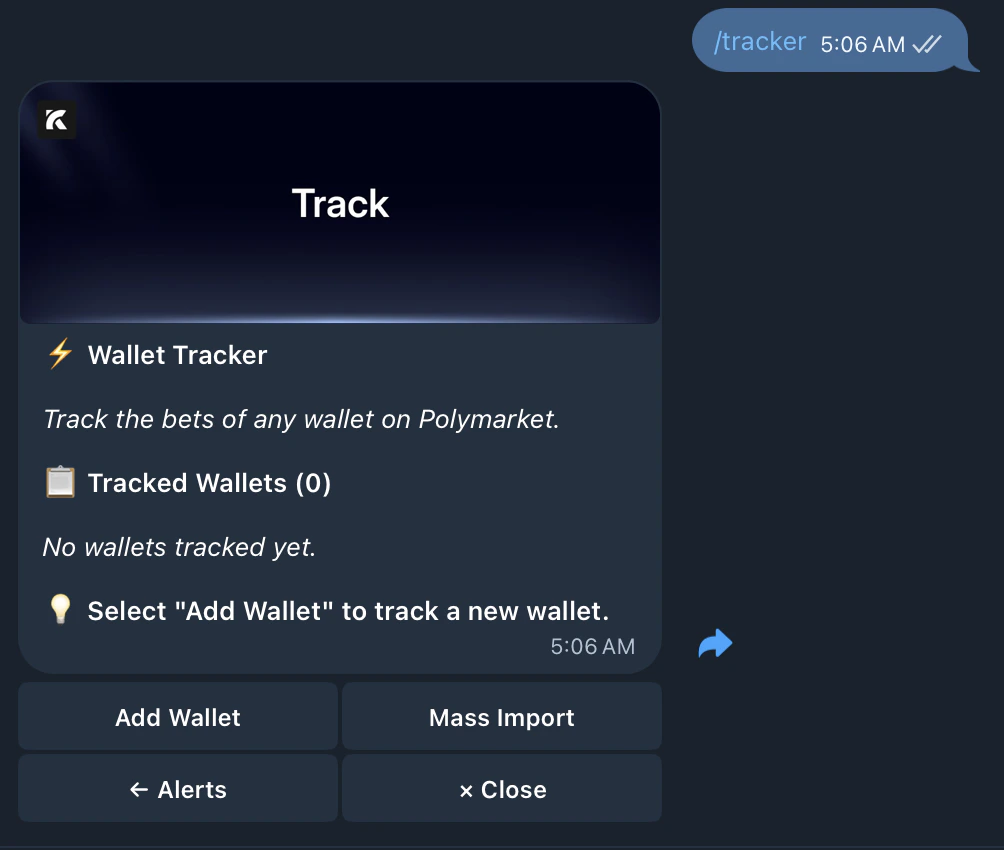 | Element | What it means |
| :---------------------- | :----------------------------------------- |
| **Tracked Wallets (0)** | How many wallets you're currently tracking |
| **Add Wallet** | Add a new wallet to track |
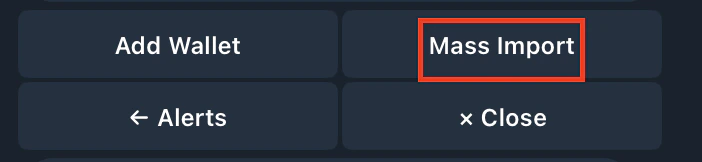
| **Mass Import** | Add multiple wallets at once |
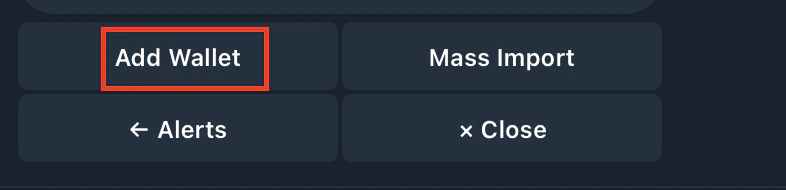
2. Tap Add Wallet
| Element | What it means |
| :---------------------- | :----------------------------------------- |
| **Tracked Wallets (0)** | How many wallets you're currently tracking |
| **Add Wallet** | Add a new wallet to track |
| **Mass Import** | Add multiple wallets at once |
2. Tap Add Wallet
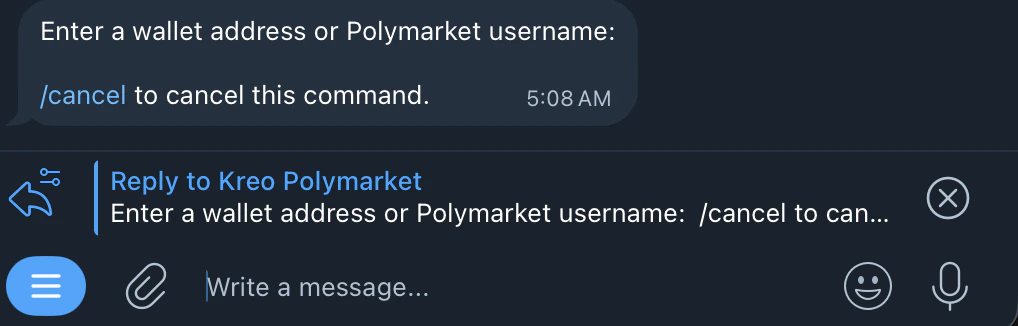
 3. Enter a wallet address or Polymarket username
 4. Enter your preferred name for the wallet
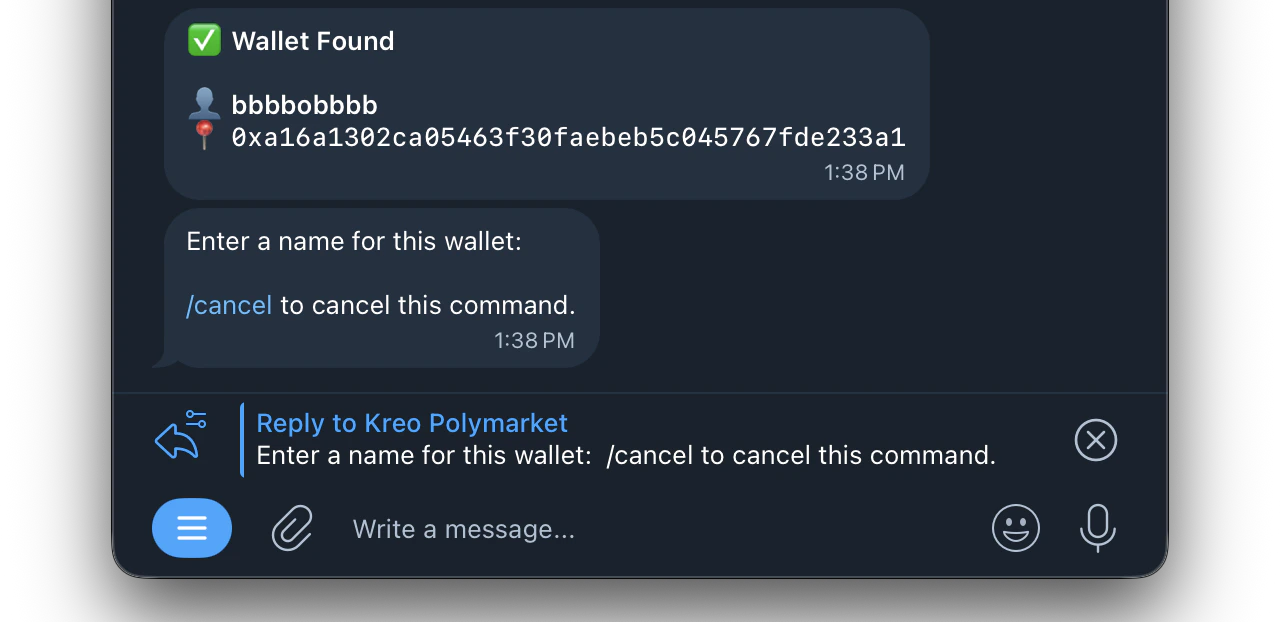 You'll receive notifications when they trade
***
## **Mass Import**
Import multiple wallets at once instead of adding them one by one.
You'll receive notifications when they trade
***
## **Mass Import**
Import multiple wallets at once instead of adding them one by one.
 ```text theme={null}
name1:address1
name2:address2
name3:address3
```
One wallet per line
**For Polymarket:** Use an EVM wallet address **For Kalshi:** Use a SOL address or Kalshi username
```text theme={null}
name1:address1
name2:address2
name3:address3
```
One wallet per line
**For Polymarket:** Use an EVM wallet address **For Kalshi:** Use a SOL address or Kalshi username