> ## Documentation Index
> Fetch the complete documentation index at: https://docs.kreo.app/llms.txt
> Use this file to discover all available pages before exploring further.
# Task Limits
> Set spending caps to control how much this task can spend overall.
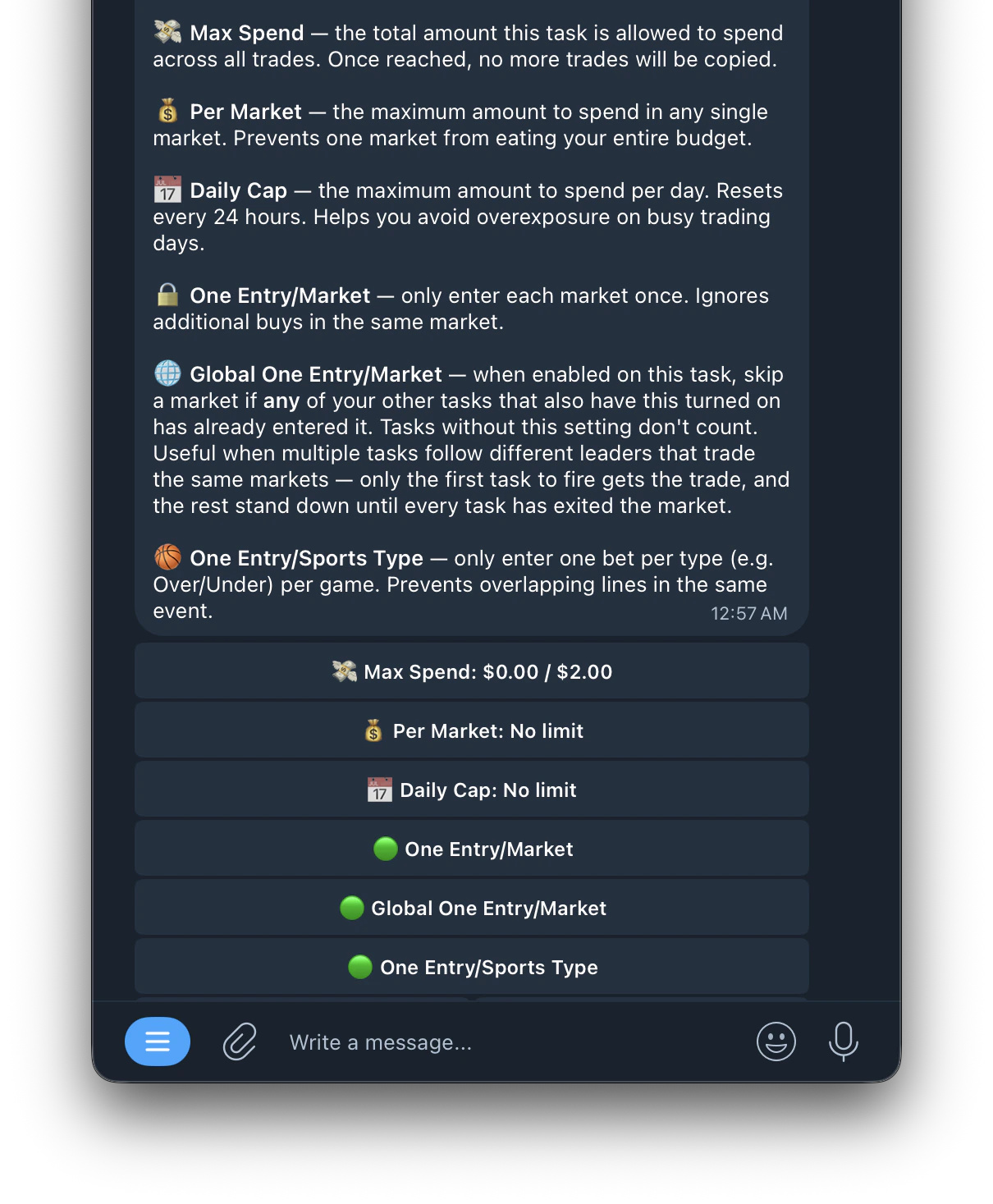 | Setting | What it does |
| :----------------------------- | :----------------------------------------------------------------------------------------------------------------------------------------------------------------------------------------------------------------------------------------------------------------------- |
| 💸 **Max Spend** | Total amount this task can spend across all trades. Once reached, no more trades are copied |
| 💰 **Per Market** | Maximum to spend on any single market. Prevents one market from using your entire budget |
| 📅 **Daily Cap** | Maximum spend per day. Resets every 24 hours. Helps avoid overexposure on busy trading days |
| **One Entry/Market** | Only enter each market once. Ignores additional buys in the same market |
| 🌐 **Global One Entry/Market** | Skip a market if any of your other tasks (that also have this enabled) already entered it. Only the first task to fire gets the trade — the rest stand down until every task has exited. Useful when multiple tasks follow different leaders that trade the same markets |
| **One Entry/Sports Type** | Only enter one bet per type (e.g. Over/Under) per game. Prevents overlapping lines in the same event |
| Setting | What it does |
| :----------------------------- | :----------------------------------------------------------------------------------------------------------------------------------------------------------------------------------------------------------------------------------------------------------------------- |
| 💸 **Max Spend** | Total amount this task can spend across all trades. Once reached, no more trades are copied |
| 💰 **Per Market** | Maximum to spend on any single market. Prevents one market from using your entire budget |
| 📅 **Daily Cap** | Maximum spend per day. Resets every 24 hours. Helps avoid overexposure on busy trading days |
| **One Entry/Market** | Only enter each market once. Ignores additional buys in the same market |
| 🌐 **Global One Entry/Market** | Skip a market if any of your other tasks (that also have this enabled) already entered it. Only the first task to fire gets the trade — the rest stand down until every task has exited. Useful when multiple tasks follow different leaders that trade the same markets |
| **One Entry/Sports Type** | Only enter one bet per type (e.g. Over/Under) per game. Prevents overlapping lines in the same event |