> ## Documentation Index
> Fetch the complete documentation index at: https://docs.kreo.app/llms.txt
> Use this file to discover all available pages before exploring further.
# Sport Mode
> Choose how the bot decides when to enter trades.
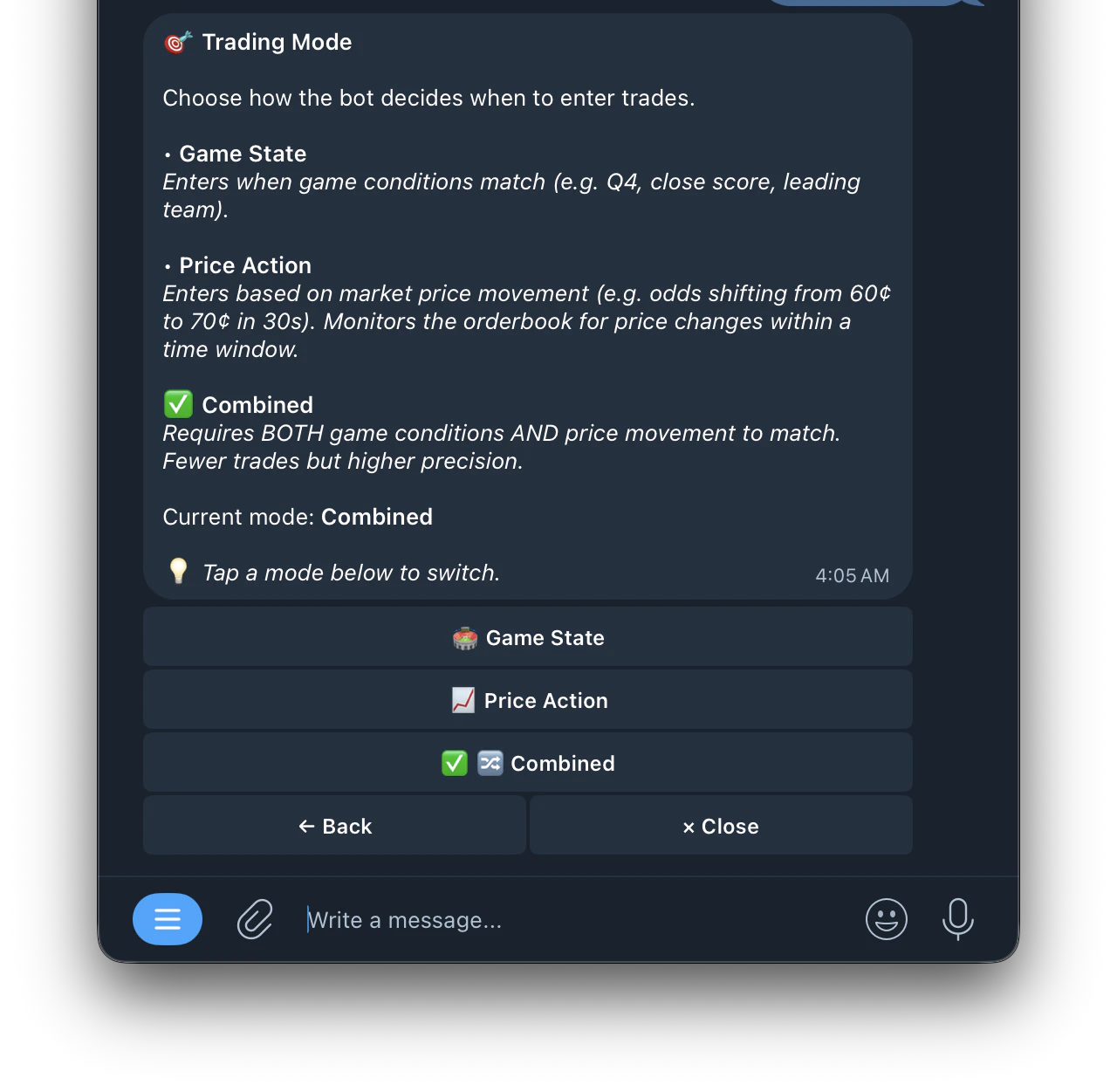 * **Game State**: enters when game conditions match your configured settings (e.g. Q4, close score, leading team)
* **Price Action**: enters based on market price movement (e.g. odds shifting from 60¢ to 70¢ within 30 seconds). Monitors the orderbook for price changes within a time window
* **Combined**: requires BOTH game conditions AND price movement to match simultaneously. Fewer trades but higher precision
* **Game State**: enters when game conditions match your configured settings (e.g. Q4, close score, leading team)
* **Price Action**: enters based on market price movement (e.g. odds shifting from 60¢ to 70¢ within 30 seconds). Monitors the orderbook for price changes within a time window
* **Combined**: requires BOTH game conditions AND price movement to match simultaneously. Fewer trades but higher precision