> ## Documentation Index
> Fetch the complete documentation index at: https://docs.kreo.app/llms.txt
> Use this file to discover all available pages before exploring further.
# Signing Up
> To begin using the web-app, please navigate to our [official site](https://kreo.app/@kreoapp).
### **Connecting your Telegram**
In order to make transactions on the web-app, Kreo is required to connect your Telegram account to the website.
All of Kreo's connection methods are done in full accordance with Telegram's guidelines and all wallet connections are handled in air-tight enclaves hosted by Privy. We always prioritise user safety & accessibility more than anything. \
\
Learn more [here](https://privy.io/).
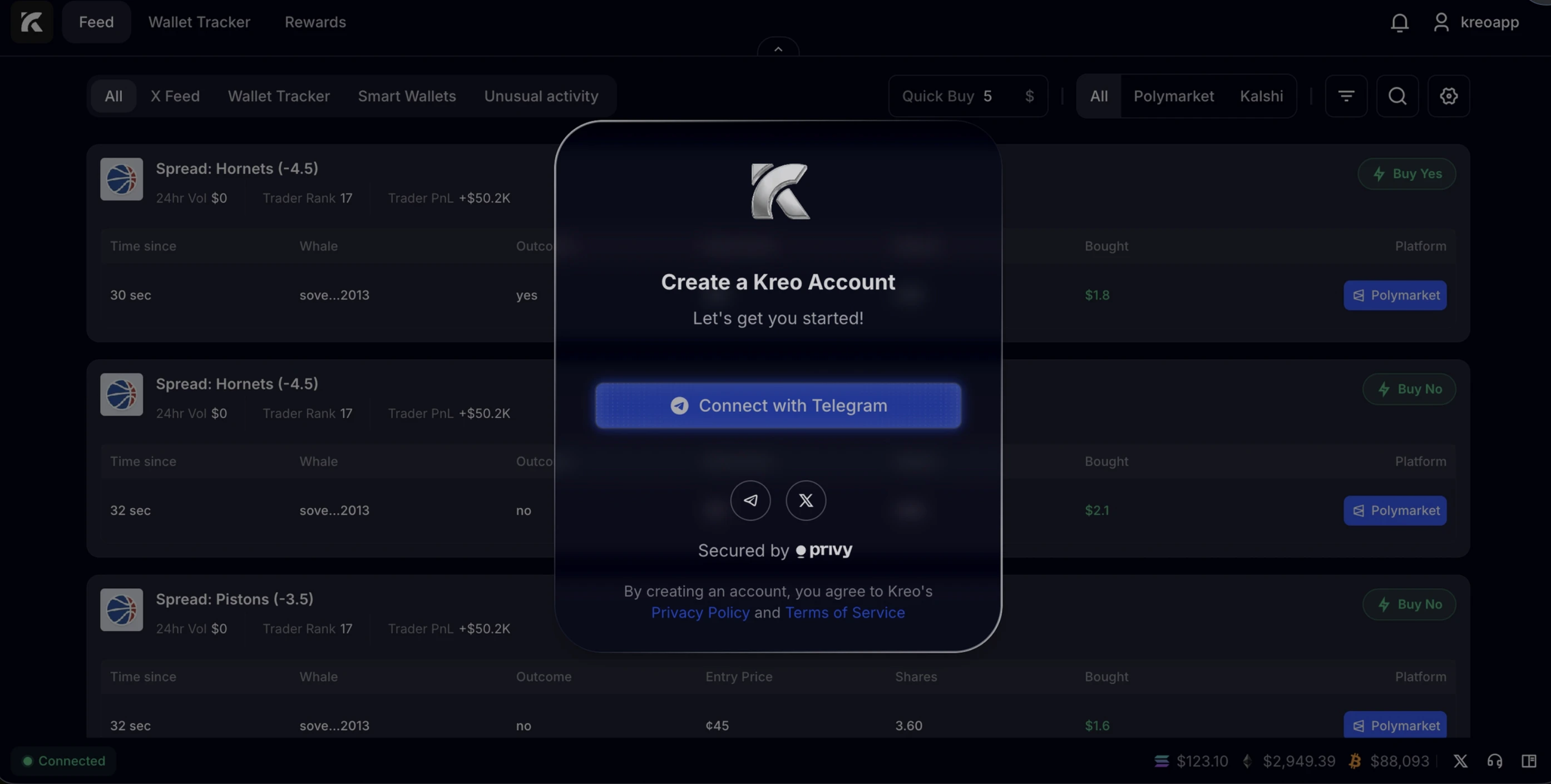

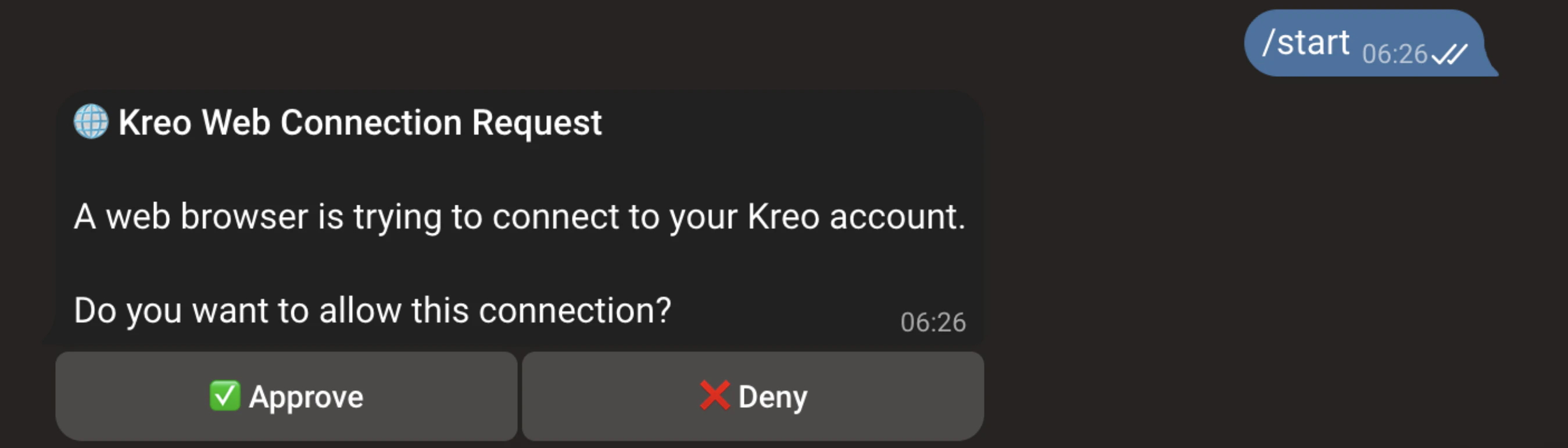 That's it! if this was your first time interacting with Kreo, we recommend you check out our Telegram Section. \
\
**To make transactions on Polymarket and Kalshi, you will need to set up and fund both wallets individually!**
That's it! if this was your first time interacting with Kreo, we recommend you check out our Telegram Section. \
\
**To make transactions on Polymarket and Kalshi, you will need to set up and fund both wallets individually!**