> ## Documentation Index
> Fetch the complete documentation index at: https://docs.kreo.app/llms.txt
> Use this file to discover all available pages before exploring further.
# Crypto Entry Mode
> Access Entry Mode by tapping **🎯 Entry Mode** from the task menu. This setting controls how the bot decides when to enter a trade.
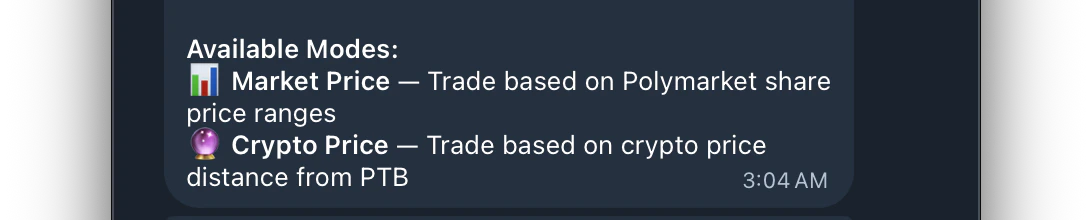
**There are two available modes**
Enters when the Polymarket share price is within your configured range.
Best for users who want to control **exact price ranges** on the Polymarket orderbook. You set the price boundaries and the bot only enters when the live share price falls within them.
**Entry filters include:**
* Price Range
* Time Range
* Max Spread
* Sides (Up, Down or Both)🔮 Crypto Price
Enters when the crypto price is near the **Price to Beat (PTB)**. Buys in the direction crypto is moving — great for momentum-based trading.
Instead of watching the Polymarket share price, the bot monitors the live crypto price and compares it to the PTB to decide when and which direction to enter.
**Entry filters include:**
* Crypto Distance (how far price is from PTB)
* Min Edge
* Time Range
* Max Spread
* Crypto Max Velocity
* Crypto Trend