> ## Documentation Index
> Fetch the complete documentation index at: https://docs.kreo.app/llms.txt
> Use this file to discover all available pages before exploring further.
# Edit Task (Sport Auto Trade)
> Access your Sports Auto Trade task settings by tapping on any task from the Sports Auto Trade manager.
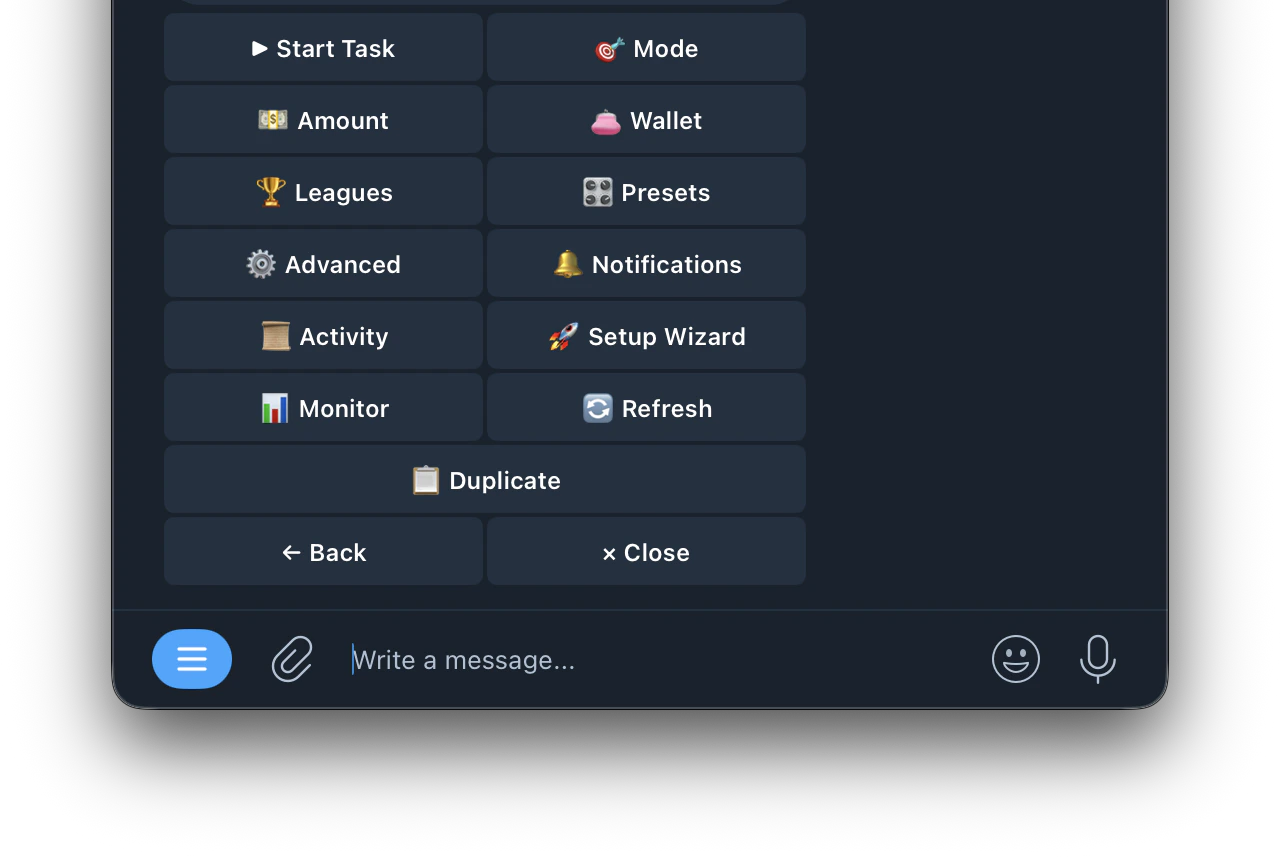 | Buttons | Function |
| ---------------------------------------------------------------------- | ------------------------------------------------------------------------------------- |
| **▶ Start Task** | starts the task running |
| [**🎯 Mode**](https://docs.kreo.app/sport-mode) | configure how the bot decides when to enter trades |
| **💵 Amount** | set your trade size (Fixed or Auto-Scale) |
| **👛 Wallet** | select which wallet this task trades from |
| [**🏆 Leagues**](https://docs.kreo.app/leagues) | filter which leagues the task trades in |
| [**🎛️ Presets**](https://docs.kreo.app/sport-presets) | apply pre-built entry filter templates |
| [**⚙️ Advanced**](https://docs.kreo.app/sport-advanced) | configure Take-Profit, Stop-Loss, Auto-Hedge, SL Flip, Smart Actions and Limit Orders |
| [**🔔 Notifications**](https://docs.kreo.app/notifications) | customize which alerts you receive for this task |
| **📋 Activity** | view all trade activity for this task |
| **🚀 Setup Wizard** | re-run the setup wizard to reconfigure the task |
| **📊 Monitor** | monitor live game activity and signals in real time |
| **🔄 Refresh** | refresh the task menu |
| **📋 Duplicate** | create a copy of the task |
| Buttons | Function |
| ---------------------------------------------------------------------- | ------------------------------------------------------------------------------------- |
| **▶ Start Task** | starts the task running |
| [**🎯 Mode**](https://docs.kreo.app/sport-mode) | configure how the bot decides when to enter trades |
| **💵 Amount** | set your trade size (Fixed or Auto-Scale) |
| **👛 Wallet** | select which wallet this task trades from |
| [**🏆 Leagues**](https://docs.kreo.app/leagues) | filter which leagues the task trades in |
| [**🎛️ Presets**](https://docs.kreo.app/sport-presets) | apply pre-built entry filter templates |
| [**⚙️ Advanced**](https://docs.kreo.app/sport-advanced) | configure Take-Profit, Stop-Loss, Auto-Hedge, SL Flip, Smart Actions and Limit Orders |
| [**🔔 Notifications**](https://docs.kreo.app/notifications) | customize which alerts you receive for this task |
| **📋 Activity** | view all trade activity for this task |
| **🚀 Setup Wizard** | re-run the setup wizard to reconfigure the task |
| **📊 Monitor** | monitor live game activity and signals in real time |
| **🔄 Refresh** | refresh the task menu |
| **📋 Duplicate** | create a copy of the task |