> ## Documentation Index
> Fetch the complete documentation index at: https://docs.kreo.app/llms.txt
> Use this file to discover all available pages before exploring further.
# Crypto Auto Trade
> Setting up and managing crypto auto trade tasks.
**Creating a Crypto Auto Trade Task**
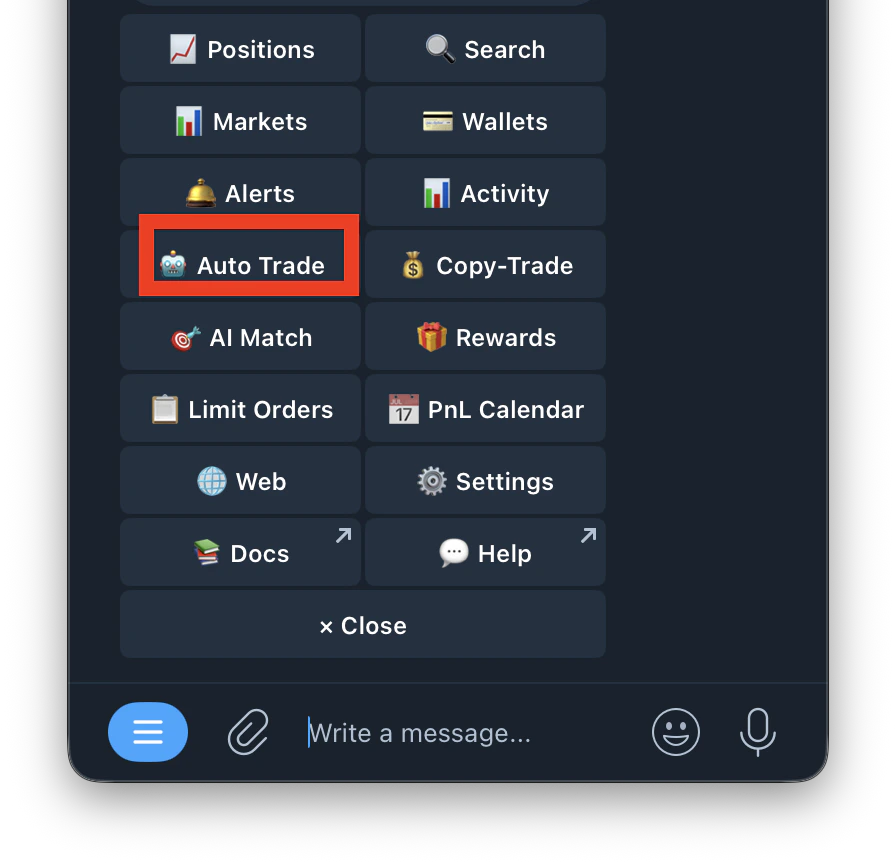
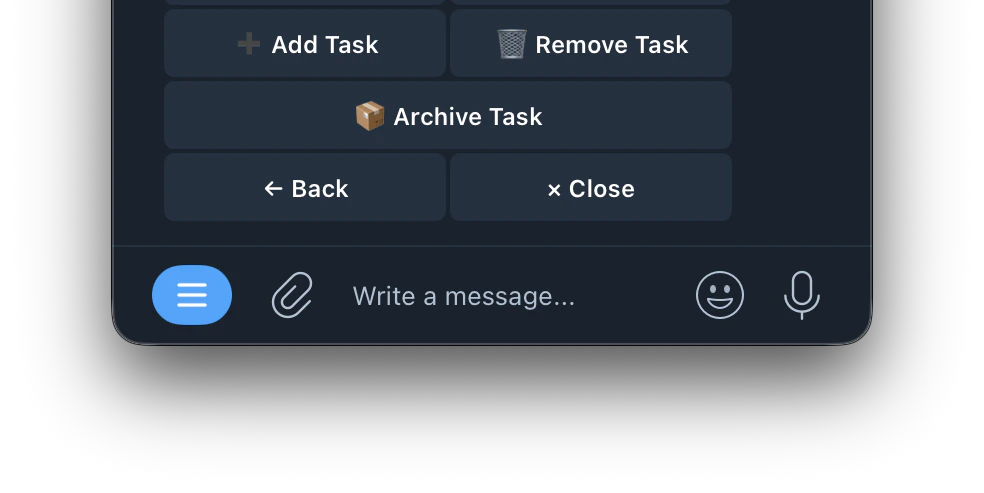
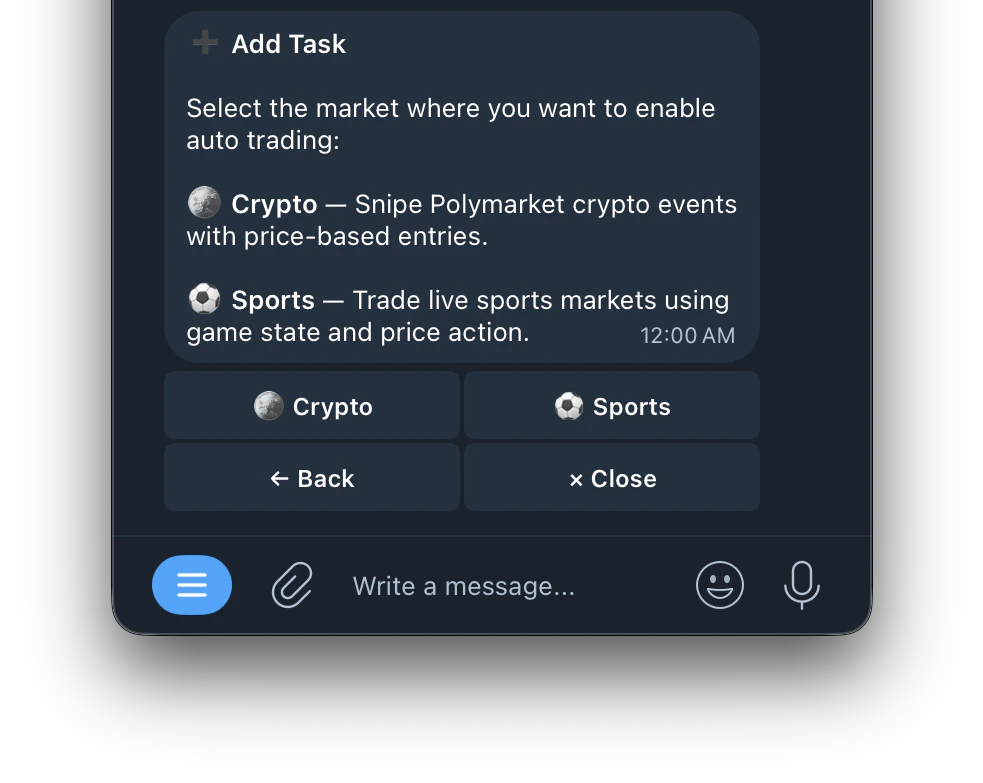
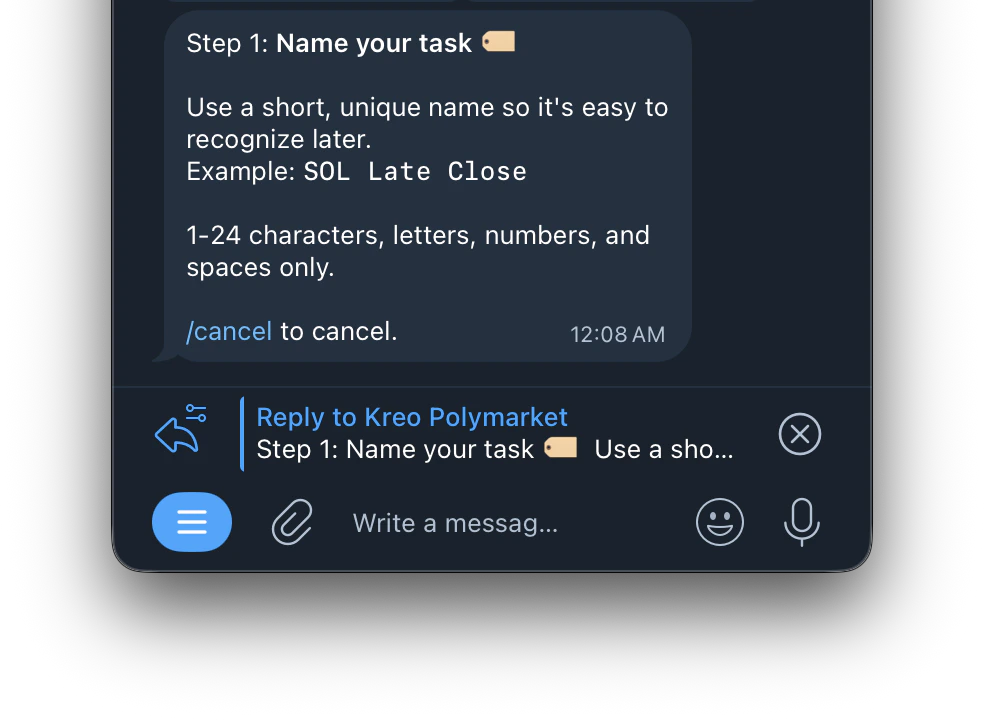
Type /Autotrade or /start and click on Auto Trade
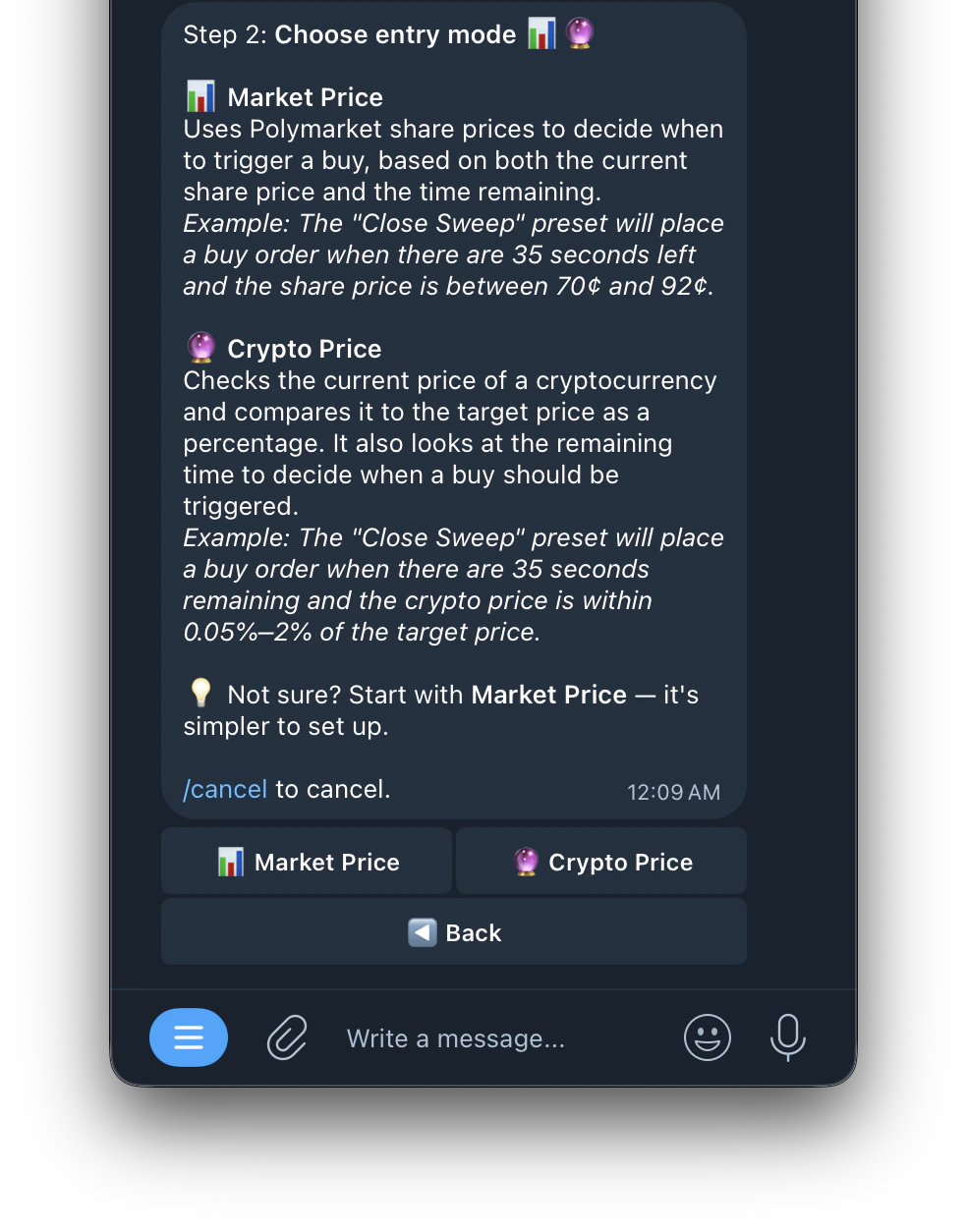
 Uses Polymarket share prices to decide when to trigger a buy, based on both the current share price and the time remaining.\
Example: The "Close Sweep" preset will place a buy order when there are 35 seconds left and the share price is between 70¢ and 92¢.\_🔮 Crypto Price Mode
Checks the current price of a cryptocurrency and compares it to the target price as a percentage. It also looks at the remaining time to decide when a buy should be triggered.\
*Example: The "Close Sweep" preset will place a buy order when there are 35 seconds remaining and the crypto price is within 0.05%–2% of the target price.*
Uses Polymarket share prices to decide when to trigger a buy, based on both the current share price and the time remaining.\
Example: The "Close Sweep" preset will place a buy order when there are 35 seconds left and the share price is between 70¢ and 92¢.\_🔮 Crypto Price Mode
Checks the current price of a cryptocurrency and compares it to the target price as a percentage. It also looks at the remaining time to decide when a buy should be triggered.\
*Example: The "Close Sweep" preset will place a buy order when there are 35 seconds remaining and the crypto price is within 0.05%–2% of the target price.*
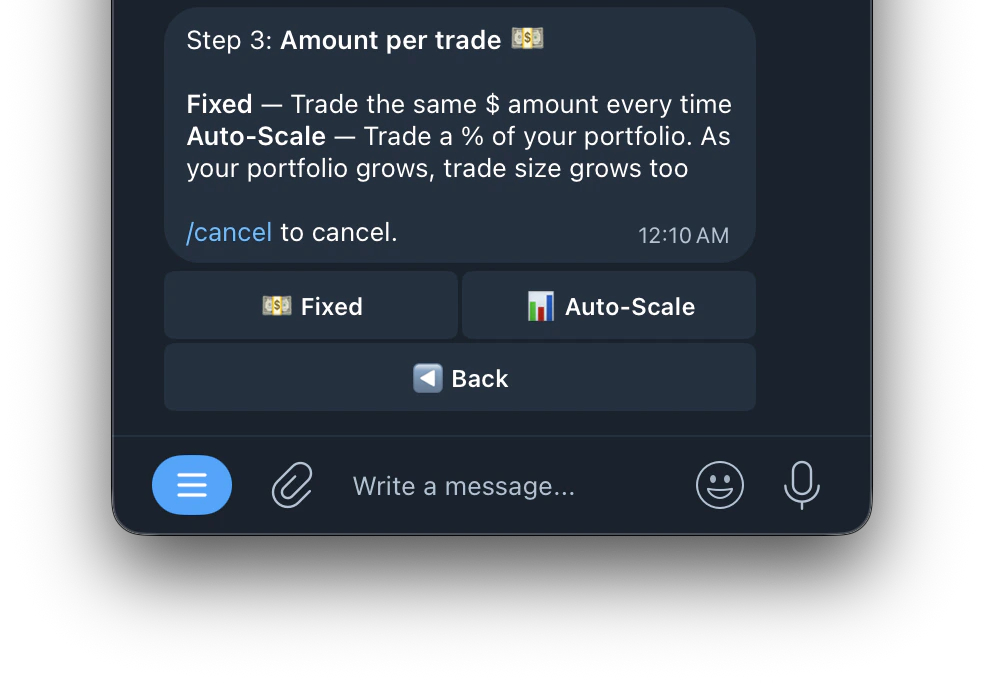
 Trades the same dollar amount every time regardless of your portfolio size. For example if you set \$10, every trade will always be \$10.
Trades a percentage of your portfolio. As your portfolio grows, your trade size grows with it. This means your position sizes automatically adjust based on how much you have in your wallet.
Trades the same dollar amount every time regardless of your portfolio size. For example if you set \$10, every trade will always be \$10.
Trades a percentage of your portfolio. As your portfolio grows, your trade size grows with it. This means your position sizes automatically adjust based on how much you have in your wallet.
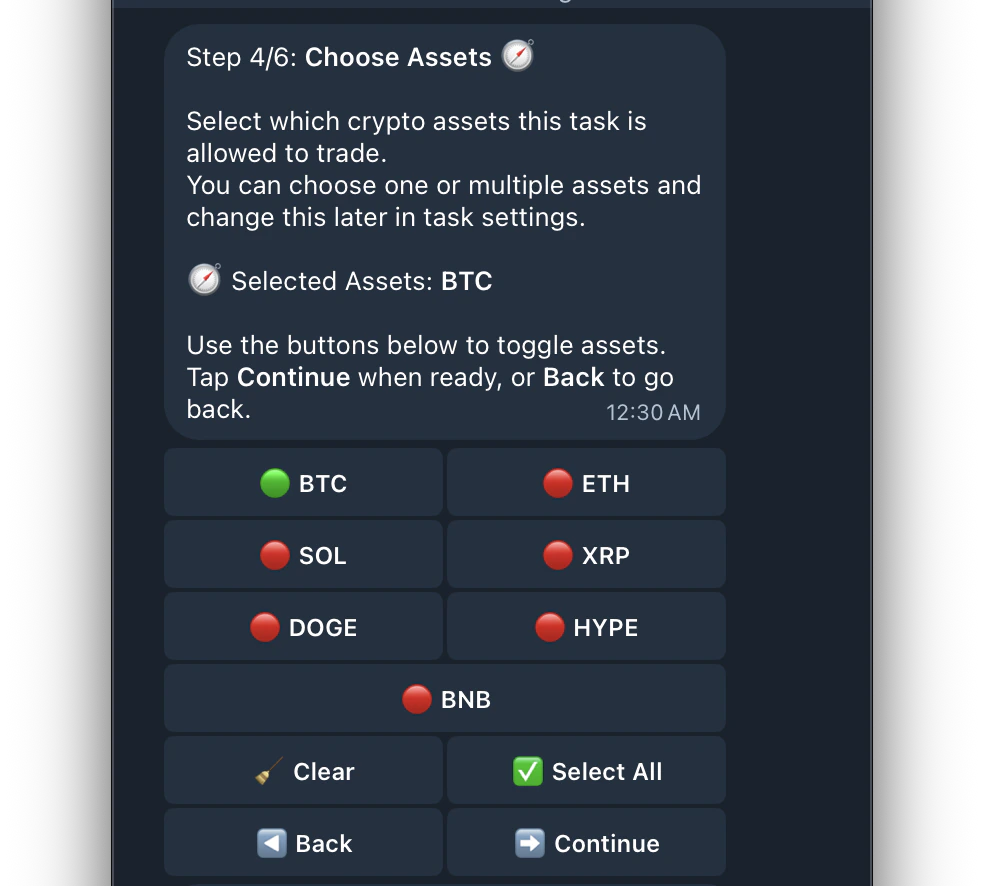
 When you select an asset like BTC, the bot monitors Bitcoin's price movement and uses it as the signal to trade on Polymarket's corresponding Bitcoin Up/Down markets. Select multiple assets to monitor and trade all of them simultaneously.
| Indicator | What it means |
| :-------- | :---------------------------------------- |
| 🟢 | Asset is selected and will be traded |
| 🔴 | Asset is not selected and will be ignored |
When you select an asset like BTC, the bot monitors Bitcoin's price movement and uses it as the signal to trade on Polymarket's corresponding Bitcoin Up/Down markets. Select multiple assets to monitor and trade all of them simultaneously.
| Indicator | What it means |
| :-------- | :---------------------------------------- |
| 🟢 | Asset is selected and will be traded |
| 🔴 | Asset is not selected and will be ignored |
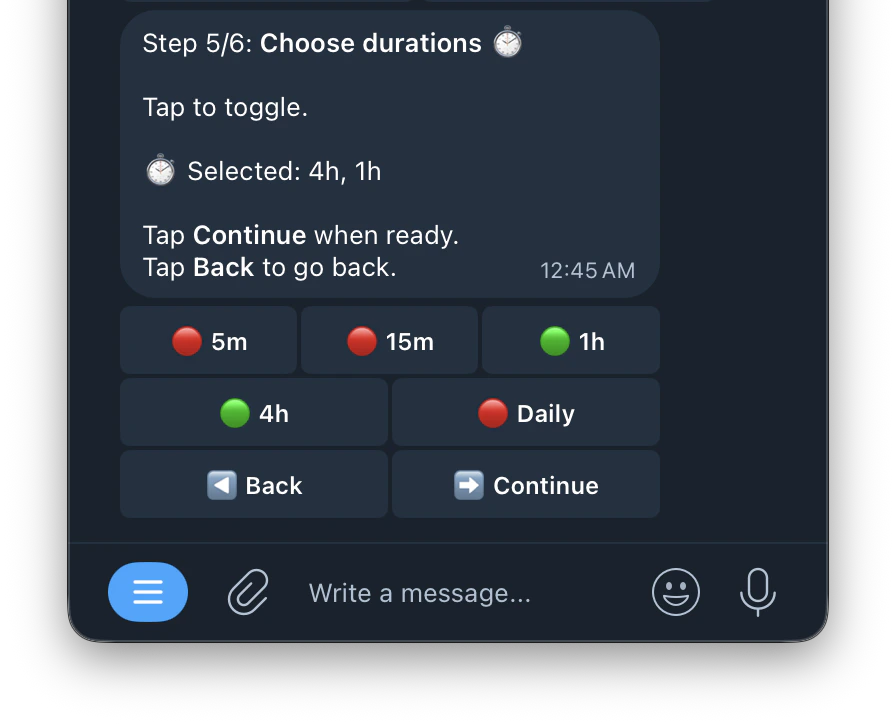
 Each timeframe represents a Polymarket market window. For example selecting **1h** means the bot will look for and trade **Bitcoin Up/Down 1 Hour** markets. Selecting multiple timeframes means the bot trades across all selected windows simultaneously.
 This sets your entry timing, price filters, and more
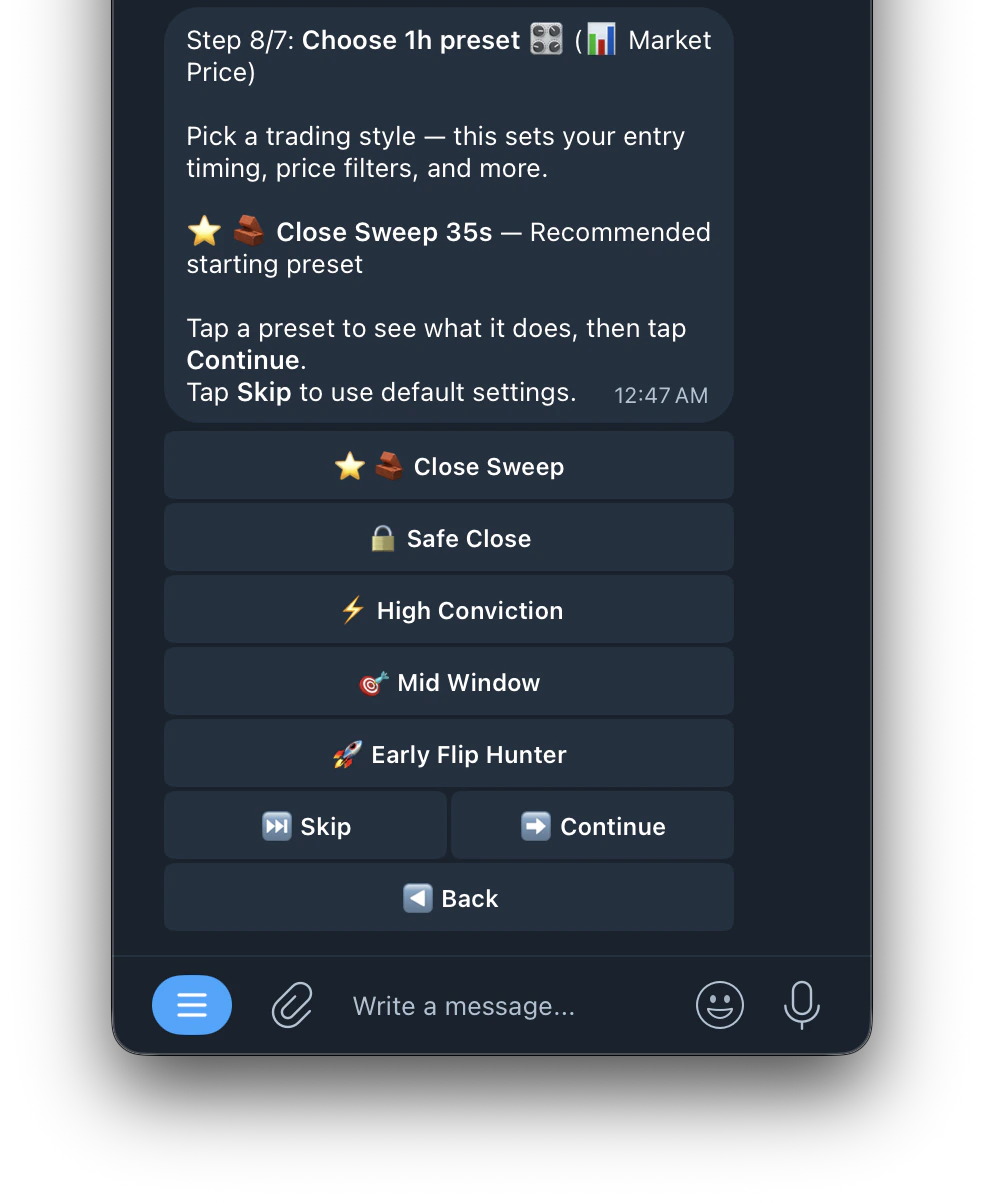 [**Click here to see the preset**](https://docs.kreo.app/presets)