> ## Documentation Index
> Fetch the complete documentation index at: https://docs.kreo.app/llms.txt
> Use this file to discover all available pages before exploring further.
# Finding Up/Down Markets
> Trade crypto prediction markets directly inside Telegram with the fastest fills in the market.
Kreo lets you trade Up/Down crypto markets right from the bot. Predict whether a cryptocurrency will go up or down within a set timeframe and trade instantly.\
Faster than Polymarket's native interface thanks to Kreo's optimized execution.
**How to Access**
1. Go to /market page or type /crypto5min, /crypto15min, /crypto1h, /crypto4h, /crypto24h
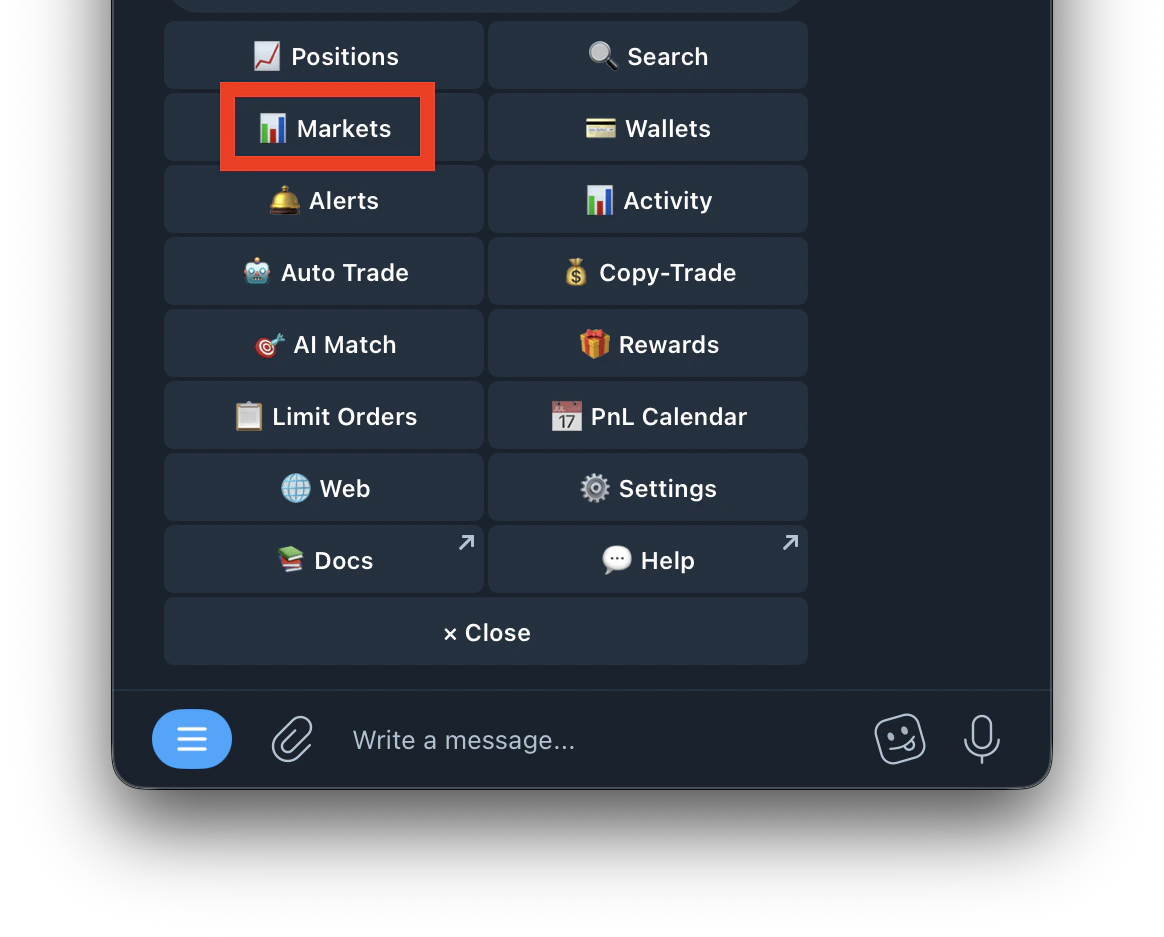 2. Select crypto
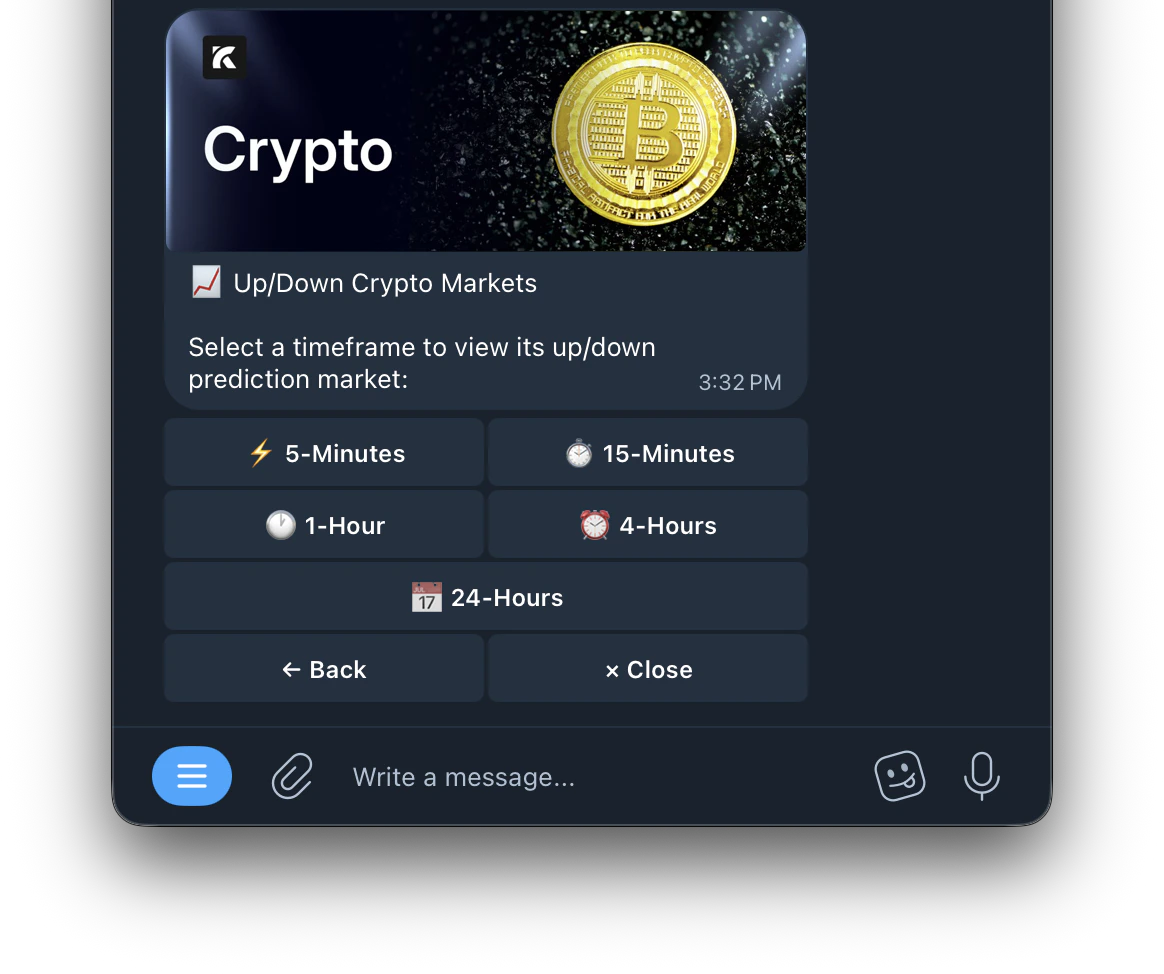
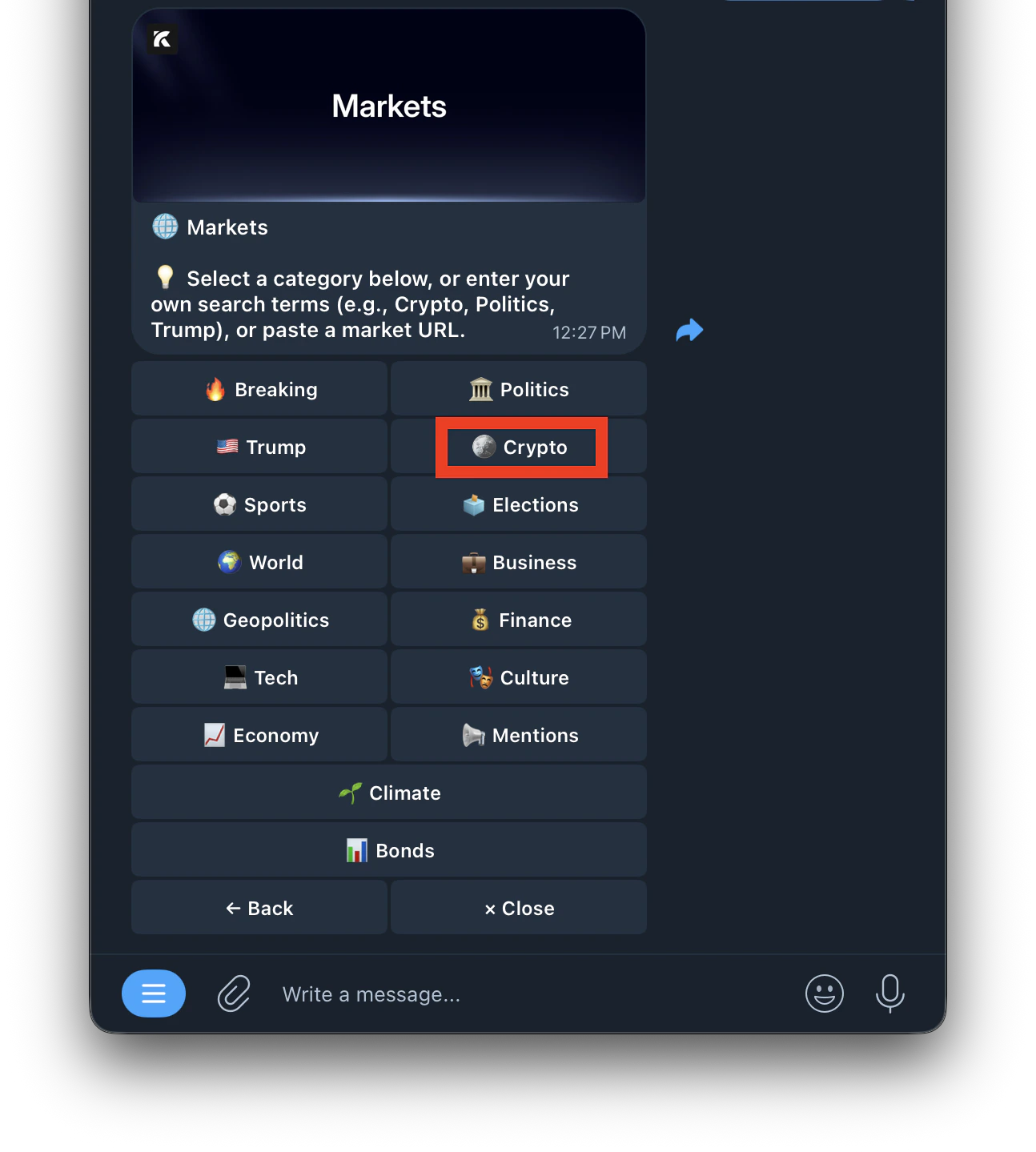 3. Select a timeframe
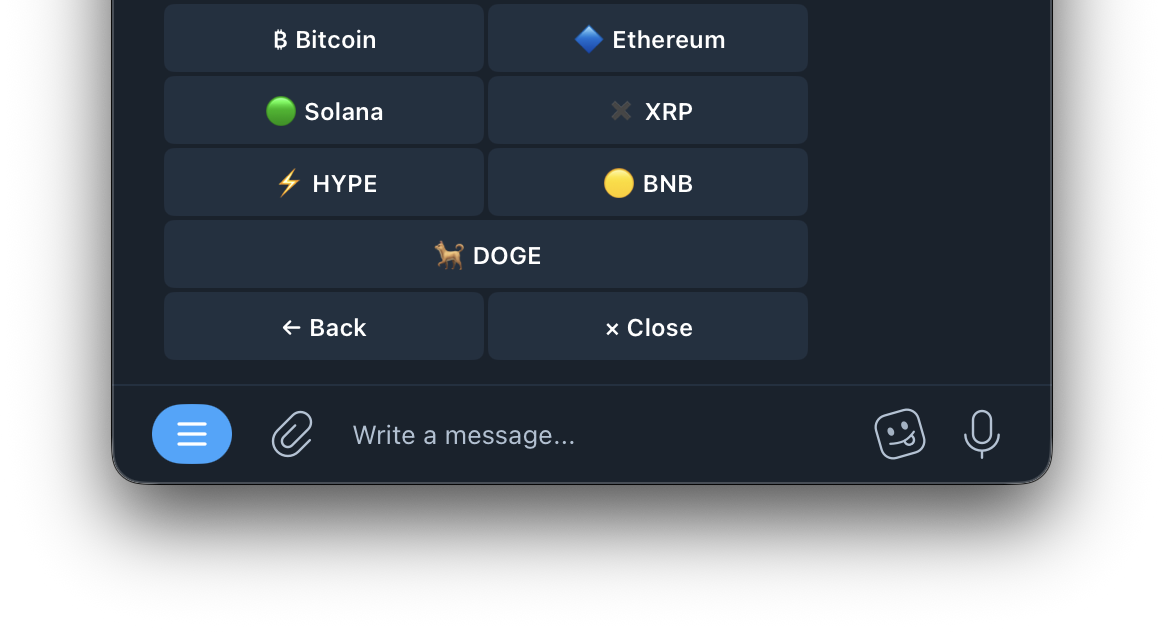
 4. Select an asset
 5. View the market and start trading
***
**Trading Buttons**
5. View the market and start trading
***
**Trading Buttons**
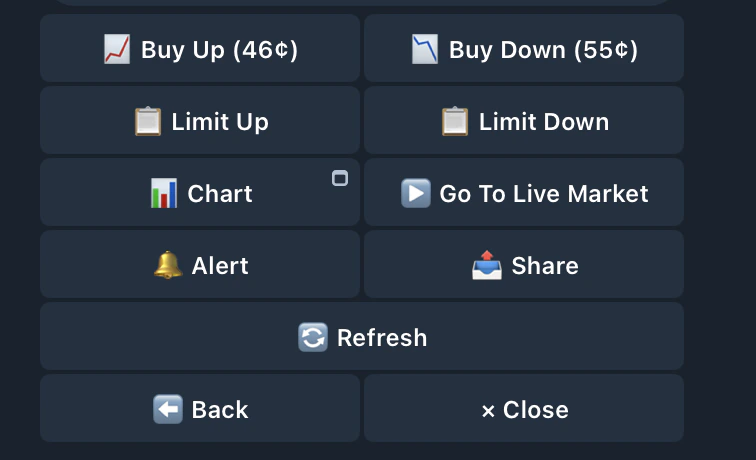 | Buttons | Function |
| --------------------------------------------------- | ------------------------------------------------------------------------------------------------------------------------------------------------- |
| **Buy Up** | Buy YES, betting the price goes up. Enter the amount you want to spend in USDC |
| **Buy Down** | Buy NO, betting the price goes down. Enter the amount you want to spend in USDC |
| 📋 **Limit Up** | Place a limit buy order on YES at your chosen price. Shows the lowest ask. Enter a price between 0.01–0.99. Order rests on the book until matched |
| 📋 **Limit Down** | Place a limit buy order on NO at your chosen price. Shows the lowest ask. Enter a price between 0.01–0.99. Order rests on the book until matched |
| [📈 Chart](https://docs.kreo.app/charts) | Opens the Charts mini-app with real-time price and odds charts. See the Charts page for full details |
| ▶️ **Go to Live Market** | Refreshes and loads the current active market |
| [🔔 Alert](https://docs.kreo.app/alerts) | Set a price alert on this market. Choose which side (Up or Down) to monitor and get notified when the price hits your target |
| 📥 **Share** | Generate a shareable link for this market to send to anyone |
| 🔄 **Refresh** | Refresh market data to show the latest prices and info |
**Why Kreo is Faster**
Kreo's execution is optimized for speed. Our fills are faster than trading directly on Polymarket's interface. This gives you an edge on fast-moving crypto markets where seconds matter, especially on 5 minute and 15 minute timeframes.
| Buttons | Function |
| --------------------------------------------------- | ------------------------------------------------------------------------------------------------------------------------------------------------- |
| **Buy Up** | Buy YES, betting the price goes up. Enter the amount you want to spend in USDC |
| **Buy Down** | Buy NO, betting the price goes down. Enter the amount you want to spend in USDC |
| 📋 **Limit Up** | Place a limit buy order on YES at your chosen price. Shows the lowest ask. Enter a price between 0.01–0.99. Order rests on the book until matched |
| 📋 **Limit Down** | Place a limit buy order on NO at your chosen price. Shows the lowest ask. Enter a price between 0.01–0.99. Order rests on the book until matched |
| [📈 Chart](https://docs.kreo.app/charts) | Opens the Charts mini-app with real-time price and odds charts. See the Charts page for full details |
| ▶️ **Go to Live Market** | Refreshes and loads the current active market |
| [🔔 Alert](https://docs.kreo.app/alerts) | Set a price alert on this market. Choose which side (Up or Down) to monitor and get notified when the price hits your target |
| 📥 **Share** | Generate a shareable link for this market to send to anyone |
| 🔄 **Refresh** | Refresh market data to show the latest prices and info |
**Why Kreo is Faster**
Kreo's execution is optimized for speed. Our fills are faster than trading directly on Polymarket's interface. This gives you an edge on fast-moving crypto markets where seconds matter, especially on 5 minute and 15 minute timeframes.