> ## Documentation Index
> Fetch the complete documentation index at: https://docs.kreo.app/llms.txt
> Use this file to discover all available pages before exploring further.
# Price Alerts
> Receive market alert notifications straight to your phone. Set up alerts for markets you want to monitor
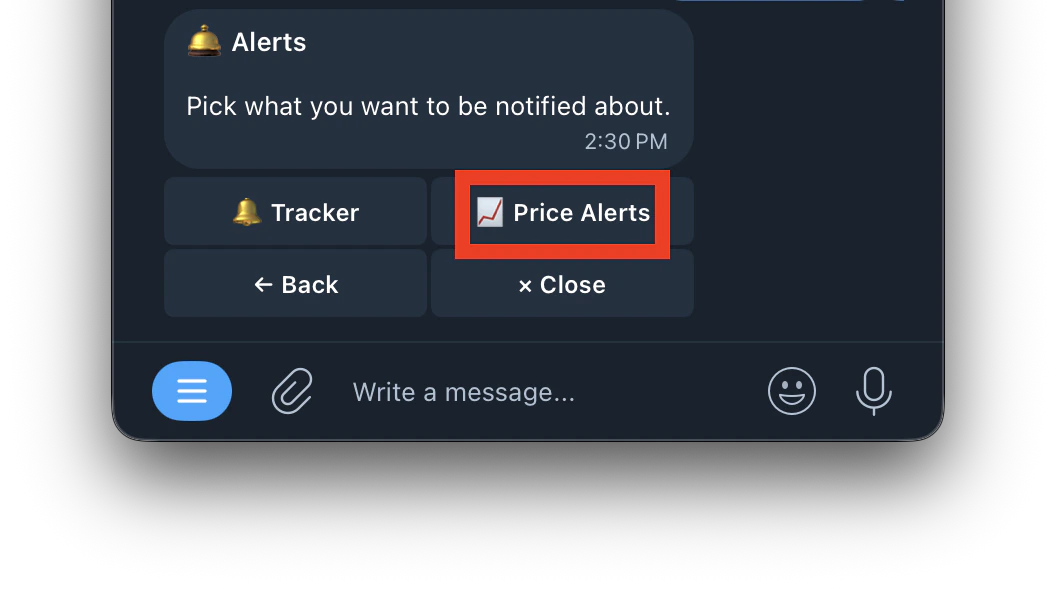
1. Type /alerts or type /start and click on Alerts button
 2. Click on price alerts
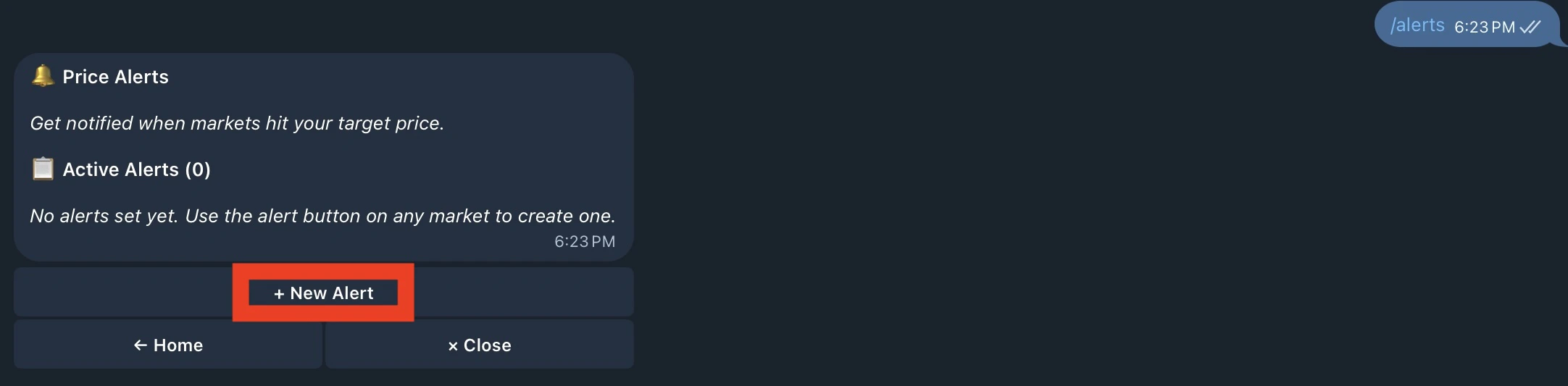
 3. Click on **+ New Alert** to set up your alert and Get notified when markets hit your target price.
 4. Enter a market name or Polymarket URL
 5. Select the side to monitor
 6. Select which price to monitor
 7. Set alert direction
 8. All Set

 | Field | What it means |
| :------------------------------- | :----------------------------------------------------------------- |
| **Market name** (blue hyperlink) | The market being monitored — tap to view and trade |
| **Yes/No** | Which side is being monitored |
| **bid / mid** | Whether it's watching the bid price or mid price |
| **↑ above / ↓ below** | Direction — alert fires when price goes above or below your target |
| **Target price** | The price you set to trigger the alert (e.g. above 10¢) |
| **Now price** | The current live price of that side (e.g. now 4¢) |
| **View Market** | Quick link to open the market and trade |
Yes bid ↑ above 10¢ (now 4¢) you'll be notified when the YES bid price rises above 10¢. It's currently at 4¢ so the alert hasn't fired yet.
| Field | What it means |
| :------------------------------- | :----------------------------------------------------------------- |
| **Market name** (blue hyperlink) | The market being monitored — tap to view and trade |
| **Yes/No** | Which side is being monitored |
| **bid / mid** | Whether it's watching the bid price or mid price |
| **↑ above / ↓ below** | Direction — alert fires when price goes above or below your target |
| **Target price** | The price you set to trigger the alert (e.g. above 10¢) |
| **Now price** | The current live price of that side (e.g. now 4¢) |
| **View Market** | Quick link to open the market and trade |
Yes bid ↑ above 10¢ (now 4¢) you'll be notified when the YES bid price rises above 10¢. It's currently at 4¢ so the alert hasn't fired yet.